

Mewgenics feels right at home on Steam Deck and ROG Ally despite some control issues
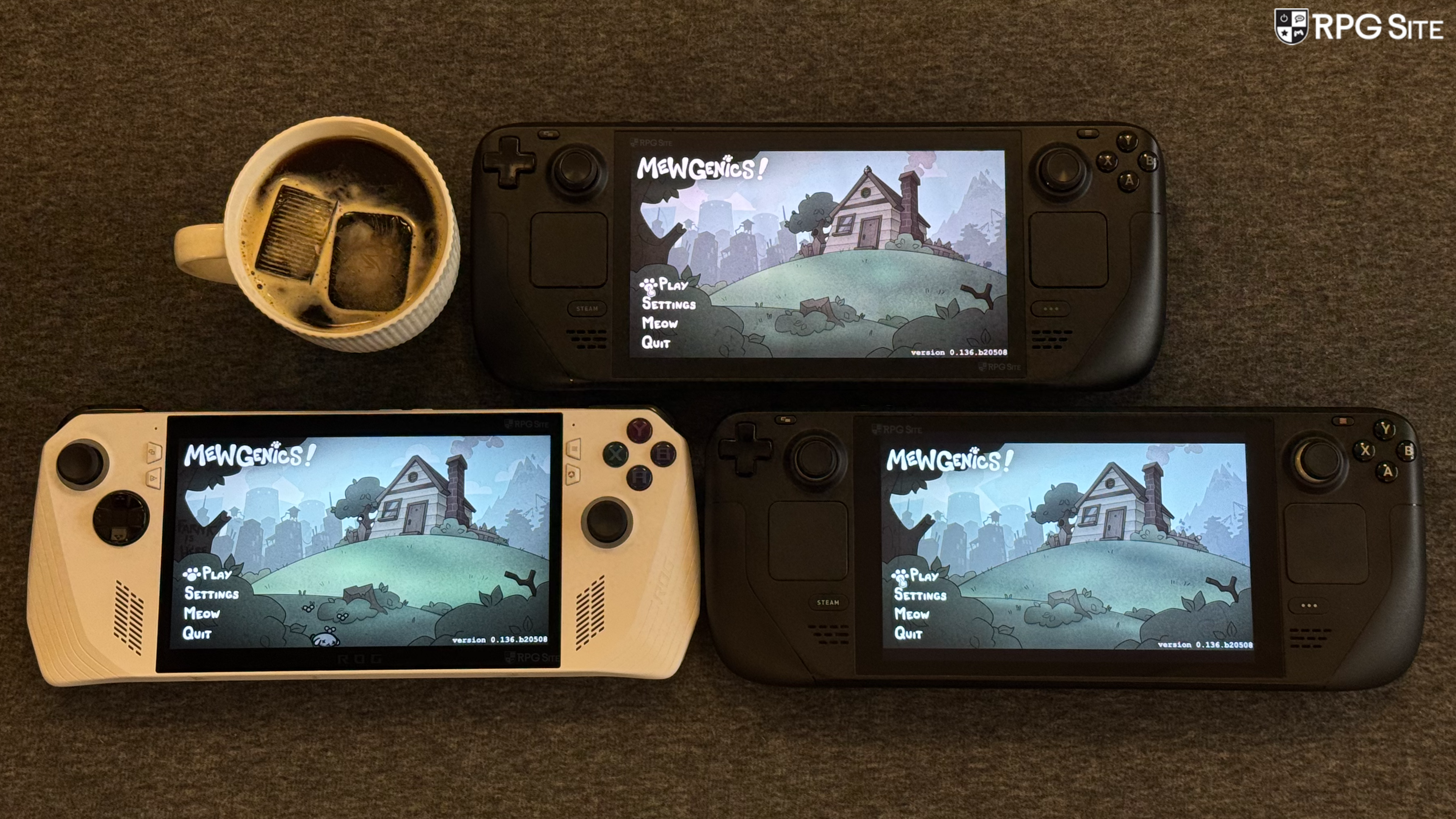
Mewgenics, the tactical role-playing roguelike life simulation hybrid from Edmund McMillen and Tyler Glaiel, is finally releasing next week on PC following its original announcement back in 2012. I never thought I'd see the day, and didn't believe it was actually going to launch until I booted up the review build last month. While James is working on a full feature covering the game itself, I wanted to cover the PC handheld experience since I've enjoyed playing Edmund and Tyler's other games on portables over the years. This feature isn't going to be some detailed comparison because there isn't much to say with how well the game runs and looks across hardware, but I wanted to give you an idea of what to expect if you plan on playing Mewgenics across PC handhelds at launch.
Mewgenics PC features and graphics options
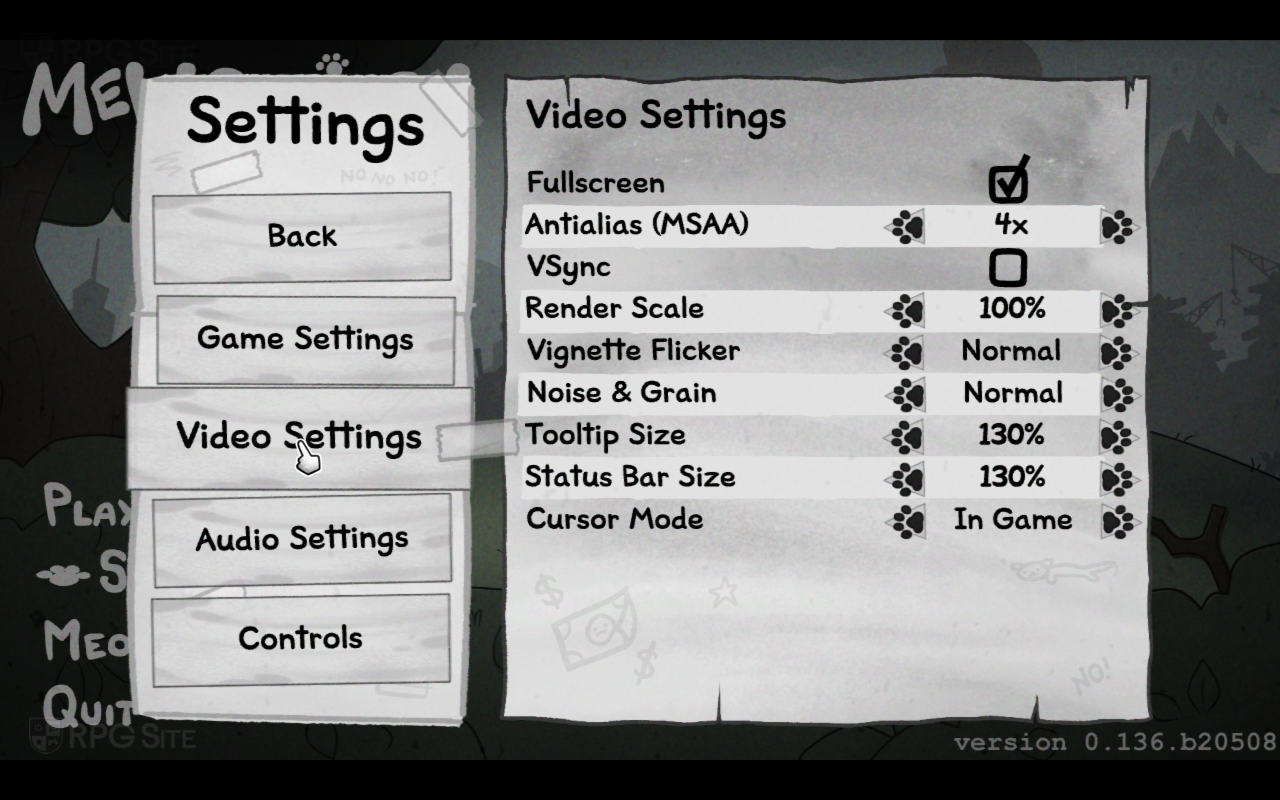
Mewgenics lets select fullscreen mode, anti-aliasing (MSAA off, 2x, 4x, or 8x), toggle v-sync, adjust render scale from 20% to 100%, adjust tooltip size, adjust status bar size, and then tweak the vignette flicker and noise & grain. Both of these effects are quite heavy, and you can completely disable them for a clean image if you'd prefer on PC. Barring the video settings, you can adjust the game's combat speed and various audio settings. The only audio setting I changed was the Meow volume because it got a little grating during combat, but it was fine outside. Mewgenics may be the only game I've ever played with a "Humping Animations" option included as well. This applies to the breeding animation at night when you end a day in a run.
Mewgenics Steam Deck full game impressions
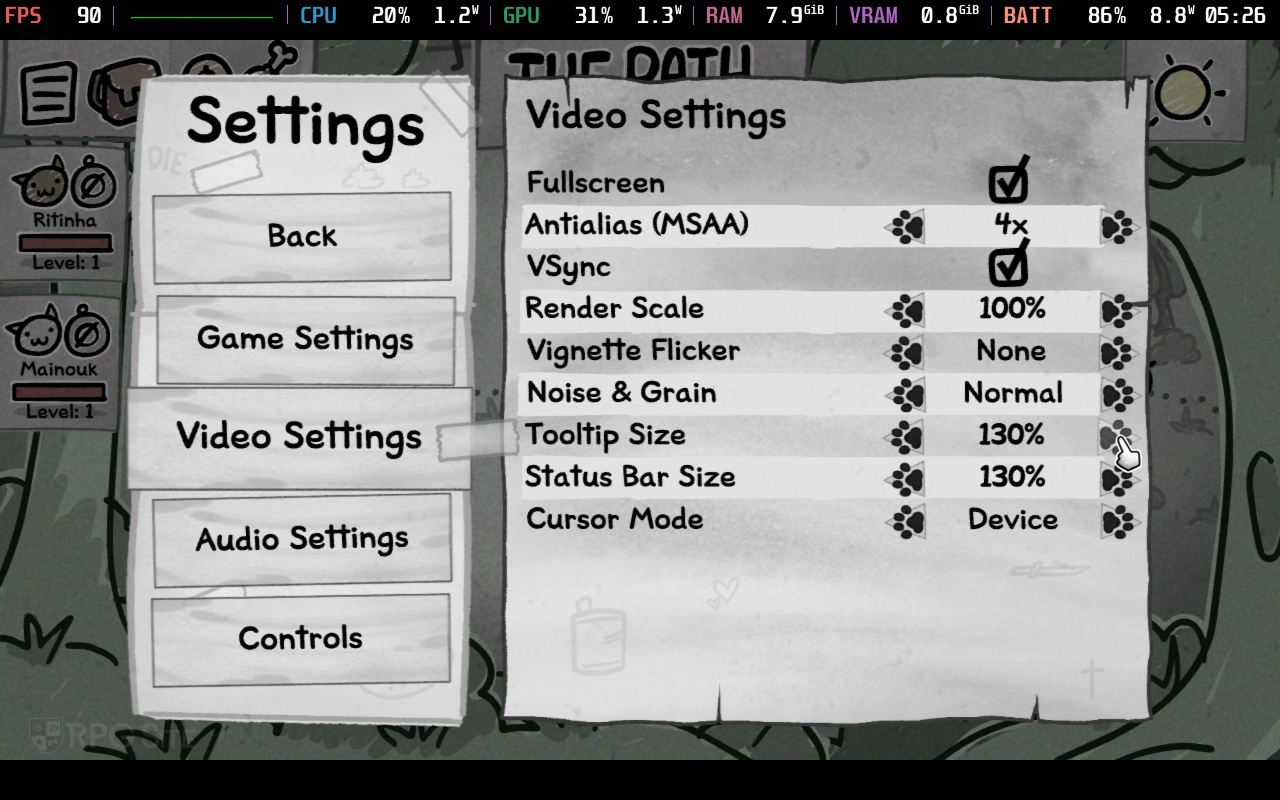
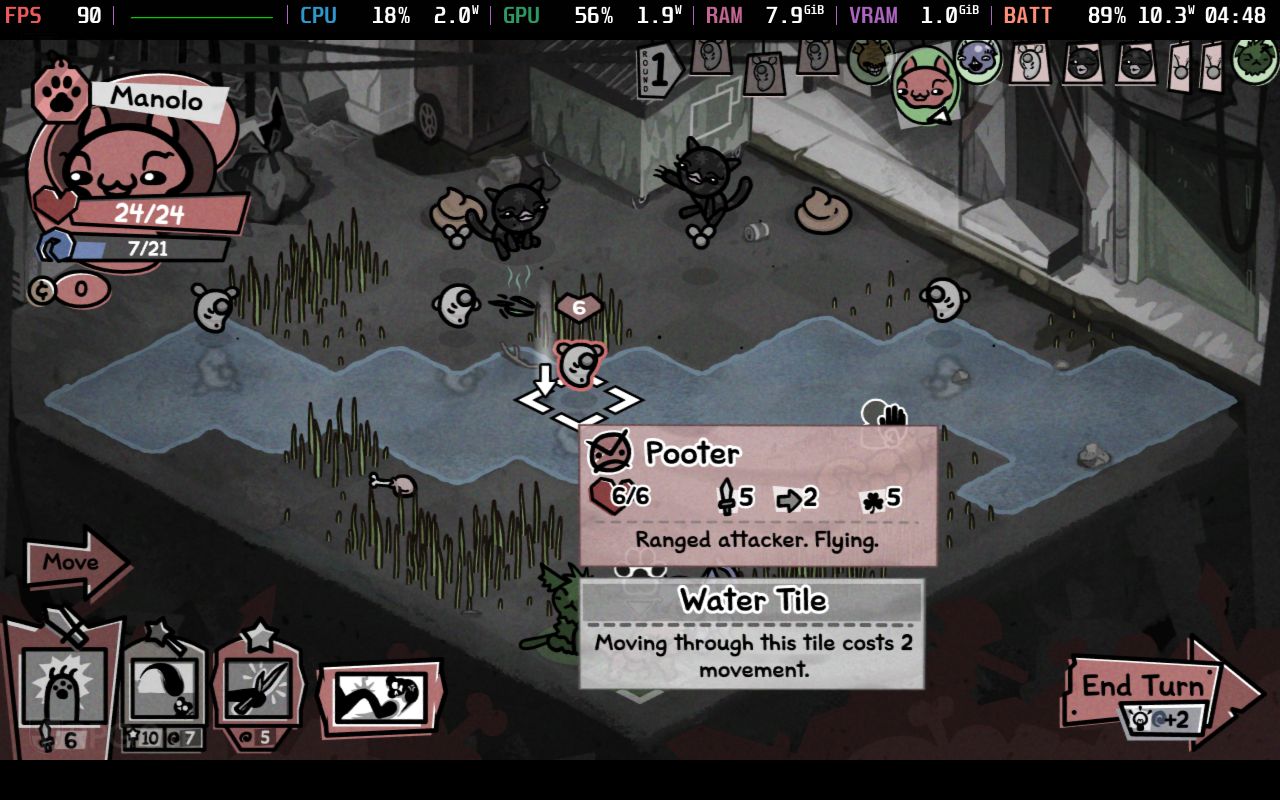
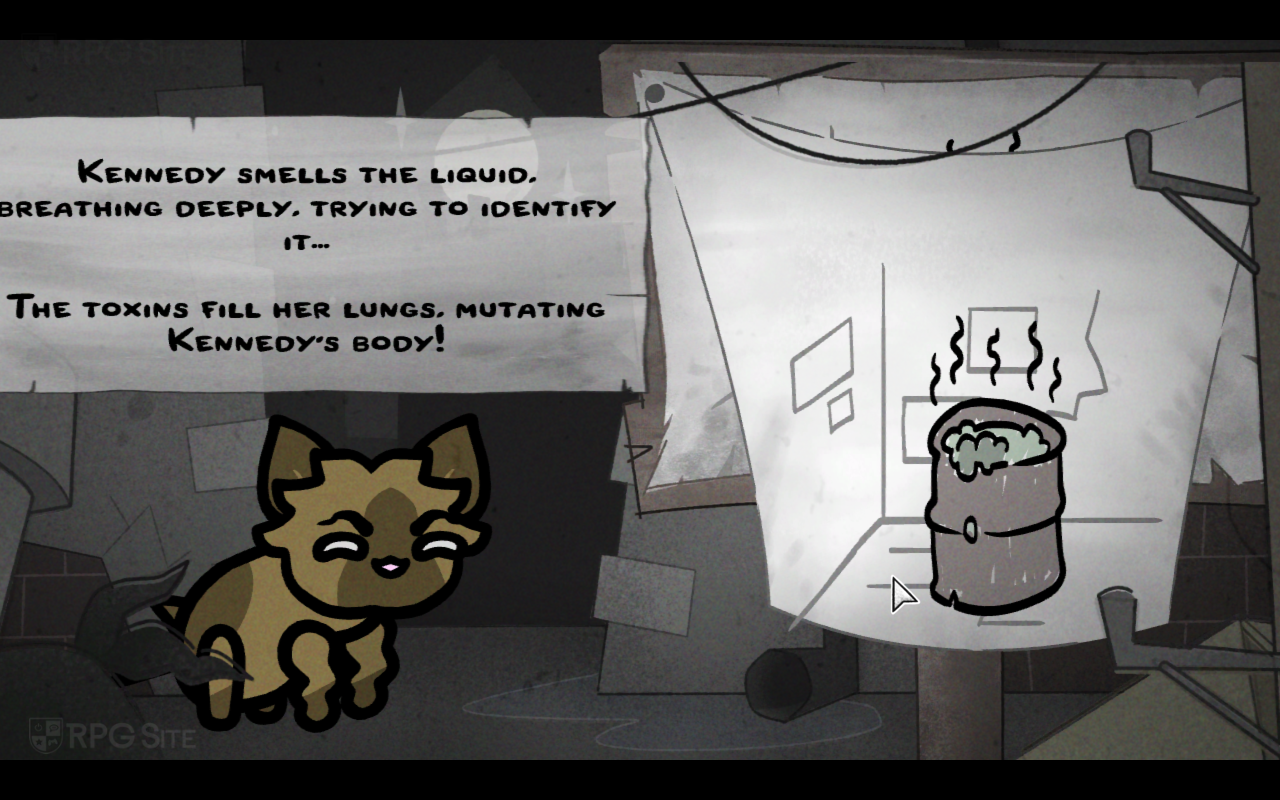
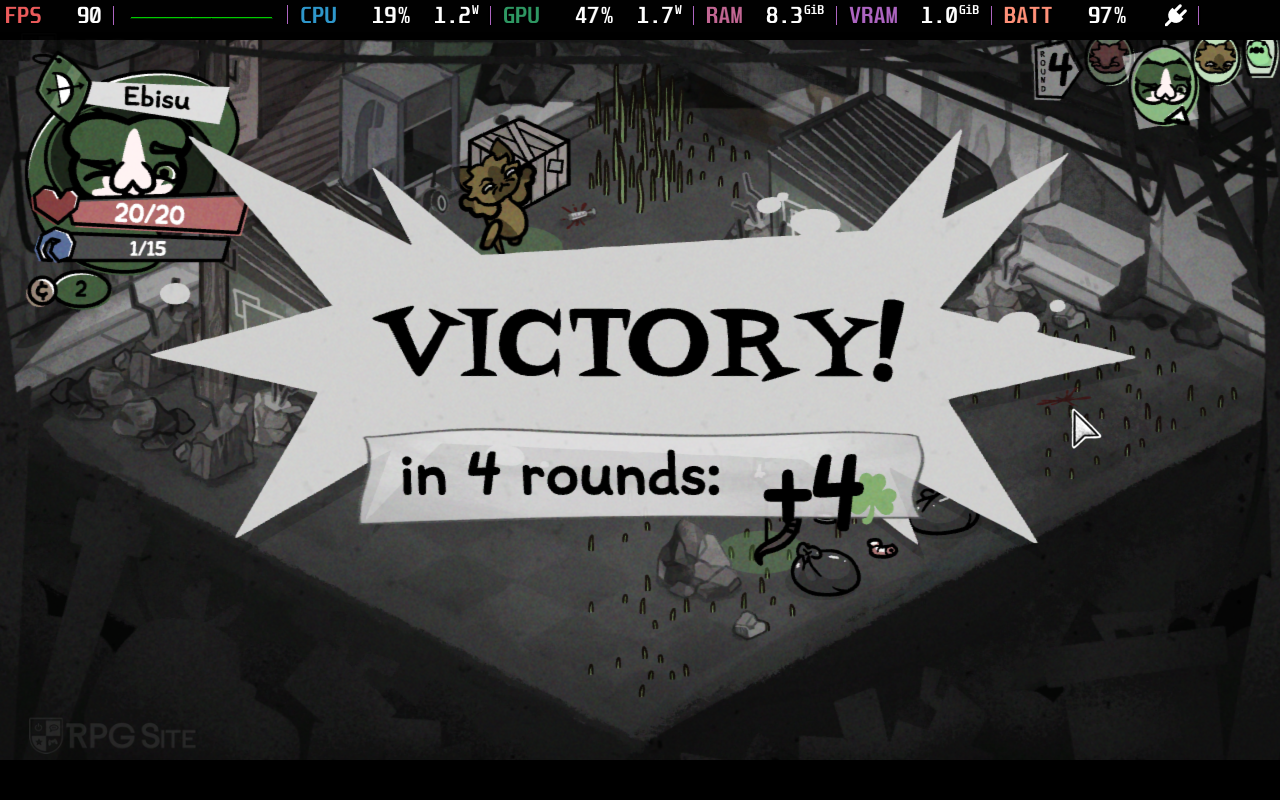
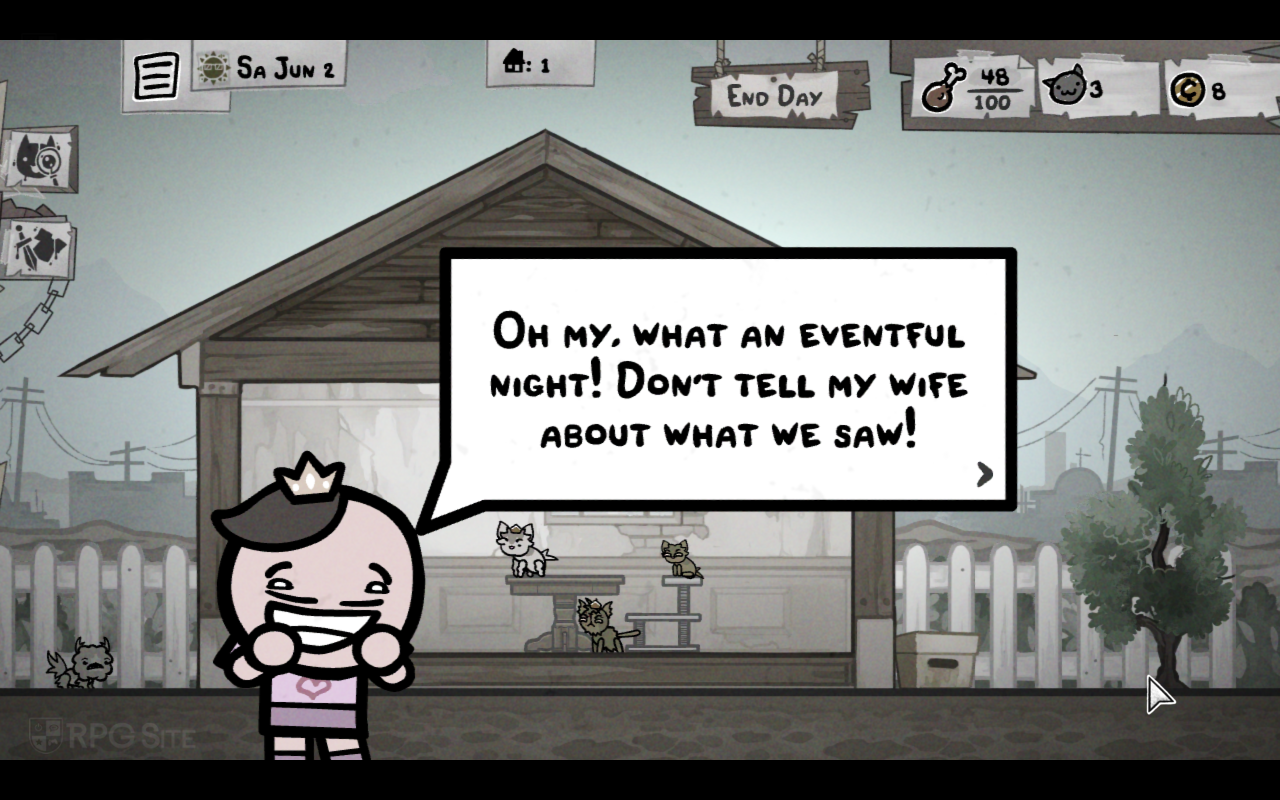
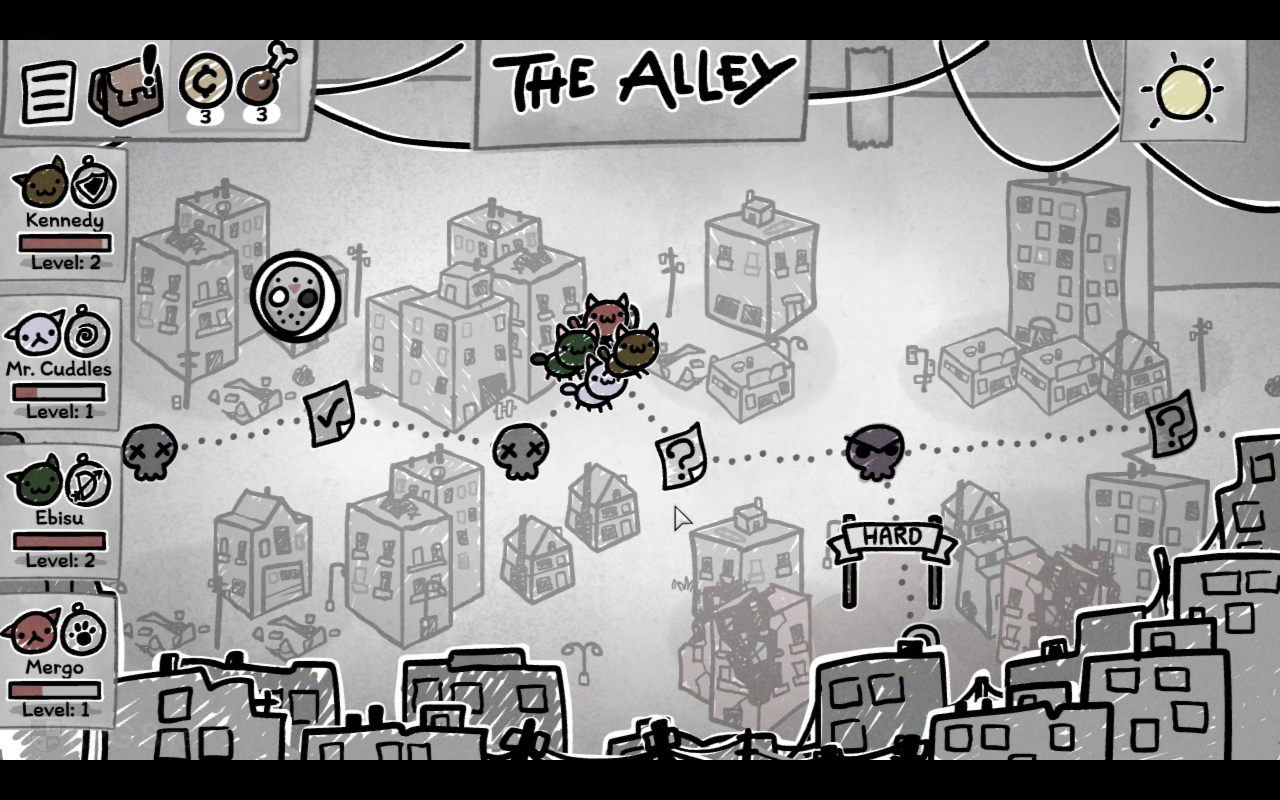
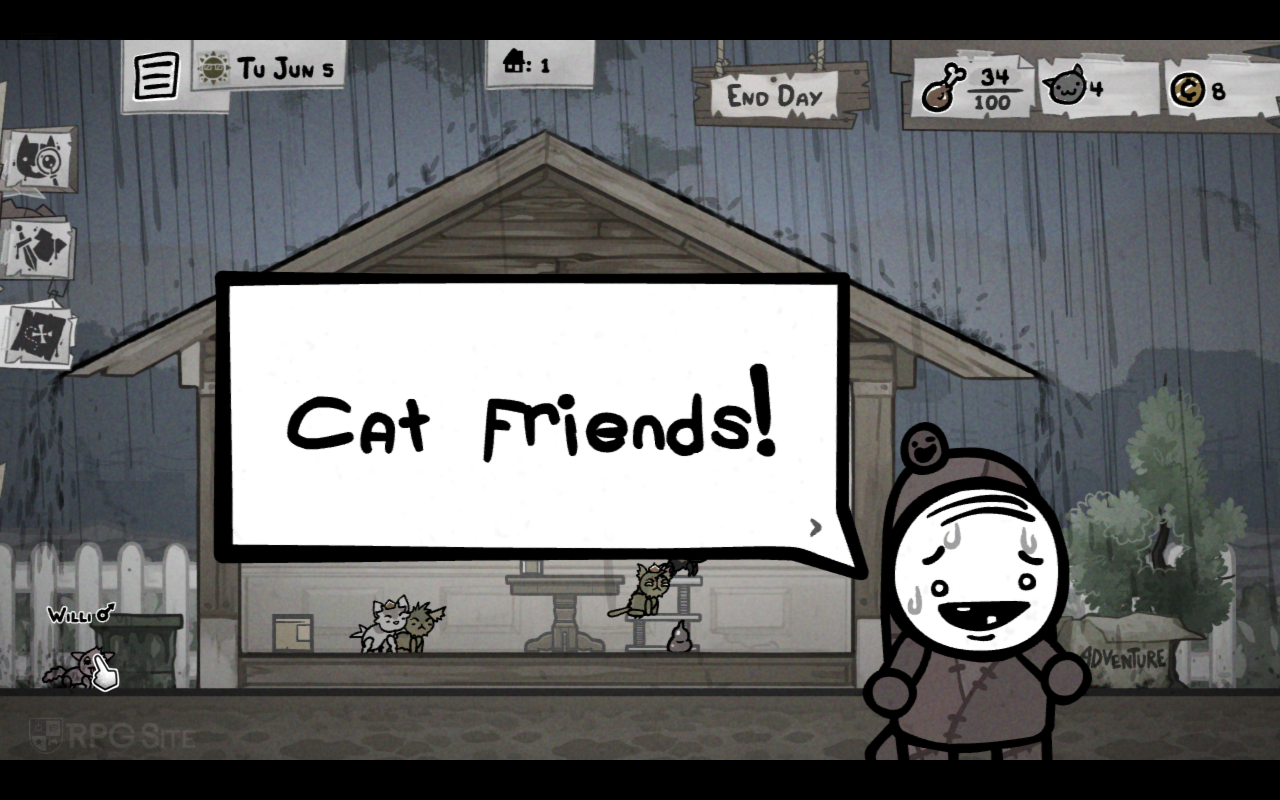
Mewgenics is Steam Deck Verified, and unlike recent AAA games that get that rating for seemingly marketing reasons, I can safely say that this one actually deserves the rating, but the controls will take you a bit of time to get used to. I say this because while it has full controller support, Mewgenics is clearly designed for mouse controls. This has never stopped me from playing on Steam Deck thanks to the trackpad or touchscreen, but I'll cover the control issues a bit later here. Mewgenics on Steam Deck runs at 720p and doesn't have any performance in the time I've put into it over the last few weeks. It loads quickly and runs perfectly on both my Steam Decks with a 60 or 90fps target.



Mewgenics ROG Ally full game impressions
Mewgenics on ROG Ally, like the game on Steam Deck, just works flawlessly and hits 120fps. I also noticed the game seems to control a bit better here when using the touchscreen compared to the Steam Deck. If you were hoping to play Mewgenics on ROG Ally, it runs without trouble here and is an easy recommendation even for docked play.
Mewgenics controls on PC handhelds
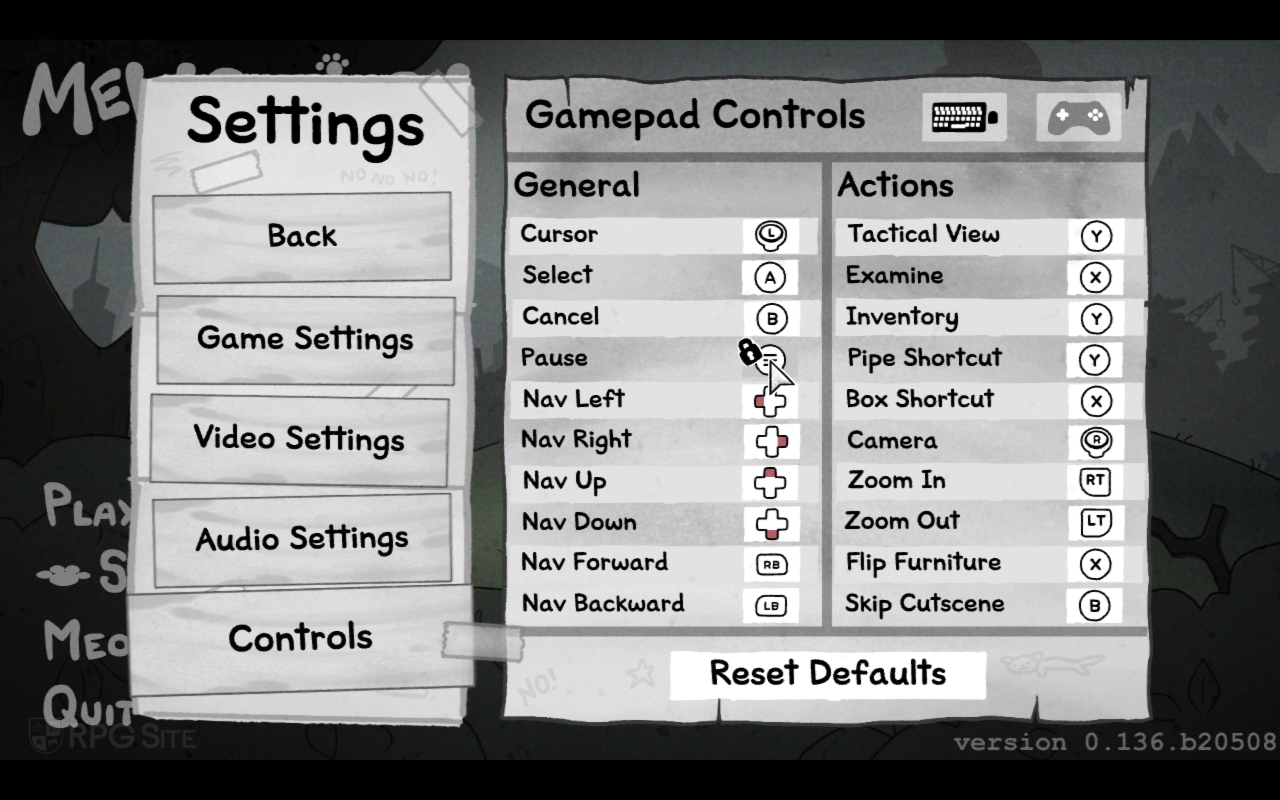
I want to stress that the developers recommend using a mouse to play Mewgenics, but I know many will want to play it on a PC handheld like myself. On Steam Deck, the touch controls or controller inputs seem to use a virtual cursor controlled by the d-pad or analog stick. It doesn't feel as intuitive as it should, but you can get around this by using the touchscreen or using a combination of the shoulder buttons to switch between actions on the bottom of the screen and then either the left stick or the right trackpad for moving the cursor to select a target on screen. Ideally, it would work perfectly with just touch controls, but right now Mewgenics sometimes doesn't detect those as it should, or as I expected based on other games with touchscreen support.



I've had instances of Mewgenics thinking that tapping a specific part of the screen meant I wanted to click the currently selected item with the touchscreen being a general mouse click rather than actually moving the cursor to the new touch target and clicking that. This is what I mean when I said the controls will take a bit of getting used to when playing on PC handhelds. I did eventually settle into using the shoulder buttons and right trackpad on Steam Deck for the best experience, but this does feel like it involves more than it should for some actions. I also recommend looking into the keyboard bindings on your PC and mapping some of the commands to the back buttons on Steam Deck like "end turn" to save yourself time while playing.
Hopefully someone comes up with a good community control layout to address these control issues. Again, this is not a dealbreaker, but I wanted to highlight this for anyone looking to play Mewgenics on PC handhelds. When playing docked with a mouse, there are no issues.
As someone who didn't think this project would finally release as I said in the opening, I'm glad to have been wrong here. Mewgenics is beyond ambitious, deep, and it has an insanely good soundtrack. This might be Ridiculon's best work yet. I can't wait to play more of it over the coming weeks.
Mewgenics launches on February 10 for PC (Steam).