

Stellar Blade Complete Edition on Switch 2 feels better than the demo, but needs more work
Stellar Blade Complete Edition launches later this week for Nintendo Switch 2 following its debut on PS5 and PC platforms. Having tried the demo which disappointed me, I was hopeful for the full release because I've enjoyed Stellar Blade quite a bit on PS5, but loved it on PS5 Pro. I've also played it on PC handhelds like my Steam Deck OLED. With the new Switch 2 port, I was curious to see how it would look docked compared to the PS5 version and also whether the handheld experience would deliver where the Steam Deck was lacking. The demo unfortunately forced frame generation on and it felt beyond awful with input lag and visual issues. Thankfully, the build of the full game that I've had for review lets you disable it. Having spent about a week with Stellar Blade's full release on Switch 2, I'm impressed with some aspects of it, but there is work to be done before I can recommend it without caveats.
Stellar Blade Complete Edition Switch 2 features
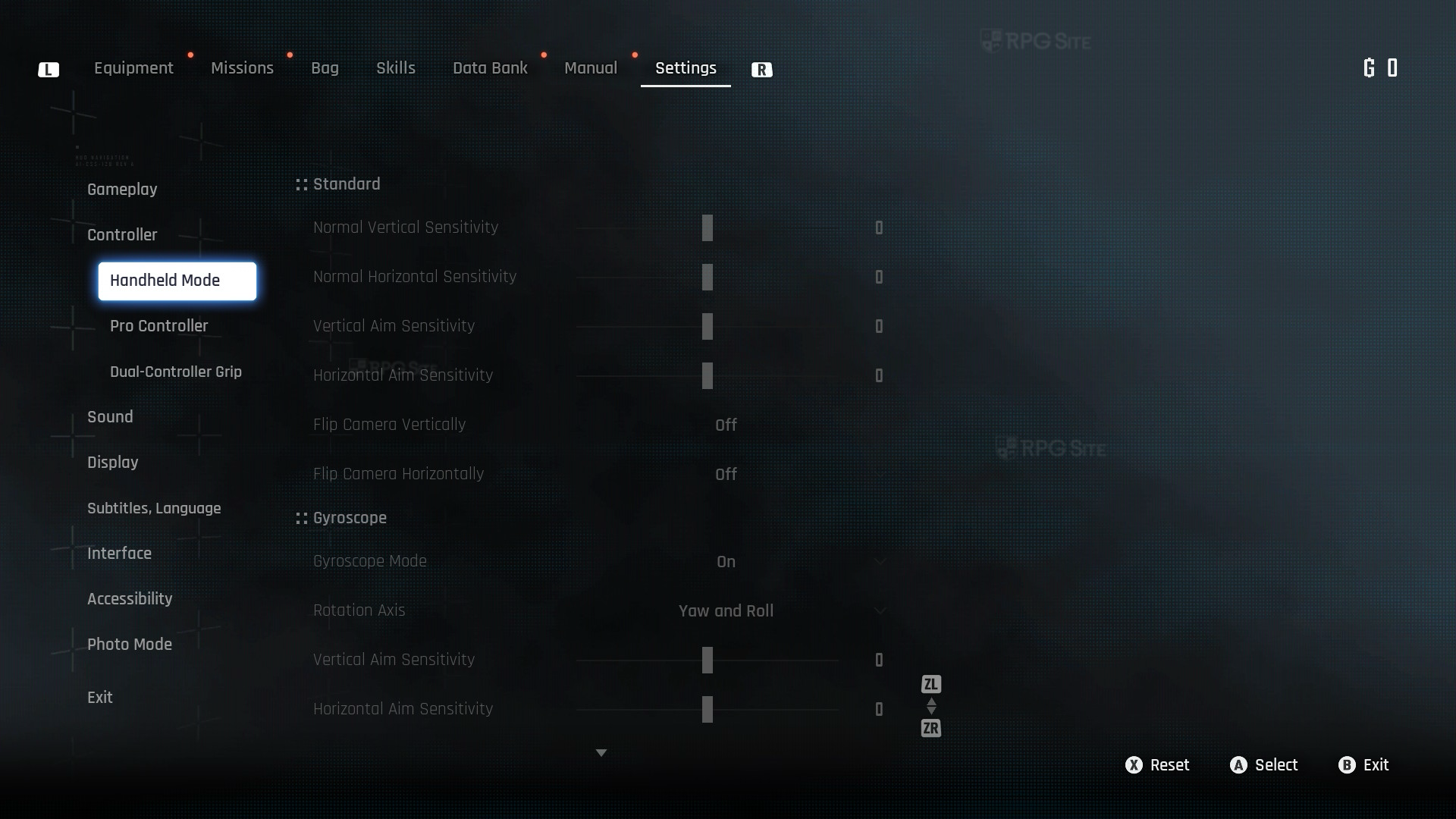
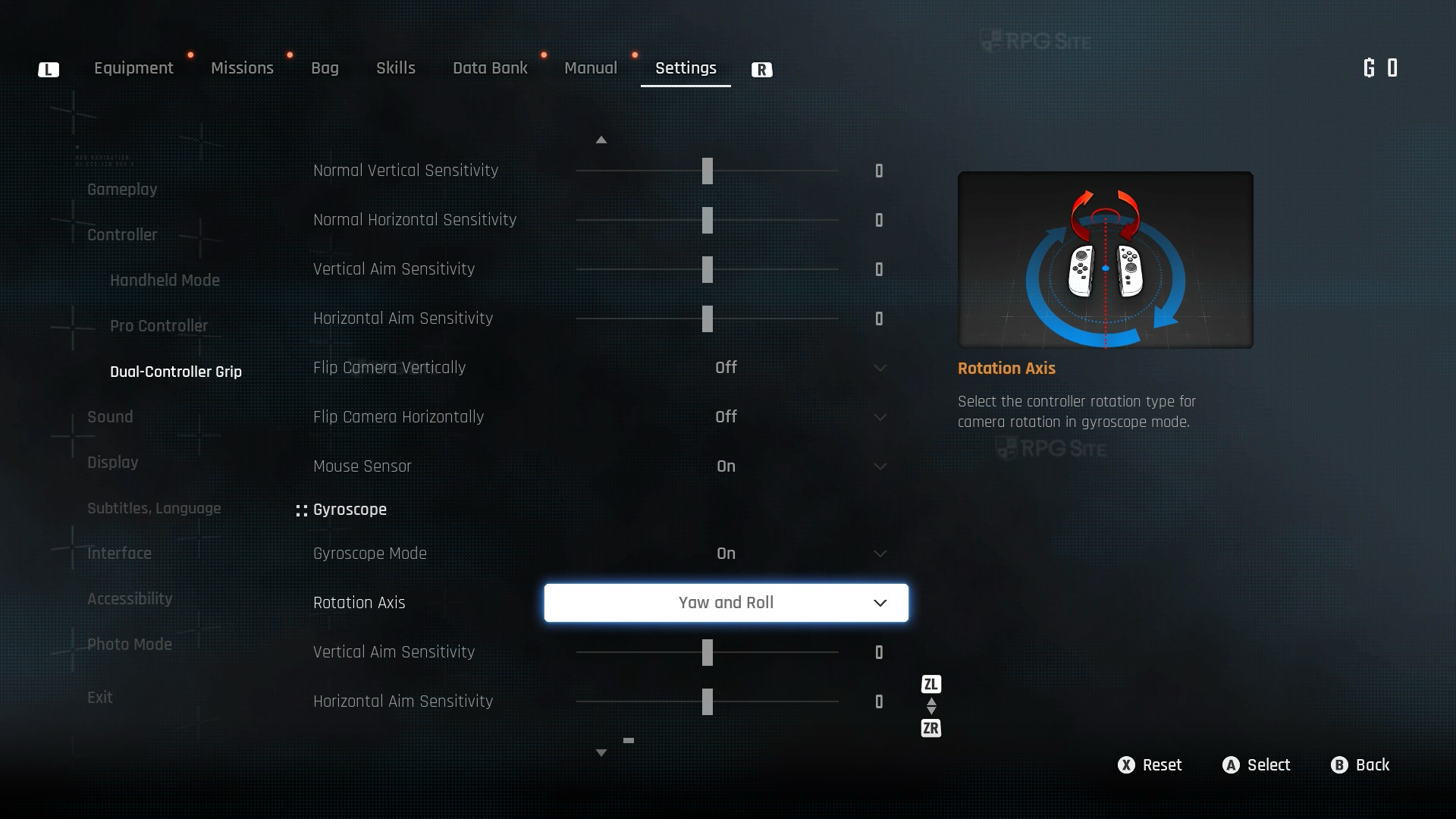
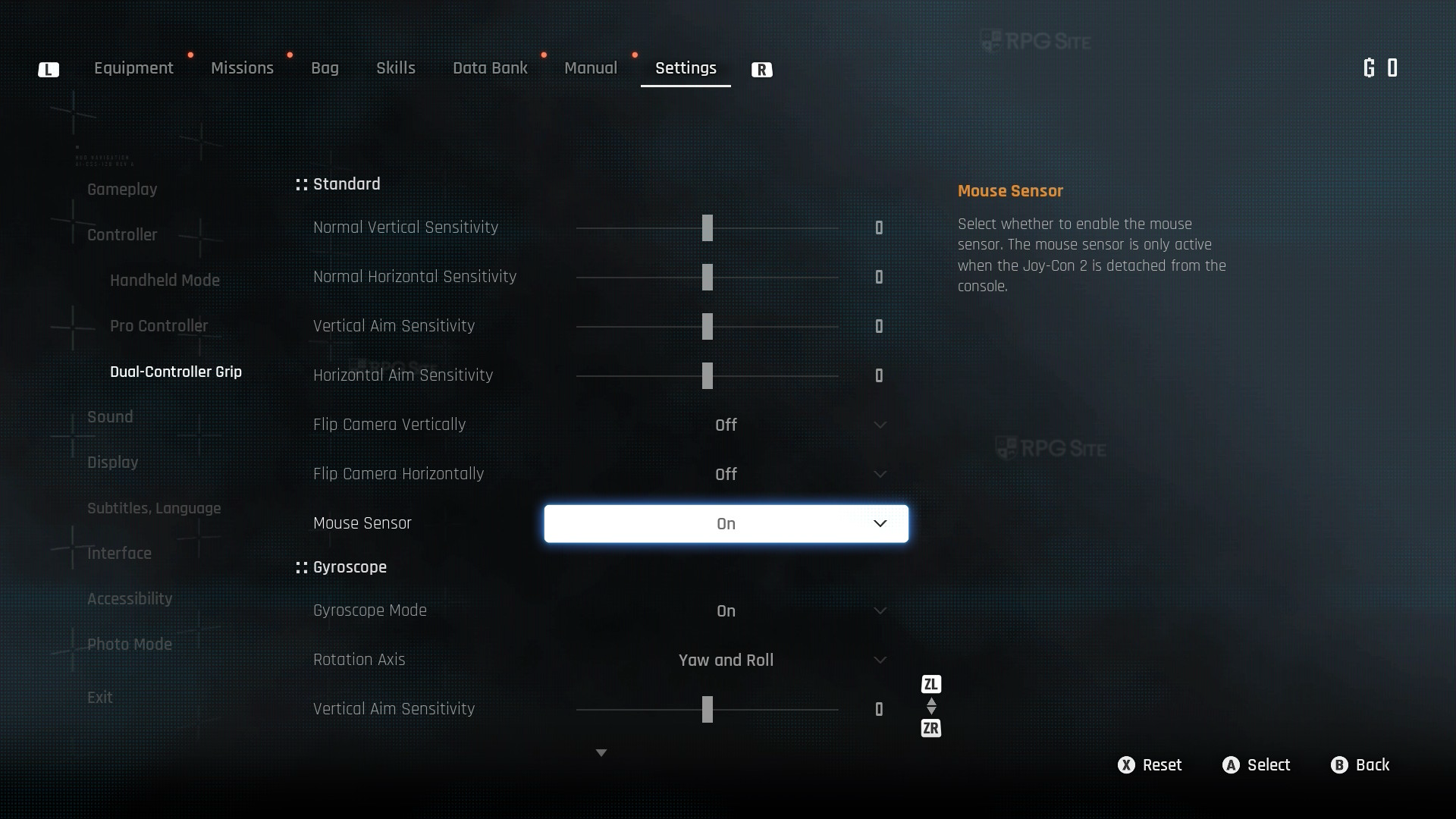
Before getting to the visuals and performance, Stellar Blade Complete Edition is an impressive port for how it makes use of the Switch 2 platform features. Not only does it have support for gyro and mouse controls, but it has one of the best implementations of HD rumble yet. Shift Up also added touchscreen support for menus and UI navigation. Speaking of the UI, it also has bespoke settings for scaling handheld and docked. It is rare to see a developer put this much effort into rumble and UI features on Switch 2.
Stellar Blade Complete Edition Switch 2 handheld and docked full game impressions
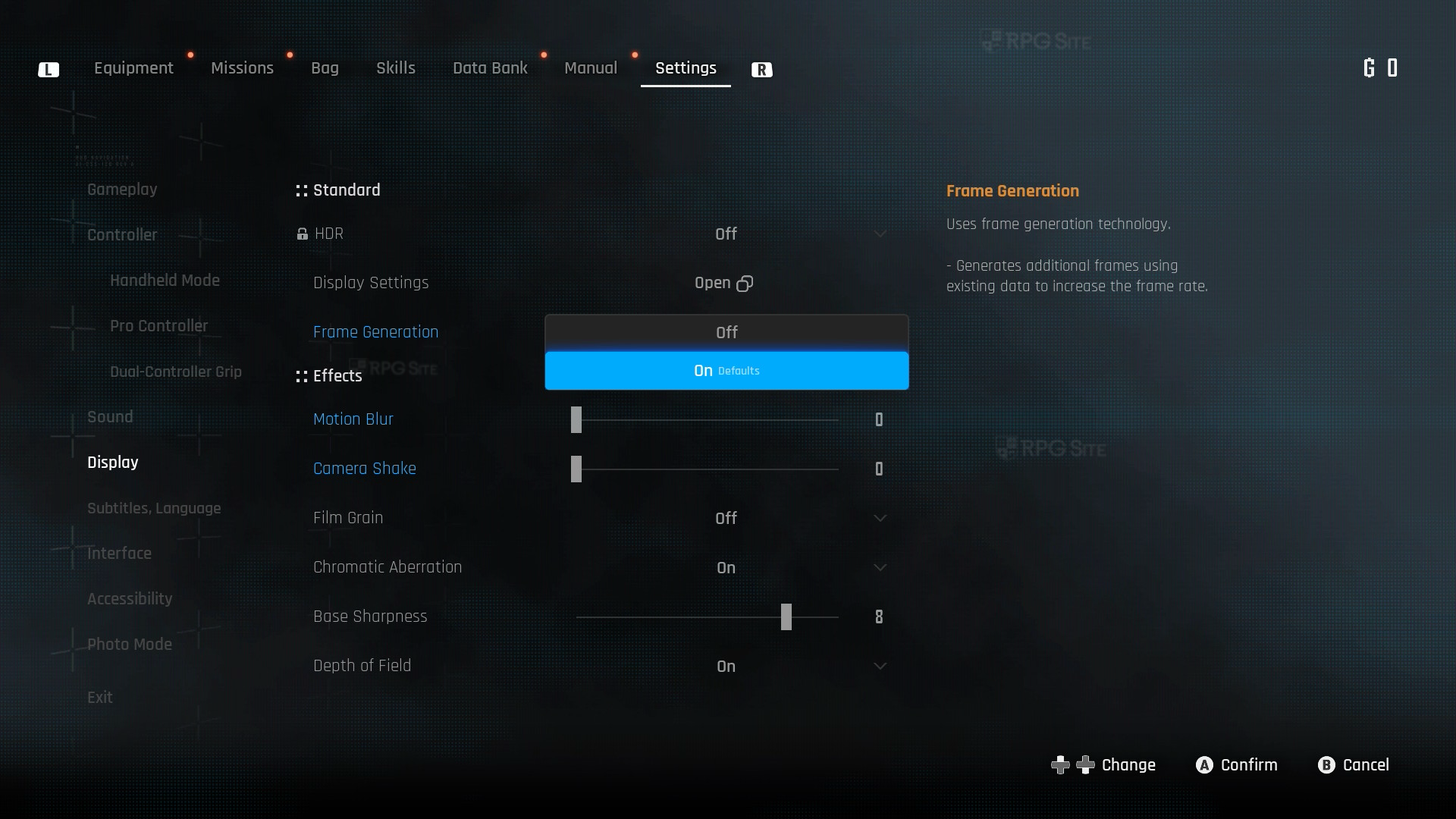
Stellar Blade Complete Edition defaults to frame generation enabled on Switch 2 when played both docked and handheld. I recommend turning this off immediately because it introduces input lag and has other visual issues where some aspects of the game animate at a lower frame rate near you with artifacts and other annoyances. Stellar Blade Complete Edition unfortunately runs at an uncapped frame rate on Switch 2, and this doesn't feel good docked. I don't know if it has VRR support docked since I'm not able to check that on my current display, but based on the opening hours I replayed docked and handheld before sticking to handheld for my main save, Stellar Blade Complete Edition right now feels more tailored to a good portable experience rather than a TV one.
While not exclusive to the Switch 2 version, Stellar Blade Complete Edition also has Bayonetta collaboration cosmetics which are coming to PS5 and PC later this week. Shift Up has definitely done a ton to make this new Switch 2 version not only deliver great value by including all prior DLC in its asking price, but also deliver it on a proper physical release and make good use of the Switch 2 hardware features.
Stellar Blade Complete Edition on Switch 2 vs PS5, PS5 Pro, and Steam Deck
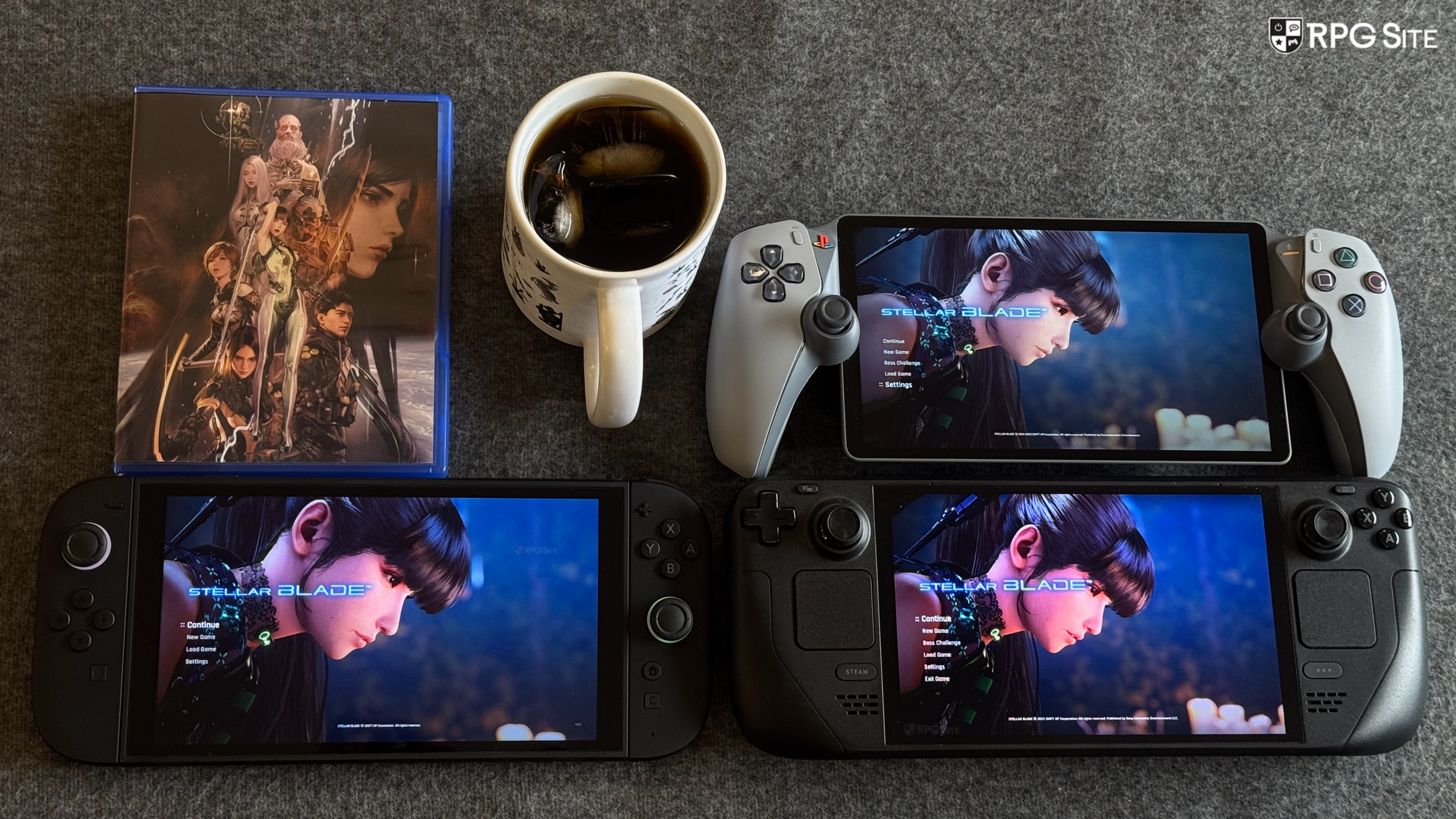
Stellar Blade Complete Edition on Switch 2 has only one visual mode, but you can enable or disable frame generation. Before getting to TV or docked play, I want to focus on the portable experience since that's the real draw here. Stellar Blade Complete Edition on Switch 2 and the Steam version on Steam Deck both have their own advantages and flaws. The Switch 2 version handheld has better resolve through its upscaling that delivers a more stable image in the environment during movement. The Steam Deck has more shimmering in the environment during movement, but distant detail looks better on Steam Deck.
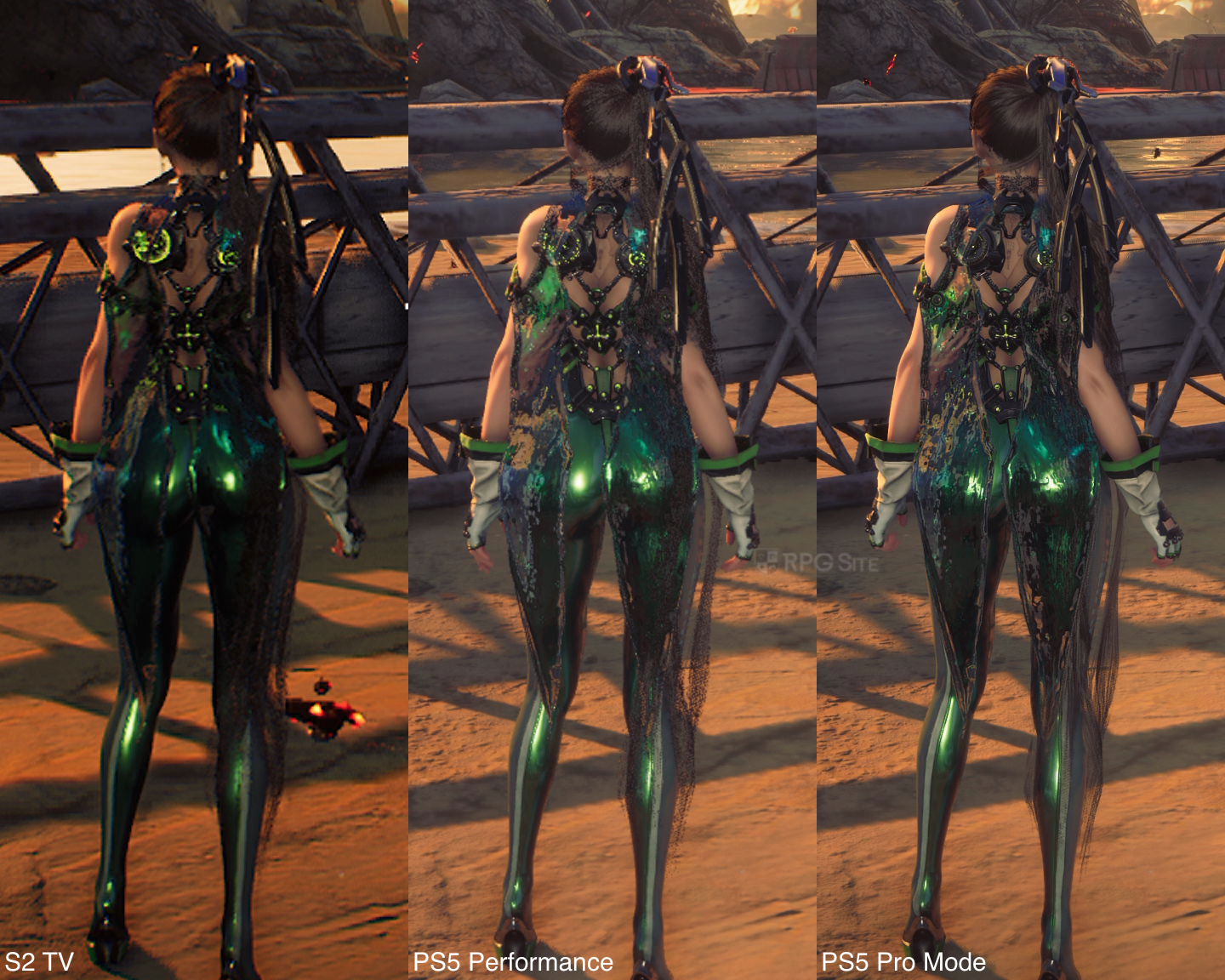
Performance is where things get interesting. By default, Stellar Blade on Steam Deck is Verified, and it ships with a "Steam Deck" graphics preset and some options remain locked. This is quite conservative and you get a very blurry image during gameplay as I covered in my dedicated Steam Deck article highlighting the launch option and my Stellar Blade Steam Deck recommended settings. After tweaking things, there are two options for playing Stellar Blade on Steam Deck: an uncapped experience or targeting 40fps with better visuals. This is where the Steam Deck has the biggest advantage over Switch 2. With the Switch 2, you are stuck with the uncapped experience while you can tweak the PC version on Deck to deliver better visuals and a more stable frame rate. You aren't getting close to a locked 60 on either of them right now. The HD rumble implementation and image stability elevate the Switch 2 port to be my favorite portable version right now though.
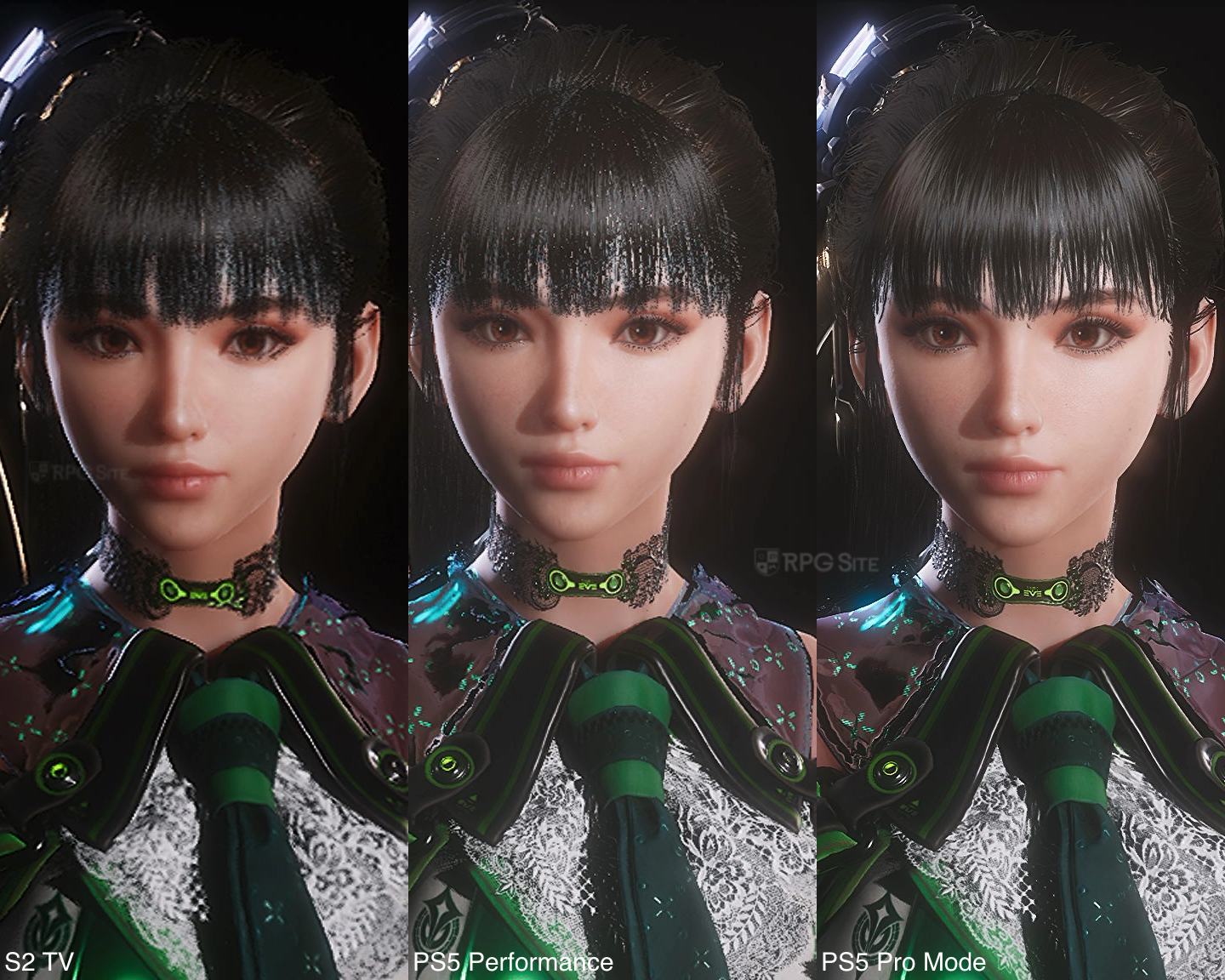
Moving over to TV or docked play, Stellar Blade Complete Edition falls quite short compared with even the base PS5 experience. The more I played Stellar Blade Complete Edition on Switch 2, the more I wished for a 30fps cap option with improved graphics instead of this uncapped experience that doesn't feel good docked. It isn't a bad experience, but I don't like such inconsistent performance in an action RPG. This is why I stuck to playing it more handheld since it felt better to me there.
Given the many visual modes available on PlayStation consoles, I've opted to compare my preferred modes on each. These are the 60fps Pro mode on PS5 Pro (with 120hz disabled since I don't have a display that supports VRR on PS5) and the Switch 2 with frame generation disabled. I feel like the Switch 2 with a 40 or 30fps cap would've been great after some optimization to deliver improved visuals. Hopefully it is added in a future update as the current frame rate is very variable. It isn't even close to a locked 60fps even in less busy areas the moment any action is on screen.
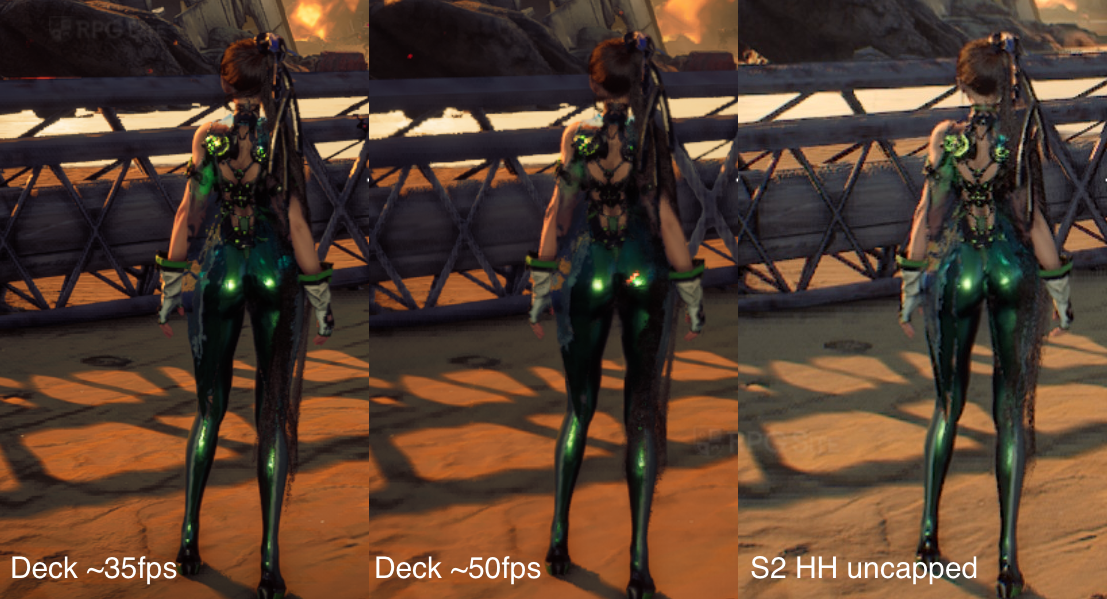
Stellar Blade load times tested on PS5 Pro, Switch 2, and Steam Deck
To test load times, I installed Stellar Blade Complete Edition on the Switch 2 internal storage, Stellar Blade for PS5 on the PS5 and PS5 Pro internal storage, and Stellar Blade for Steam on the Steam Deck OLED internal storage. I measured the time taken from the dashboard to the title screen and the time taken to load an early game save. The results below are in seconds. As you can see, the PS5 Pro has the fastest initial load as usual, but I am impressed with how fast all versions load a save.
| Platform | Dashboard to title | Loading a save |
| PS5 Pro | 10 | 5 |
| Steam Deck | 23-24 | 7 |
| Switch 2 | 19-20 | 8 |
In its current state, Stellar Blade Complete Edition on Switch 2 is hard to recommend for docked play if you have access to a PS5 console, but it is worth it for portable play even with the uncapped frame rate. You are getting a better out of the box experience than Steam Deck and the HD rumble elevates it quite a bit. I hope a future update can add a quality mode that targets 30 or 40fps on Switch 2. If you do plan on playing Stellar Blade Complete Edition on Switch 2, I recommend turning off frame generation because it is just not good right now when the input frame rate is this low. I will revisit this port if Shift Up releases any patches to fix performance or add new modes.
If you're curious about the game itself, read our review of the PS5 version of the action RPG here. Stellar Blade is now available on PS5 and PC (Steam). Stellar Blade Complete Edition launches for Switch 2 on November 5.