

Which is the best portable version of Dragon Quest VII Reimagined? Steam Deck, Switch 2, Switch, and ROG Ally
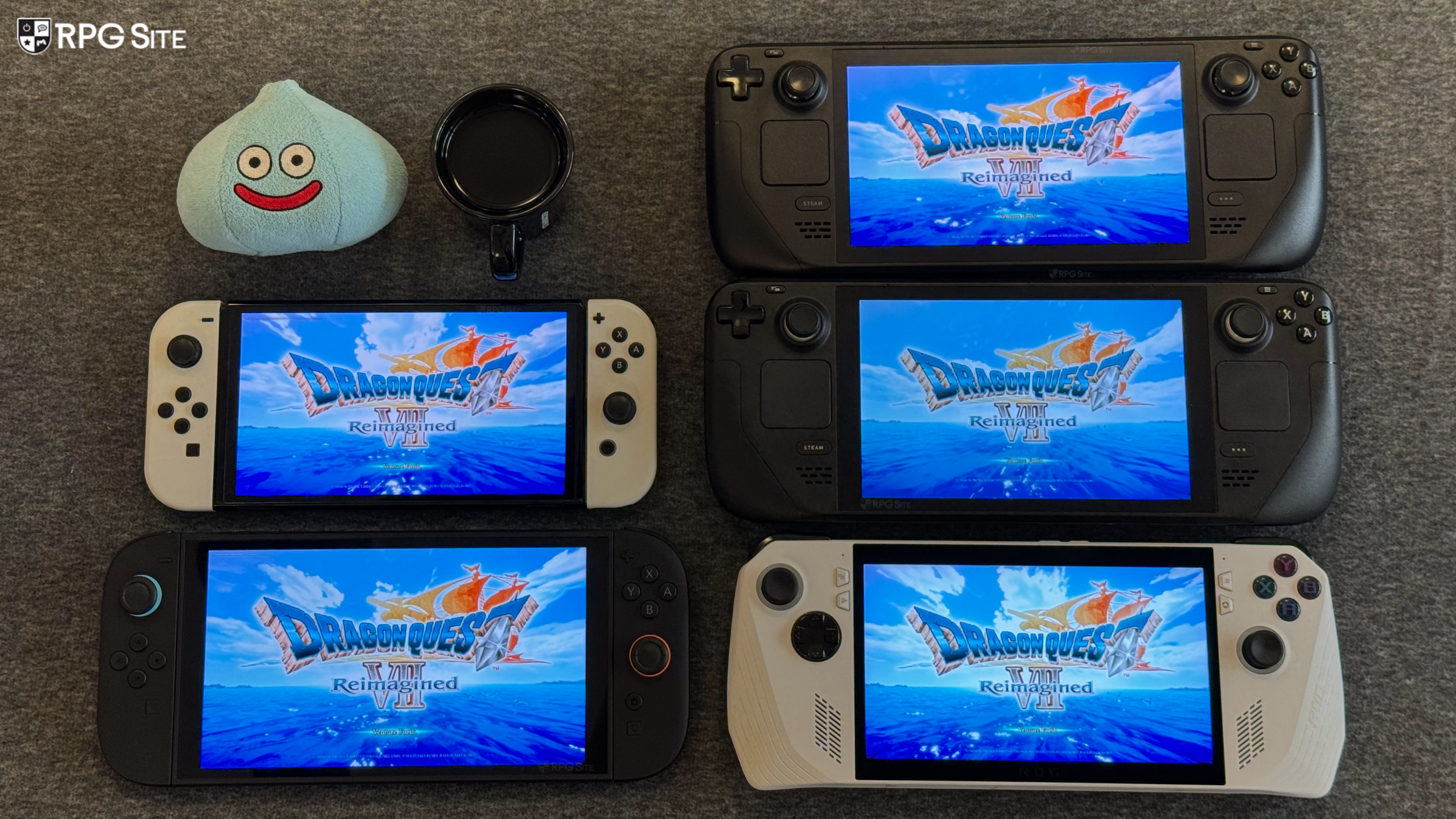
Dragon Quest VII Reimagined launches this week for PS5, Xbox Series X|S, Nintendo Switch, Nintendo Switch 2, and PC (Steam and Xbox on PC). Ahead of its release, I had a chance to play the full game across Nintendo Switch 2, Nintendo Switch, Steam Deck, and ROG Ally to cover my thoughts on the portable experience across different hardware. While I will be focusing on the Dragon Quest VII Reimagined handheld experience here, I will also give you some context for docked or TV performance on the same devices. As someone who has prioritized portable versions of the Dragon Quest games as much as possible, it has been interesting seeing how this remake scales across hardware. I will also be covering my Dragon Quest VII Reimagined full game Steam Deck recommended settings and what I'd like to see addressed in the Switch 1/2 versions alongside the PC port.
Dragon Quest VII Reimagined Steam Deck full game recommended settings
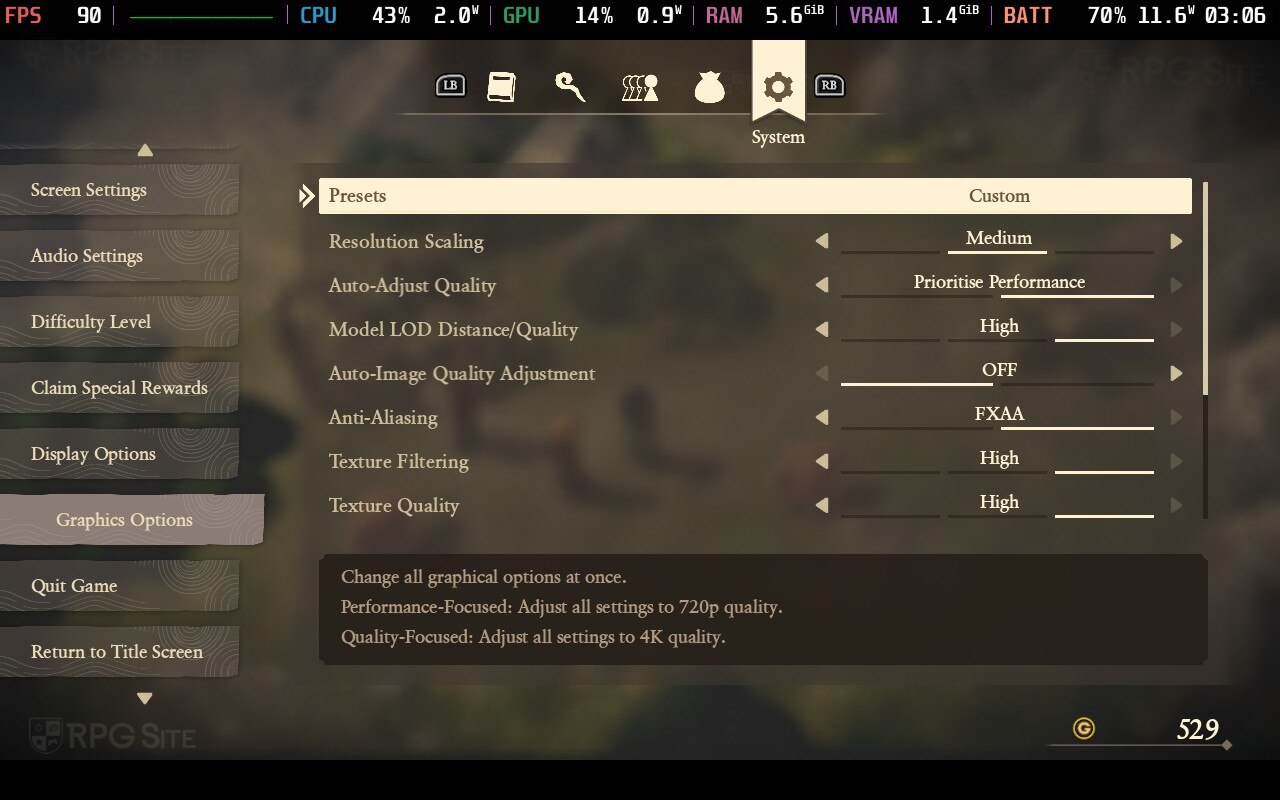
If you played the demo, you might have noticed how Dragon Quest VII Reimagined looks quite blurry and ugly out of the box on Steam Deck. For some reason, the default preset it loads with includes the absolute lowest settings for all graphics. As of this writing, even the full game loads like this, but there's an easy fix to make Dragon Quest VII Reimagined on Steam Deck look and run perfectly. My aim with Dragon Quest VII Reimagined on Steam Deck OLED was a 90fps handheld experience, and it is very easy to achieve that. Before getting into the my recommended settings, I'm going to briefly explain what each setting appears to do since the labels aren't completely accurate or descriptive enough.
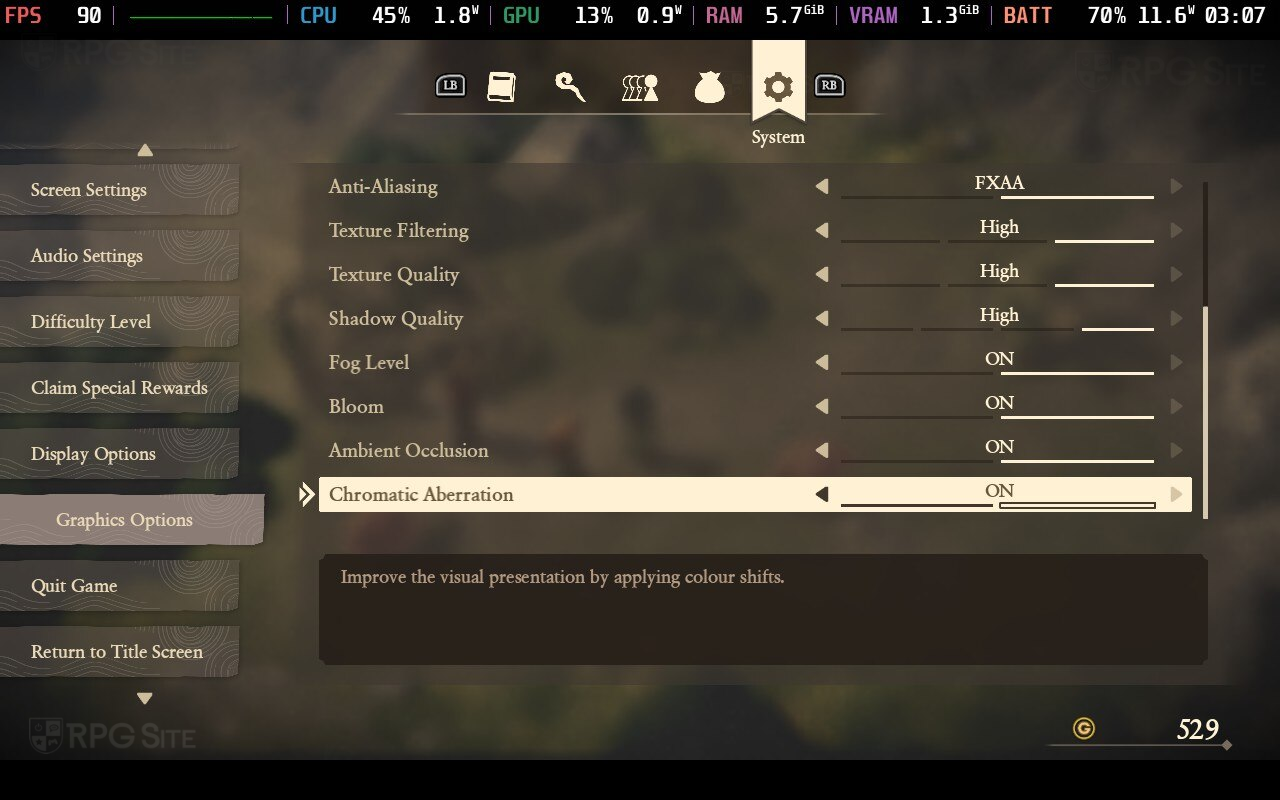
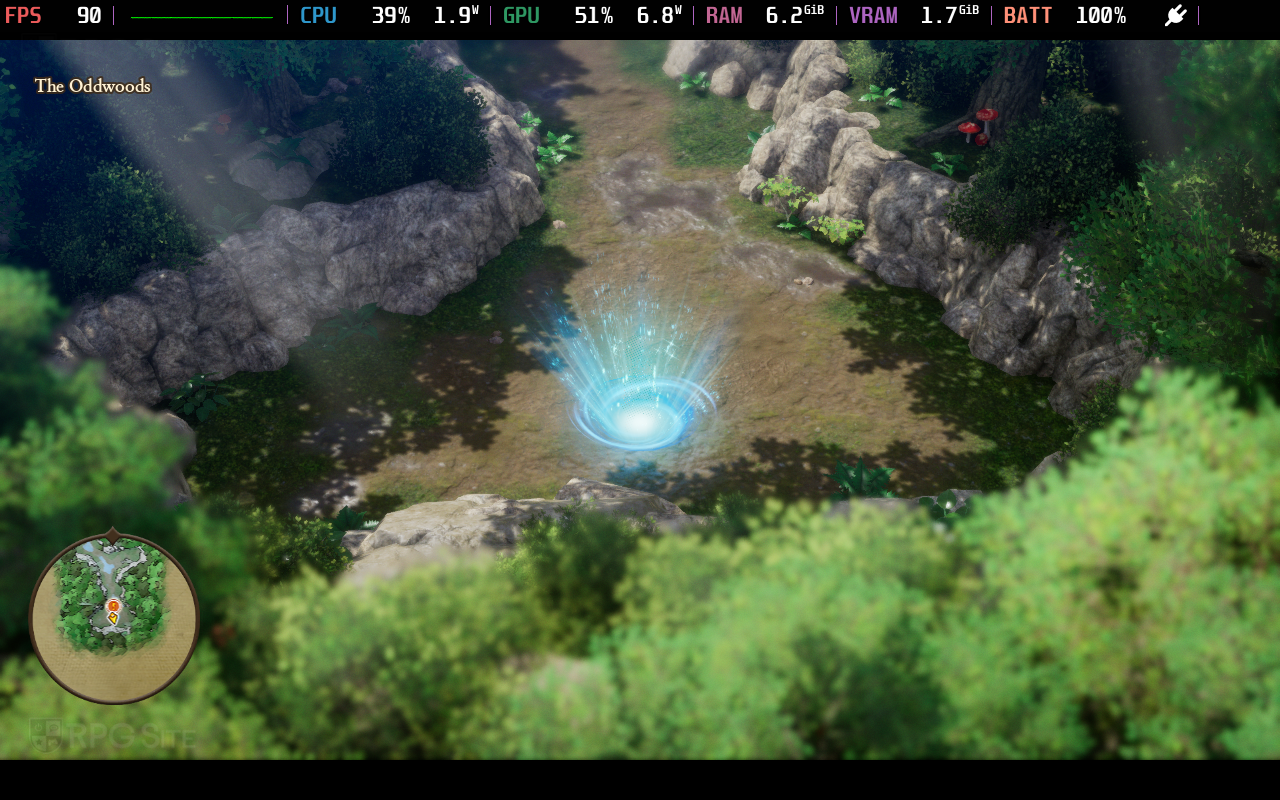
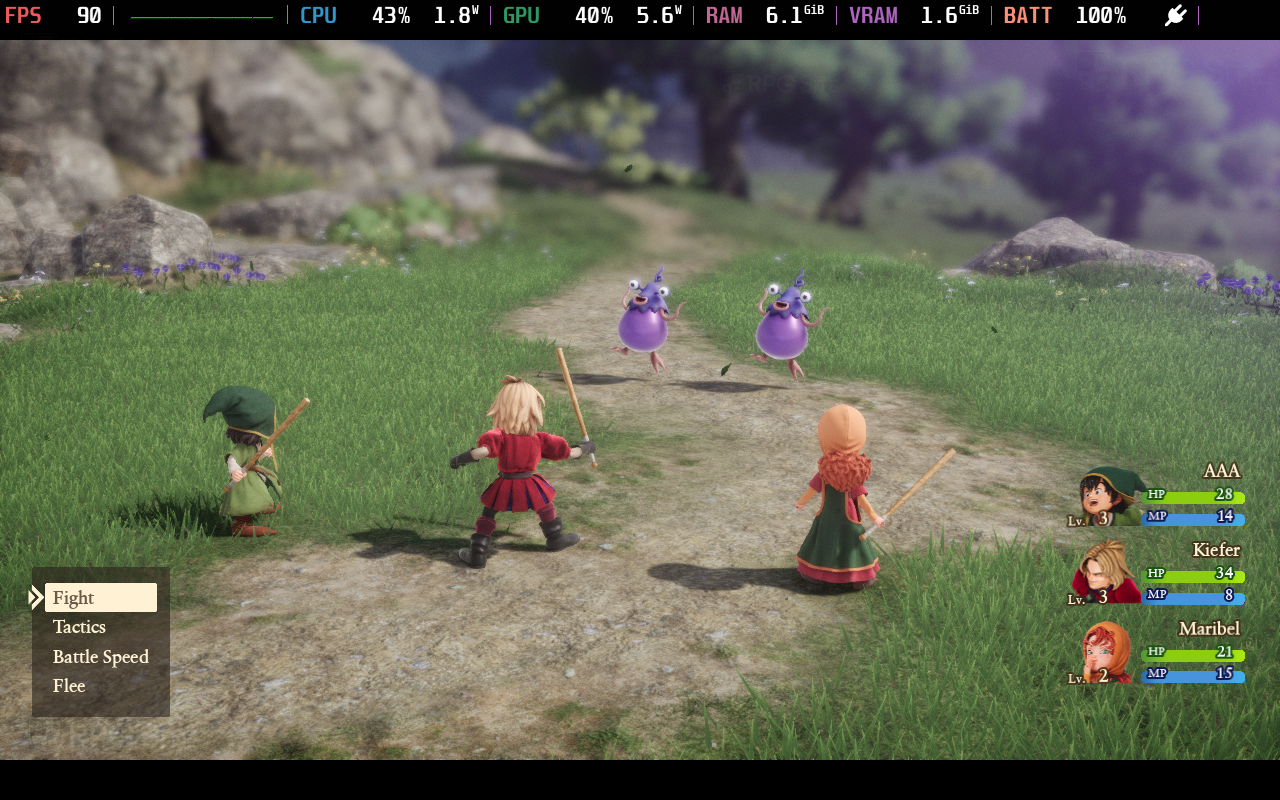
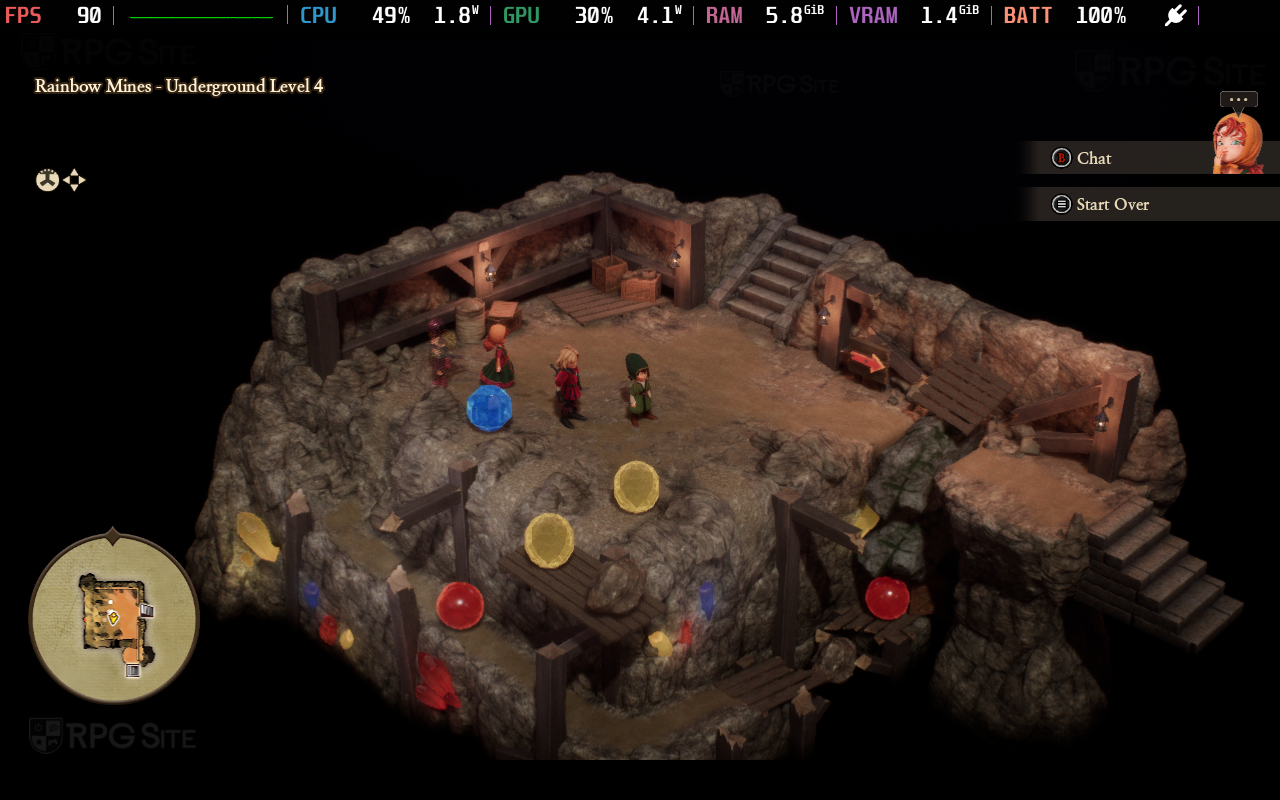
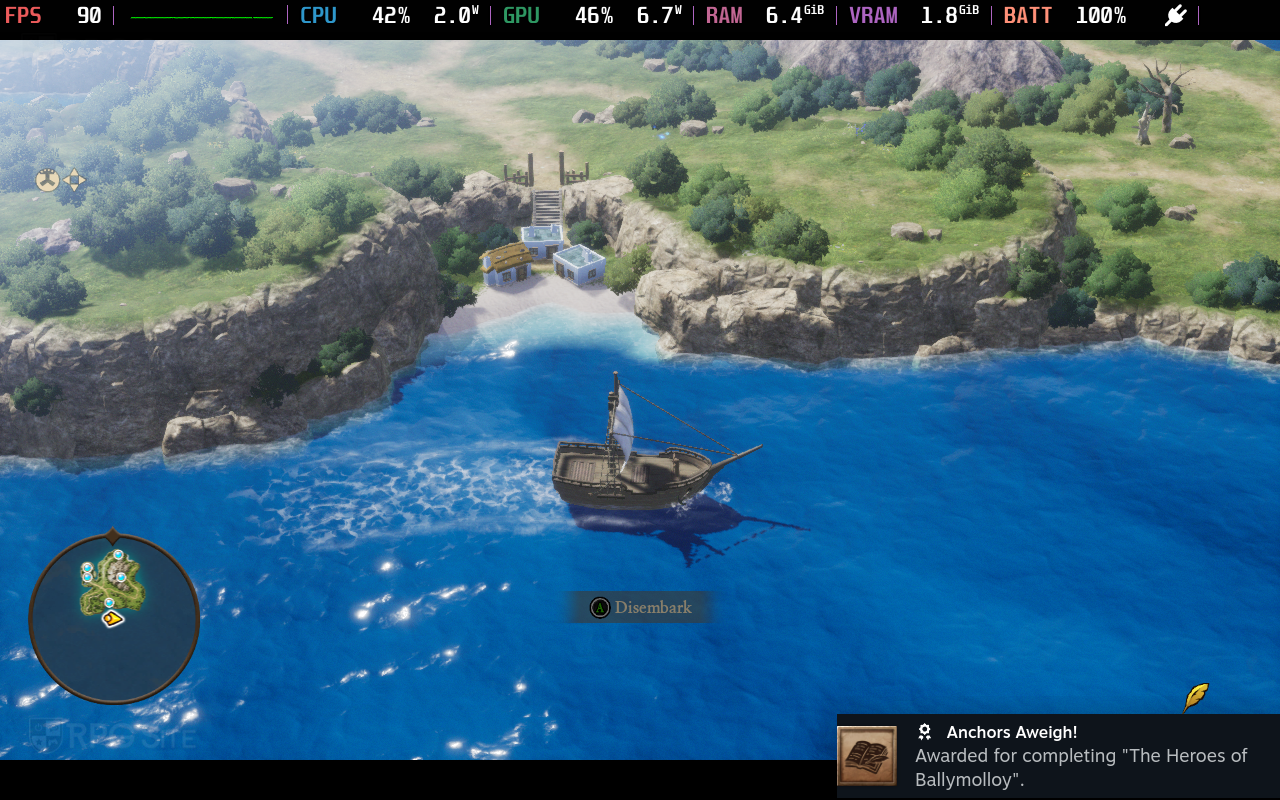
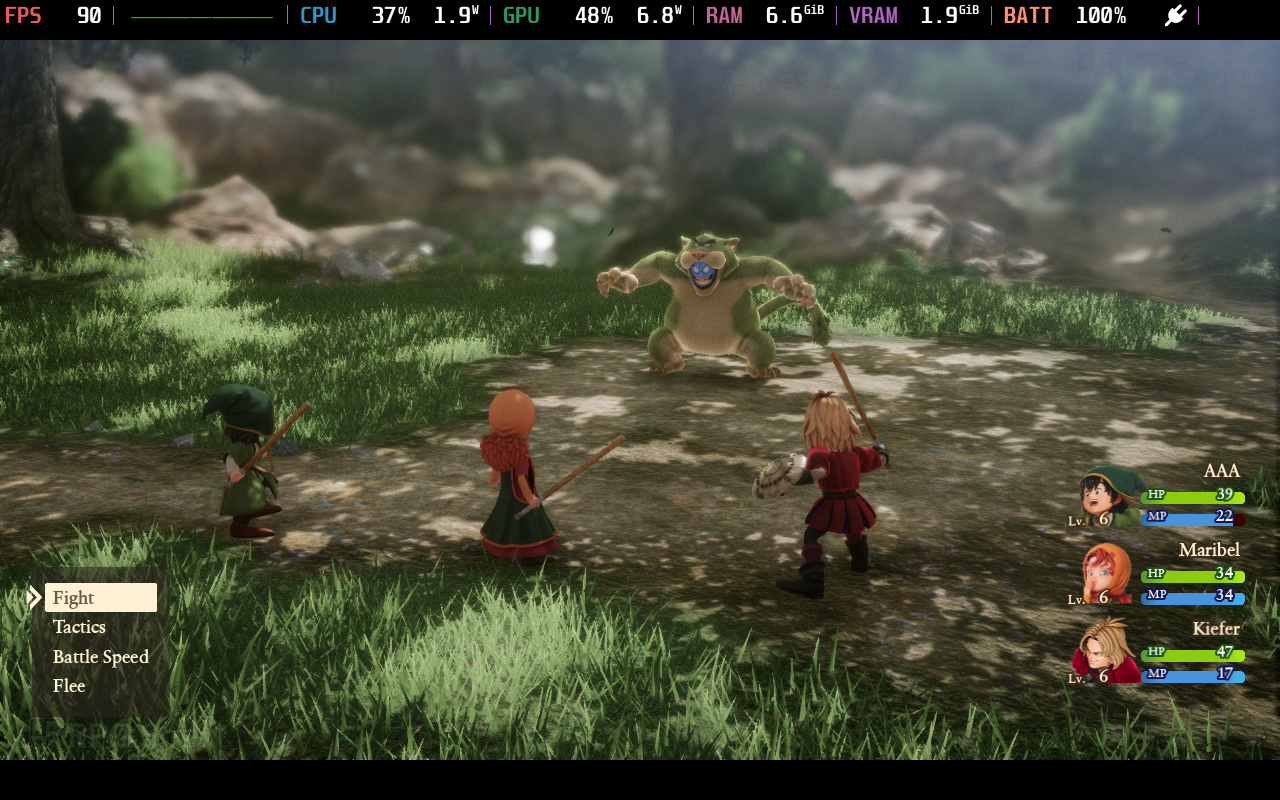
Resolution scaling appears to supersample if you set it to high and runs at 100% scale if you play at the medium setting. The shadow quality setting also appears to affect the distance for shadows loading in or being rendered. I am disappointed that Dragon Quest VII Reimagined only has FXAA for anti-aliasing as well. My recommendations for a 90fps experience on Steam Deck OLED are model LOD distance/quality set to medium, resolution scaling set to medium, auto-adjust quality set to performance, auto-image quality adjustment off, anti-aliasing set to FXAA, and then the high setting for texture filtering, texture quality, and shadow quality. I also left fog, bloom, and ambient occlusion on. You can enable or disable those in addition to chromatic aberration depending on your preference. With these settings, I had only 4 instances in 10 hours of testing on Steam Deck where the frame rate dropped below 90fps, and it was only for a second or two at most. I also played with the camera distance set to near as I didn't like how it looked on any platform with the far setting.
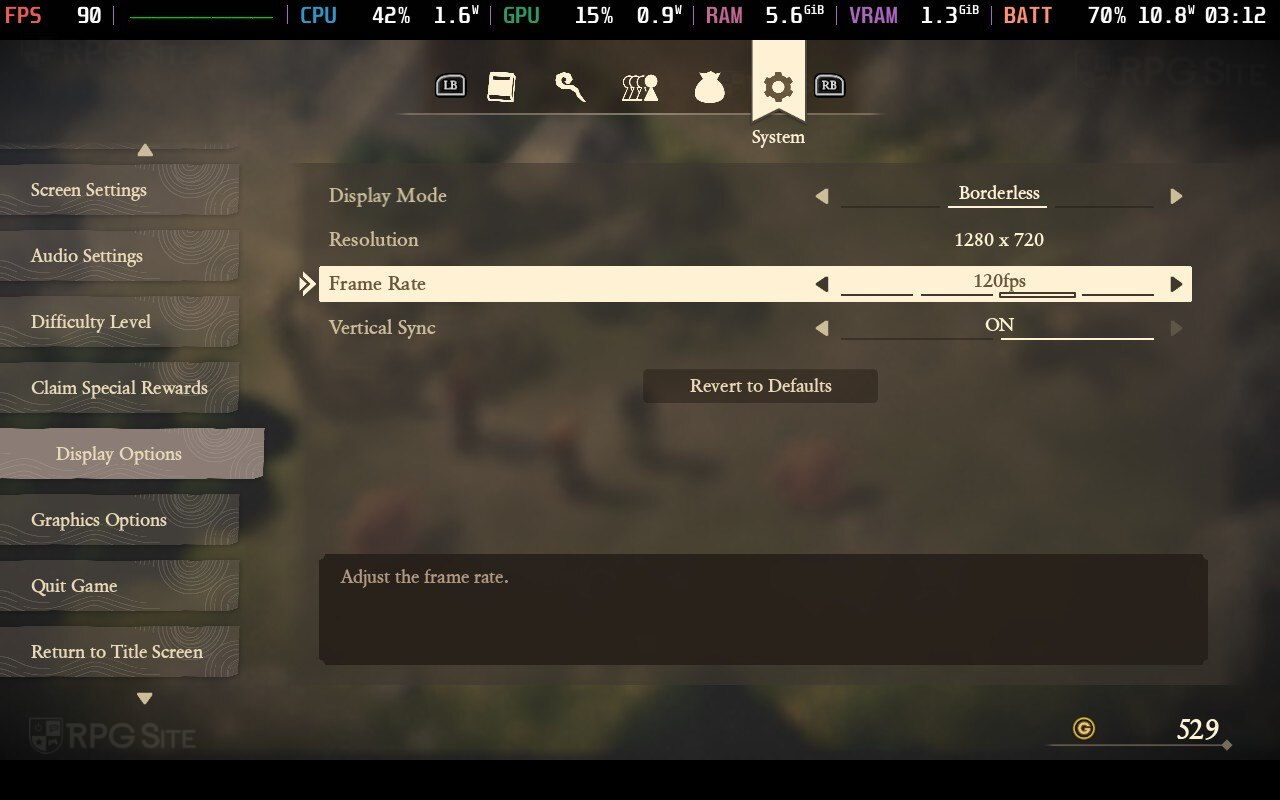
If you want the best possible visual experience and are ok playing with a 45fps target at 90hz handheld, set the game to use Quality-Focused preset. This sets everything to maximum and will run around 50-60fps in most parts of the game I tested. I ended up capping the device screen to 45fps here (and 40fps on the Steam Deck LCD) for the most stable experience with the best possible visuals. This is a bit overkill for handheld though, and I only tried it out for testing purposes. I stuck to 90fps for the majority of my playtime on Steam Deck.
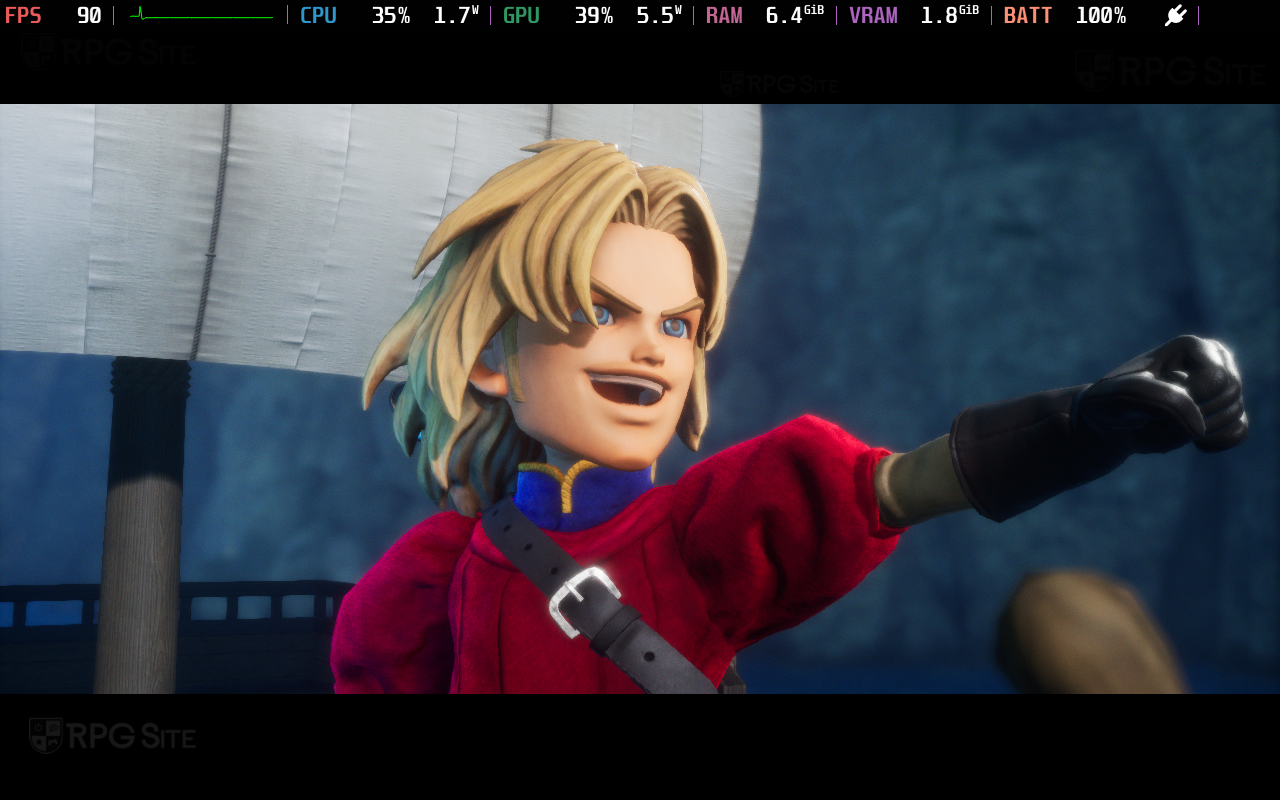
With my Dragon Quest VII Reimagined Steam Deck recommended settings for the full game, I was able to get a projected battery life of nearly four hours at full brightness and the 90fps target on my Steam Deck OLED. Dragon Quest VII Reimagined is not a demanding game at all with it not even hitting 50% CPU and GPU usage on Steam Deck at 90fps whenever I checked the detailed stats on the HUD.
If you want to play at 60fps on your Steam Deck OLED, make sure you set it to 60fps in-game and use the Steam Deck's Quick Access Menu to set the screen refresh rate correctly so you don't run into mismatch issues with the frame rate target and screen refresh rate. Those who played the Dragon Quest VII Reimagined demo on Steam Deck will have noticed that it only supports 16:9. There's a fix for that as I cover towards the end of this feature.
Dragon Quest VII Reimagined Nintendo Switch 2 full game impressions
While the Dragon Quest HD-2D Remakes offered graphics or performance modes, Dragon Quest VII Reimagined has one mode both docked and handheld on Switch 2 offering a 60fps target. When I first played the demo, it was obvious this remake was designed for Switch 1 and scaled up. This is a good thing because Hexadrive delivered a solid Switch 1 experience that absolutely shines on Switch 2 with much higher resolutions and twice the frame rate target. It just feels snappier across the board on Switch 2 with faster loading as well.
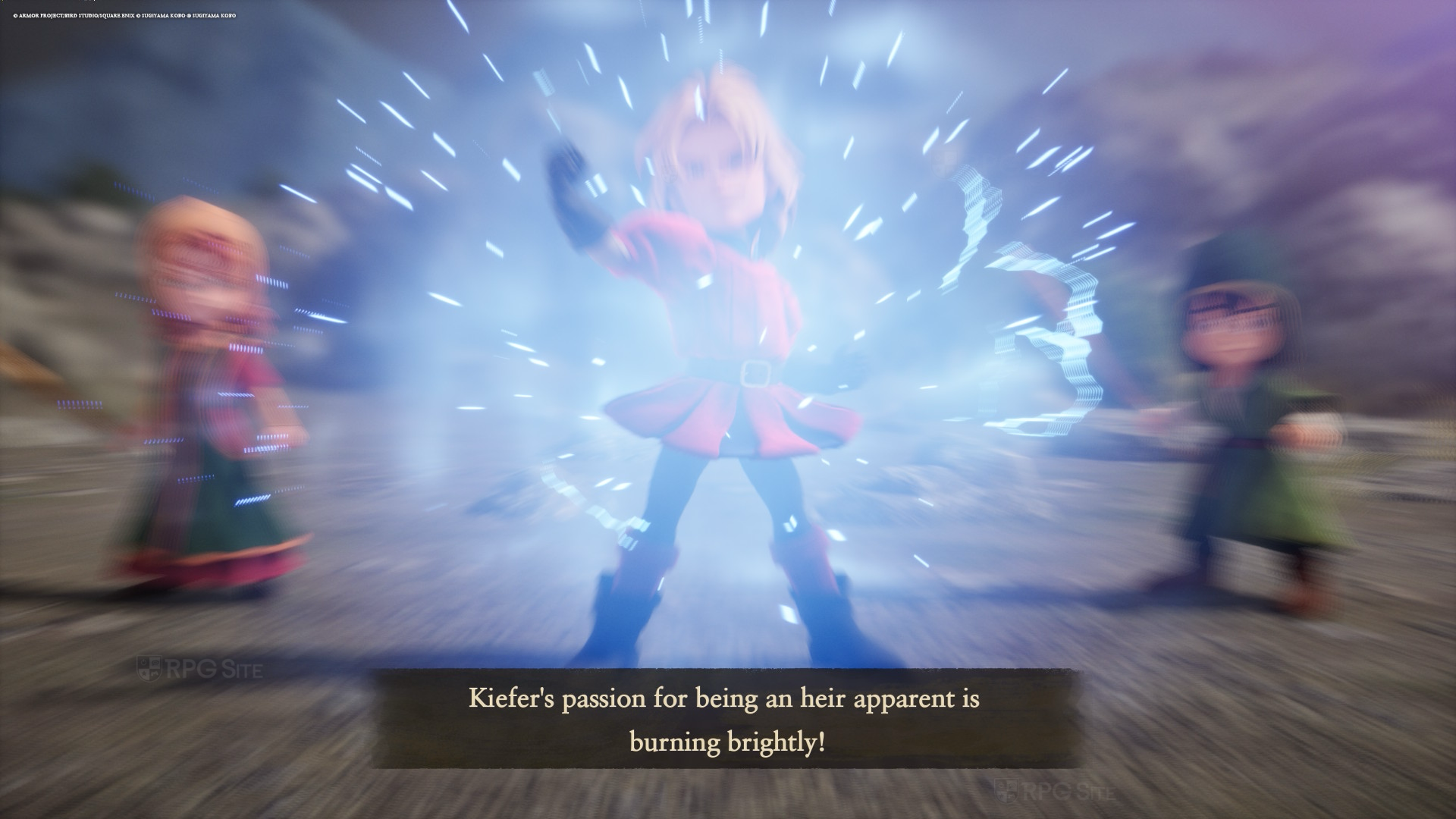

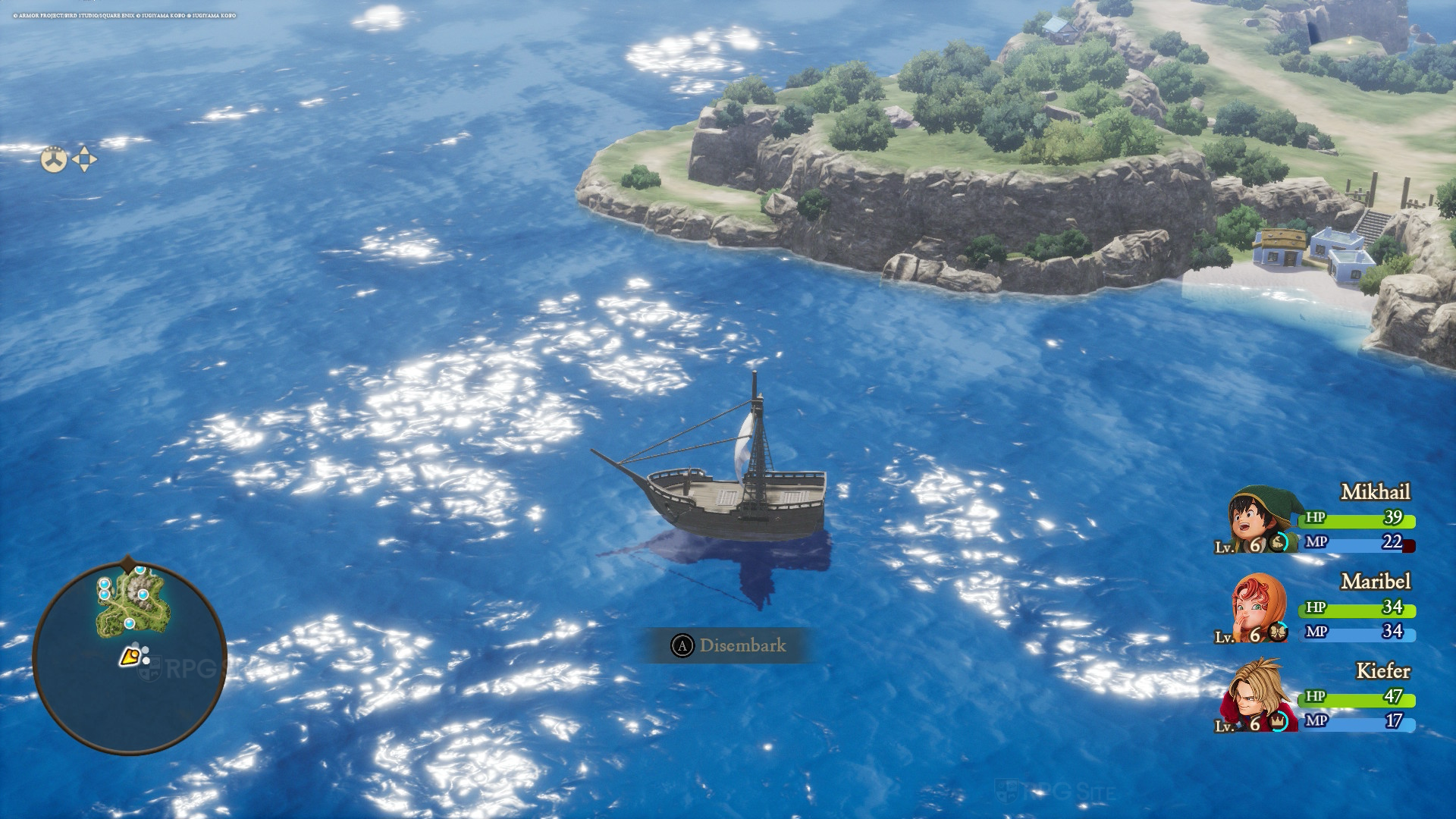
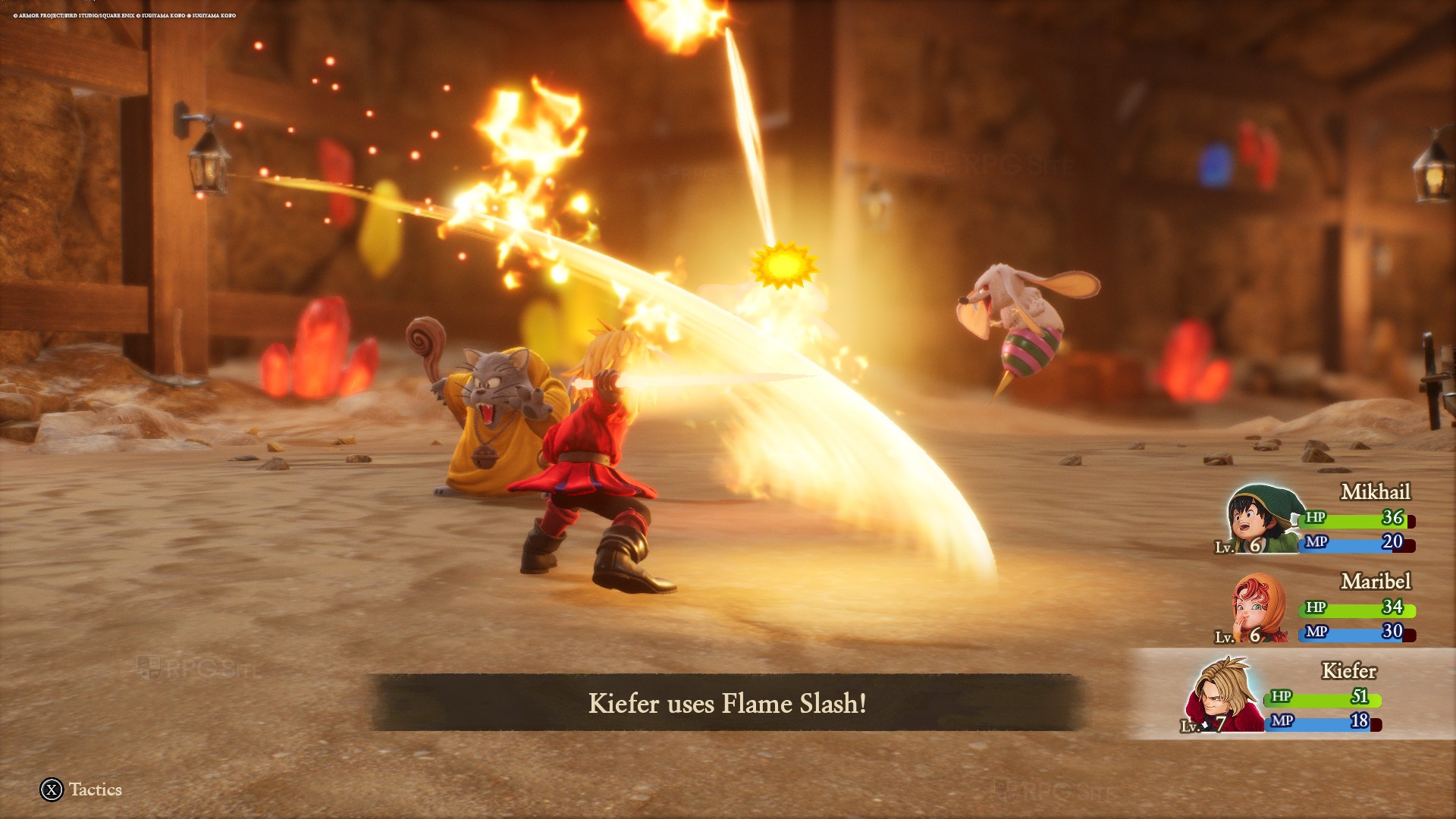
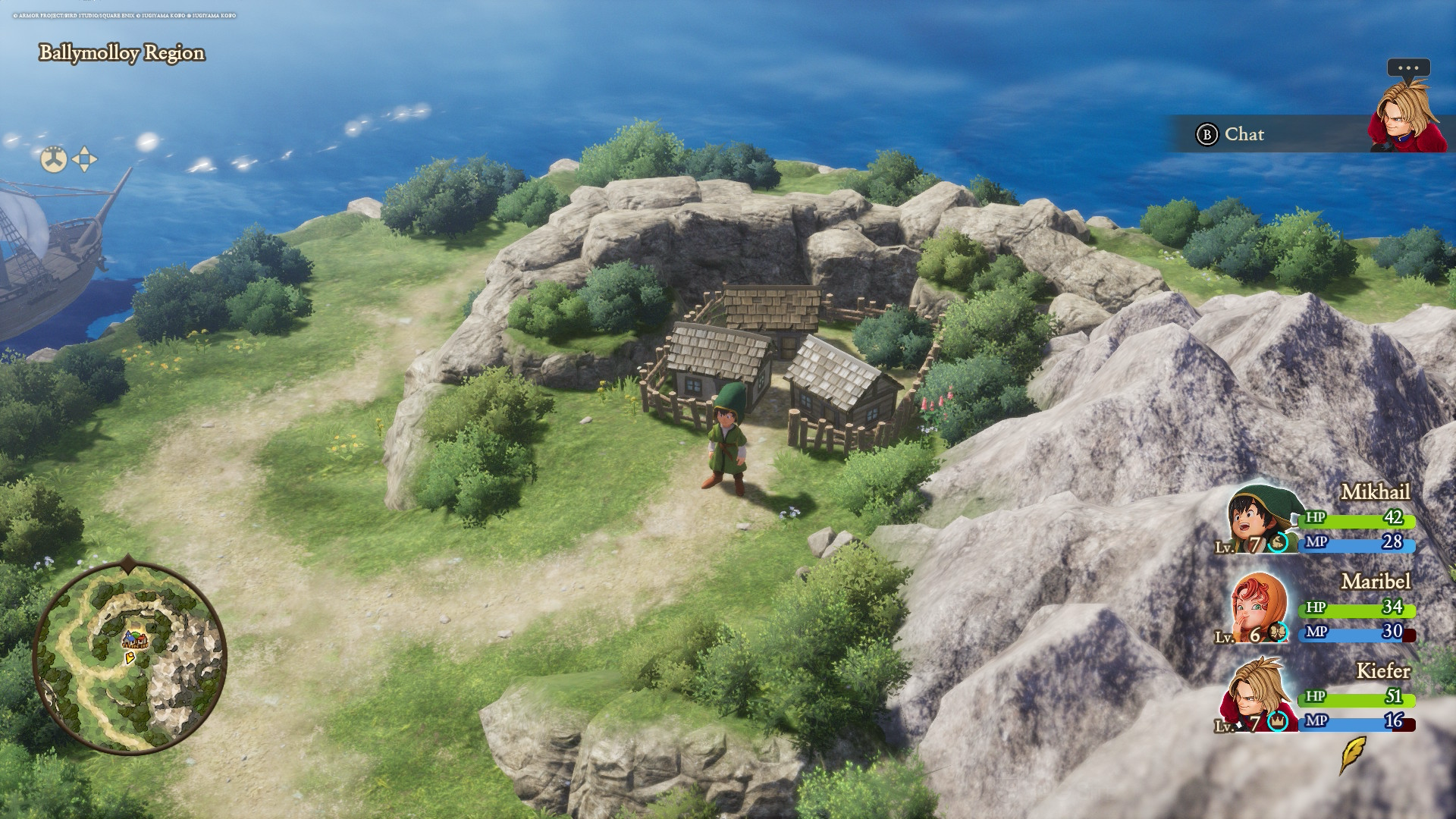
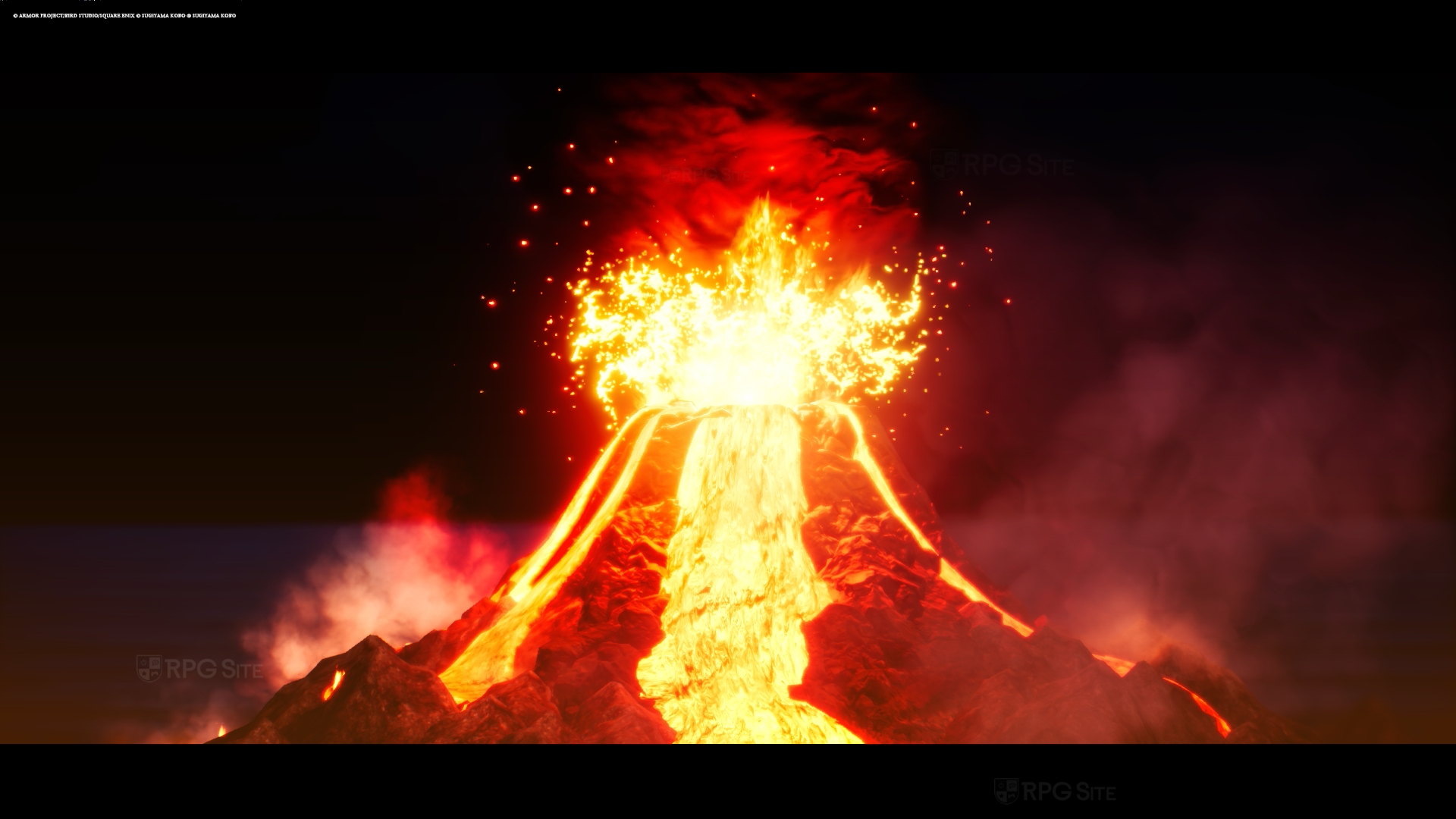
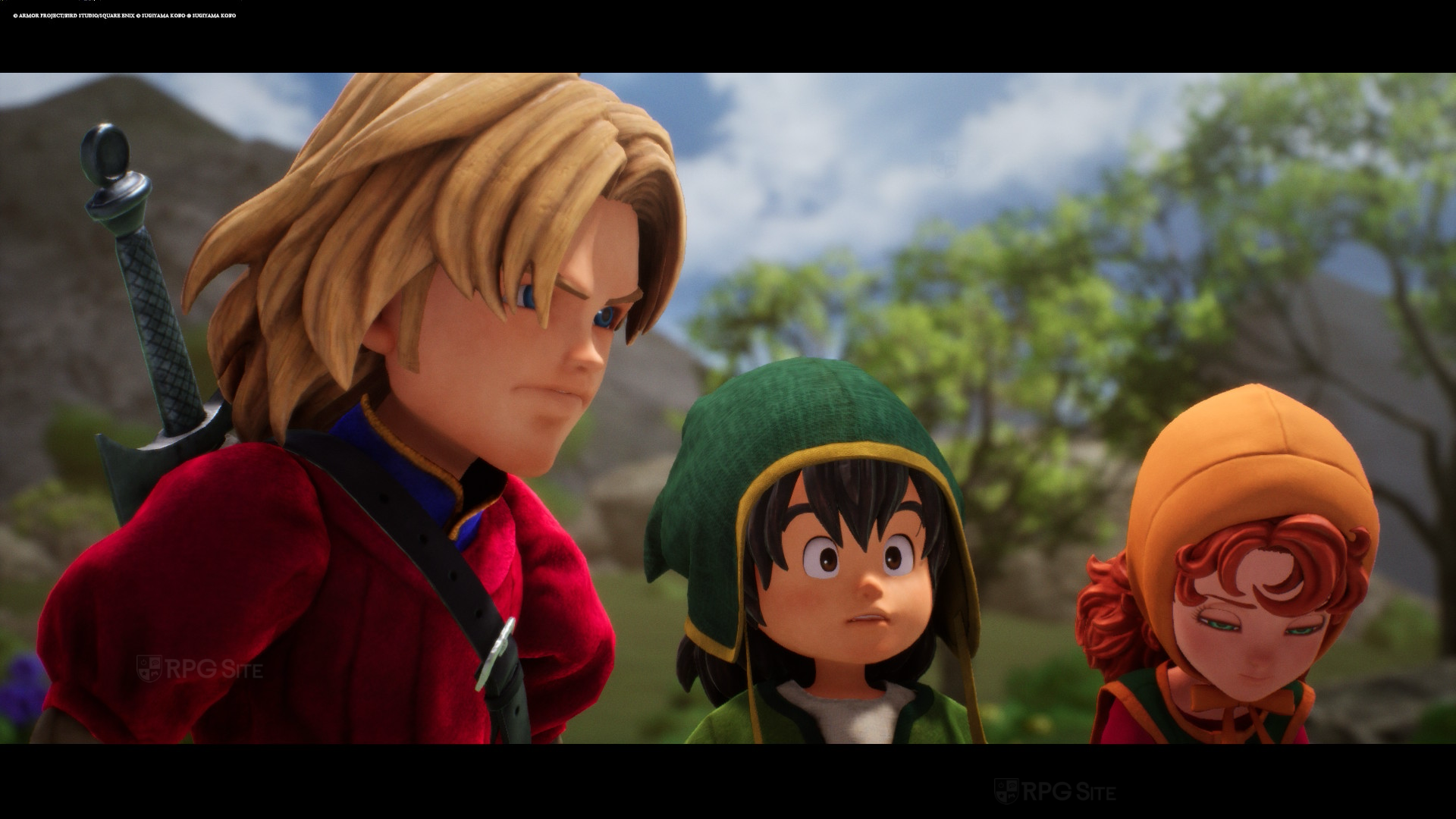
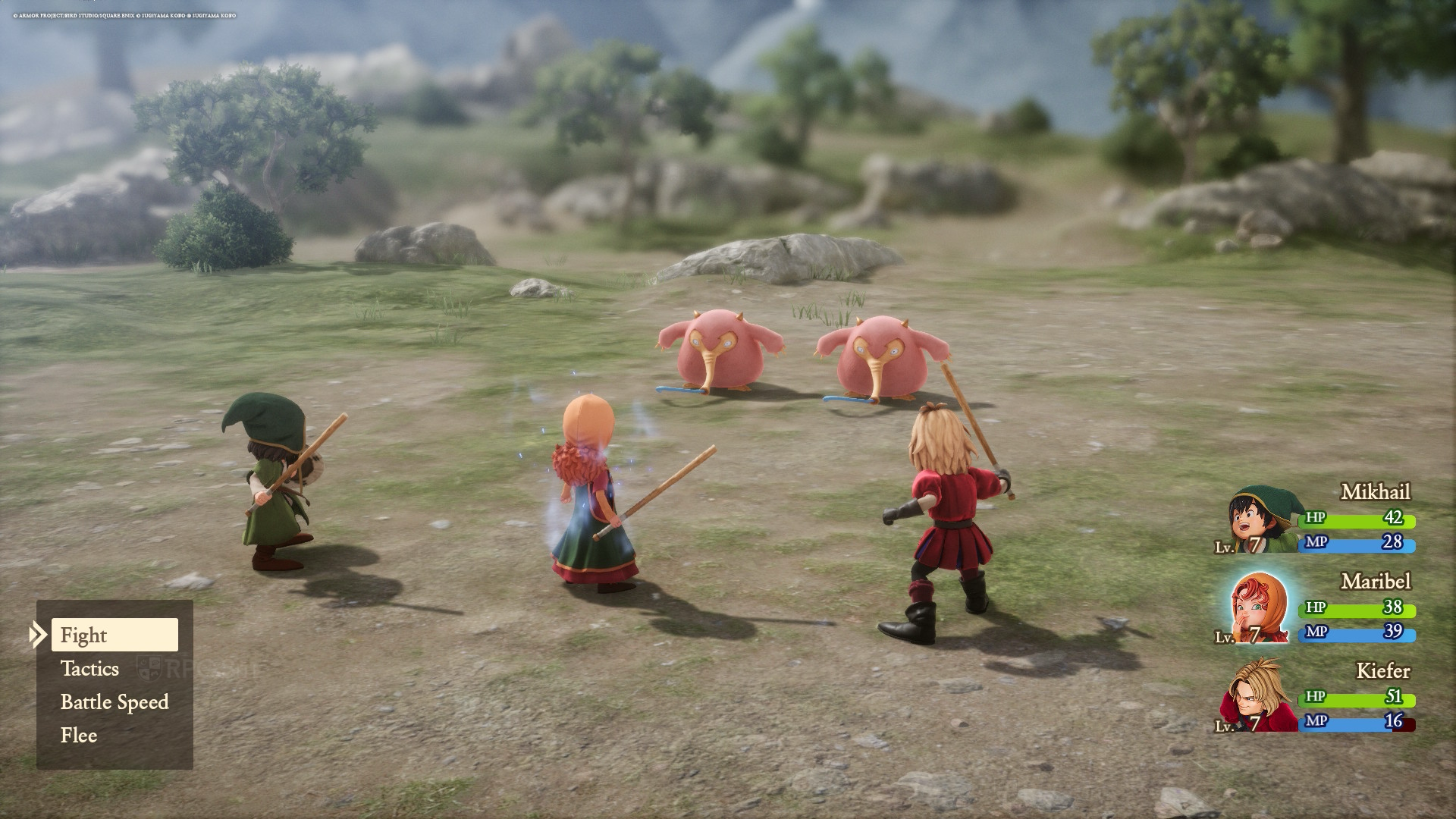
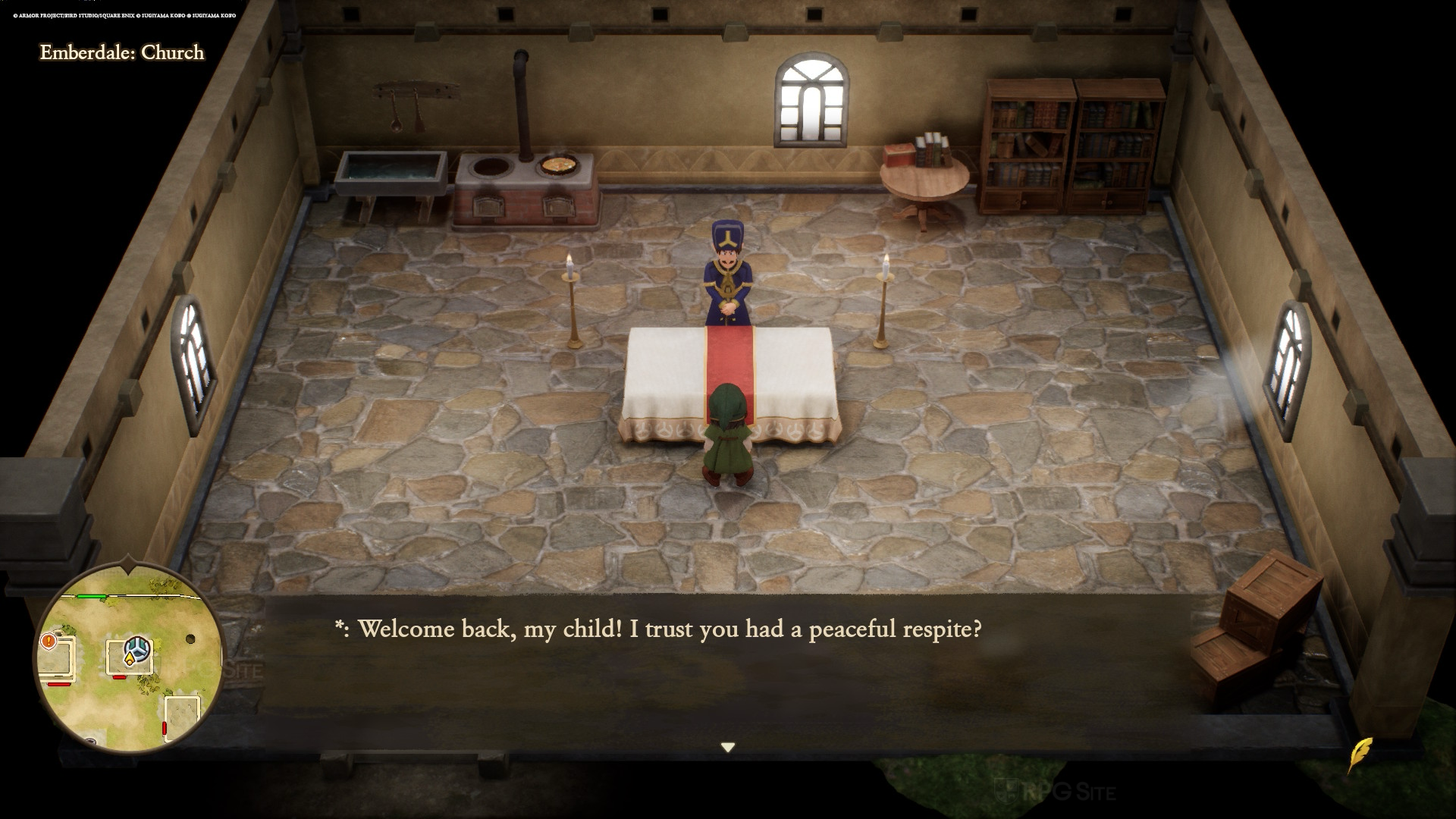
Dragon Quest VII Reimagined for Switch 2 performs basically the same as the demo even in areas beyond inaccessible in said demo. This means you get a 60fps target on Switch 2 with some minor frame pacing issues. If you notice minor hitching while exploring and moving the camera, it is because of this. The Switch 2 has less of this compared to the Switch 1, and I want to note that they are pretty minor but noticeable. Beyond that, the Switch 2 delivers a great handheld experience and looks excellent even when I play on my 1440p monitor. The only issue I have with the Switch 2 version is the shadow quality and LOD draw in very close to the player like on Switch 1. This issue applies to all platforms, but it is more noticeable on both Nintendo consoles.
Dragon Quest VII Reimagined Nintendo Switch 1 full game impressions
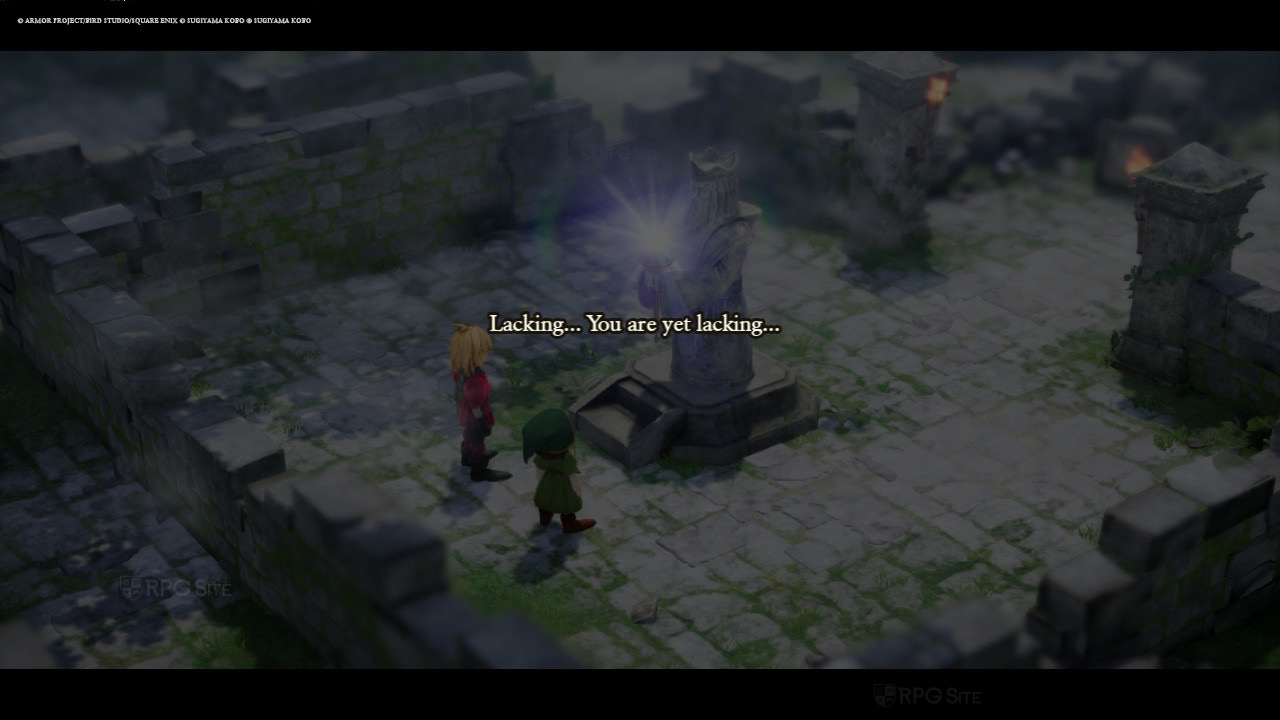
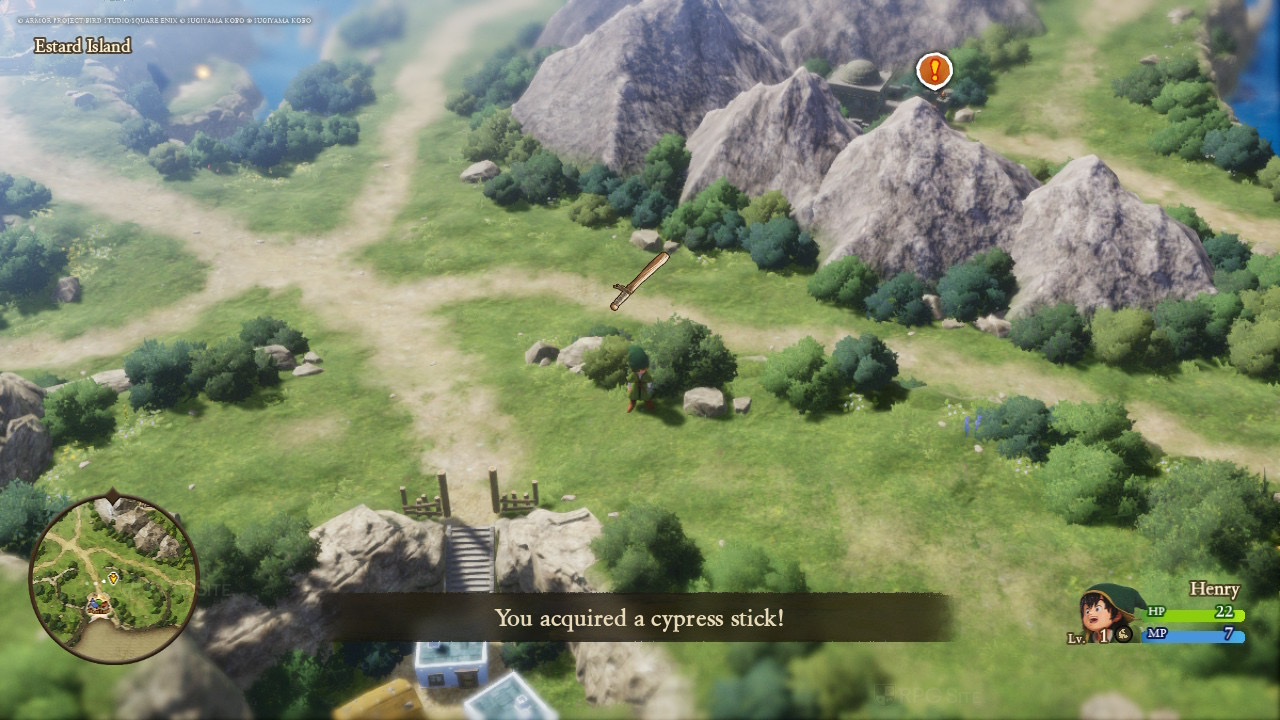
Note that Dragon Quest VII Reimagined does not support any upgrade path or save data transfer between the Switch and Switch 2 versions. With that out of the way, I'm actually very impressed with what the team managed to deliver here with a solid 30fps (with some frame pacing issues) experience and visuals that look good on the Switch OLED screen and on my 1080p monitor. It obviously isn't as crisp as the Switch 2 version docked, but those who buy the Switch version aren't getting a lesser experience like with some other cross generation releases like Octopath Traveler 0.
Dragon Quest VII Reimagined ROG Ally full game impressions
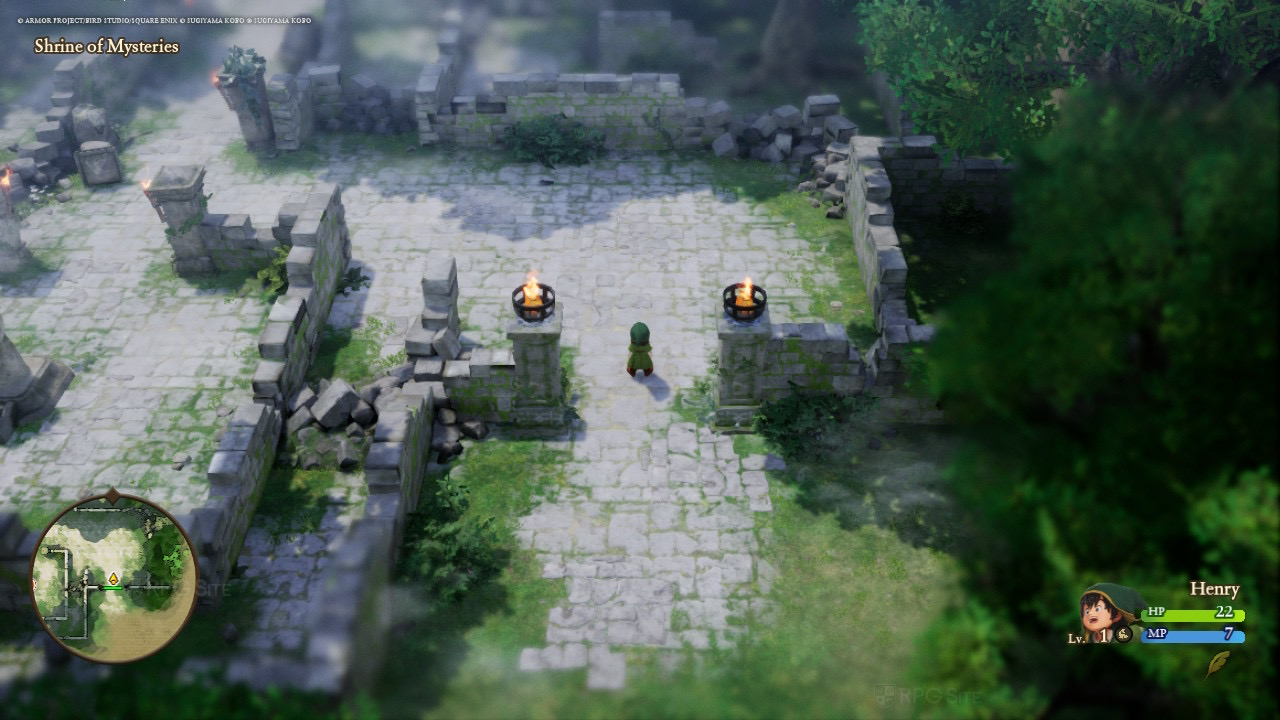
With Dragon Quest VII Reimagined running at 90fps on Steam Deck OLED, I wasn't too surprised to find it delivered a locked 120fps with some tweaking on my ROG Ally (Z1 Extreme model in the 25W mode). In my testing, Dragon Quest VII Reimagined does not suffer from any stuttering on ROG Ally like I saw with some prior releases. Thanks to the VRR screen, even minor drops below 120fps aren't an issue and you get the best performing and looking portable experience here.
Dragon Quest VII Reimagined with the DQ7RFix mod on PC
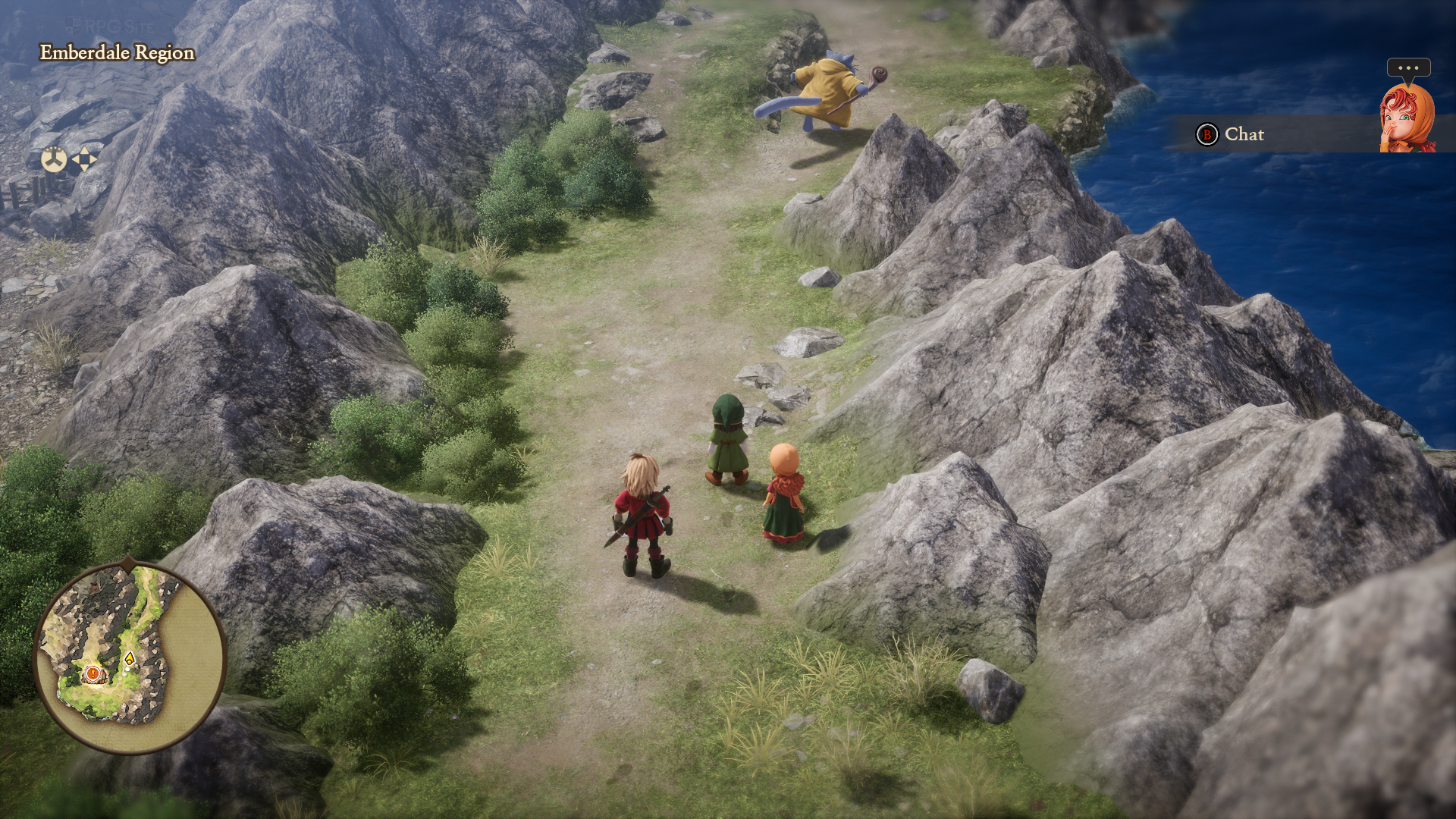
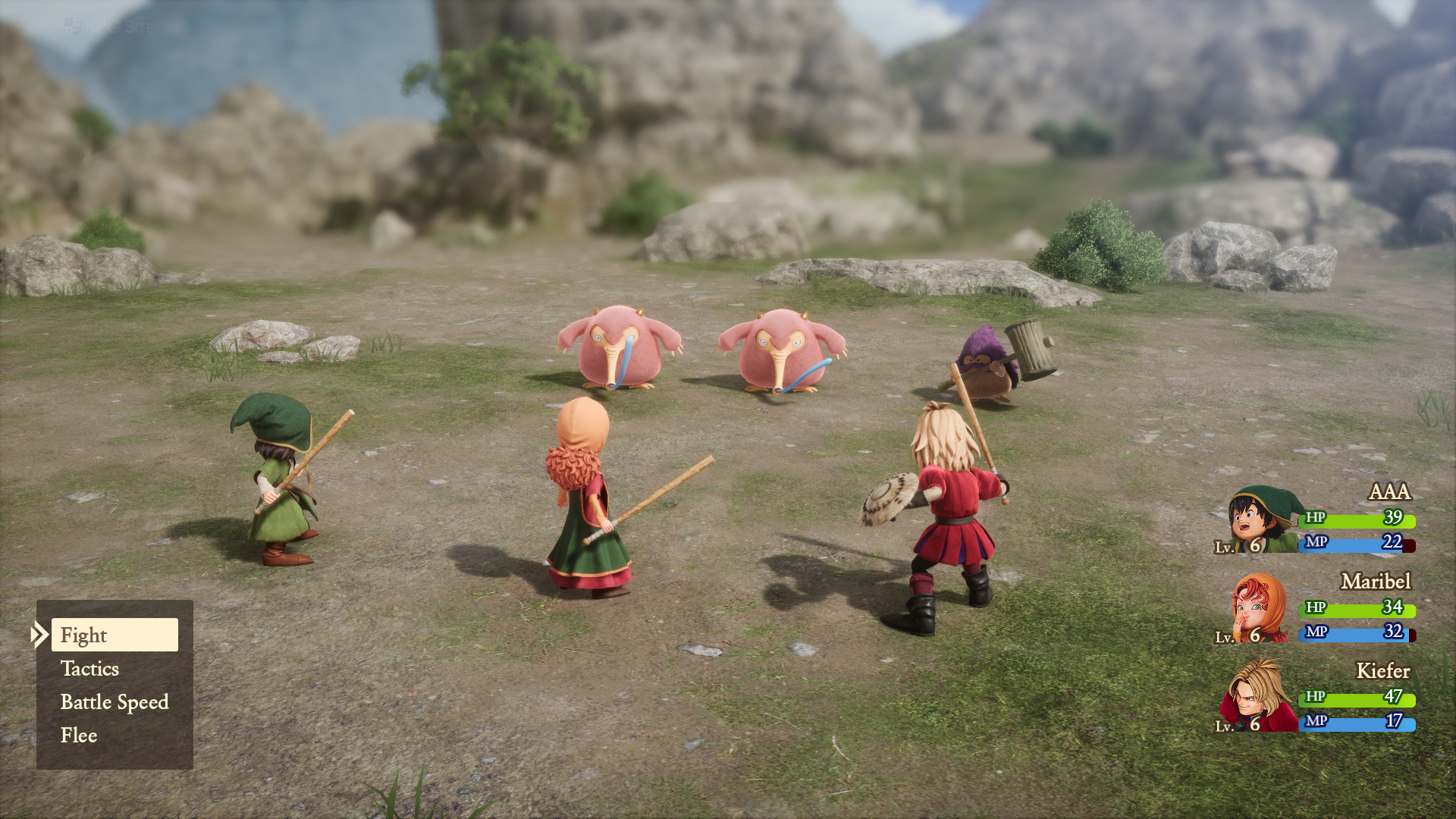
Before you use the DQ7RFix (demo) mod with the full game, I recommend waiting for Lyall (who does amazing mods) to update or release a new version for the mod to work with the full game. I only tested it out pre-release with the full game on my second Steam Deck to see how it feels right now and did not spend more than an hour with it. I mainly wanted to cover this to confirm that 16:10 works well and I was also able to disable the annoying depth of field effect. There are some minor audio issues when using it, and I imagine these will be addressed with the full game's mod update.
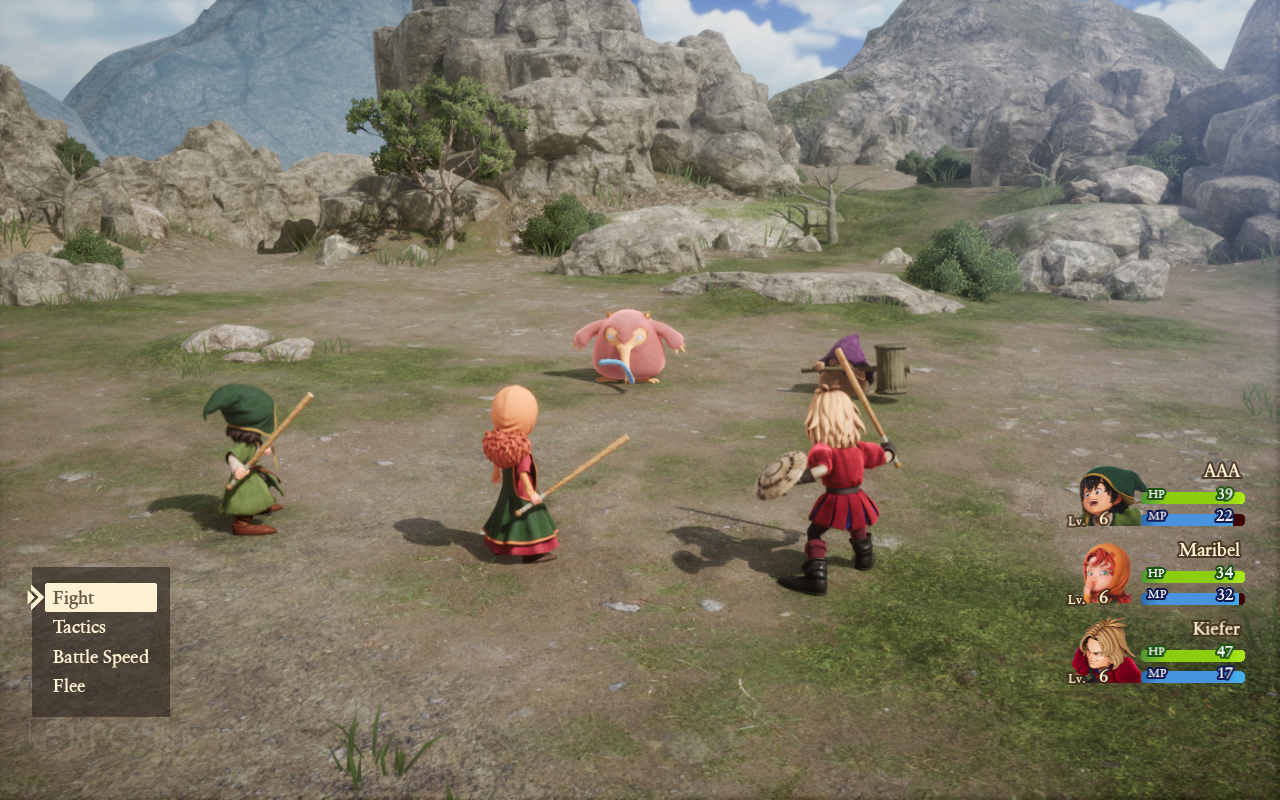
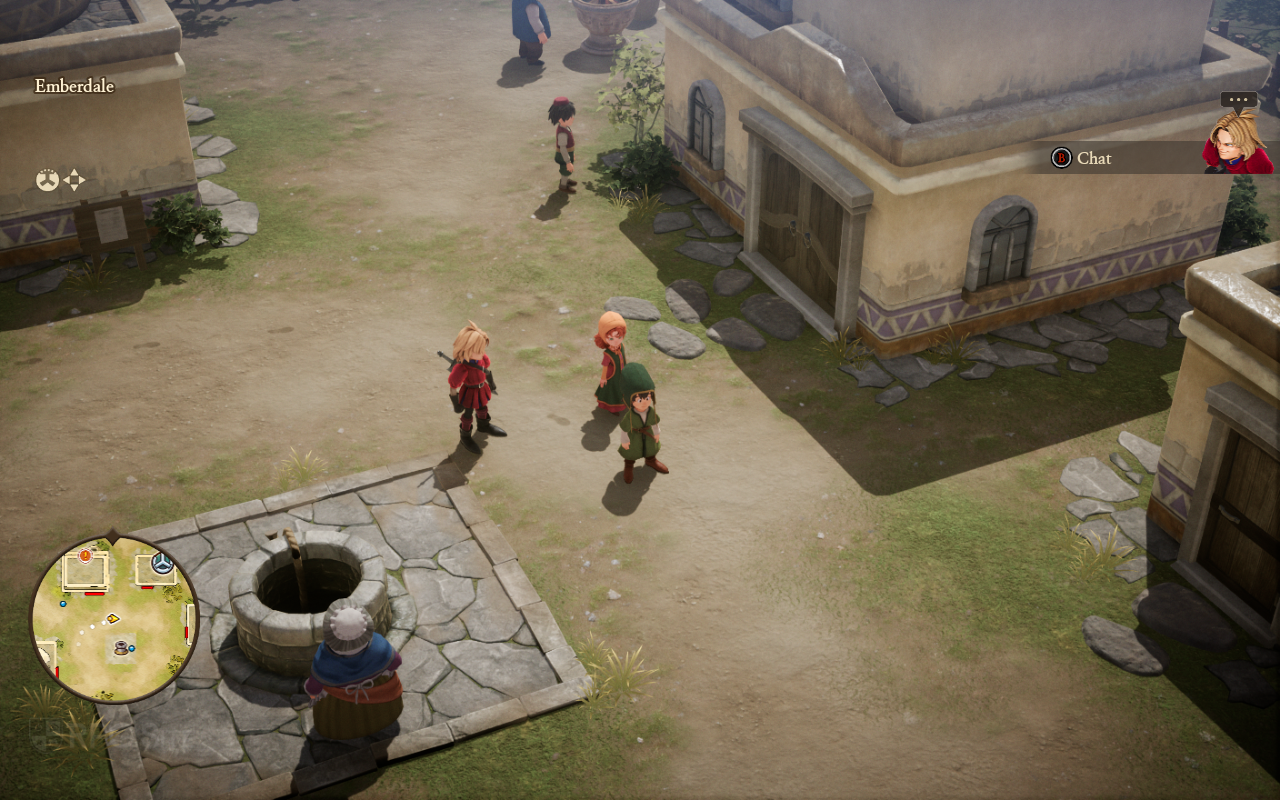
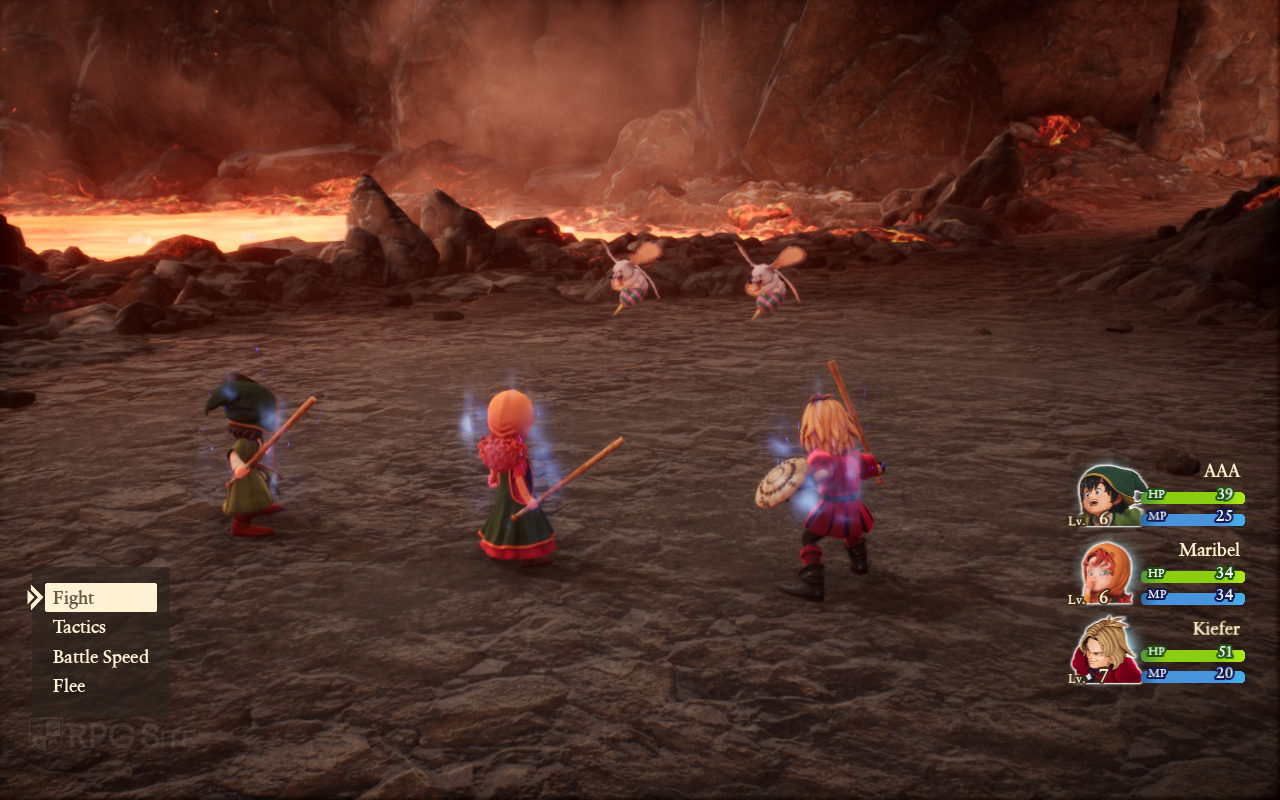
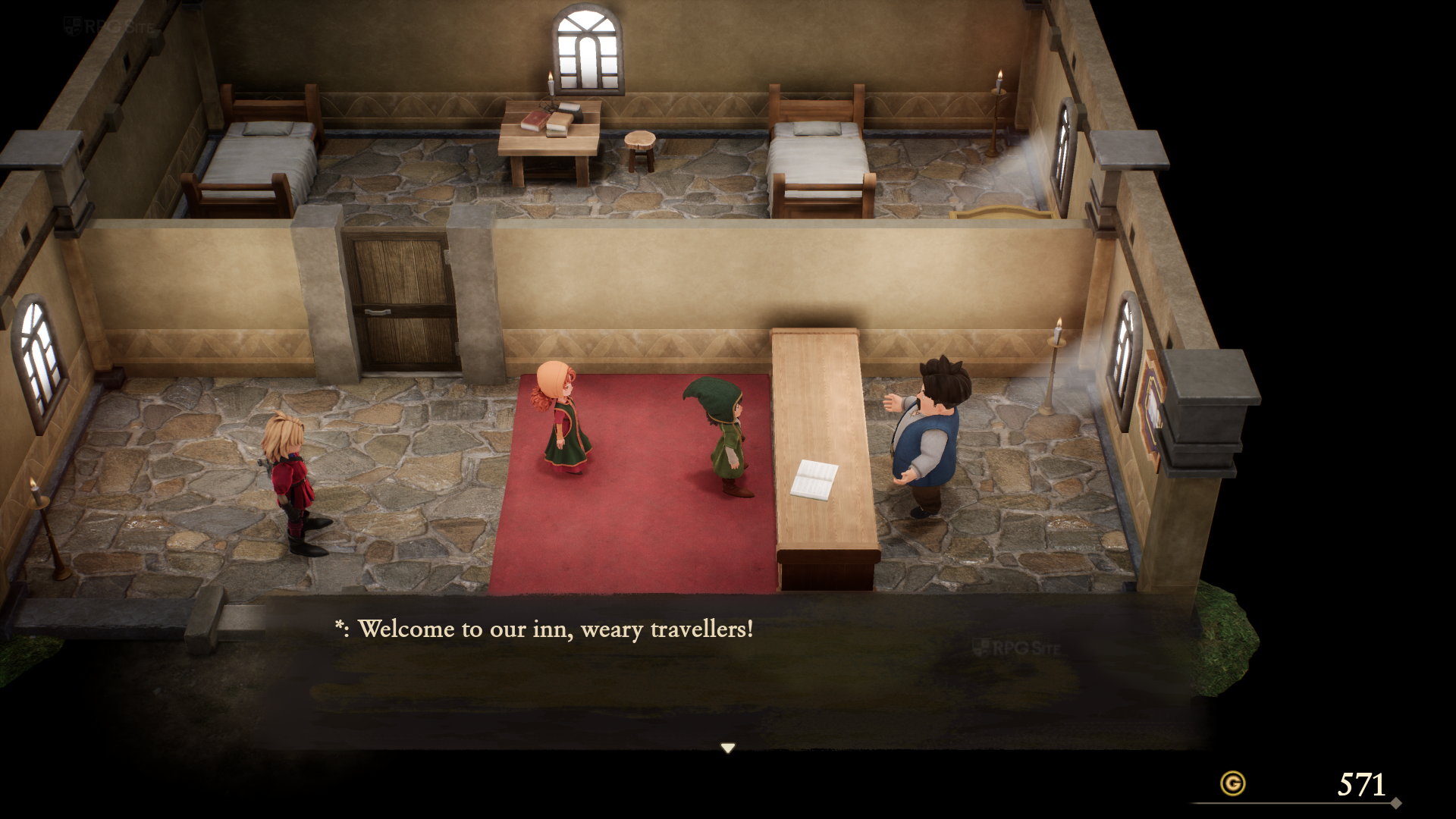
I also tested 21:9 on my ultrawide monitor with the mod and it works great during exploration and combat. Some of the menus are obviously still designed for 16:9, but this is worth considering if you play on ultrawide as you can see below:
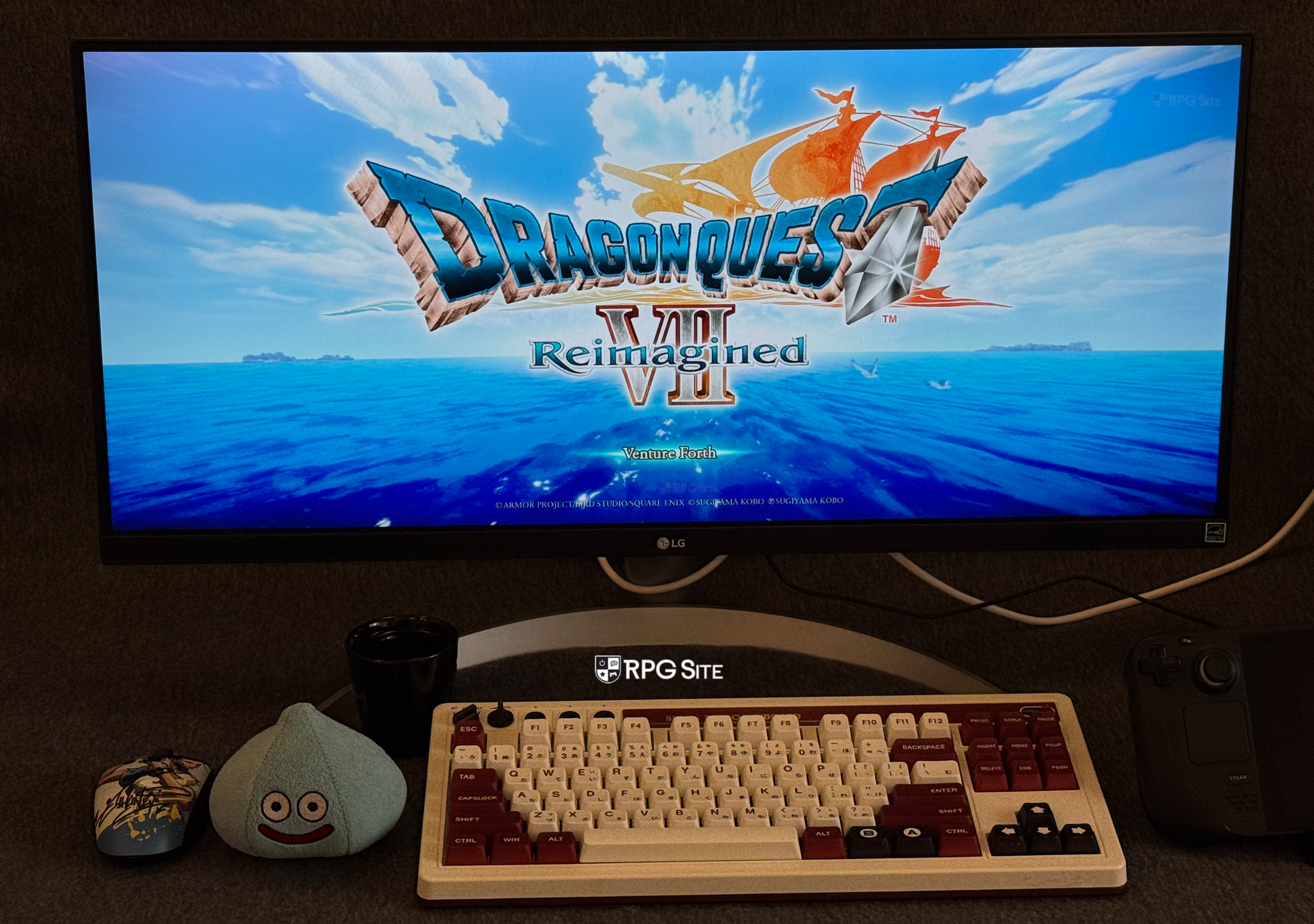
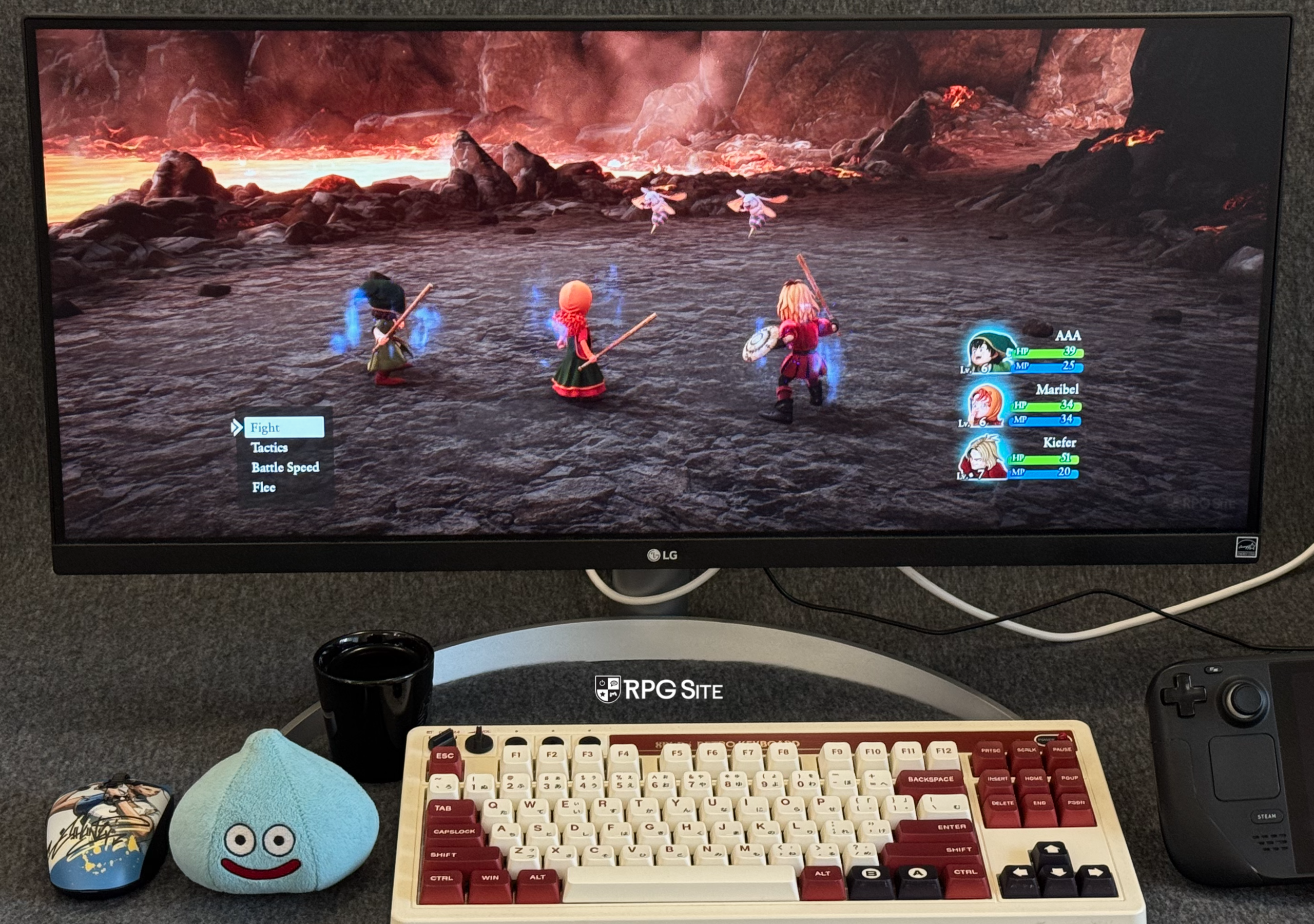
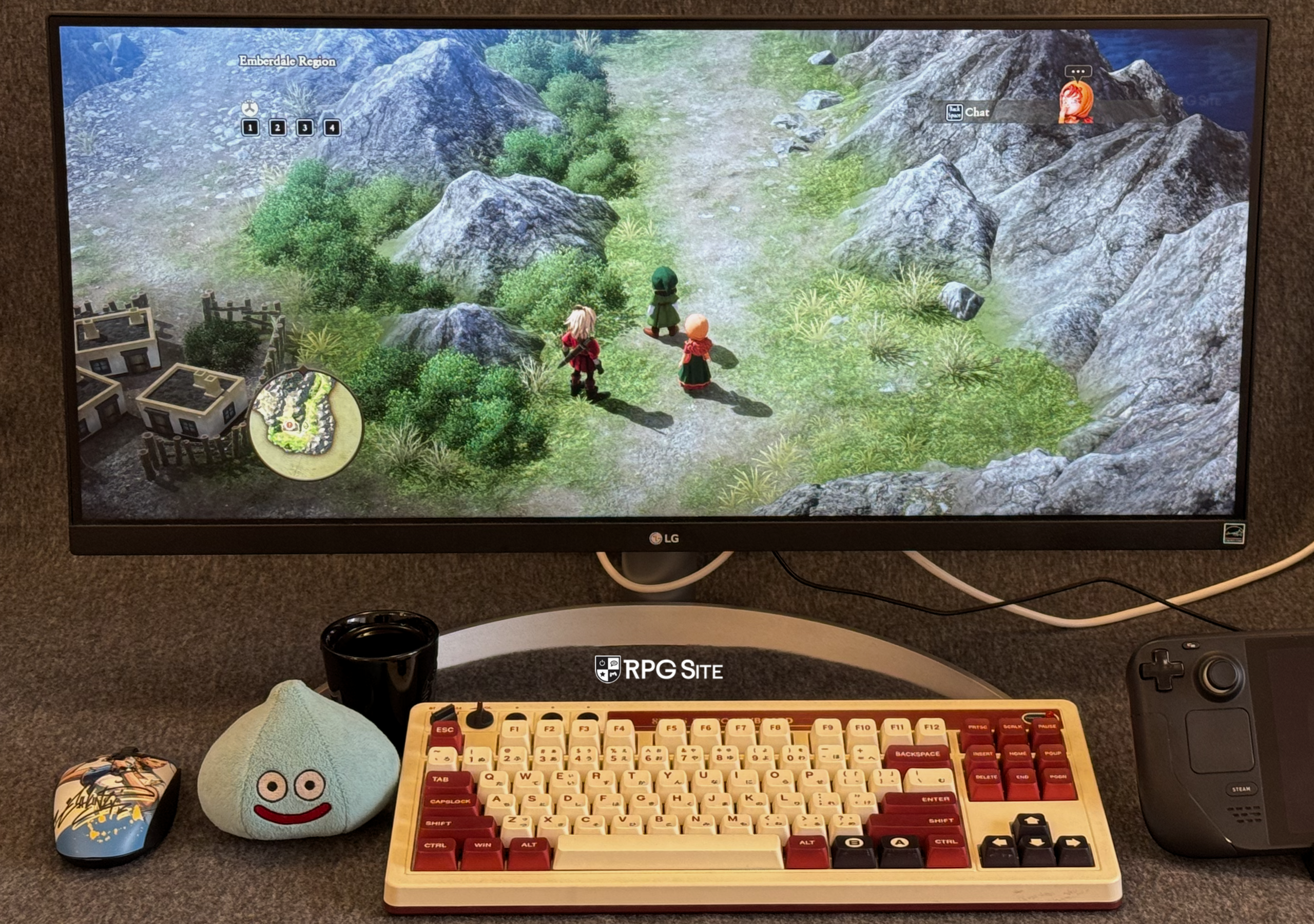
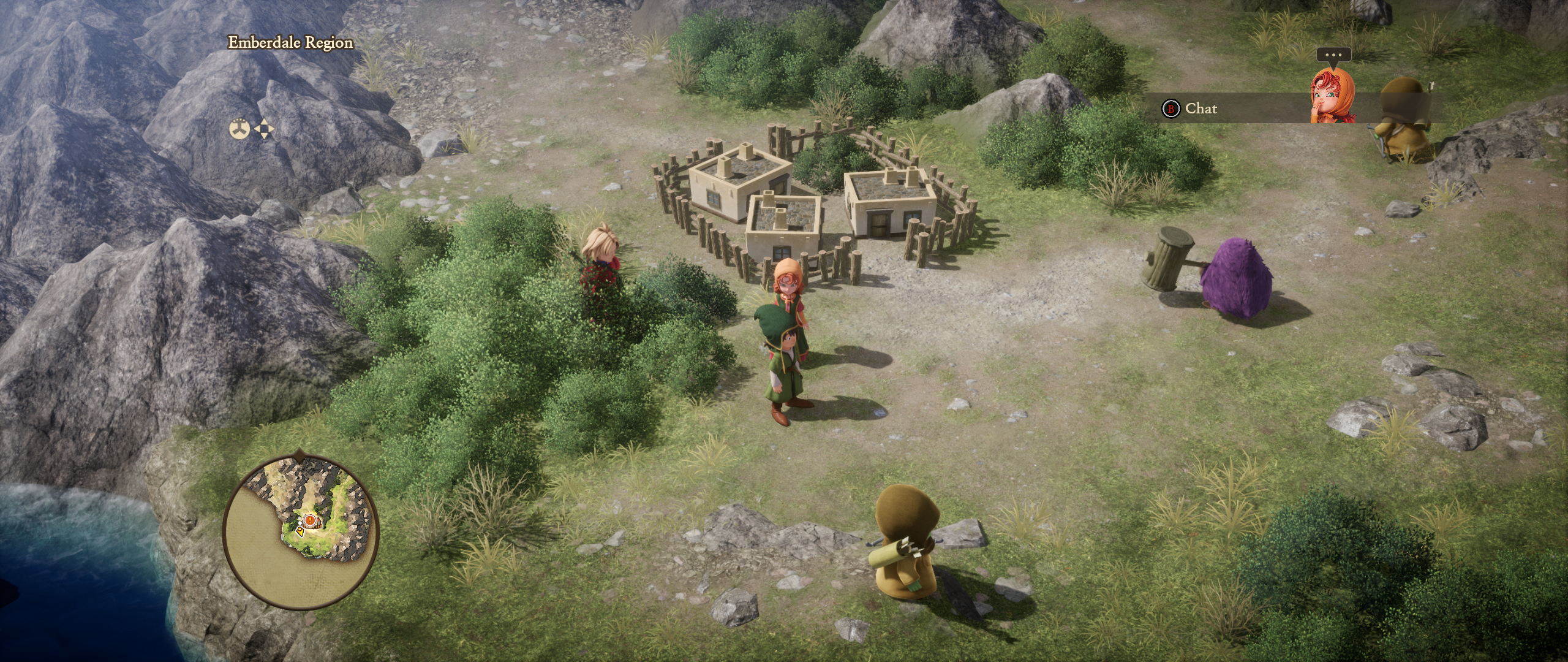
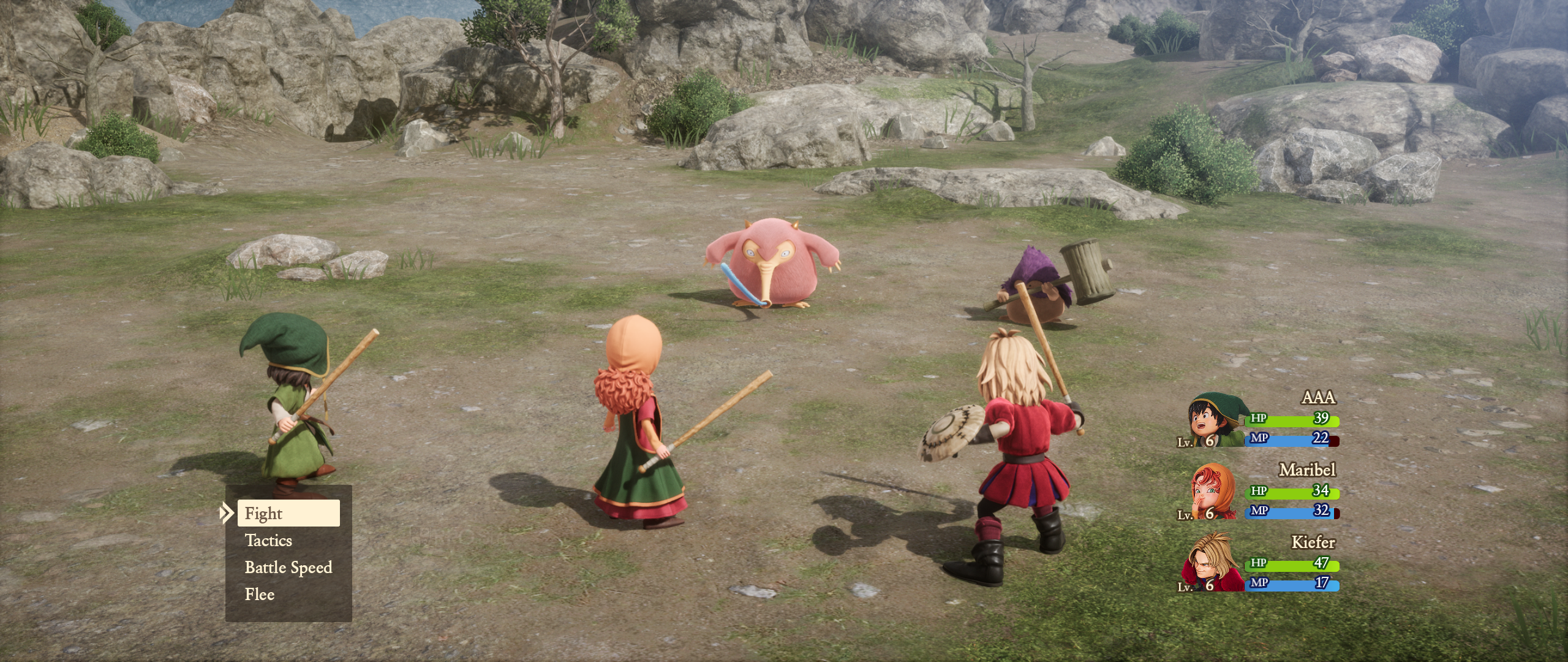
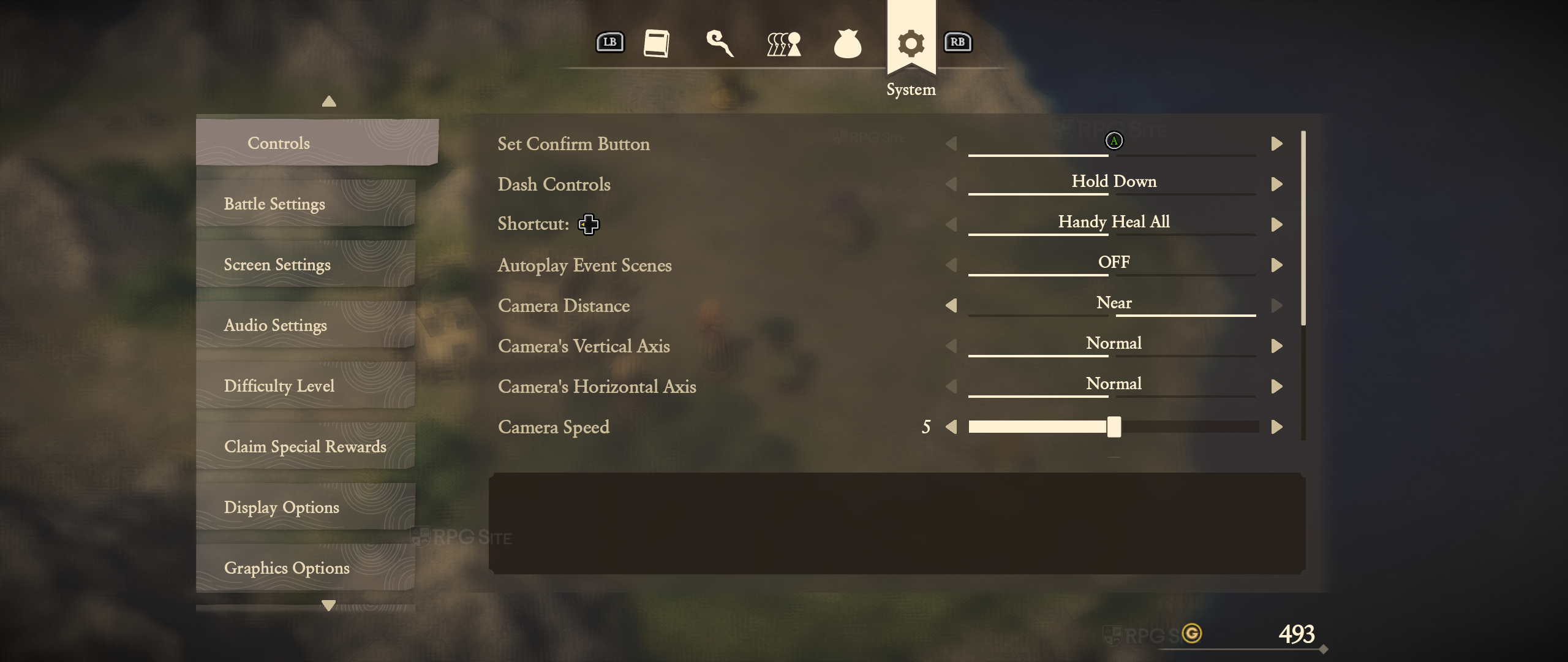
Note: Again, I do not recommend using the demo mod until Lyall has updated it for the full game.
Dragon Quest VII Reimagined features that need to be added in patches
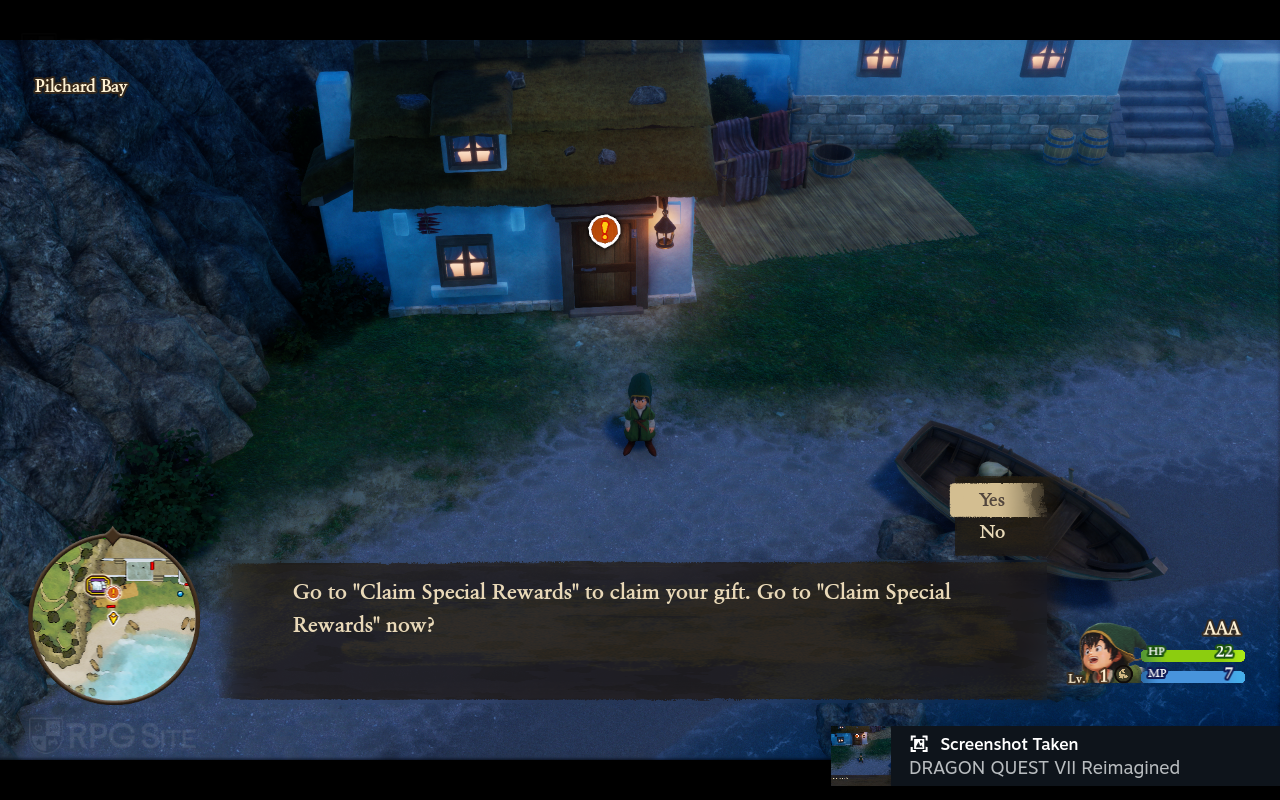
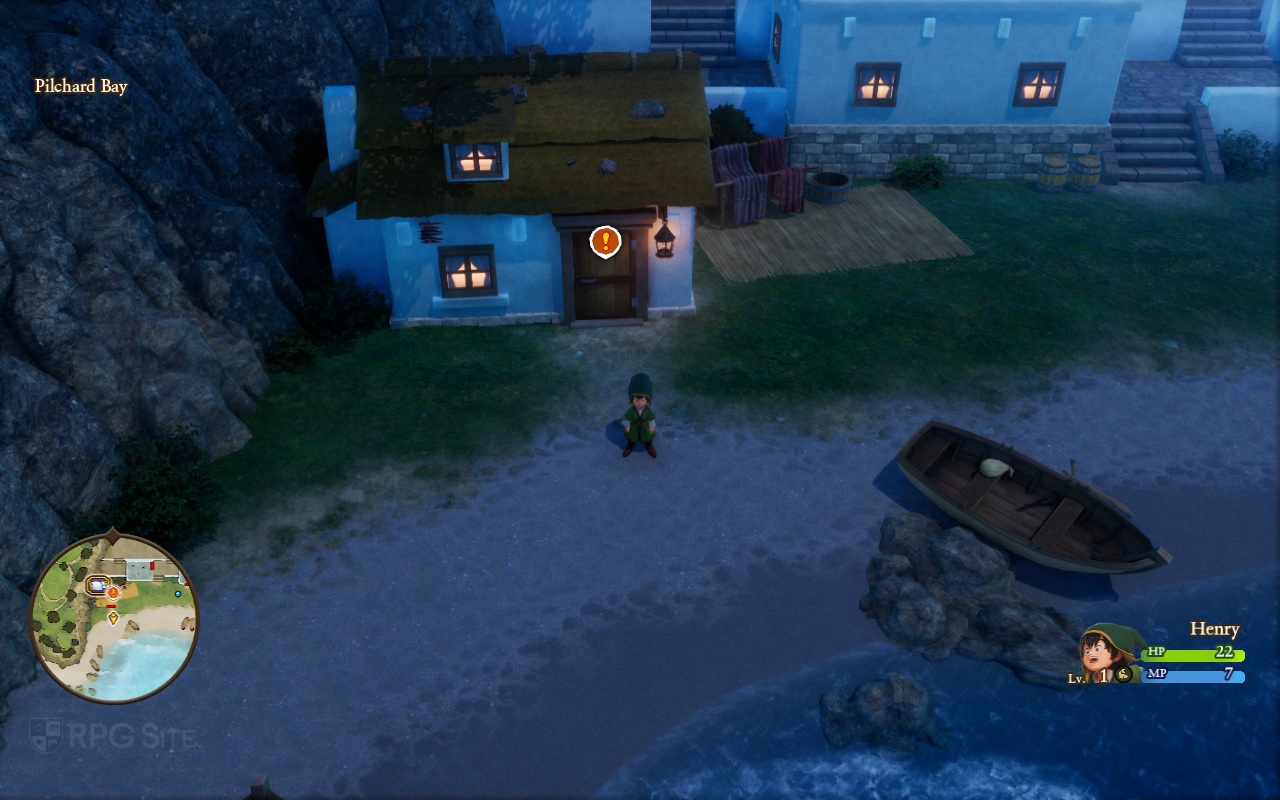
Barring an option to disable the strong depth of field, I hope Square Enix allows players to turn off the objective markers in a future update like we saw with the Raidou Remastered: The Mystery of the Soulless Army release post-launch. Having the option alongside the many difficulty settings is good, but I don't think it should be forced. Beyond that, I hope we see 16:10 and proper ultrawide support added, but until that happens, the mod should work well for everyone once it is updated and tested. I also hope Square Enix fixes the default graphics settings on Steam Deck because those who don't look at tweaking settings will think the game looks awful on Steam Deck out of the box. Beyond features, I still hope the minor frame pacing issues on Switch 2 can be addressed so that it delivers a perfect 60fps experience with any caveats.
Dragon Quest VII Reimagined load times across Switch 2, Switch, Steam Deck, and ROG Ally
For testing load times, I measured the time taken to get to the title screen from the platform dashboard and loading a save file in a similar location. I had Dragon Quest VII Reimagined installed onto the internal Switch 2 storage (both the native Switch 2 and Switch 1 version), the Switch 1 version on the Switch OLED, Steam version on the Steam Deck internal storage, and the Steam version on the ROG Ally internal storage. Note that the initial load and post-update load time on Steam will be longer for shader building which the game indicates to you with a "preparing" loading indicator.
| Platform | Dashboard to title | Loading save |
| Switch 2 | 6-7 | 2-3 |
| Switch 1 on Switch 2 | 8-9 | 2-3 |
| Switch 1 | 21 | 6-7 |
| Steam Deck | 15-19 | 1.5-2 |
| ROG Ally | 7-8 | 1.5 |
Note: All load times above are in seconds. A range indicates the upper and lower ends measured in multiple tests.
As you can see, the Switch 2 native release delivers the fastest initial load and the save file loading is only a bit higher than the Steam version. The Switch 1 version on Switch 2 also greatly benefits from the faster storage. On PC, the Steam version verifying shaders (preparing) makes it take longer while the save file loading is faster. Overall, the Switch 2 version continues to impress here all things considered. It is much closer than other third party ports have been recently.
Which is the best portable version of Dragon Quest VII Reimagined
Right now, all portable versions of Dragon Quest VII Reimagined are great with some being better than others. I want to stress that I'm very happy with how Hexadrive has optimized the game and there are only minor issues present with the full game right now. Even on Switch 1, the 30fps experience holds up very well and you get good visuals all things considered. On Switch 2, the 60fps experience is near-perfect with some lingering frame pacing issues present. When moving to PC handhelds, you get a much better experience but having now played it on multiple handhelds, I would say the best version is the ROG Ally (Z1 Extreme) with a locked 120fps experience followed by the Steam Deck OLED with its 90fps experience and incredible screen. If you don't have a Steam Deck OLED, the Switch 2 version is just below the ROG Ally with the Switch 1 version being at the bottom.
After seeing how Dragon Quest VII Reimagined runs and looks on PC handhelds, I think the PS5, Xbox, and Switch 2 versions could have offered an optional 120fps mode when docked, but I assume Hexadrive wanted to prioritize a 60fps experience on current consoles.
Which version of Dragon Quest VII Reimagined should you buy (to play on the go)
- Dragon Quest VII Reimagined on Switch: Dragon Quest VII Reimagined on Switch delivers a (mostly) polished experience at 30fps with good docked and handheld visuals for the platform. Frame pacing issues aside, this is also the only Nintendo version with a proper physical release if that matters to you. If you want to buy this, note that there is no upgrade path or save transfer to the native Switch 2 version, but you can play Dragon Quest VII Reimagined's Switch port on Switch 2 via backward compatibility. The frame pacing issues are still present when playing this on Switch 2.
- Dragon Quest VII Reimagined on Switch 2: Dragon Quest VII Reimagined on Switch 2 is an excellent version of the game delivering a near perfect 60fps experience with only minor frame pacing issues. I hope these get fixed because the Switch 2 version is a fantastic hybrid experience with great visuals when I play on my 1440p monitor and crisp handheld visuals on the device itself. If I had to pick the best version to play at home and on the go, this would be it.
- Dragon Quest VII Reimagined on Steam: If you want the best portable experience right now when it comes to performance and visuals, Dragon Quest VII Reimagined on ROG Ally or Steam Deck OLED will get you that through the Steam version. Note that you should consider the Switch 2 version if you want to play docked on your TV and handheld. The Switch 2 delivers a much better hybrid experience. As for the best pure portable experience, the Steam Deck OLED with a mod is perfect.
- Dragon Quest VII Reimagined on the Windows Store: While I didn't have access to the full game for this version, I played the demo on ROG Ally. If you play on both PC and Xbox Series consoles, Dragon Quest VII Reimagined's Xbox version is Play Anywhere meaning you can pick up your progress and resume between Xbox Series consoles and PC handhelds or your Windows 11 PC. That is the only reason to buy this version over Steam. The demo took a bit longer to load as well compared to the Steam (full game) version that loads much faster on the same device.
Hopefully this handheld-focused comparison feature helped you decide which version you should play. While the Steam version on Steam Deck OLED is going to be my favorite version to play on the go with the mod to address some of my visual complaints, the Switch 2 version ended up impressing me overall with how good it looks both docked and handheld while delivering a near perfect 60fps experience in both modes.
Dragon Quest VII Reimagined is set to release on February 5 for PlayStation 5, Xbox Series X|S, Nintendo Switch 2, Nintendo Switch, and PC (Steam).