

Ys X: Proud Nordics for PC builds on the original and delivers another best-in-class conversion from PH3
Ys X: Proud Nordics launches this week on PC from PH3 and NIS America as an enhanced and expanded version of Ys X: Nordics. Ys X: Nordics for PC already scaled quite a bit above the console versions with an excellent port that played amazing on Steam Deck. I was curious to see how Ys X: Proud Nordics would build on it when it comes to the PC features. For this feature, I'm going to cover the PC port of Ys X: Proud Nordics, new features not present in Ys X: Nordics, and more. For more in-depth and behind-the-scenes information on the PC port and more for Ys X: Proud Nordics, I recommend reading my interview with PH3's Durante here.
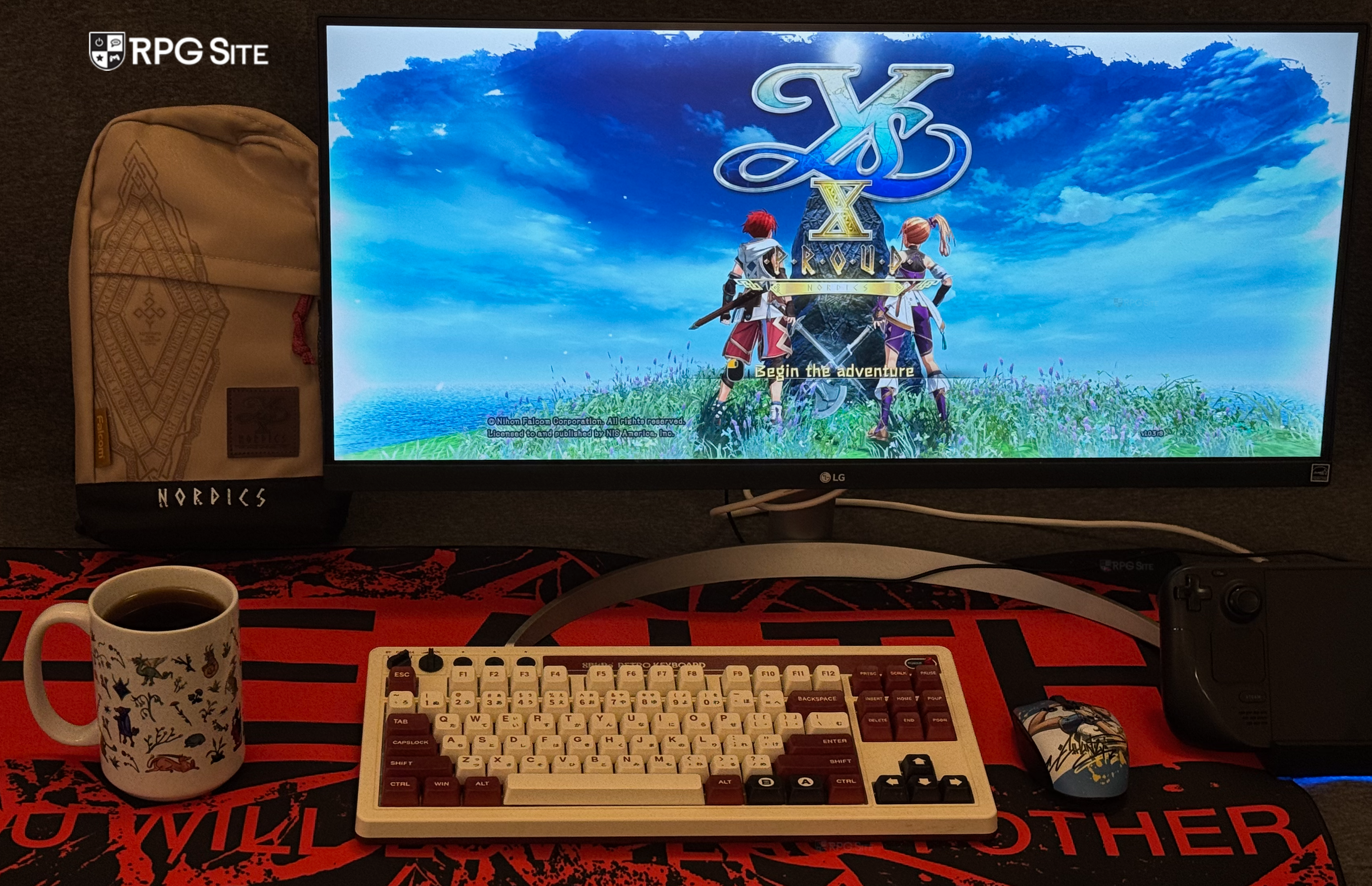
Ys X: Proud Nordics PC exclusive features — HDR support, soundtrack information, and more
If you've played recent PH3 PC releases, you will feel right at home here. For those who haven't, Ys X: Proud Nordics for PC includes a plethora of features not present in the console versions. These include HDR support, various control options, autosave interval time adjustment options, the ability to show the song being played with soundtrack information, the ability to skip startup logos and get to the title screen quicker, the ability to load your most recent save from Steam directly while saving even more time, loads of graphics and display options to scale above the console versions, ultrawide support, 16:10 support, the ability to adjust movie volume in addition to the audio sliders on console, the ability to choose button prompts, mouse and keyboard options, gamepad-specific deadzone and other options, and an Asset Caching option.
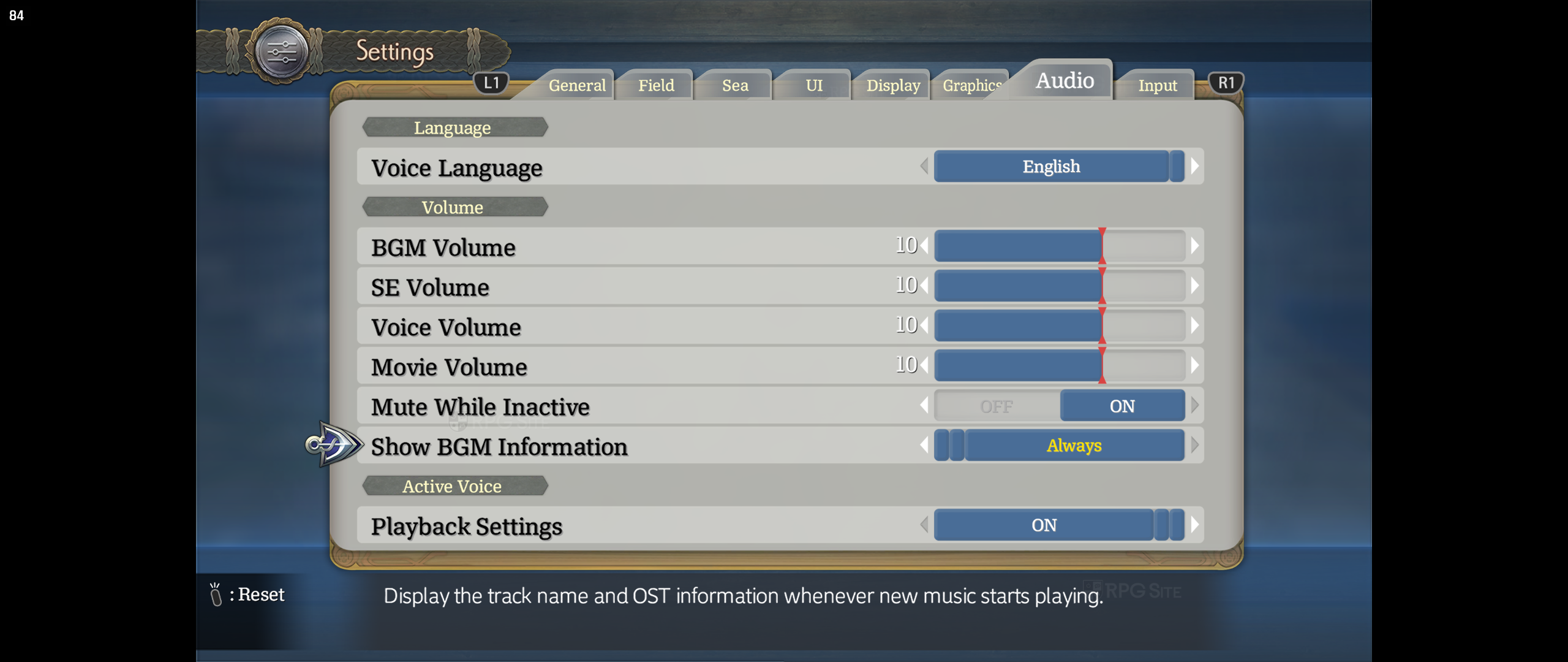
Asset Caching, turned-off by default, lets you choose how much memory the game will use to speed up load times. When it is off, it will result in slightly longer load times, but you can enable it through an automatic setting or bespoke settings for when you have at least 24GB of physical memory.
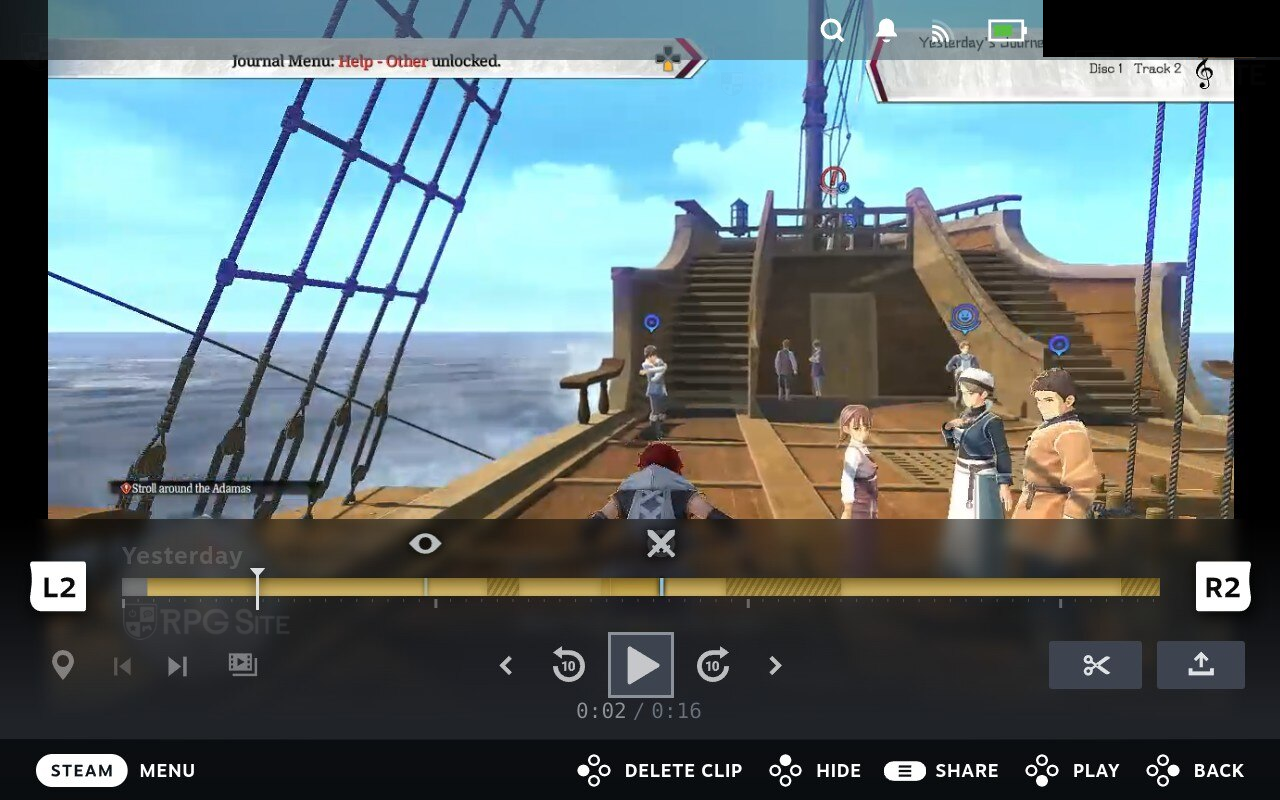
The PC version on Steam also supports Steam's Timeline feature for game recording. What this means is that when you use Steam's Game Recording feature, Ys X: Proud Nordics will automatically set markers on the recording so you can see when a battle takes place, when an event takes place, and so on. This is indicated in the recording when viewed on Steam and you can see how it looks below from my Steam Deck OLED in the game's opening with the battle.
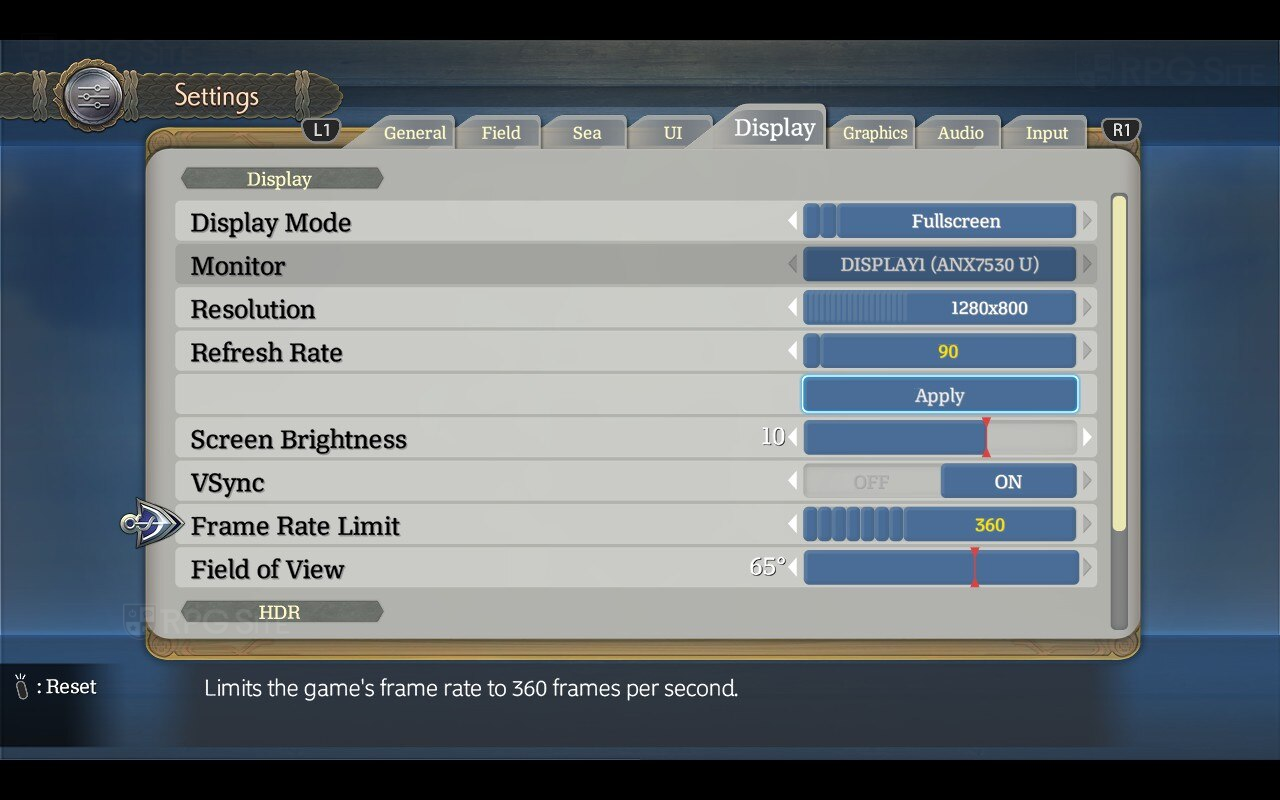
Ys X: Proud Nordics PC display options
Ys X: Proud Nordics for PC lets you adjust display mode (windowed, borderless, fullscreen), the monitor being used, resolution (320x200 to 4K based on my displays and devices), refresh rate, toggle v-sync, frame rate limit (30fps to 360fps), adjust screen brightness, and the HDR settings.
Ys X: Proud Nordics PC ultrawide support
As I've started doing recently in my PC port articles, I wanted to check out Ys X: Proud Nordics on my ultrawide display at 21:9. Barring some 16:9 menus and artwork, it is a great experience on my 21:9 monitor with even in-engine cut-scenes adjusting and looking great on the wider screen.
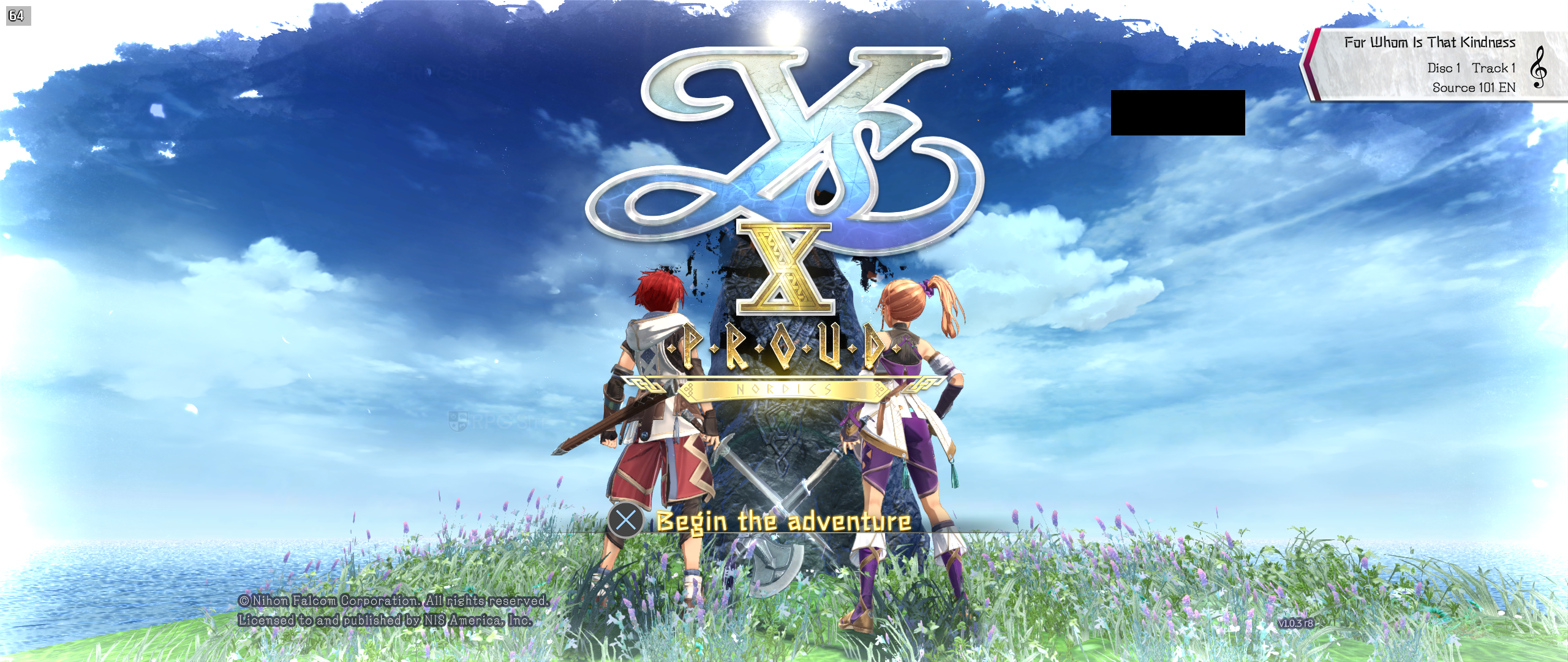
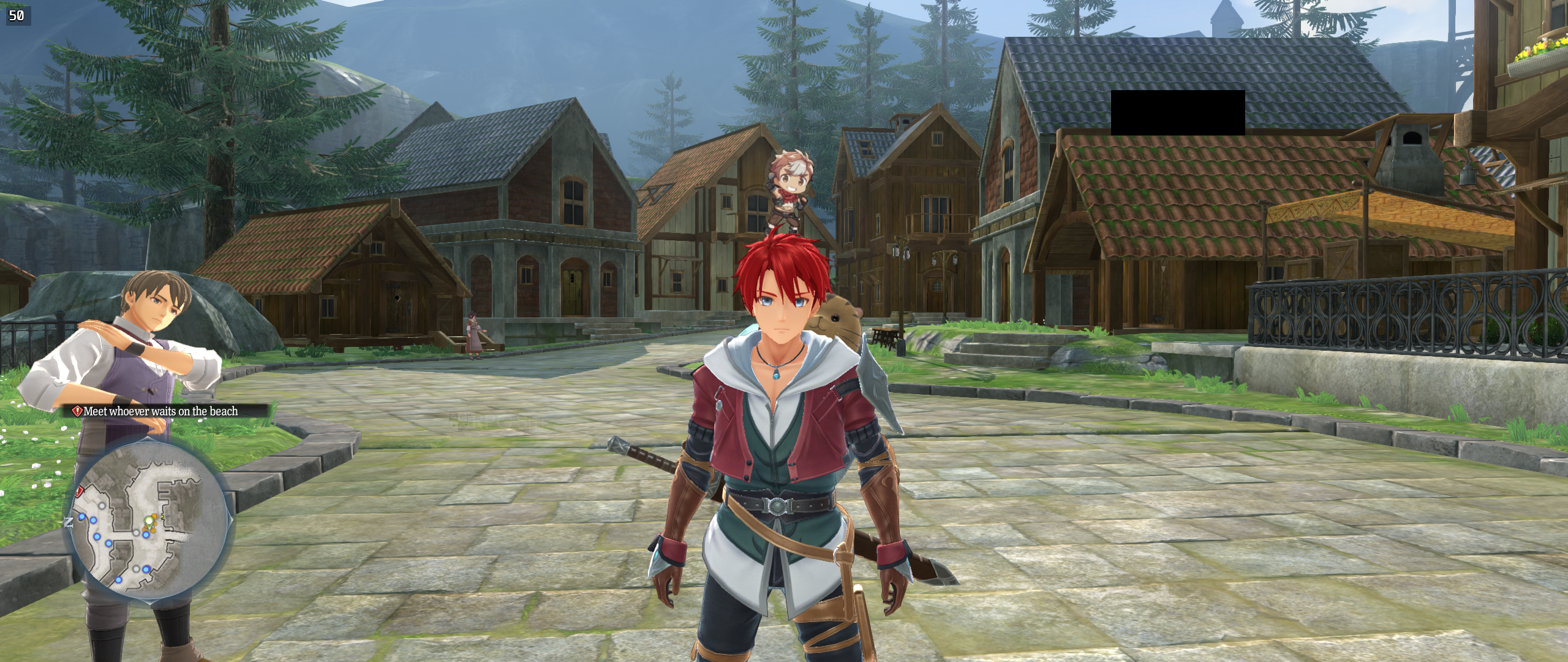
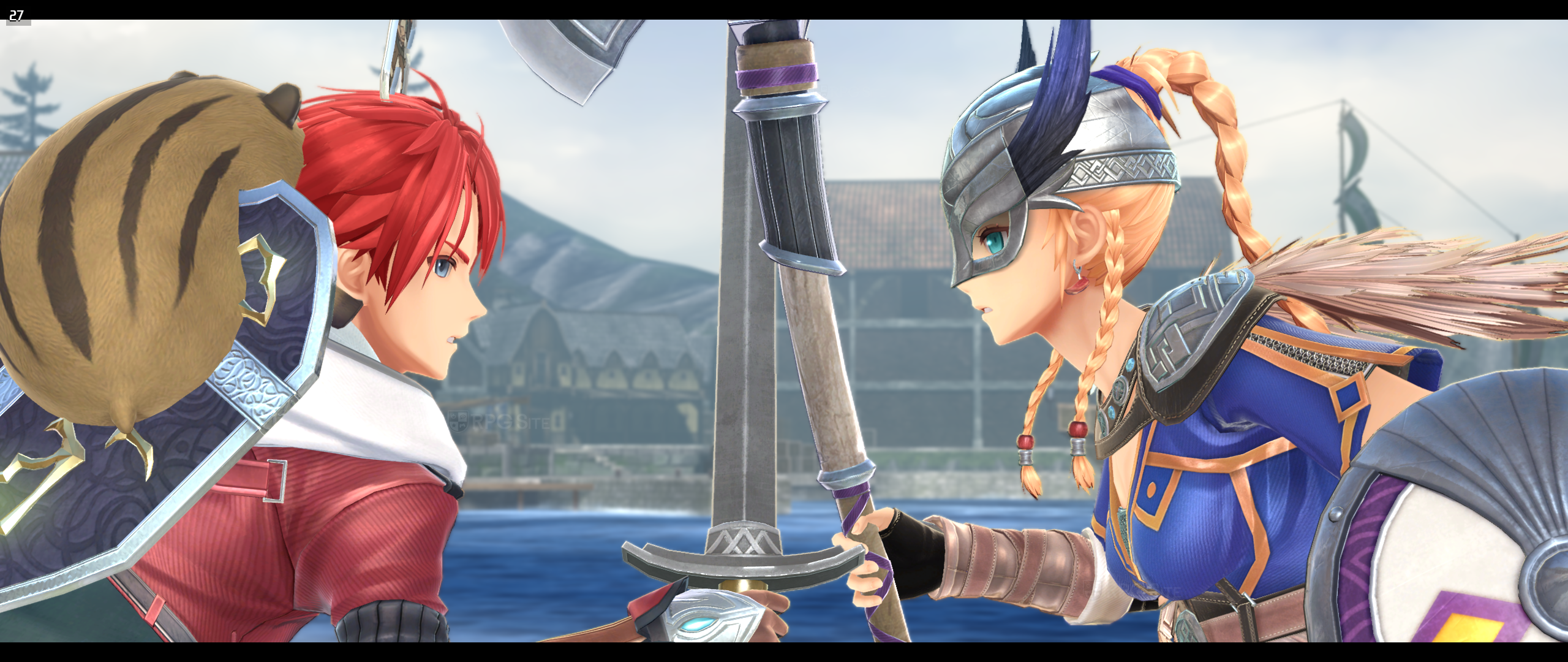
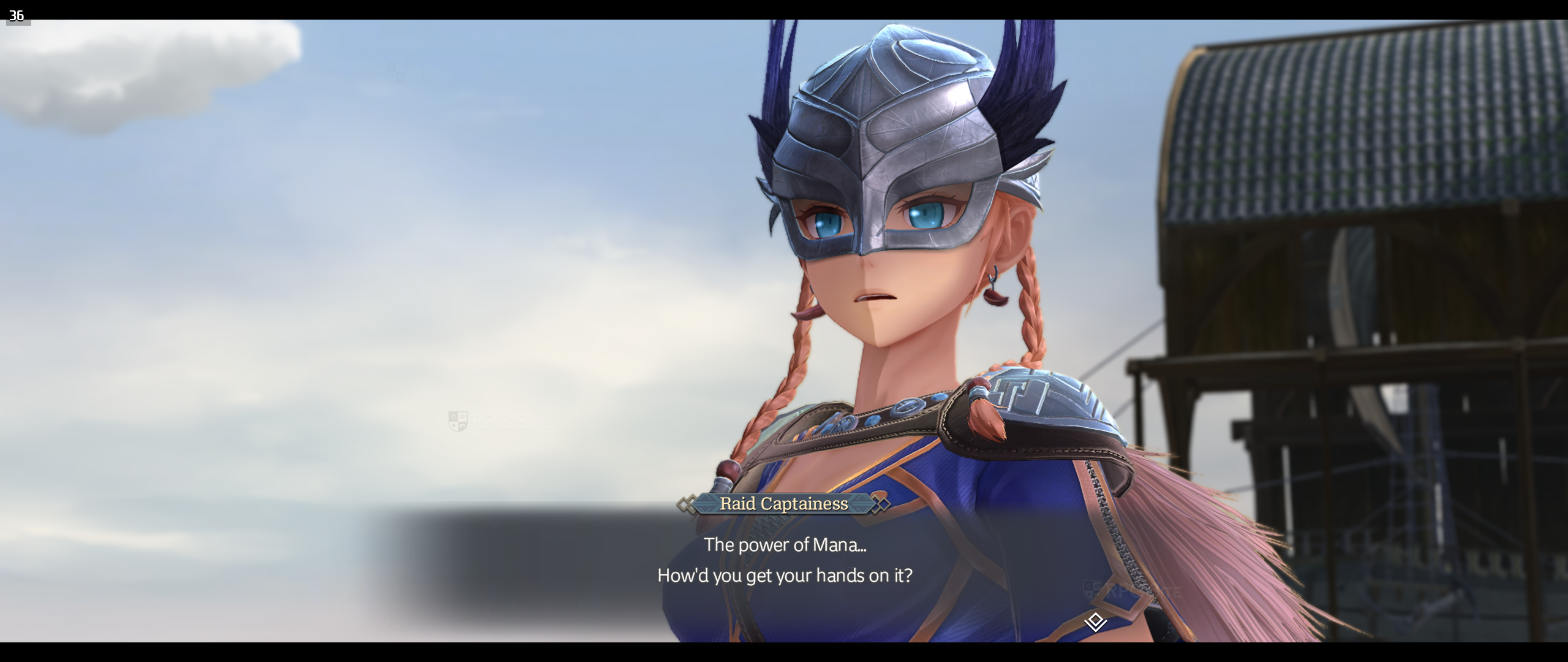
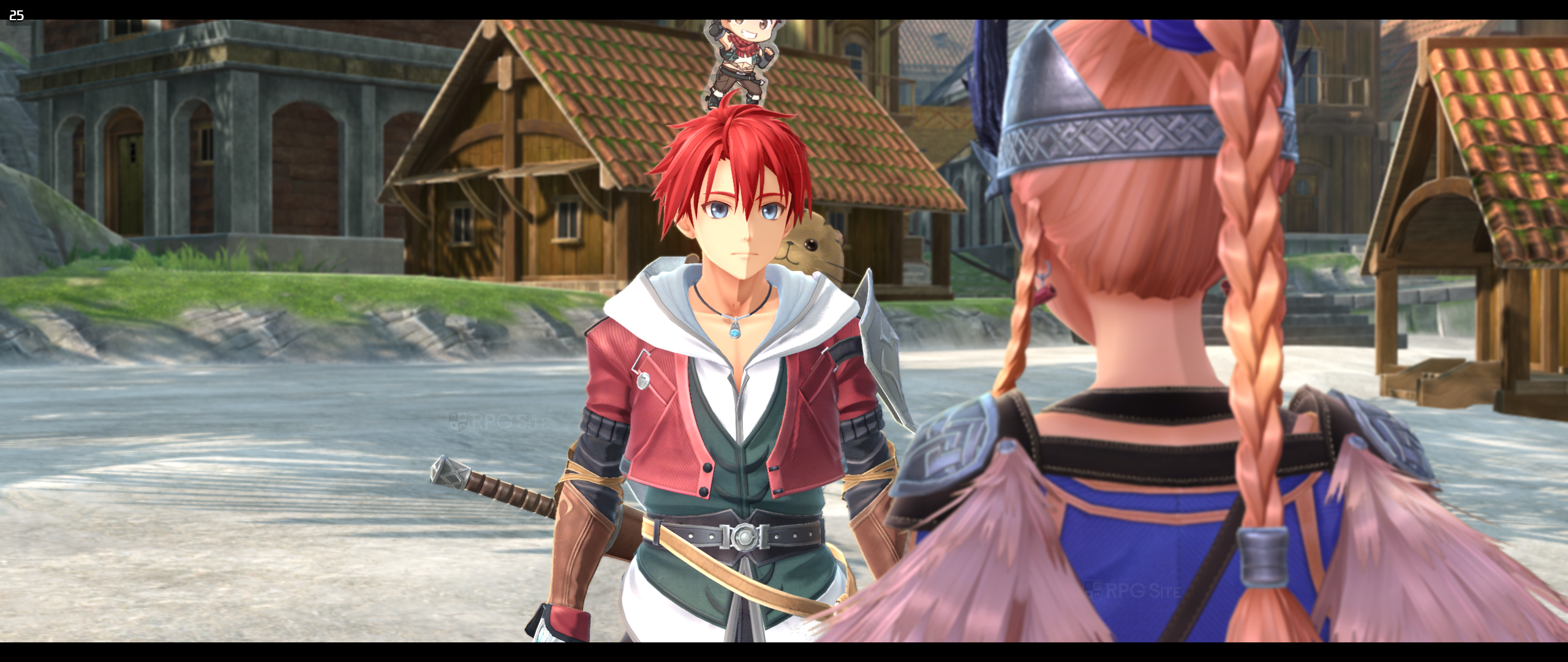
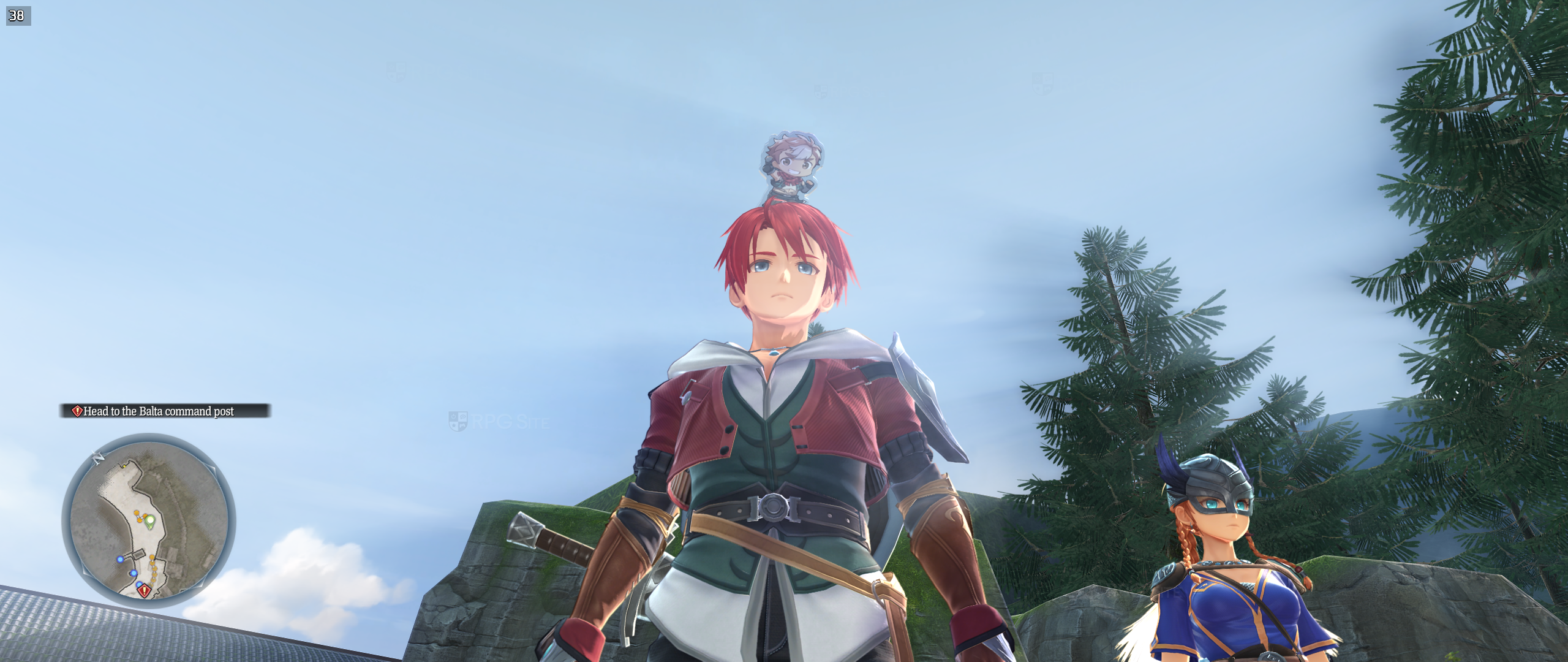
Ys X: Proud Nordics PC-exclusive HDR settings
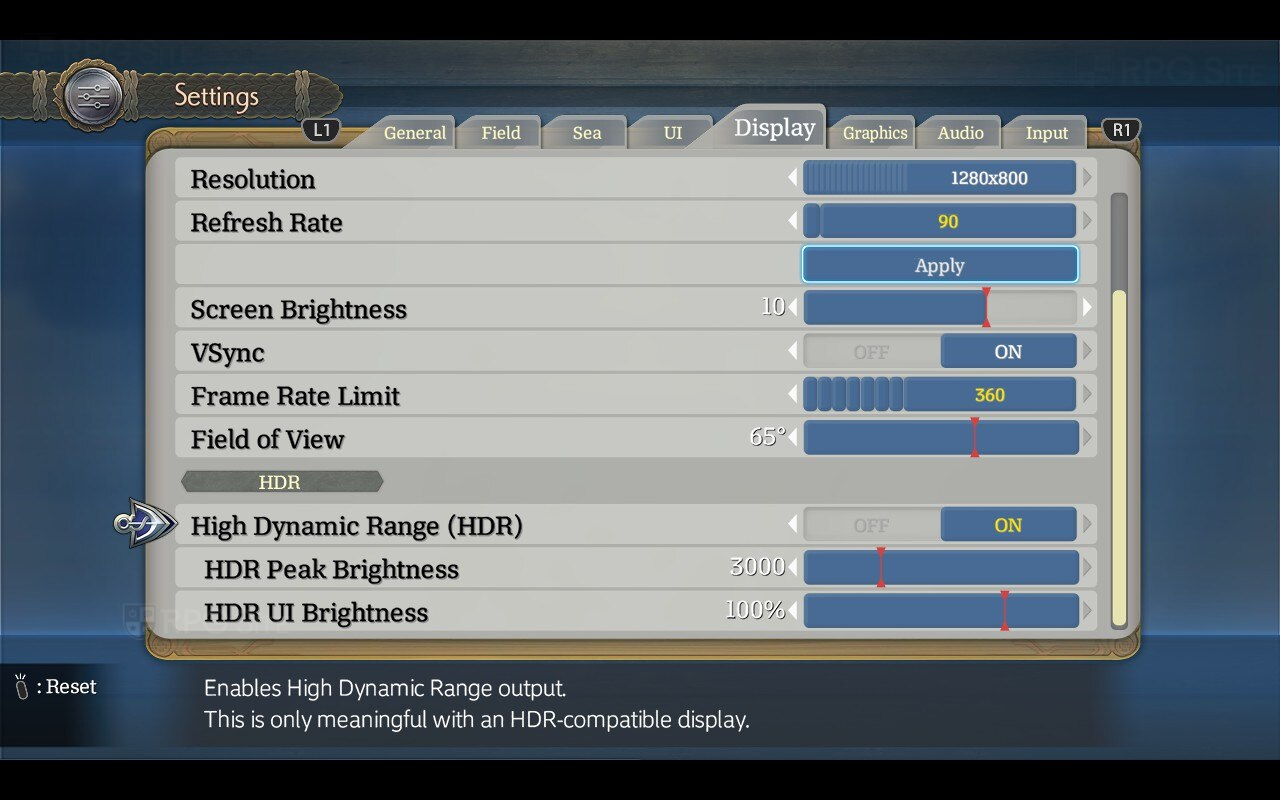
Ys X: Proud Nordics on PC has PH3's usual HDR options for adjusting HDR Peak Brightness and HDR UI Brightness independently. This only works on a screen with HDR support including the Steam Deck OLED.
Ys X: Proud Nordics PC graphics presets
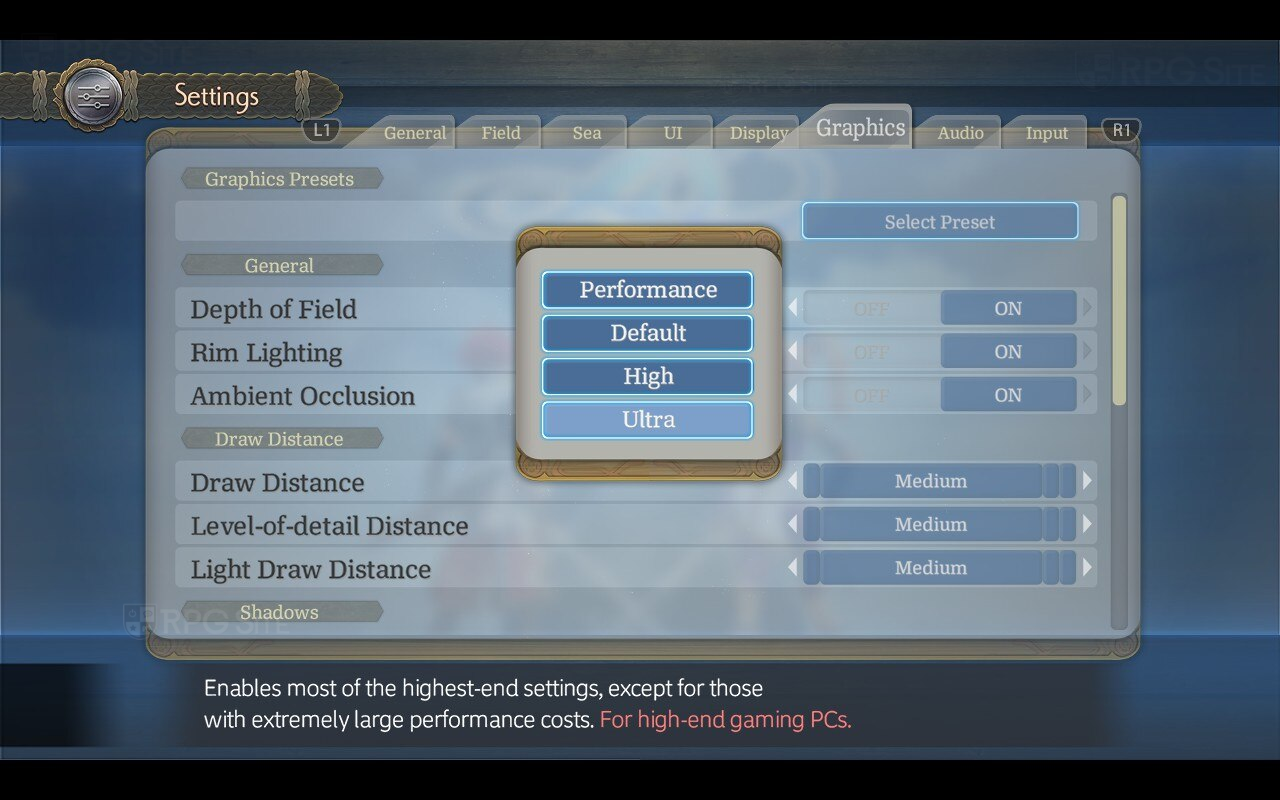
As with past PH3 Falcom games on PC, Ys X: Proud Nordics ships with a few graphics presets and detailed graphics options. The presets are as follows:
- Performance: A performance-focused preset, reducing settings without greatly impacting visual quality. Ideal for lower-end laptops or portable devices like the Steam Deck.
- Default: The default settings. These are close to the console versions, with minor improvements. (Note: In past games, the default setting
- High: Enables several graphics improvements which are not too performance-intensive. A balanced selection for gaming PCs.
- Ultra: Enables most of the highest-end settings, except for those with extremely large performance costs. For high-end gaming PCs.
Ys X: Proud Nordics PC graphics options
Ys X: Proud Nordics' Graphics menu lets you choose a preset as detailed above or customize many individual options. These are split up into the following categories: General, Draw Distance, Shadows, and Rendering Quality. The General section has depth of field, Rim Lighting, and Ambient Occlusion. The draw Distance section lets you adjust Draw Distance (requires reloading) for map objects and characters, Level-of-detail Distance for static map objects, and Light Draw Distance for how far dynamic lights are visible.
The Shadows section lets you adjust Shadow Resolution (Low, Medium, High, and Ultra) and Shadow Filtering (Basic, Default, Soft, PCSS). Note that PCSS is distance-dependent dynamic penumbra shadow filtering with a high GPU impact. This requires high or ultra shadow resolution.
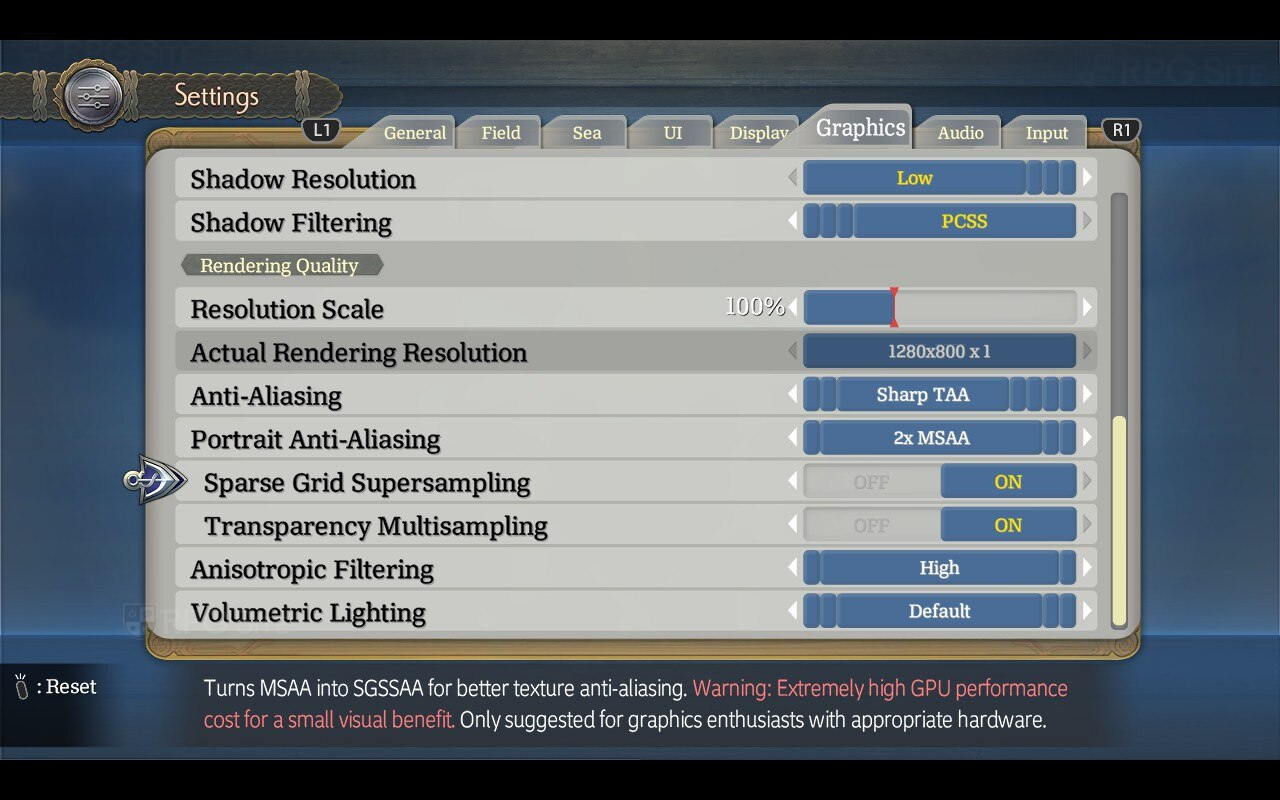
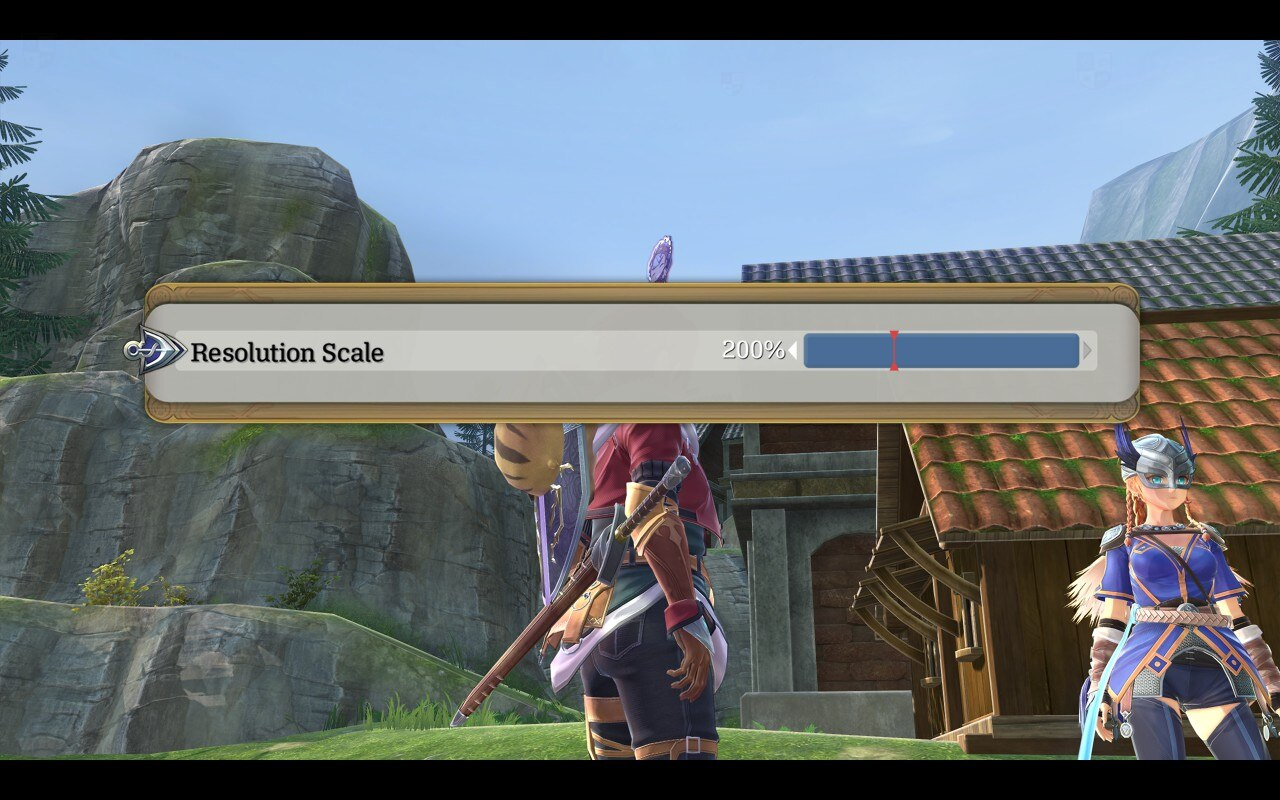
The Rendering Quality section lets you adjust resolution scale with an indication of the actual rendering resolution from 50% to 200%. This can be done in real time without reloading a save. You get to see the performance cost or penalty with each adjustment here immediately as well. If you play on Steam Deck or ROG Ally, you will not see the DLSS or XeSS menu, but Ys X: Proud Nordics does support DLSS and XeSS. In fact, it supports DLSS 3, 4, and 4.5. There is no FSR support as Durante explained in my interview. As for anti-aliasing itself, Ys X: Proud Nordics supports default screen-space anti-aliasing, sharp temporal anti-aliasing, smooth temporal anti-aliasing, MSAA (2x, 4x, and 8x), and no AA. It also has an option for multisampling for portraits (off, 2x MSAA, 4x MSAA, and 8x MSAA).
If you use Portrait Anti-aliasing, you can also enable Sparse Grid supersampling AKA SGSSAA for better texture anti-aliasing and also enable multisampling for transparent objects to increase image quality using the Transparency Multisampling option here. The final two graphics options under Rendering Quality are Anisotropic Filtering (default, high, maximum) and Volumetric Lighting (off, low, default, high, ultra).
It is also worth noting that not only does PH3 include the GPU impact for heavy settings, but it also lets you preview or reset just about every graphics option in Ys X: Proud Nordics on PC.
Ys X: Proud Nordics PC control options
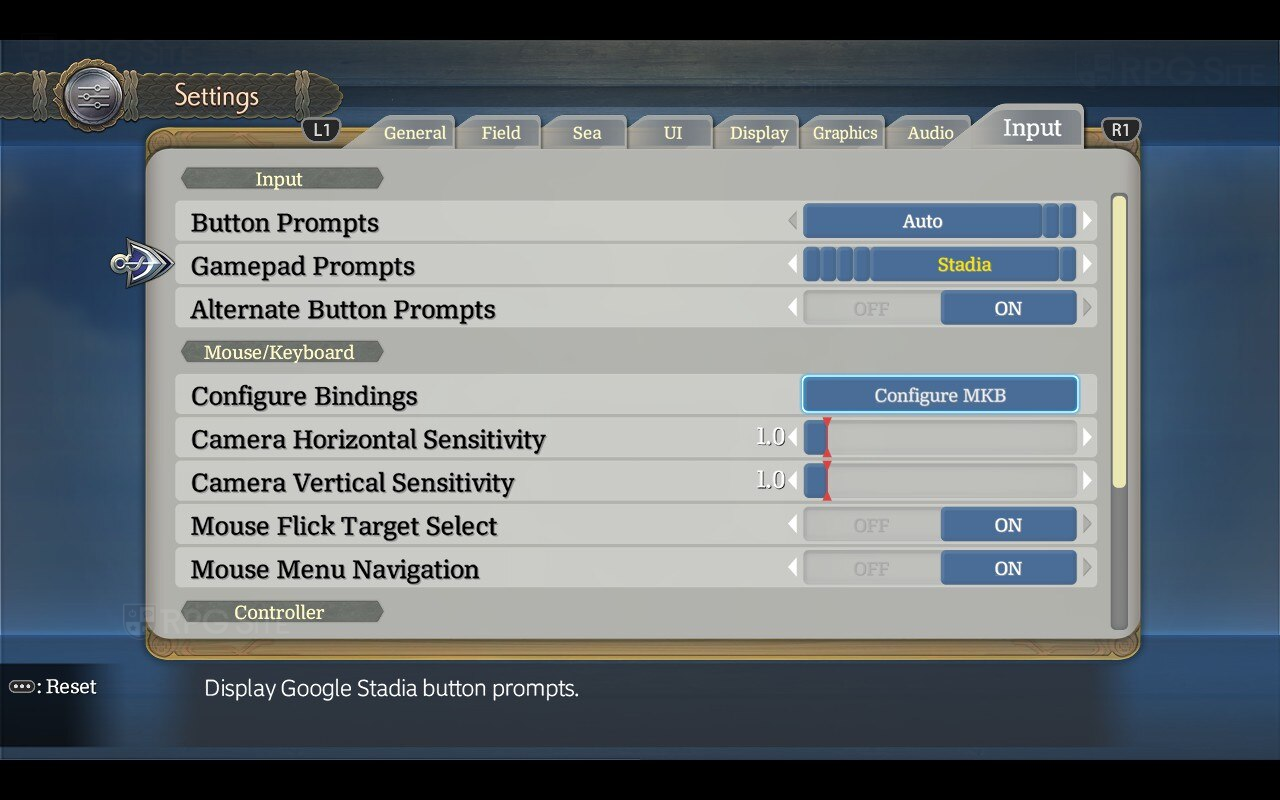
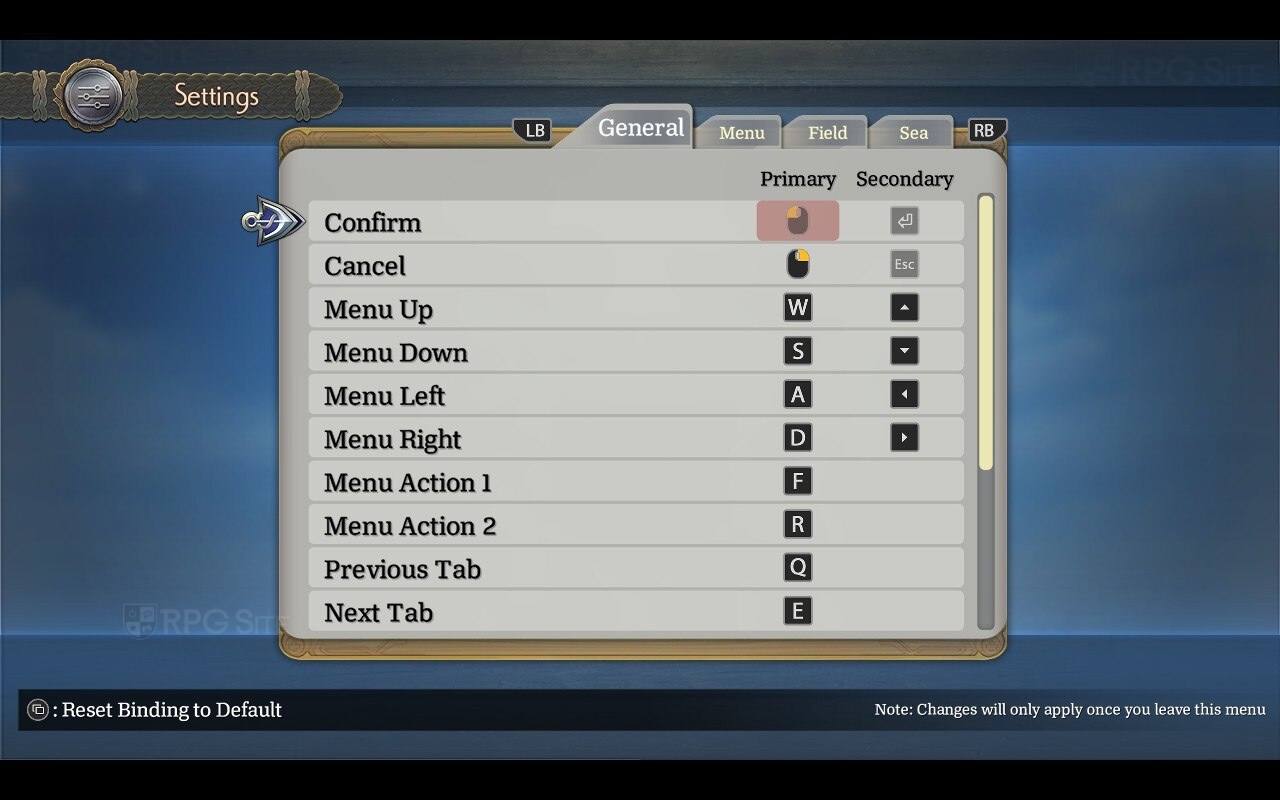
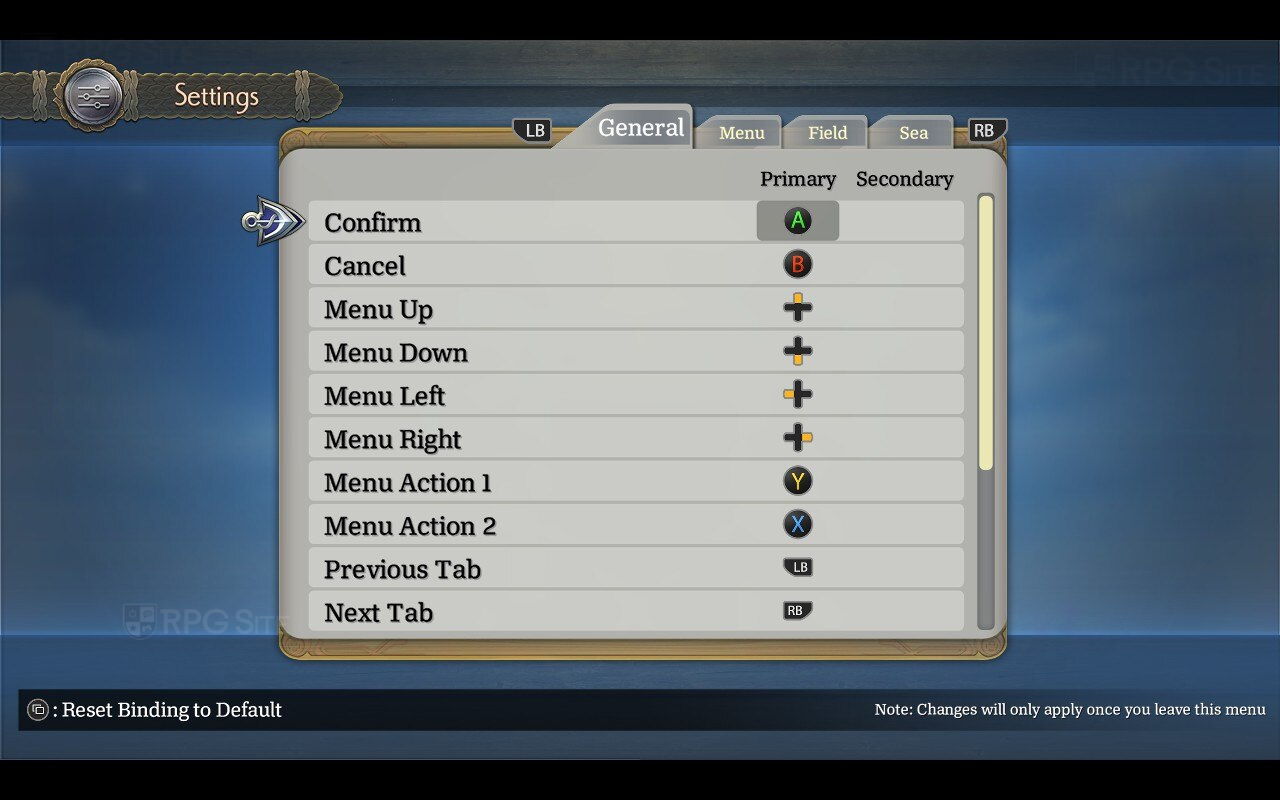
Ys X: Proud Nordics lets you adjust what button prompts to display (auto, gamepad, mouse & keyboard), force specific gamepad prompts (auto, Xbox, PlayStation, Steam Deck, Stadia, Nintendo Switch), show primary and secondary bindings as button prompts, and then access the Mouse/Keyboard and Controller input options. The former lets you configure bindings, adjust horizontal and sensitivity for mouse controls, toggle mouse menu navigation, and toggle the ability to flick target with the mouse when locked on.
On the controller side, in addition to configuring controller bindings, you can adjust vibration intensity, left and right stick deadzones, and gamepad flick time. Gamepad flick time is the maximum time for gamepad inputs to be considered a flick.
Ys X: Proud Nordics recommended settings for Steam Deck OLED and LCD
In my testing, Ys X: Proud Nordics is a bit heavier than Ys X: Nordics. This applies to not just the new areas, but also some base game areas. While it was easy to get 90fps on Steam Deck OLED in Ys X: Nordics by using the performance preset and turning down shadows, you will be around 75-80fps with that early on. I wouldn't recommend aiming for 90fps on Steam Deck for this one, but you can get a good 60fps experience with HDR using the Performance preset and capping the game to 60fps and 60hz using the Steam Deck OLED Quick Access Menu. On Steam Deck LCD, just play it normally and use the 60fps frame rate limit in-game. You do not need to do anything else. I didn't bother trying to optimize for better visuals and a lower frame rate since I don't think it is worth playing an Ys game at below 60fps if you have the option to avoid it. I will likely work on it when I cover all platforms in the near future though.
Ys X: Proud Nordics vs Ys X: Nordics PC port differences and performance
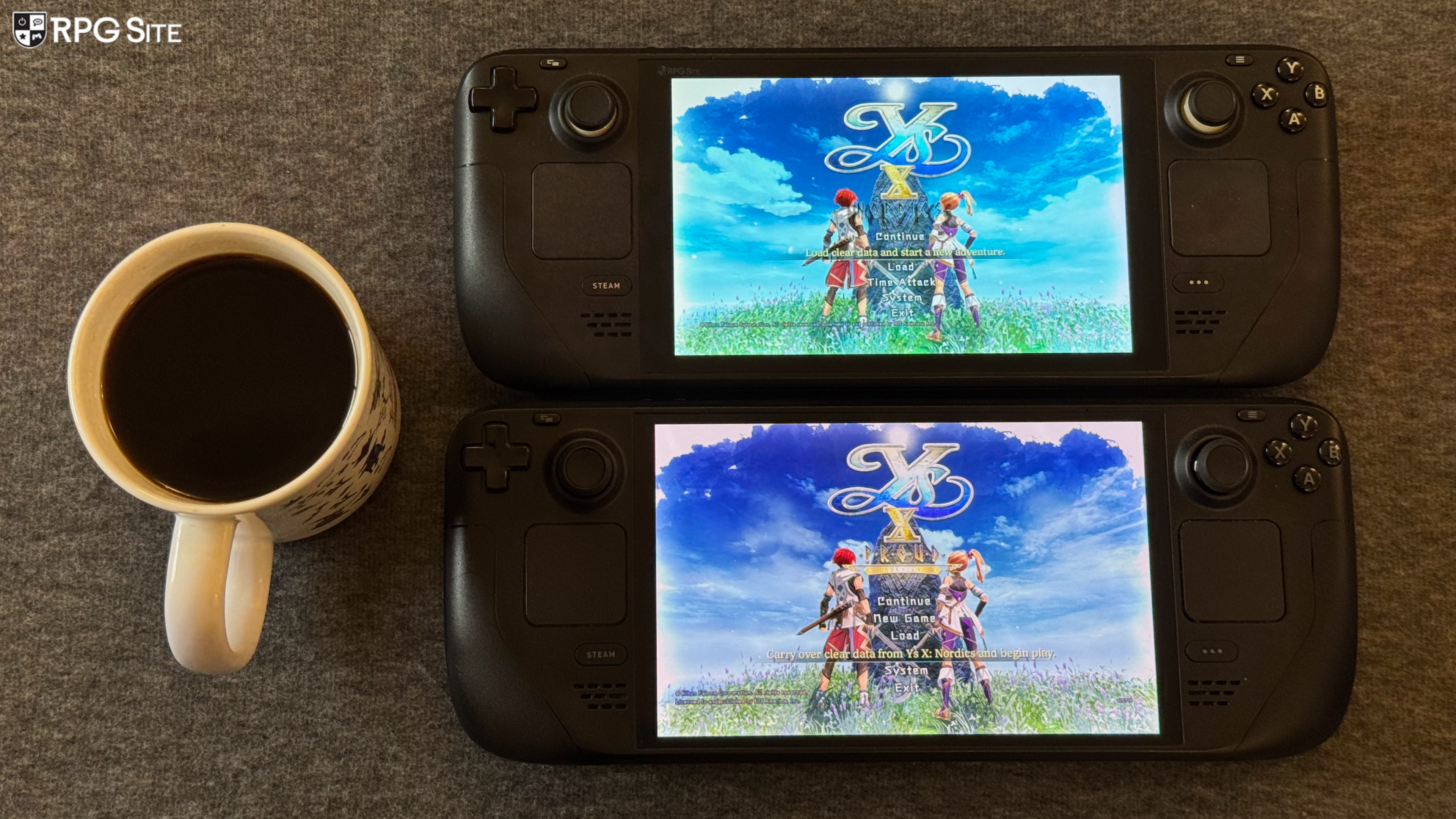
In addition to having the likes of DLSS (including 4.5) support and XeSS, Ys X: Proud Nordics on PC also supports TAA while the original port only had MSAA and screen-space reflections. One more thing to note is that Proud Nordics does not include the co-op that Ys X shipped with so far. You can read more about this feature in my interview with Durante from Ys X's original release here.
Ys X: Proud Nordics launches on February 20, 2026 for the West on PS5, Nintendo Switch 2, and PC (Steam, GOG, Epic). It launches on February 19, 2026 in Japan on PS5.