

Heroes of Might and Magic: Olden Era Steam Deck Early Access Impressions, Recommended Settings, & Multiplayer
Unfrozen Studio and Hooded Horse are releasing Heroes of Might and Magic: Olden Era via Steam Early Access and Xbox on PC (Game Preview) this week. Ahead of the launch, I had a chance to play Heroes of Might and Magic: Olden Era on my Steam Deck to cover how the early access build feels on Valve's handheld, recommended settings so far, multiplayer impressions, and what I'd like to see addressed to make it even better on Steam Deck.
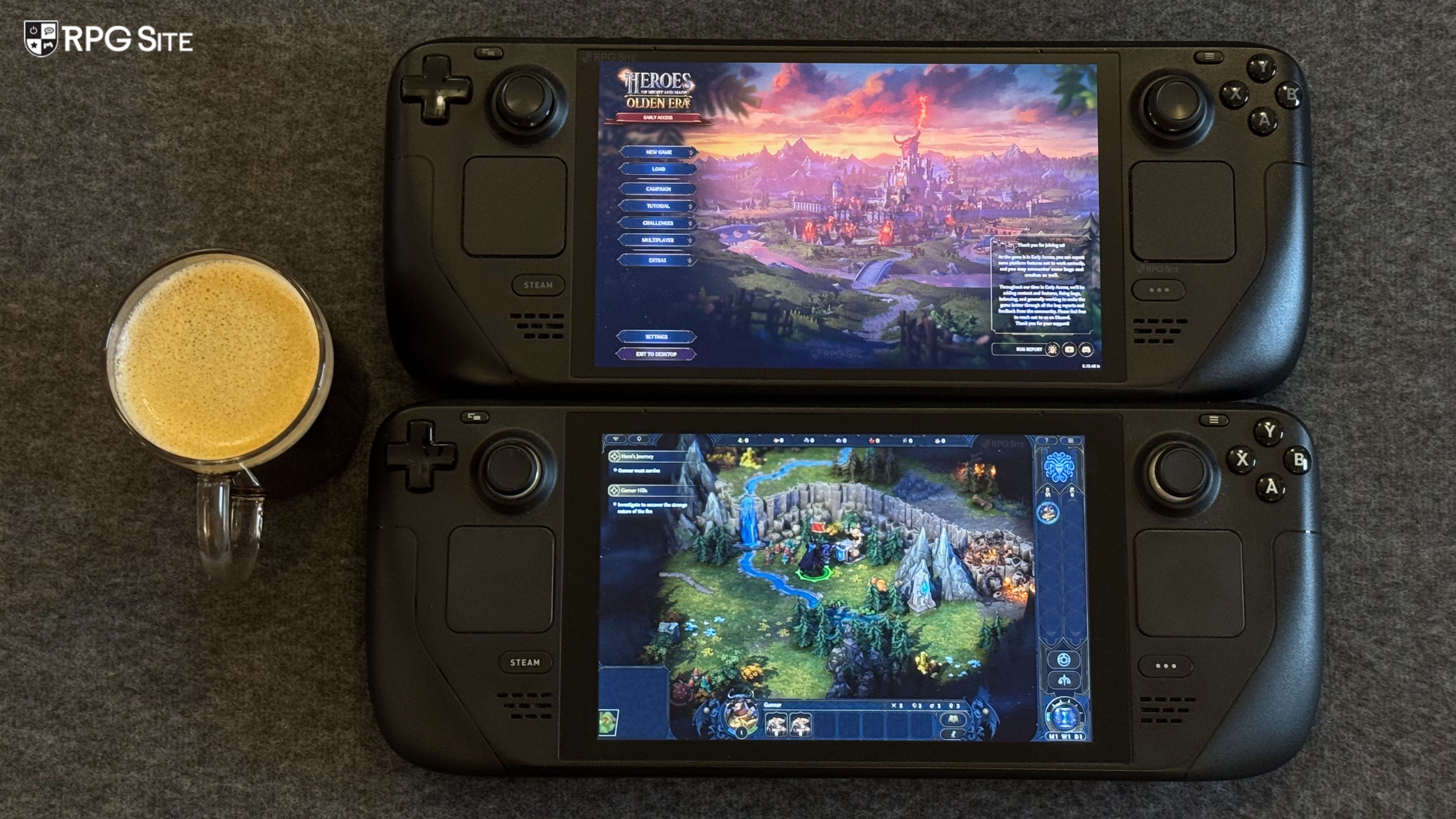
Heroes of Might and Magic: Olden Era Steam Deck early access impressions
Heroes of Might and Magic: Olden Era is marked as Steam Deck Playable by Valve. It is not Verified because it doesn't have controller support, doesn't show Steam Deck controller icons, has text that is small with no scaling options, and also because you need to manually invoke the keyboard for text entry (when saving and inputting any text). Valve does note that the default graphics configuration for Heroes of Might and Magic: Olden Era performs well on Steam Deck. Having spent about a dozen hours with Heroes of Might and Magic: Olden Era on both my Steam Decks and also my ROG Ally connected to an external display, Valve's rating is accurate.
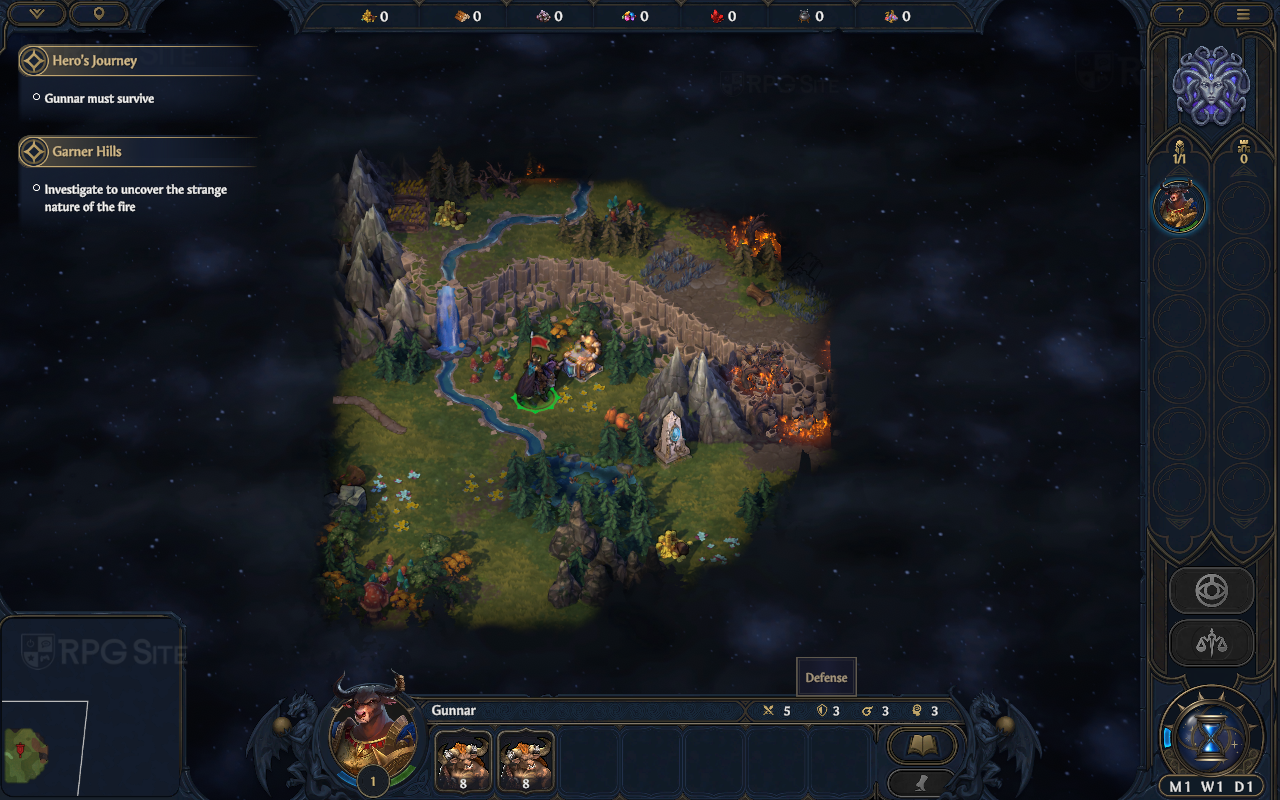
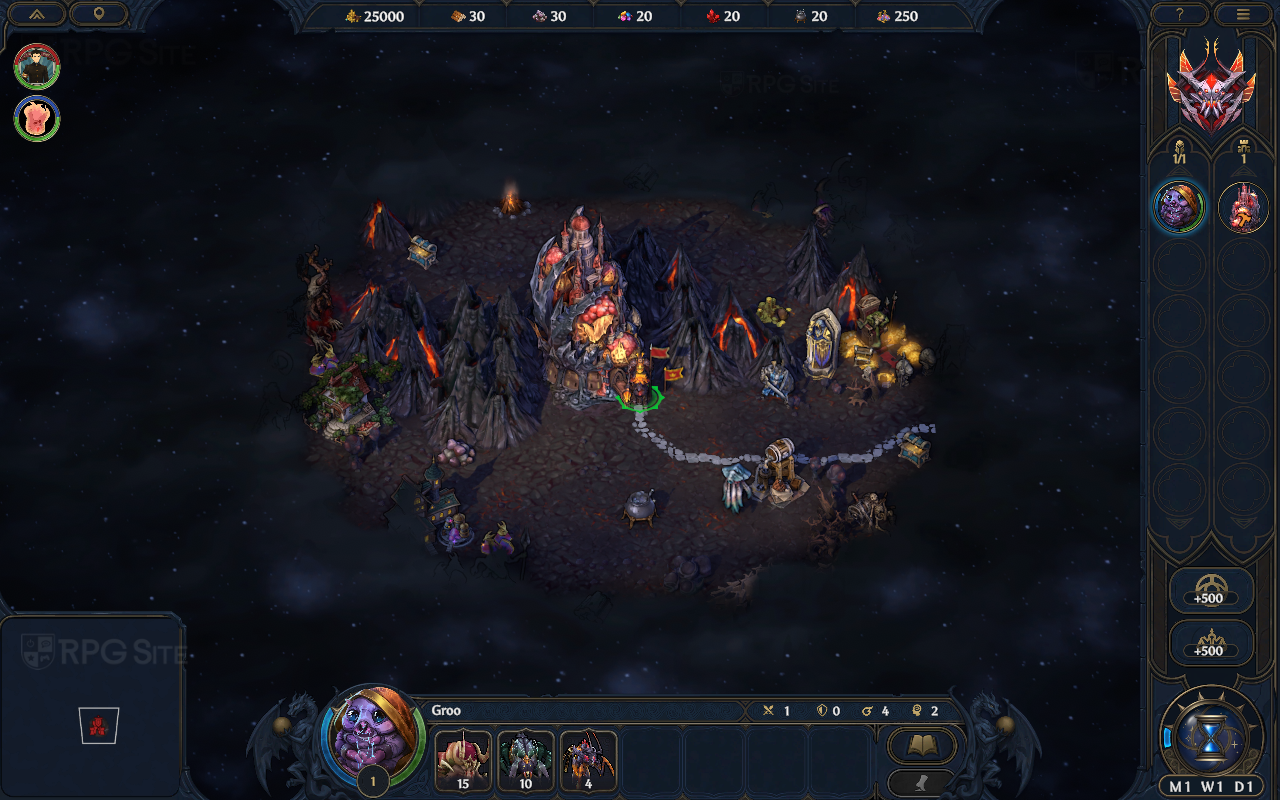
Heroes of Might and Magic: Olden Era runs fine with the frame rate hovering around 40 to 60fps on the Steam Deck LCD. It can go above on the Steam Deck OLED, but you basically cannot get a locked 60 or 90fps experience. Checking the settings, I found the default configuration on Steam Deck for Heroes of Might and Magic: Olden Era is the high preset. If you are ok with a 40fps or so target when on the map and 60fps during combat, this setting works fine.
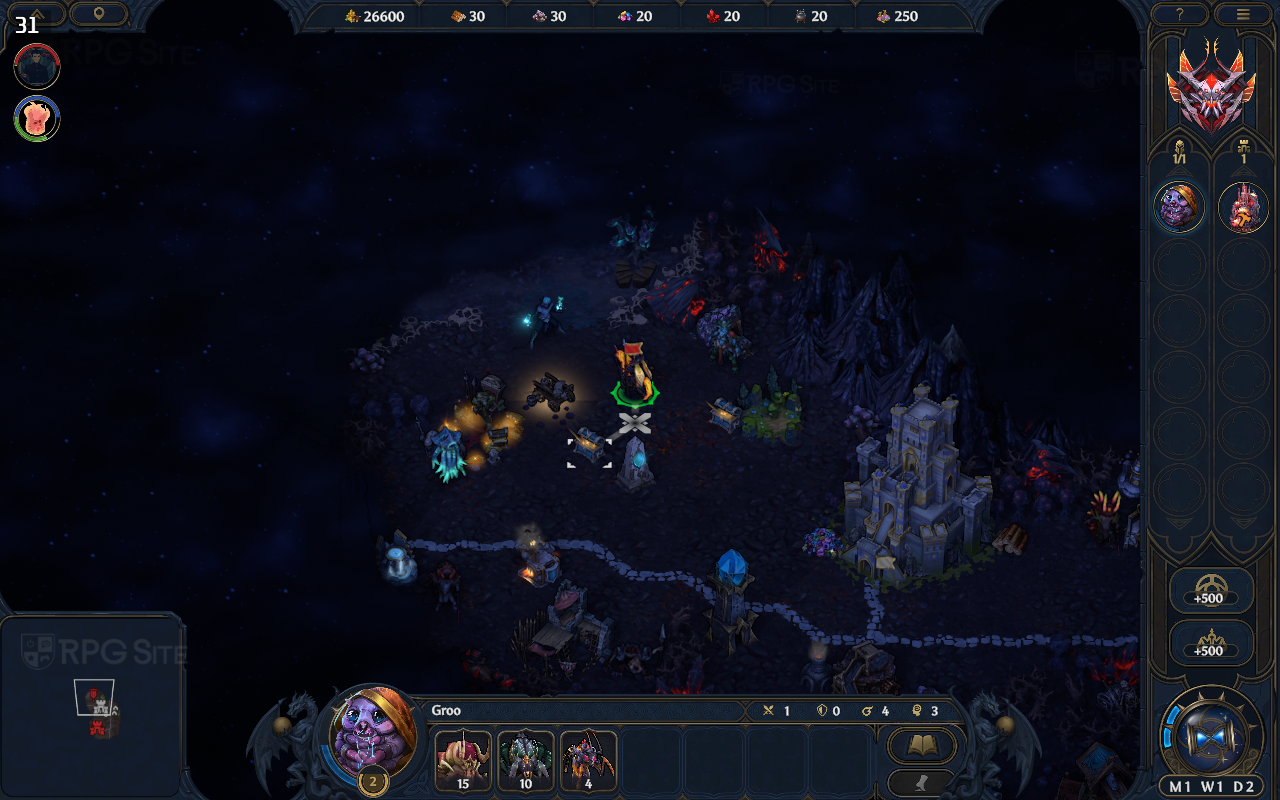
Heroes of Might and Magic: Olden Era also has 16:10 and 21:9 support on PC. I tested both and was happy with the results when playing on my Steam Deck screen and my 21:9 monitor while docked. The major issue is the text size because Heroes of Might and Magic: Olden Era has no text or UI scaling options in its early access release version.
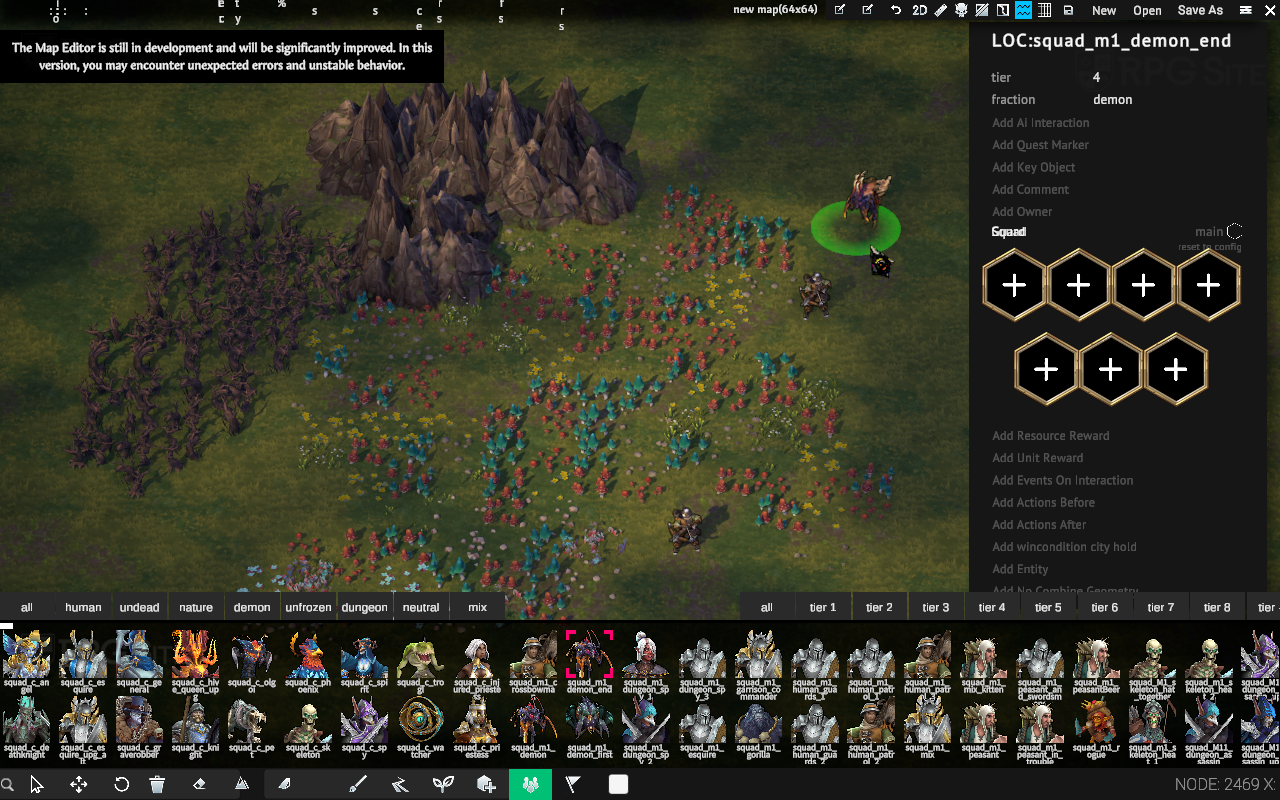
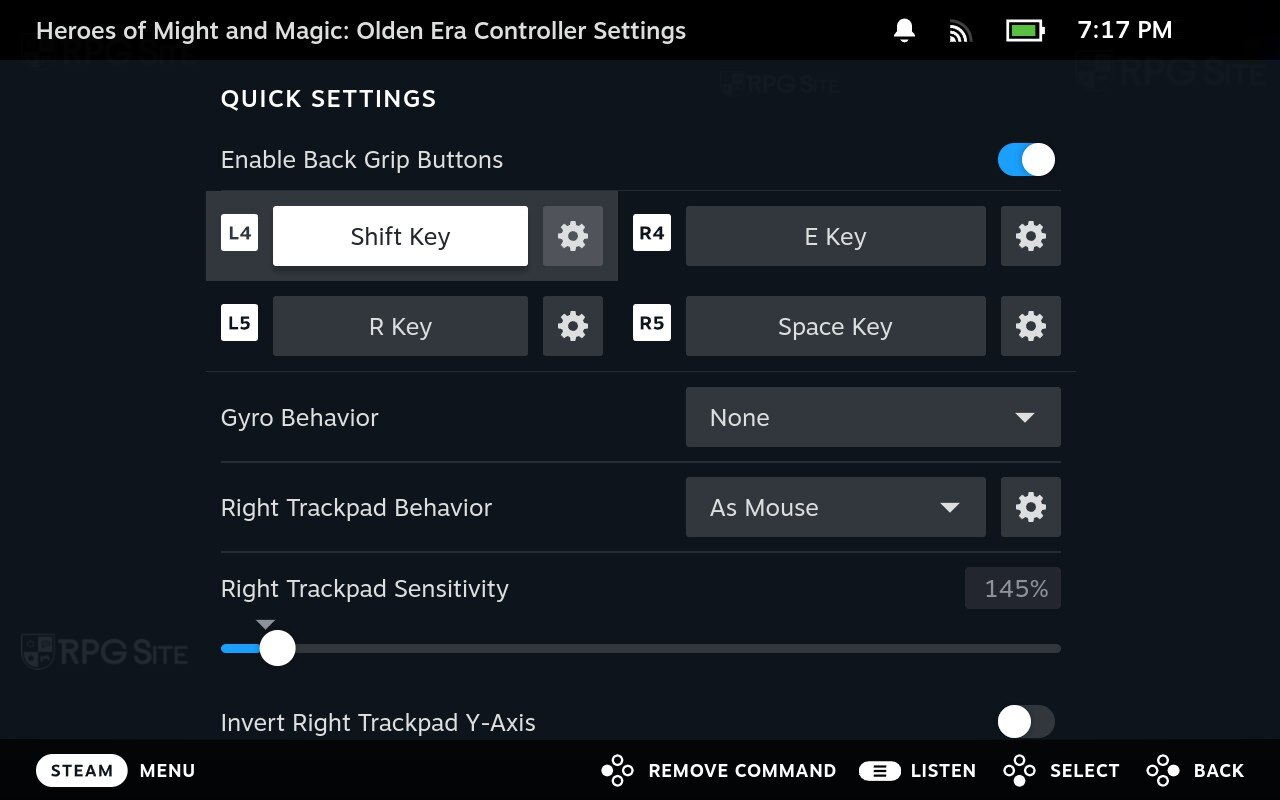
One more thing to note is that while Heroes of Might and Magic: Olden Era does not have controller support, the trackpads on Steam Deck help a ton. The default "Keyboard (WASD) and Mouse" controller layout is fine, but I recommend enabling the back buttons and mapping the Shift key to one of them. Shift lets you view an expanded or a tooltip with more detailed information when hovering over an item.
Note that if you zoom out a lot using the left or right bumper, the performance will drop more and you will be in the 30s on Steam Deck using the high preset. At the lowest possible zoom setting (out), I saw dips into the 30s on the map even on the low preset.
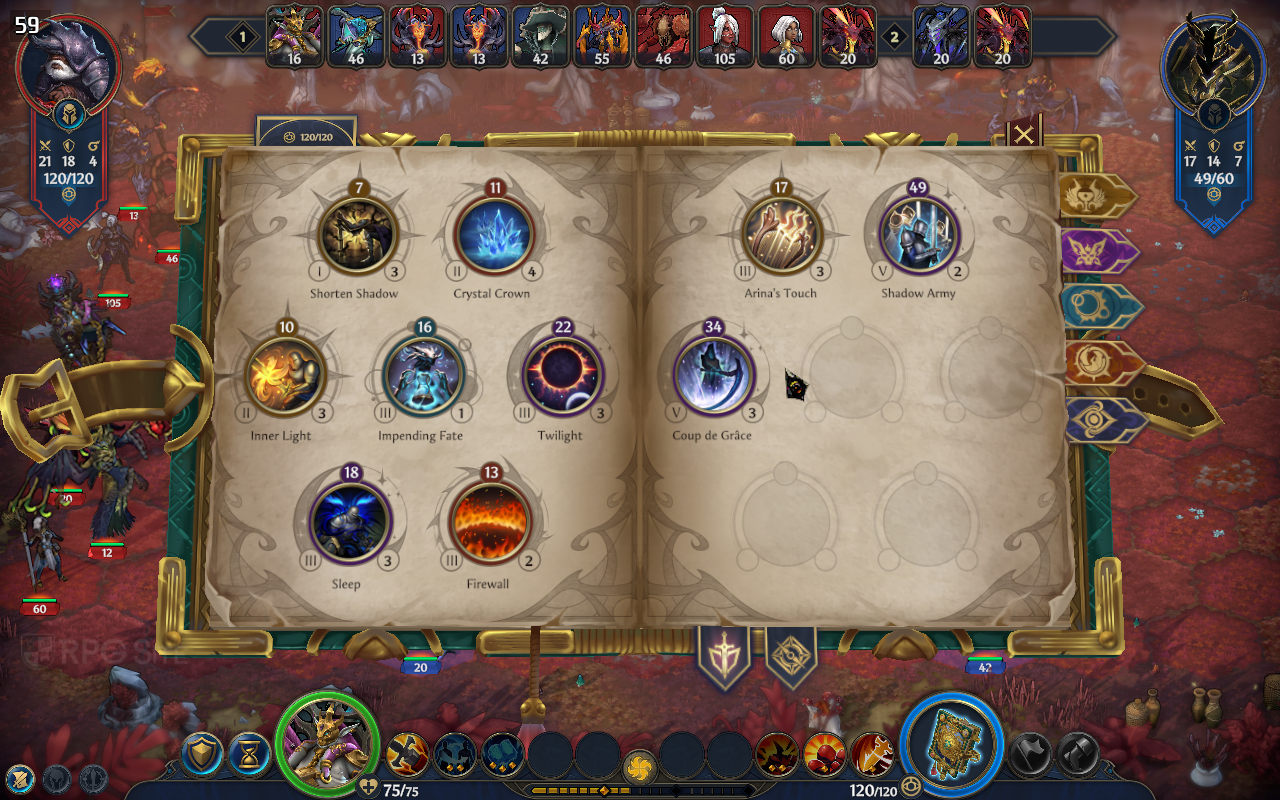
Heroes of Might and Magic: Olden Era Steam Deck recommended settings for early access
Heroes of Might and Magic: Olden Era will likely see a lot of changes in patches, but for the early access launch, I only recommend either capping the frame rate to 30fps if you want a stable and consistent experience at the high preset, or leaving it uncapped if you are ok with around 40fps on the map and 60fps in combat. If you do play with a 60fps target, remember to set the Steam Deck OLED refresh rate settings so it is not trying to run a 60fps game at 90hz causing any issues. Even when using the lowest possible settings, the uplift in performance was not much so I just left it on the high preset for now, though I turned the shadows down on my LCD Steam Deck when I was aiming for 40fps.
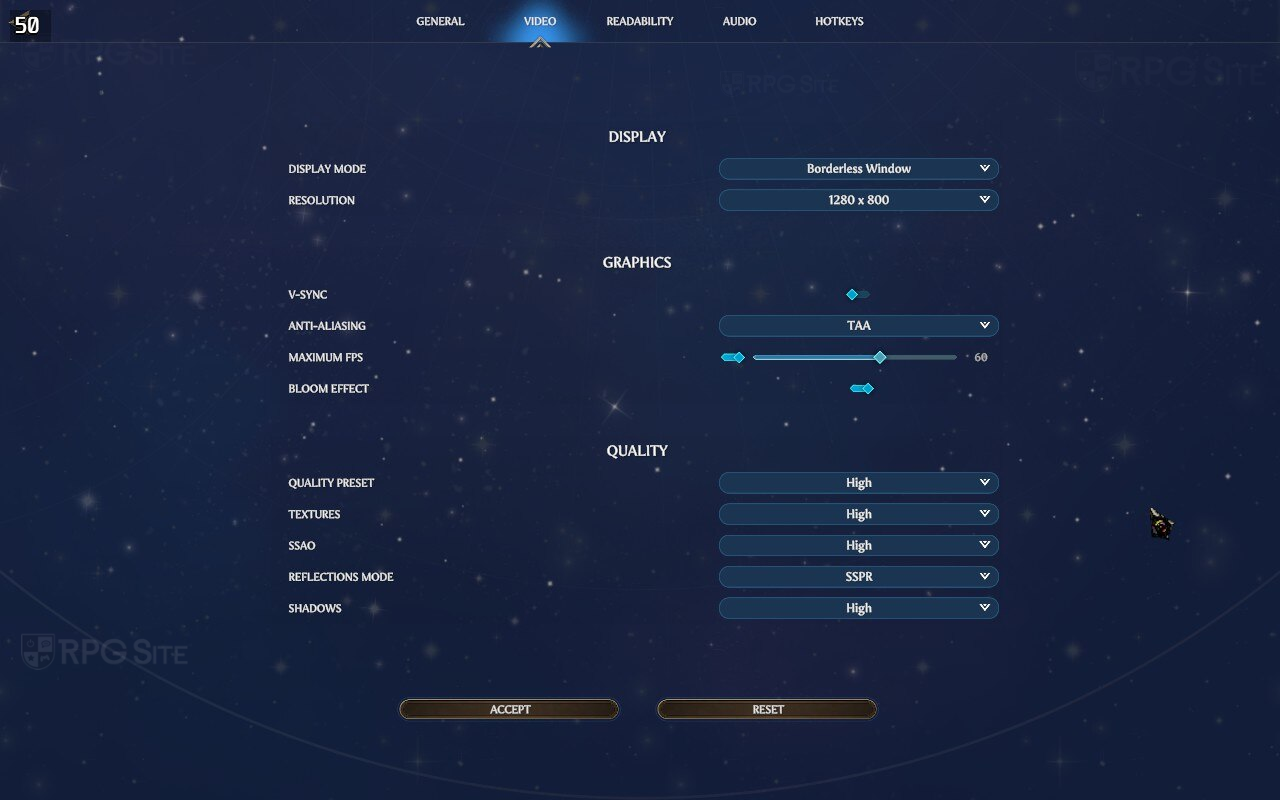
Beyond that, I recommend mapping Shift to any of the back buttons so you don't have to push into the left stick to view detailed tooltips. You can also adjust the trackpad sensitivity if you aren't a fan of the default. I've played many Paradox Interactive games on Steam Deck using the trackpads so Heroes of Might and Magic: Olden Era was very simple to get used to aside from the font size.
While not related to changing any settings, I recommend using a combination of the trackpad, touchscreen, and buttons for the best portable experience right now. The trackpad is the reason Heroes of Might and Magic: Olden Era is good on Steam Deck. Without it, and on my ROG Ally, it is annoying to play with the right stick.
Heroes of Might and Magic: Olden Era online multiplayer on Steam Deck
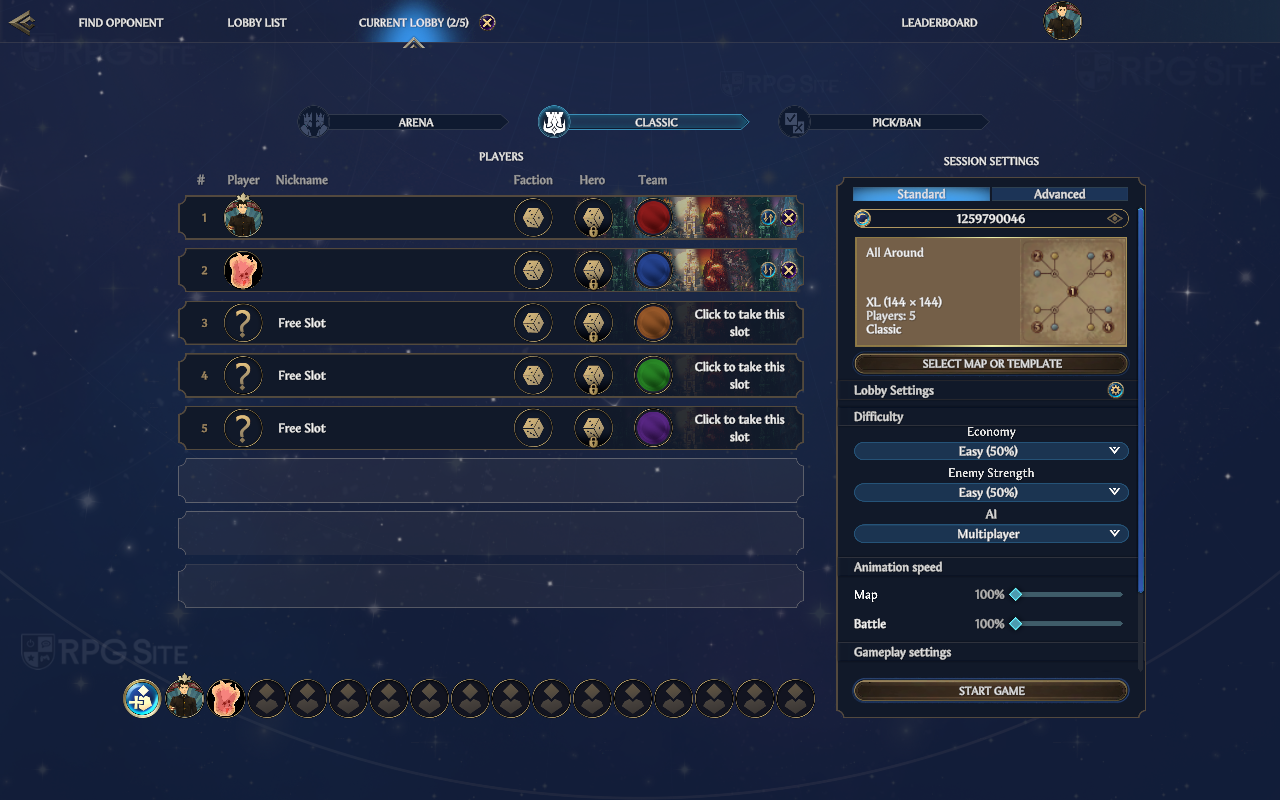
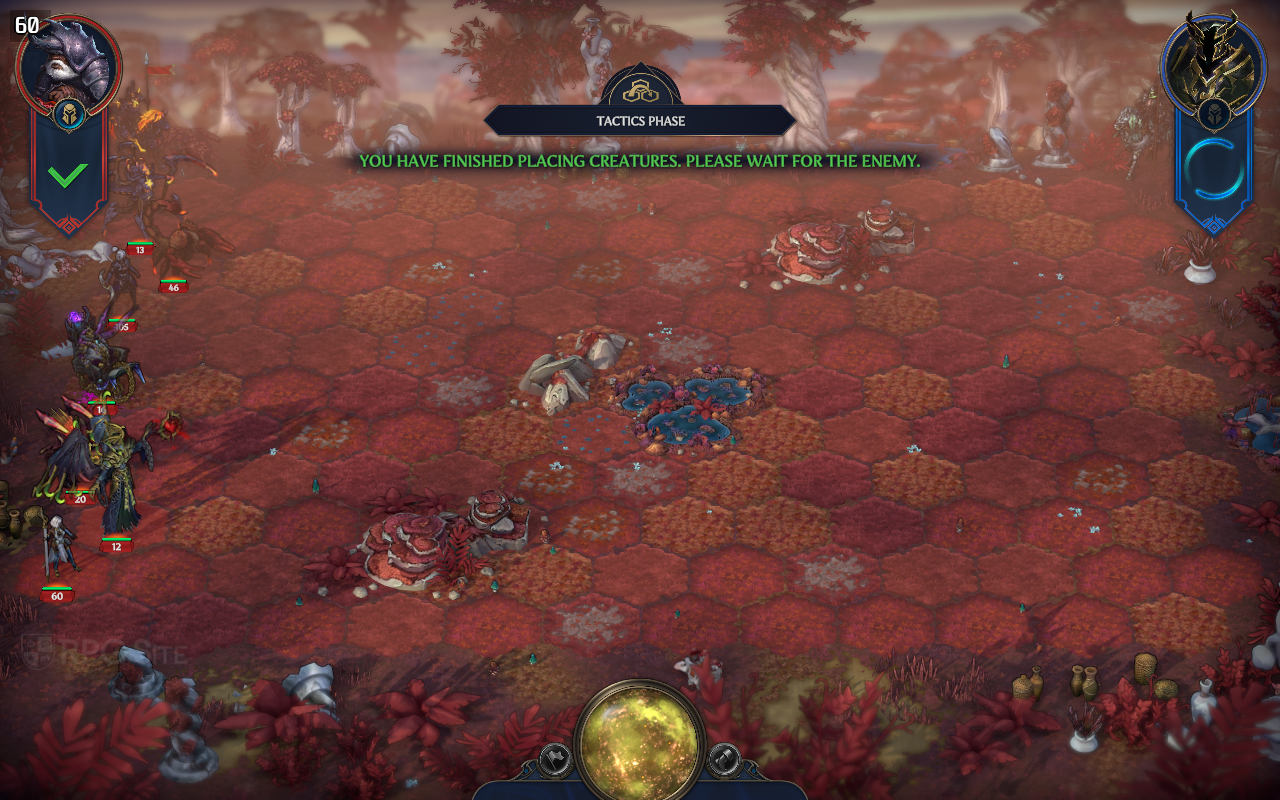
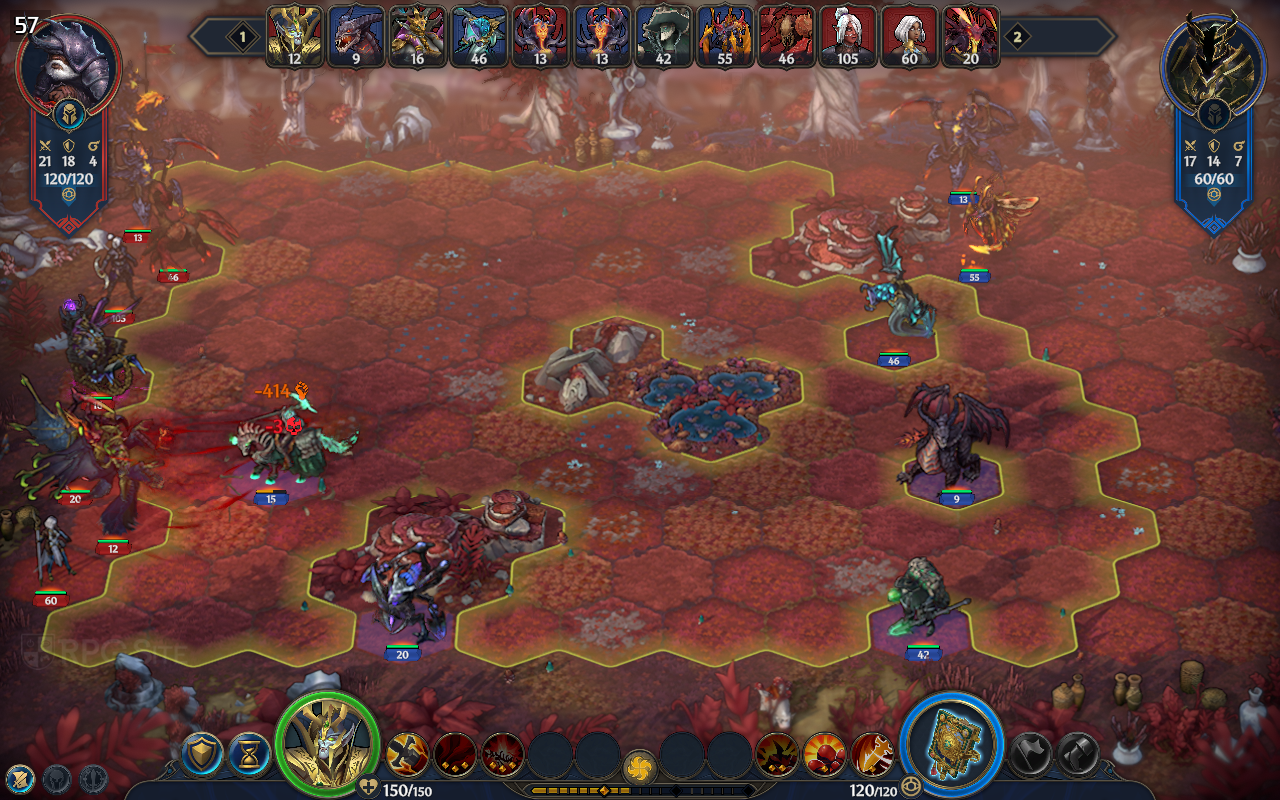
I also tested Heroes of Might and Magic: Olden Era online on Steam Deck. I was able to invite a friend via Steam Chat and play without issues in a private lobby. Multiplayer performance was similar to offline play with the map hovering around 40 to 50 depending on your zoom level and combat hitting 60 easily. Not only does Classic work well with two players both using their own Steam Decks as I tested, but even Arena holds up well. I did this using the Lobby setting.
What I want to see fixed in Heroes of Might and Magic: Olden Era for Steam Deck
Right now, the main thing I hope to see is a UI and text scaling option. It is the only major issue with the game on Steam Deck right now. It likely will come as the team has commented on Steam Deck support before, but I want to prepare you for that if you plan on jumping in with the game's early access release. Beyond that, proper controller support would be nice, but the trackpad and combination of face/shoulder buttons works well.
Heroes of Might and Magic: Olden Era launches via early access on April 30 for PC (Steam, Xbox on PC Game Preview).