

Star Wars Zero Company is unplayable on Steam Deck, but what about ROG Ally?
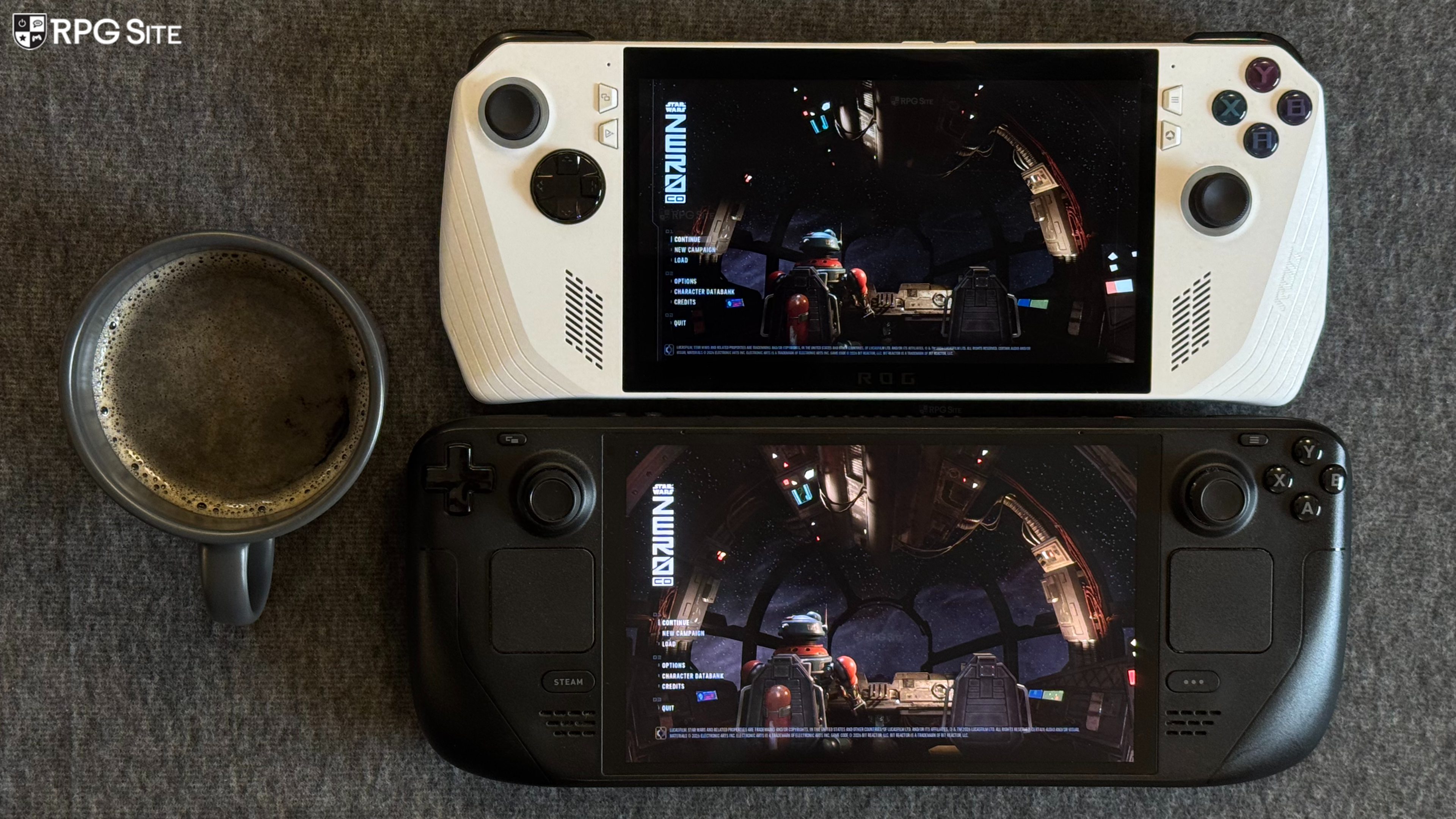
Ahead of its launch, I had a chance to play Star Wars Zero Company for Steam on my Steam Decks and ROG Ally to see how the PC port scales, features included, Steam Deck recommended settings, what I hope to see in patches, and more. Note that the developers have stated that the team is still developing and optimizing the game for Steam and if it has any news on Steam Deck, it will share it. If you're curious about the game itself, read our review here.
Star Wars Zero Company PC graphics and display options
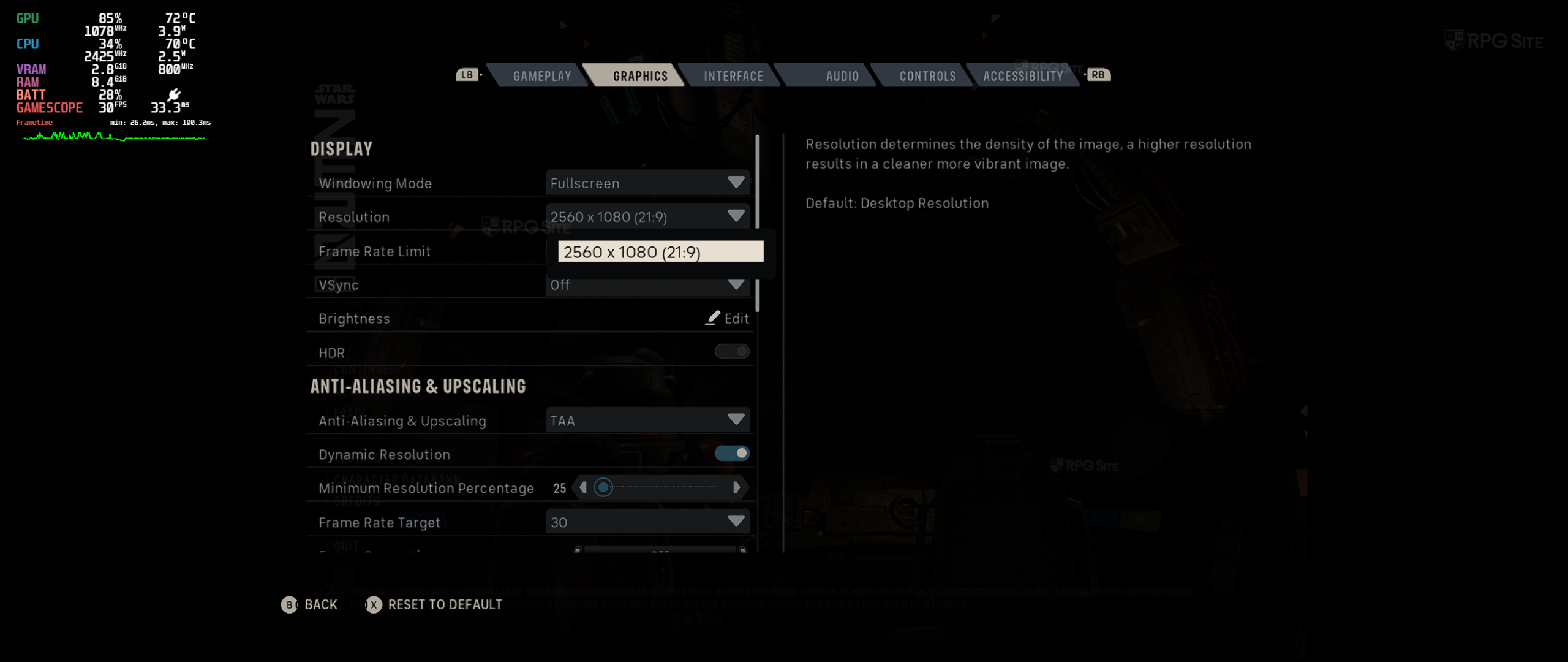
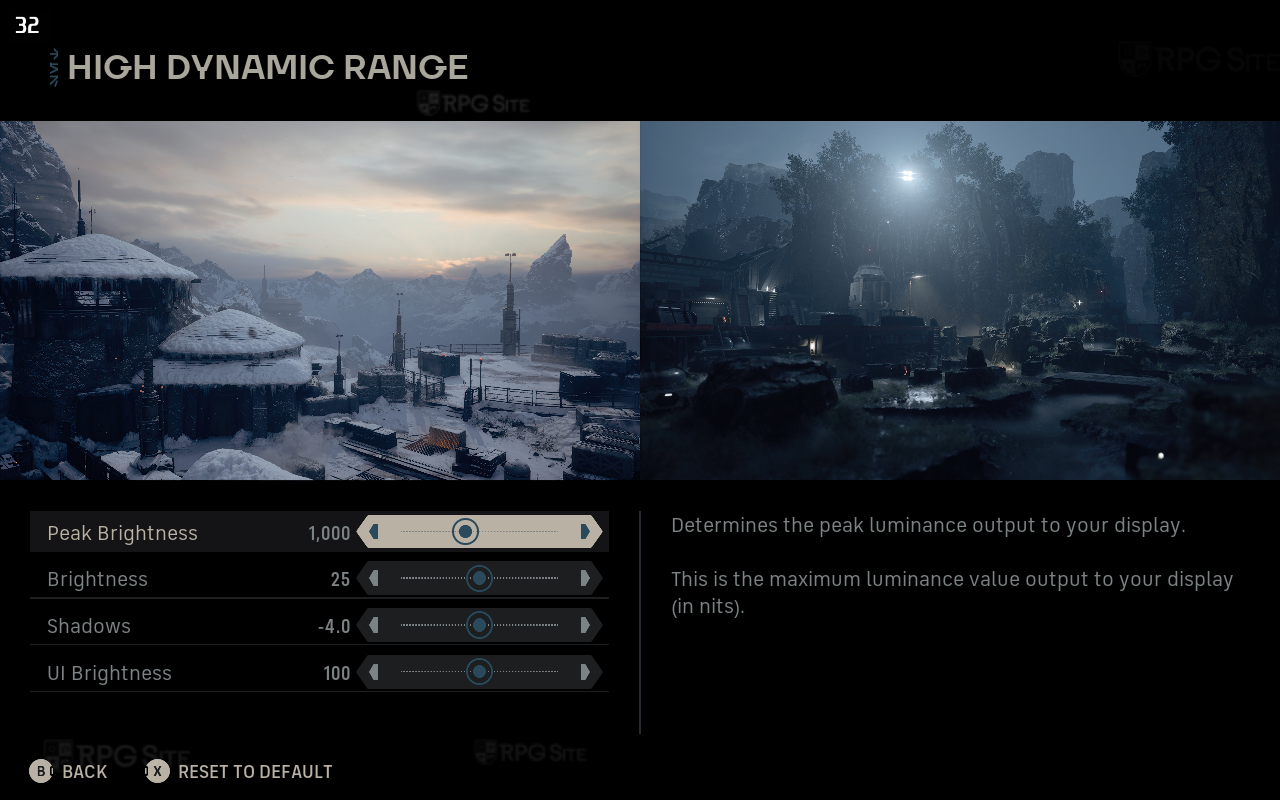
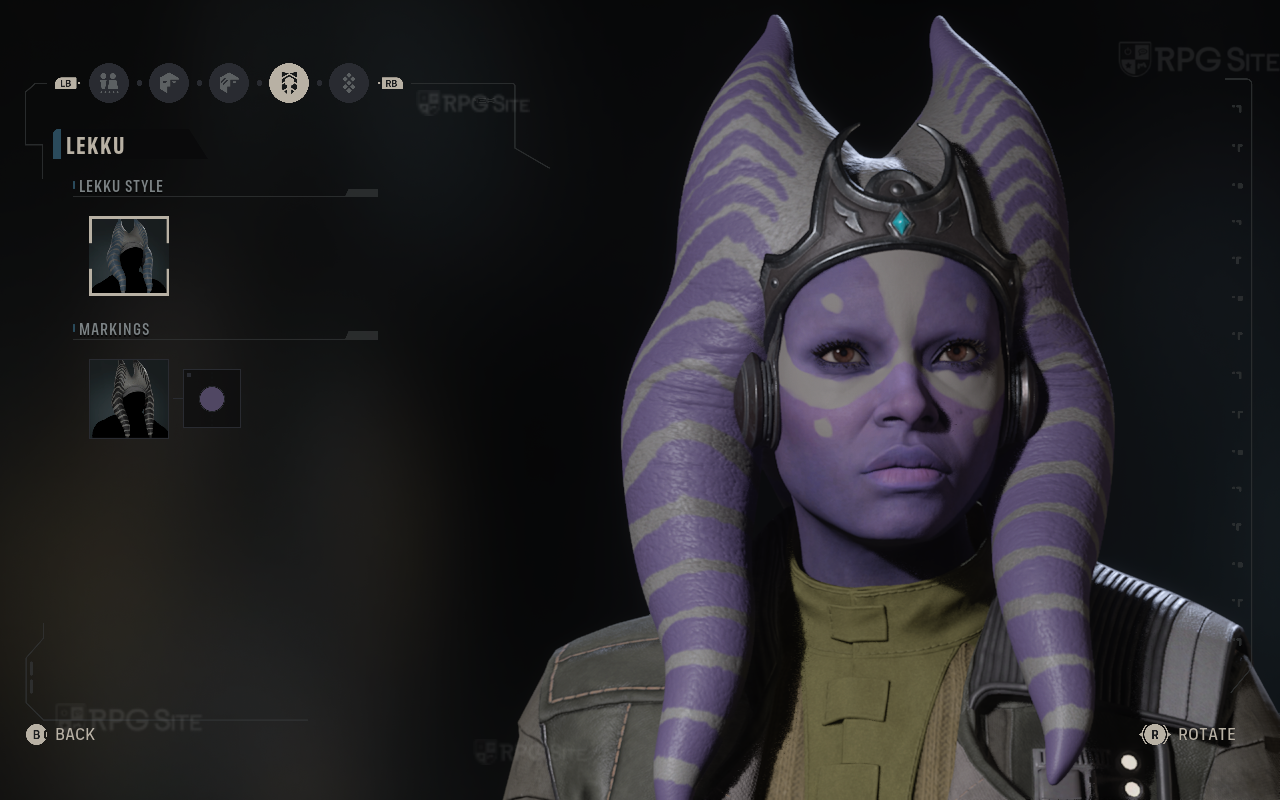
Star Wars Zero Company has its display, quality, and upscaling/anti-aliasing options under the graphics tab of the options. The display options let you adjust window mode (fullscreen, borderless, windowed), resolution (with 16:10 and 21:9 support), frame rate limit (30, 60, 75, 120, 144, 160, 240, and unlimited), toggle vsync, toggle HDR, and adjust HDR in the game's display options.
The anti-aliasing & upscaling options let you select type of upscaling (FXAA, TAA, TSR, FSR, XeSS on my PC handhelds), resolution percentage or quality, frame rate target, frame generation, and AMD Anti-Lag 2. The Quality options let you adjust the overall quality presets or individual quality settings for shadow, global illumination, reflections, post-processing, textures, effects, shading, view distance, hidden objects detail (simplified or full), and finally an environment geometry detail option that enables virtualized high fidelity geometry for environment meshes. This is off by default on the low preset I used. Star Wars Zero Company also has an extra large text size option that is great for smaller screens.
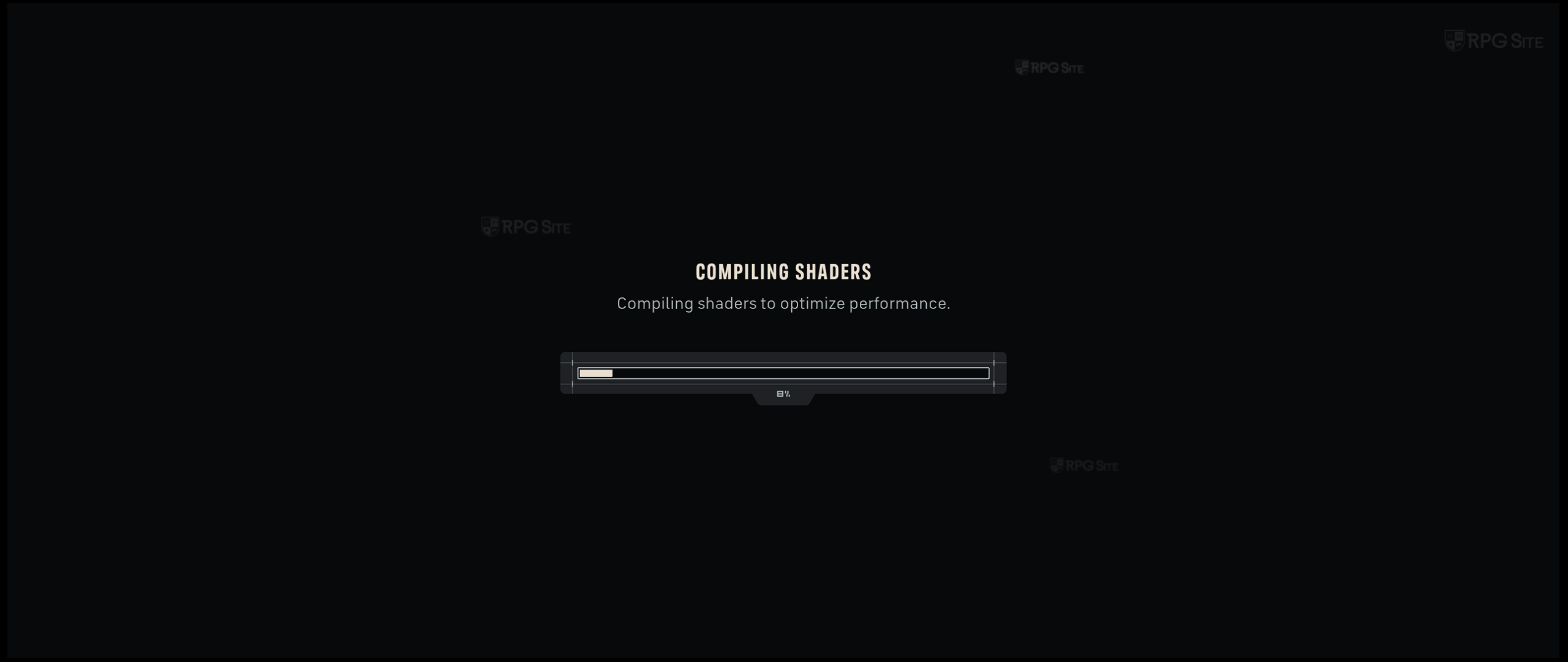
Scott played Star Wars Zero Company on his PC and it had DLSS and Nvidia Reflex Low Latency as options in addition to the ones I had. Star Wars Zero Company also boots up and compiles shaders on first launch.
Star Wars Zero Company PC control options
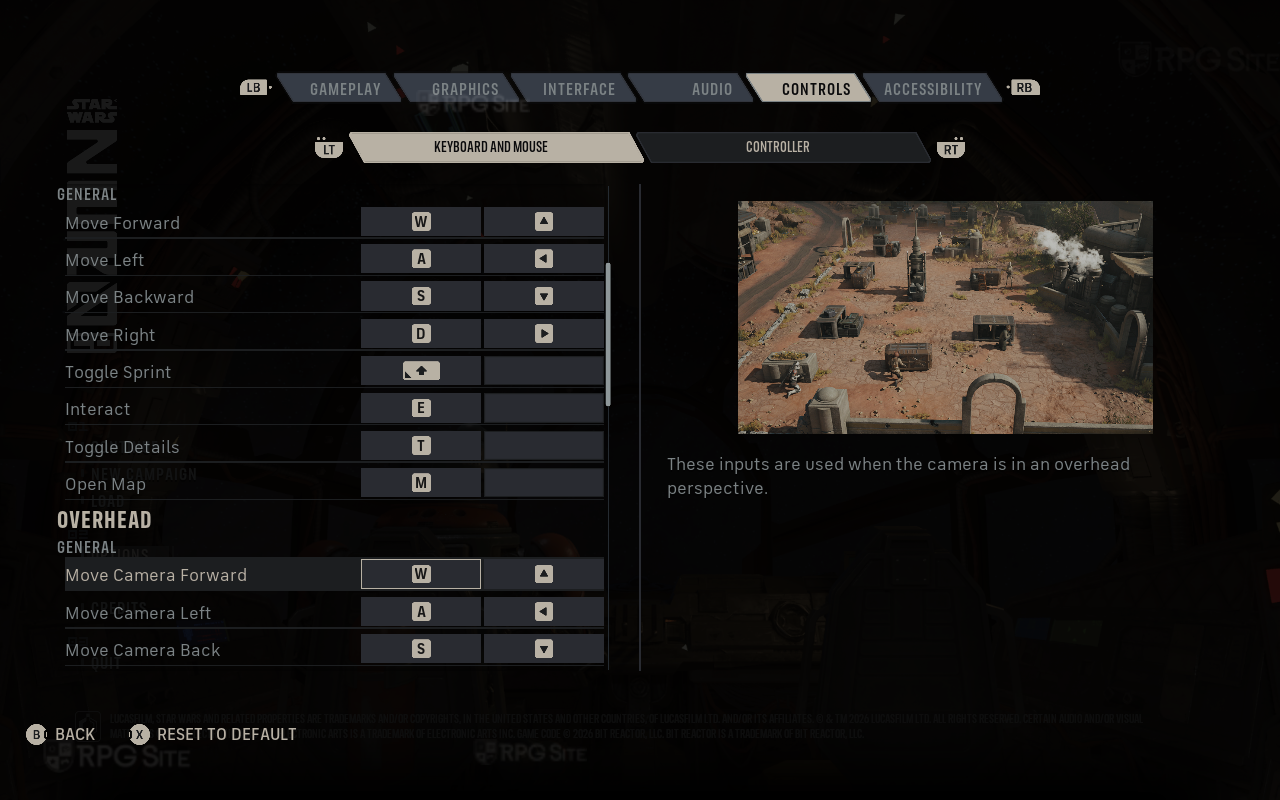
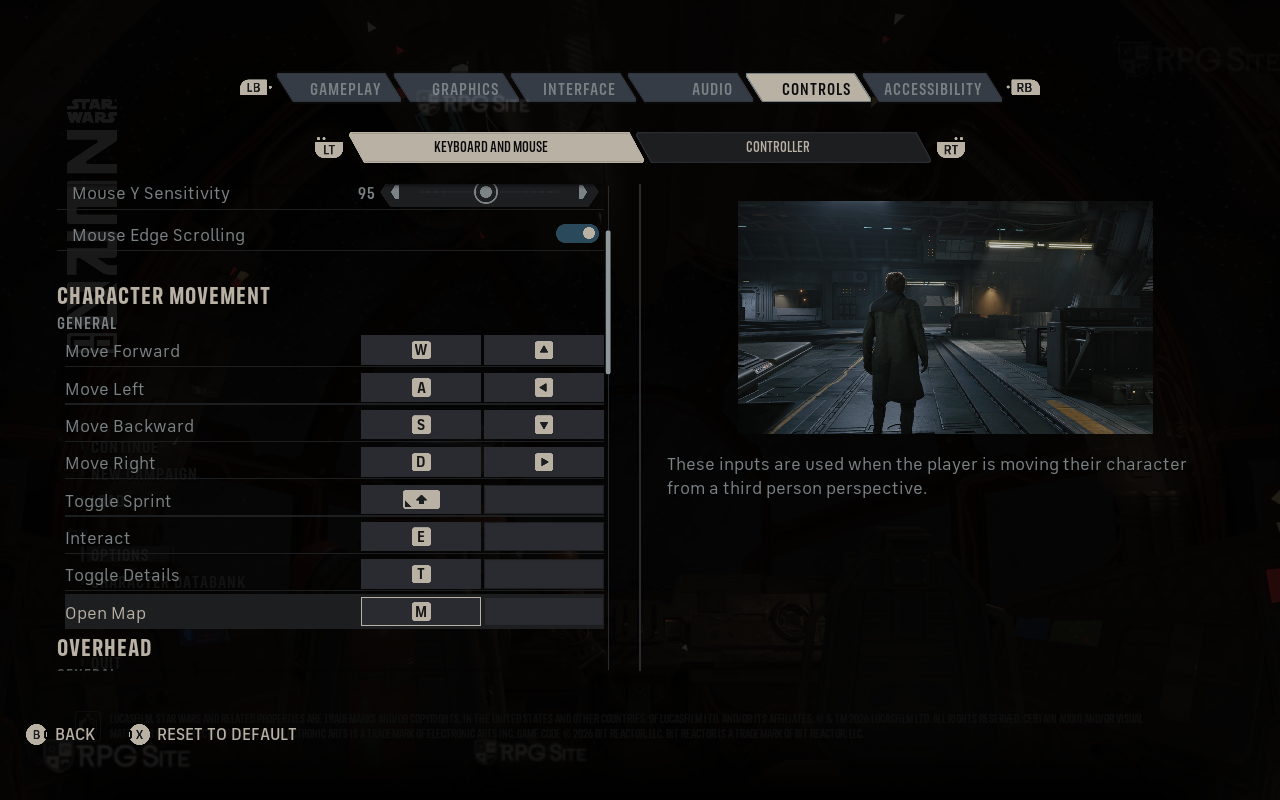
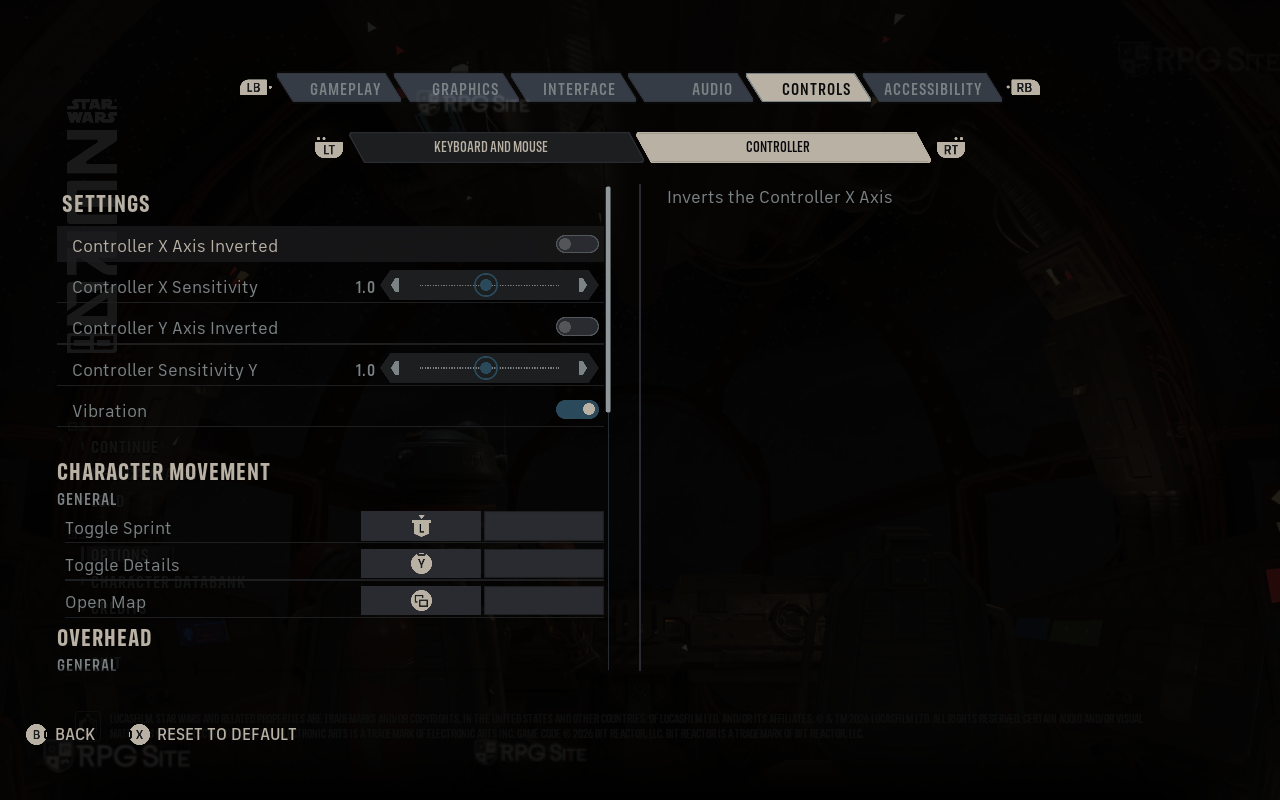
Star Wars Zero Company has full keyboard and mouse support in addition to controller support. It doesn't let you choose what button prompts to display and adapts on the fly depending on input detected.
Star Wars Zero Company Steam Deck full game impressions
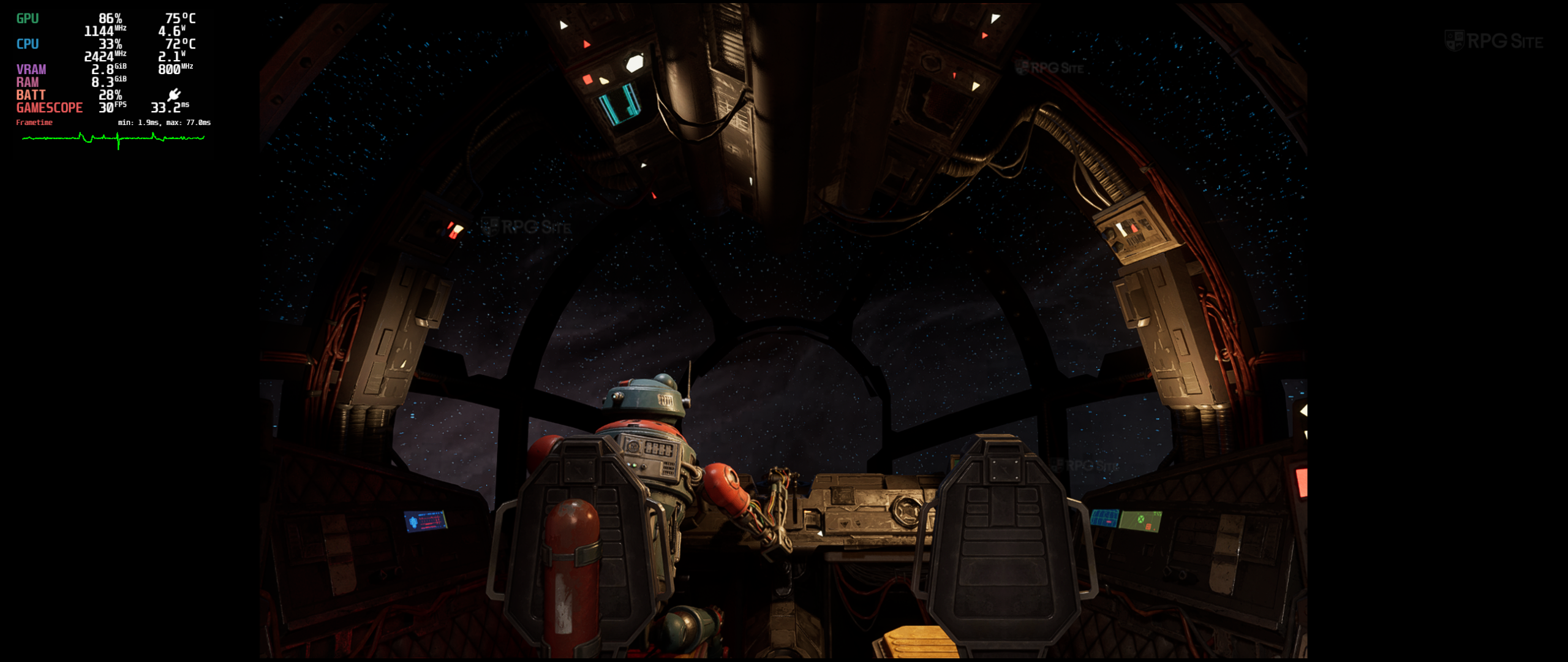
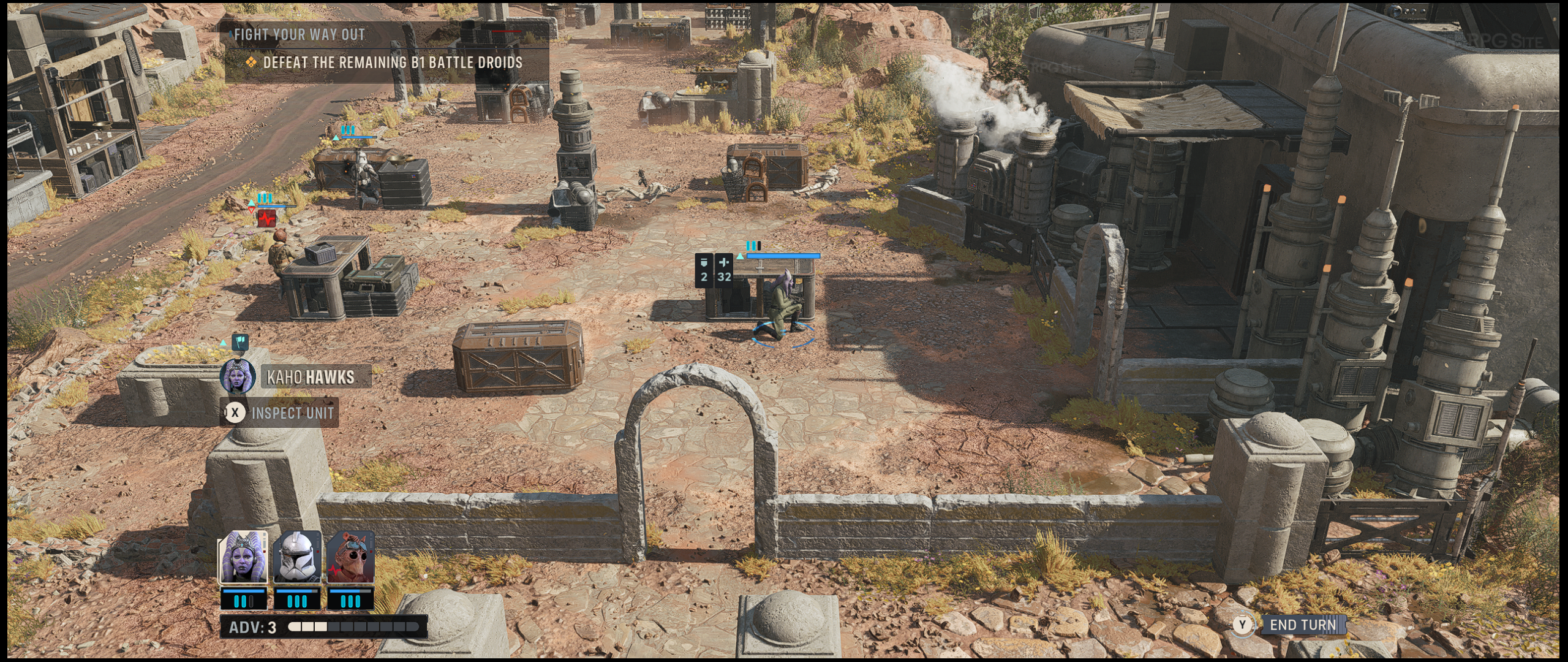
Star Wars Zero Company supports 16:10 and runs fullscreen on Steam Deck with HDR, but it clearly isn't optimized for the platform yet. The on-screen keyboard doesn't appear when you need to input text for your character name and it basically runs very poorly out of the box. In fact, I tried turning everything to the lowest setting and ran with TSR at 25% internal resolution. Even when using FXAA with dynamic resolution and 25% as the lower end of the spectrum, it drops to about 11fps when you move the camera in battles and looks awful. This was on my Steam Deck OLED running the stable SteamOS and tested using Proton 11 and Experimental (bleeding edge).
I downloaded Star Wars Zero Company on my Steam Deck LCD which has the preview channel SteamOS to see if it helped, and it did not do much, though performance was a bit better across the board. You can run at 720p instead of 800p to save some resources, but it just will not run well even on the absolute lowest internal resolution possible. I don't consider it close to playable yet since it was literally rendering at 25% scale and still unable to go above 25fps while moving the camera in the tutorial and saw drops to 15fps and less in later snow areas.
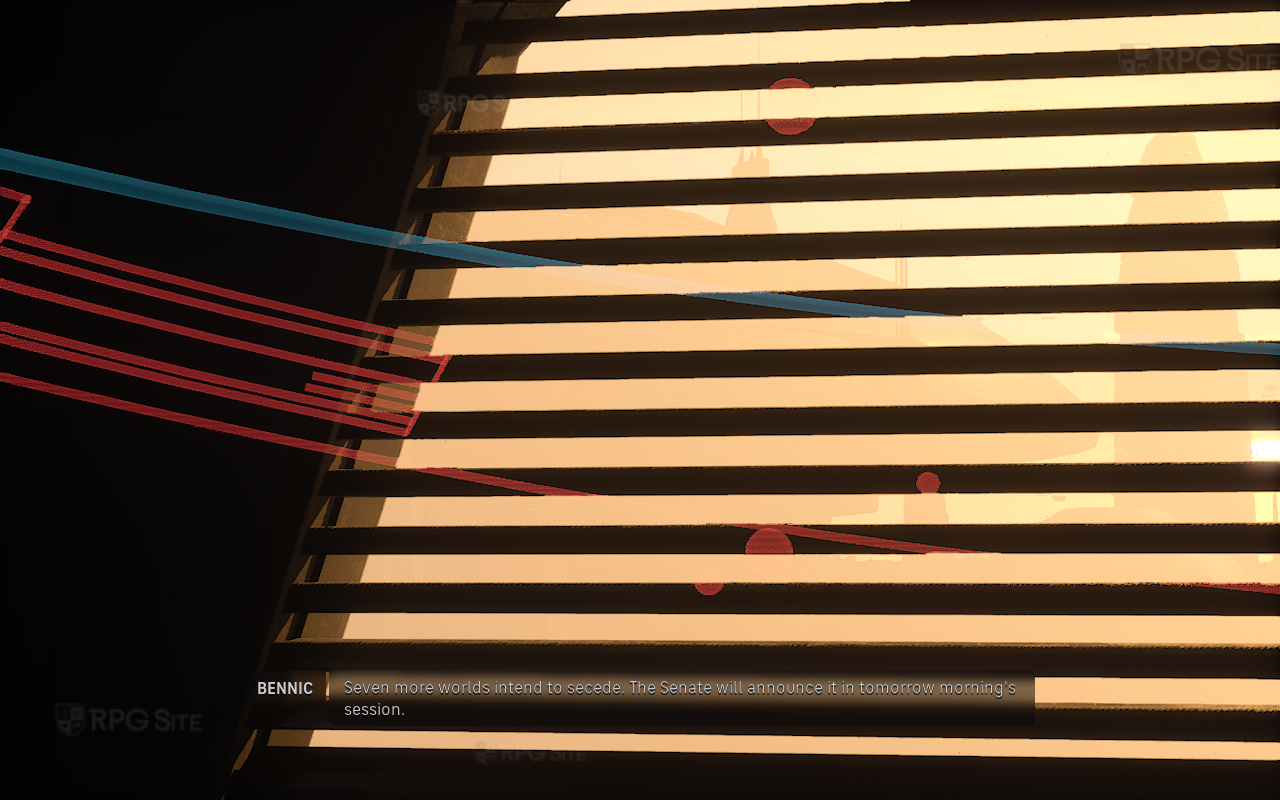
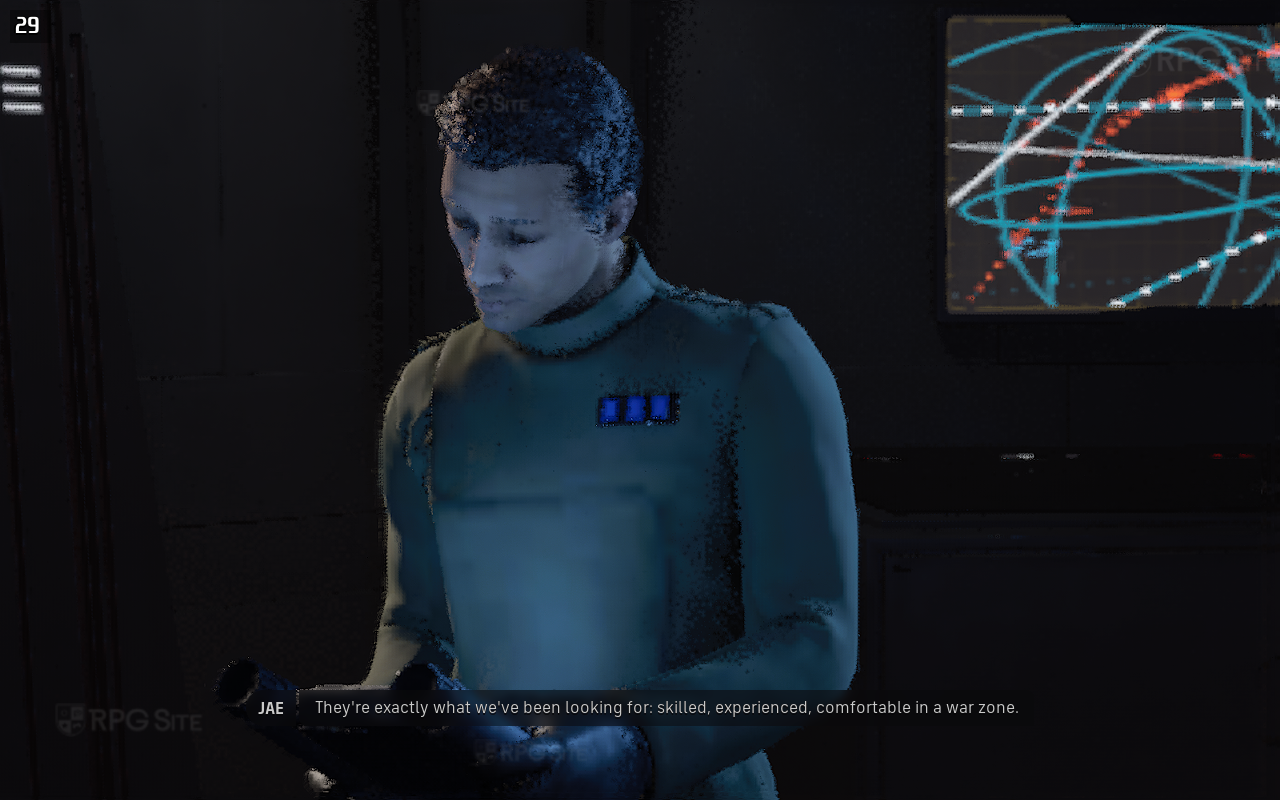
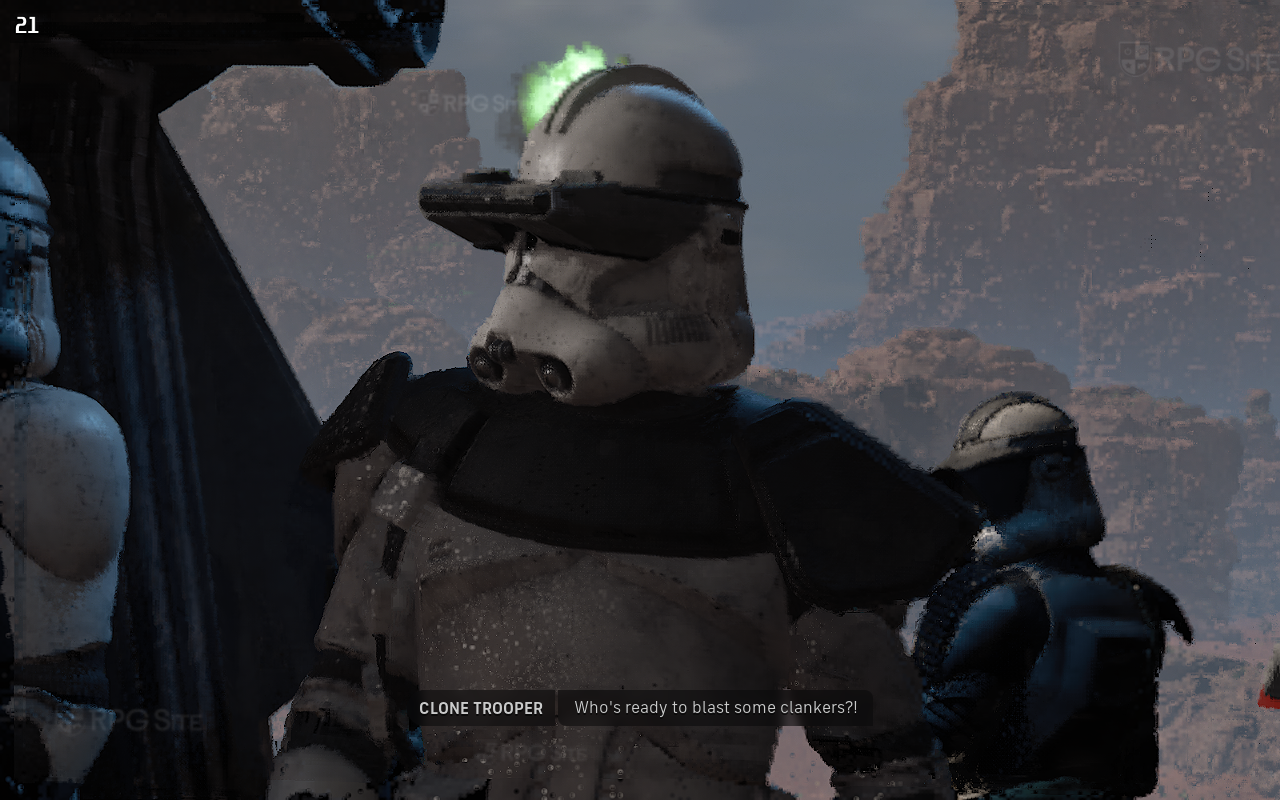
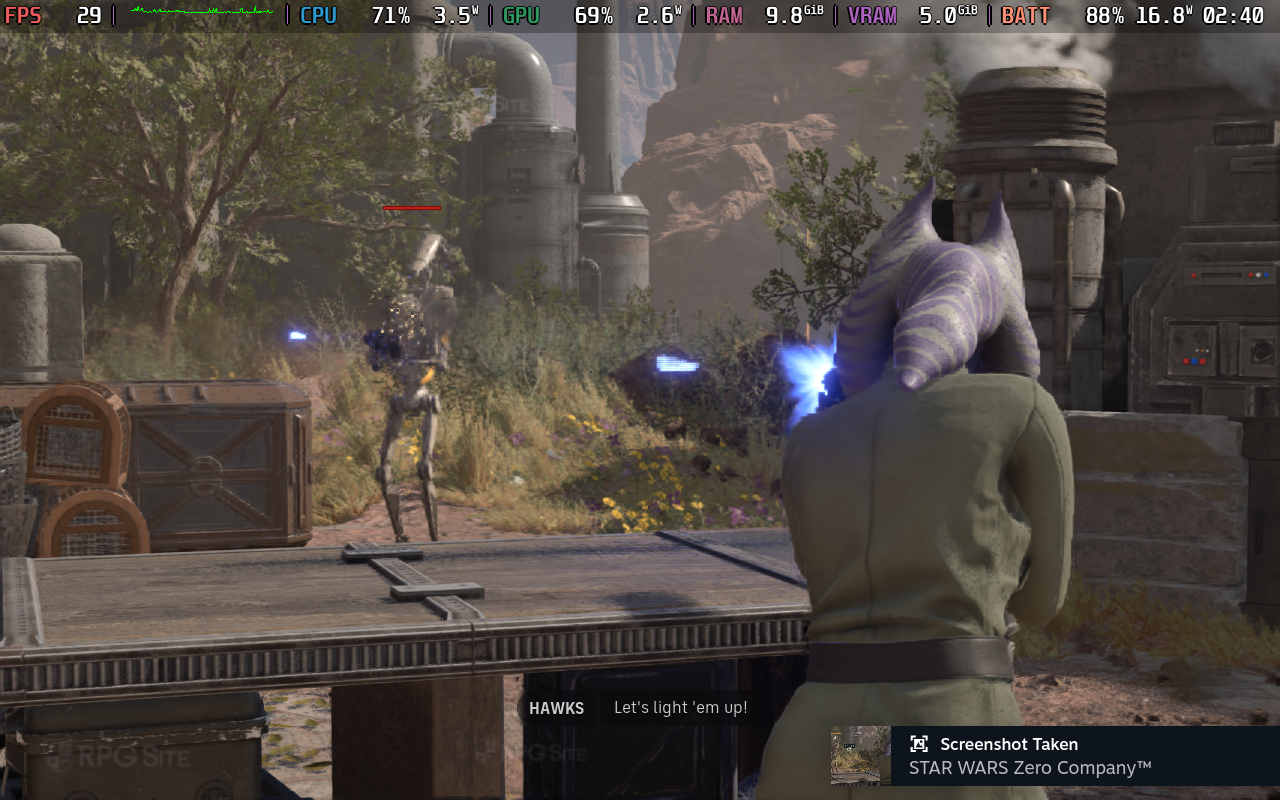
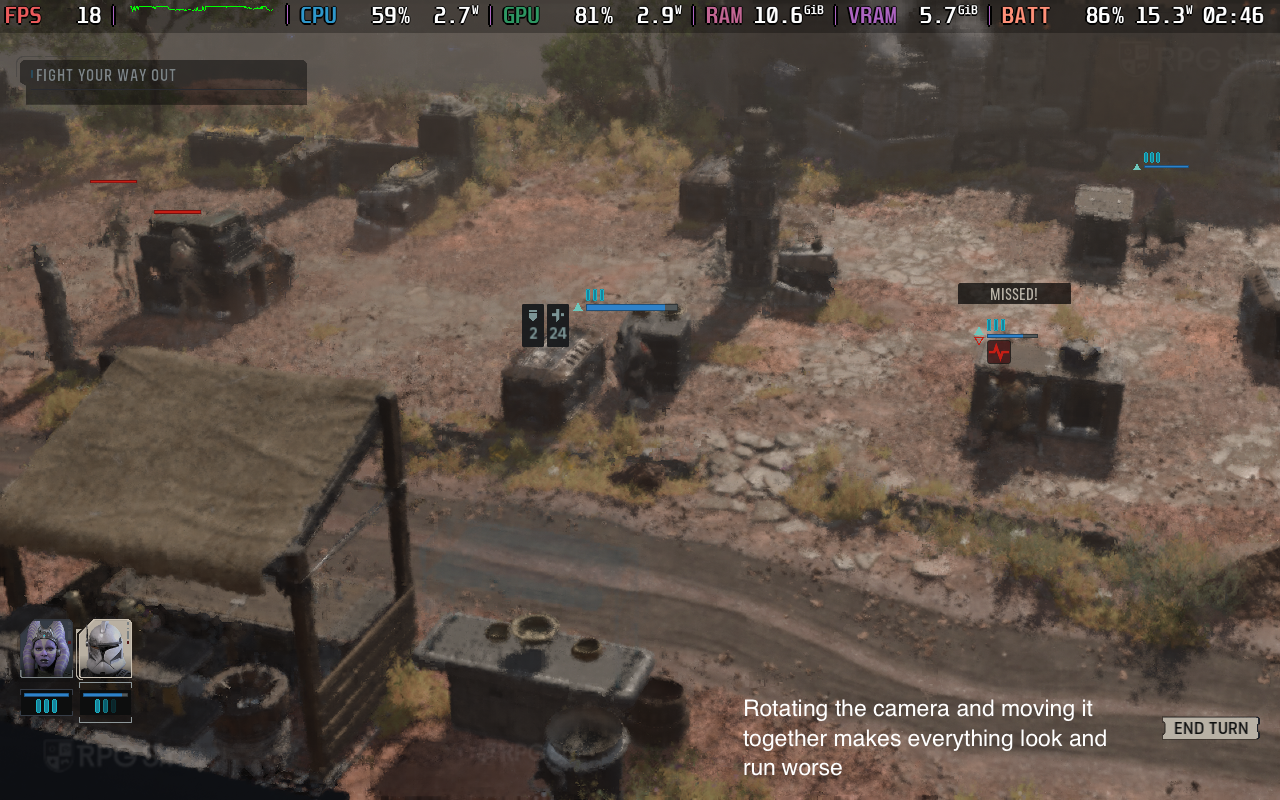
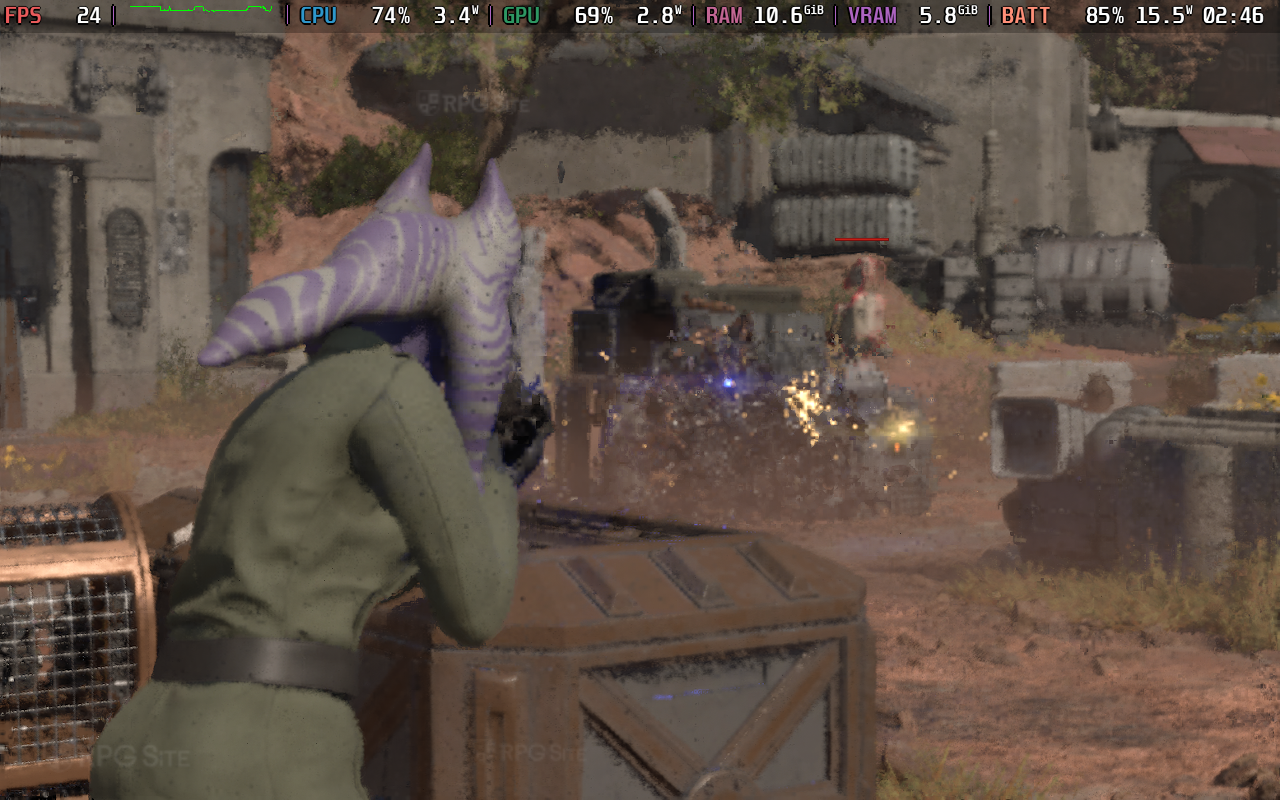
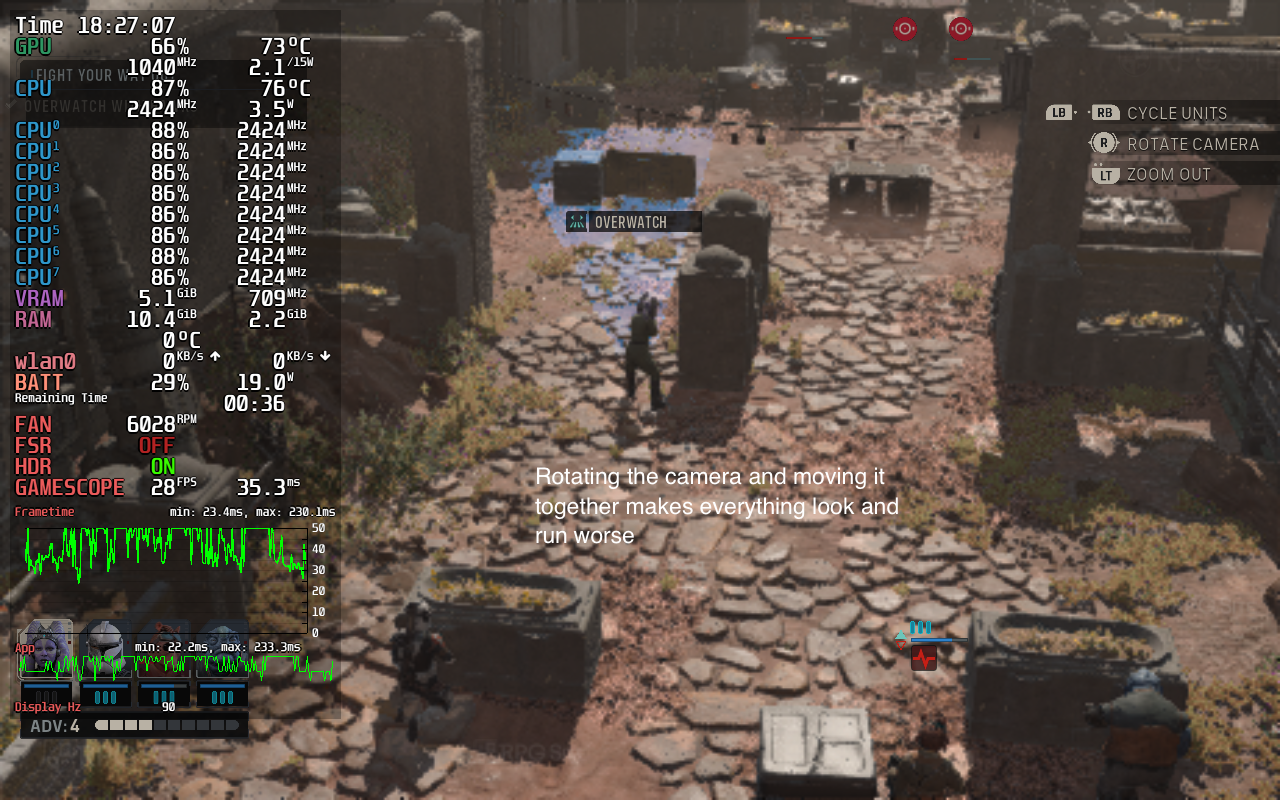
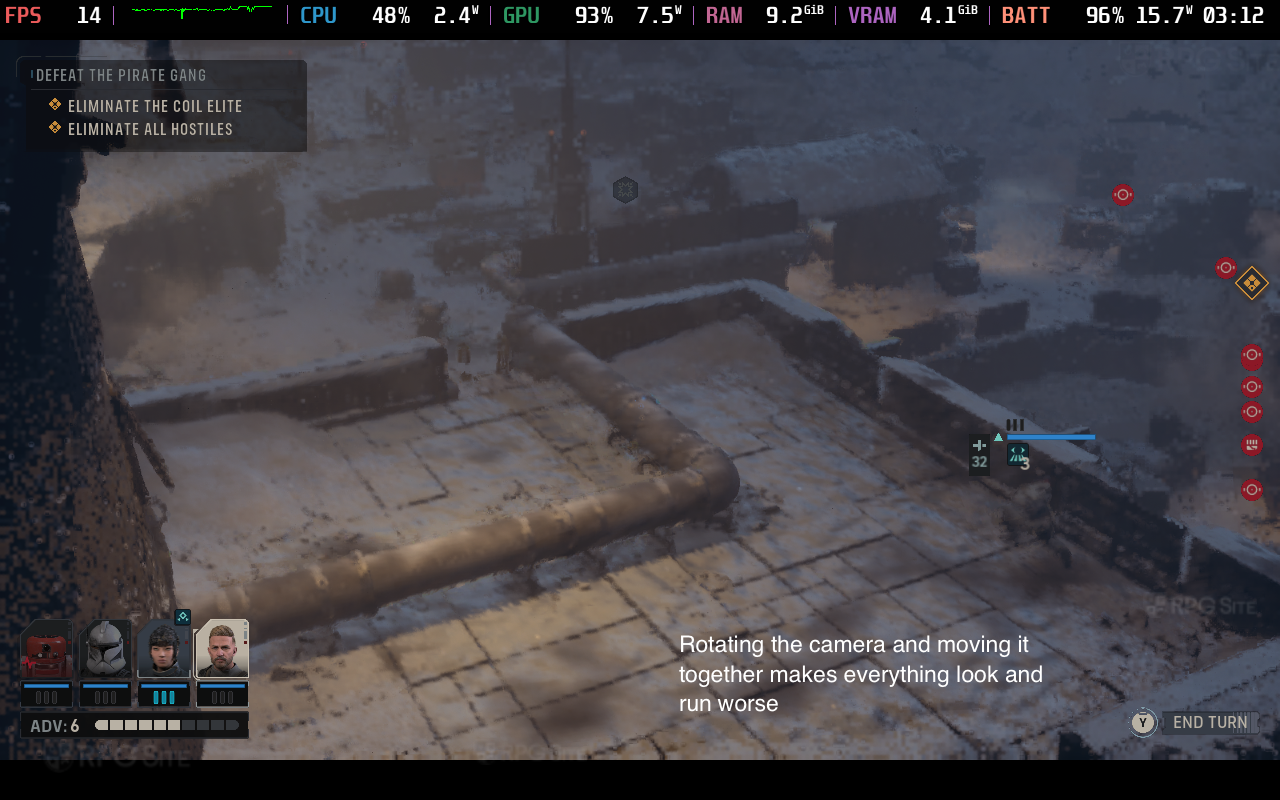
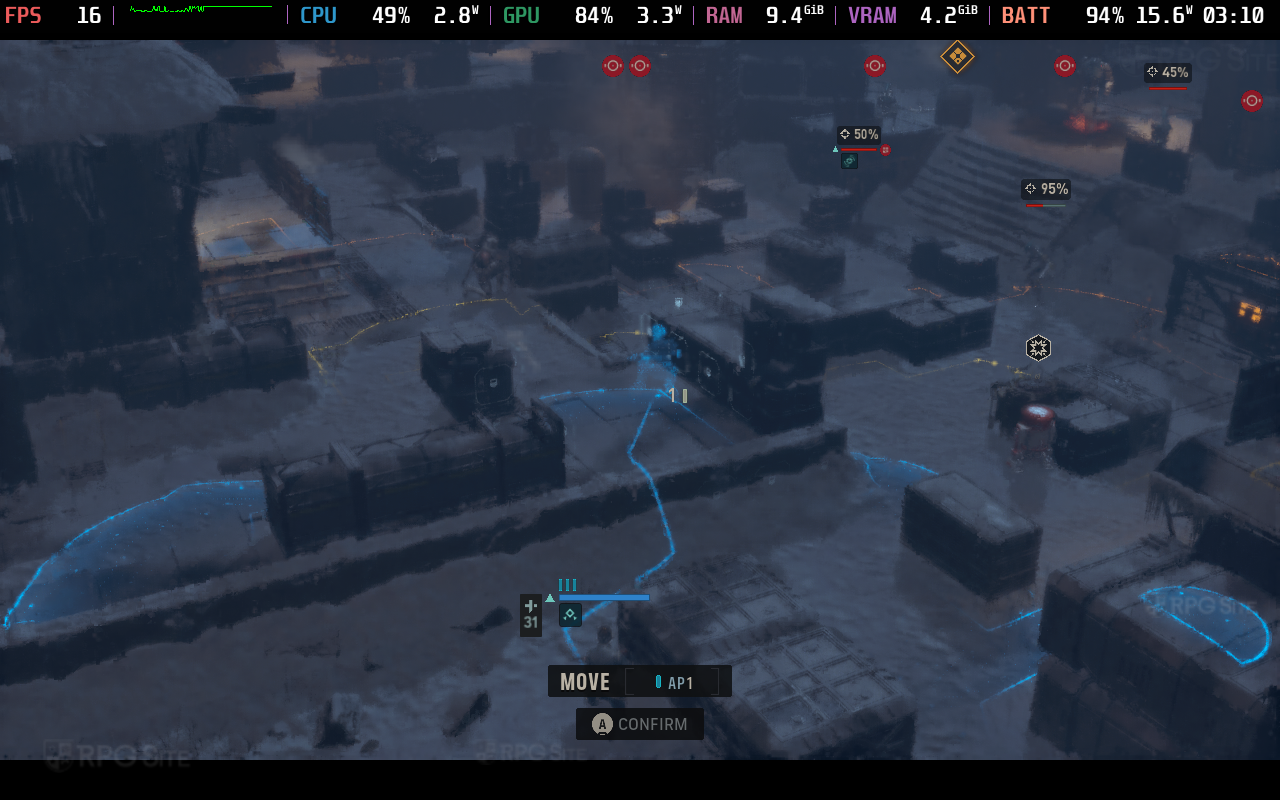
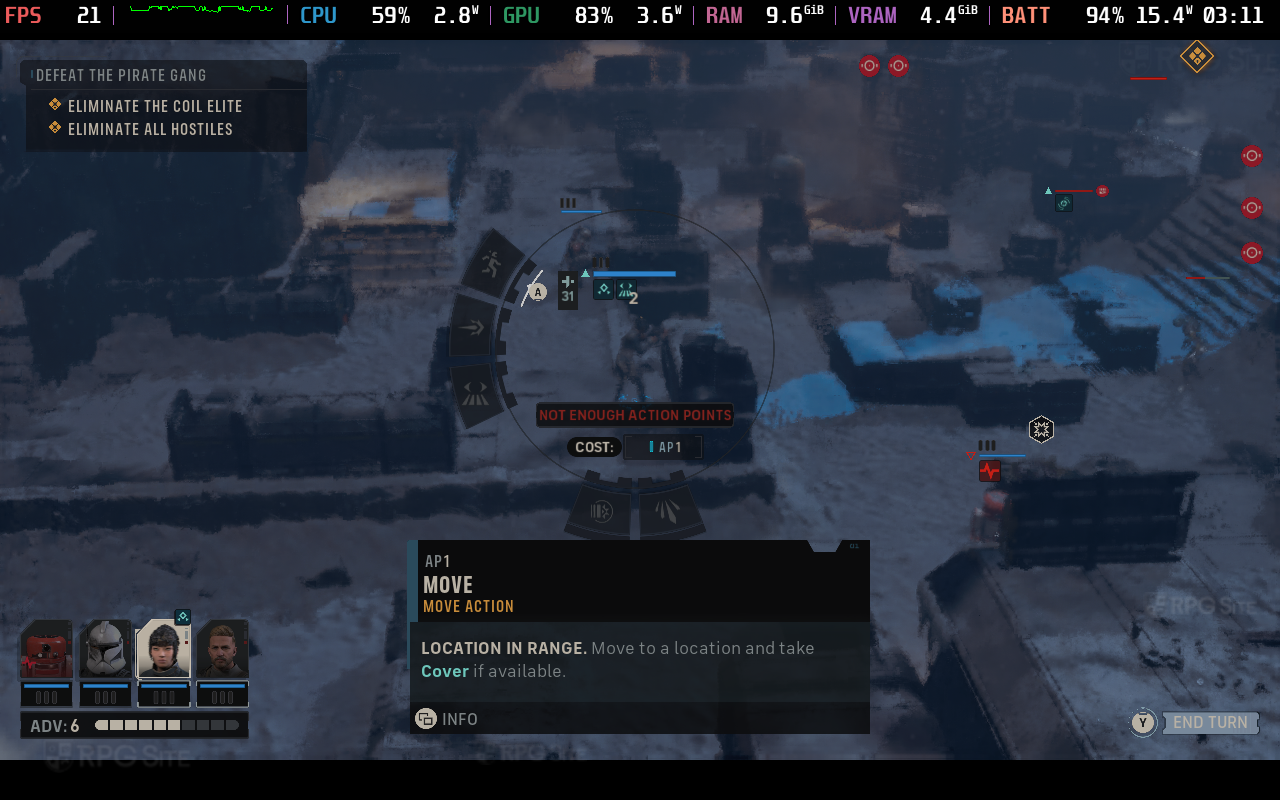
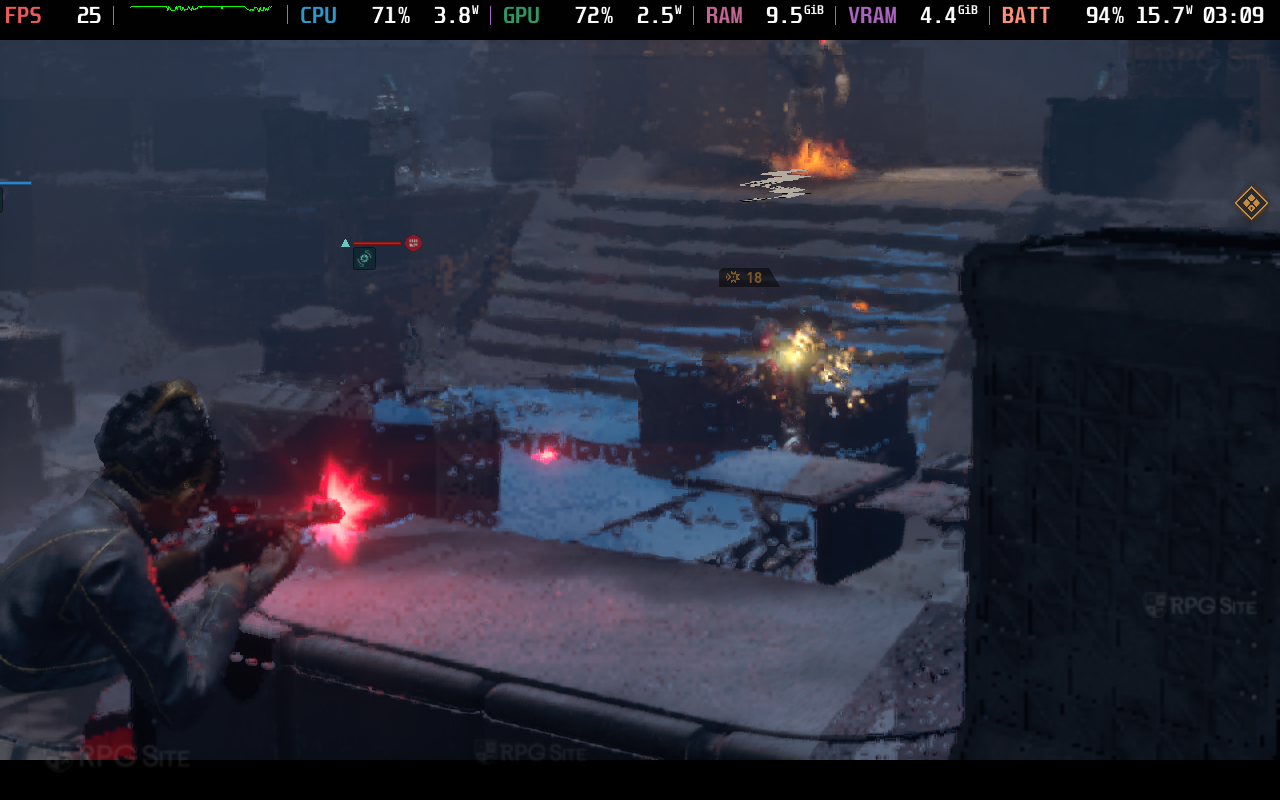
Star Wars Zero Company is one to avoid natively on Steam Deck right now. I assume this is related to the memory required to run the game since the Steam Deck has 16GB shared memory while the game needs 16GB RAM and more VRAM with a Nvidia 1080 in the minimum requirements.
Star Wars Zero Company Steam Deck recommended settings
As you've probably guessed, my recommendation is to not play Star Wars Zero Company on Steam Deck natively. It is not even close to optimized for the hardware right now. Stream it from your main PC if you want to play it on Steam Deck.
Star Wars Zero Company ROG Ally full game impressions
Moving over to my ROG Ally Z1 Extreme model, I was able to get Star Wars Zero Company playable out of the box. In fact, it even looks decent all things considered while hitting 30fps early on on the low preset. I first played with the 25W turbo mode and used 75% TSR upscaling. This didn't hold up too well in the main hub or some later missions where I saw drops below unless I used 70% for the render scale. With these settings, the only issues I ran into were seemingly UE5-related with stutter initially in a level that settled down. This will not guarantee a locked 30fps experience, but it is a good compromise right now for getting the best possible visuals without degrading performance too much.
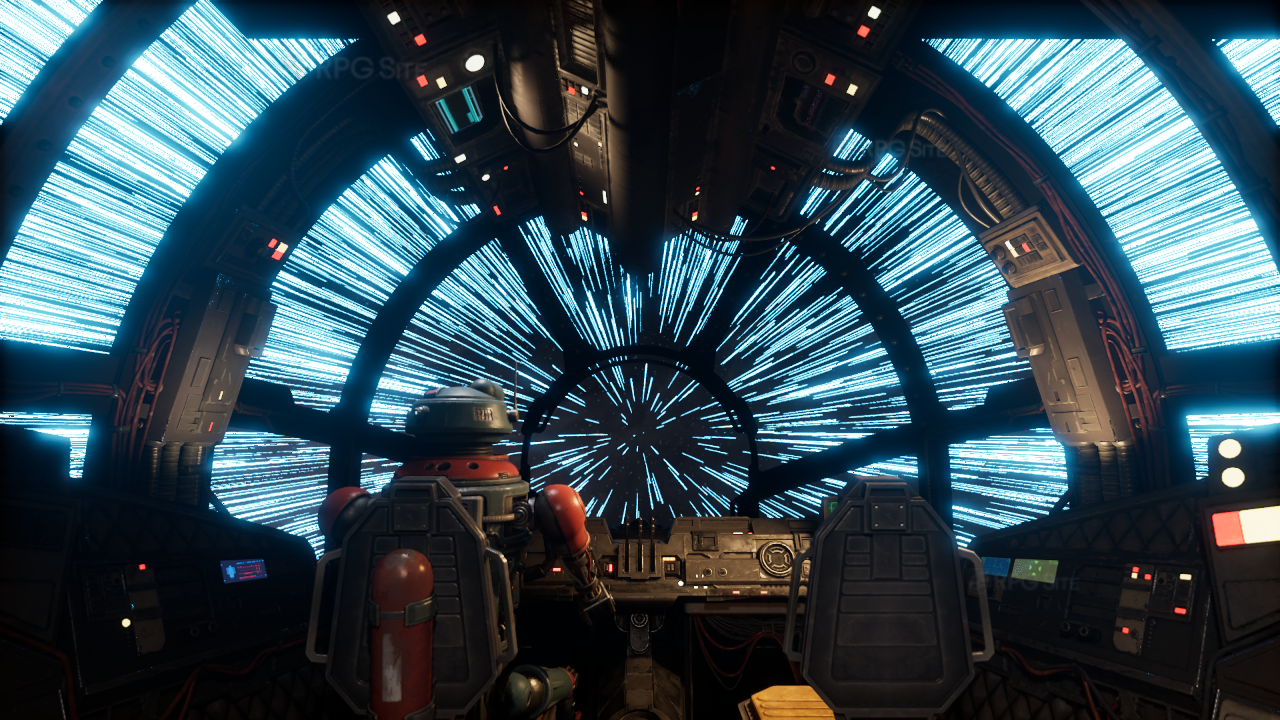
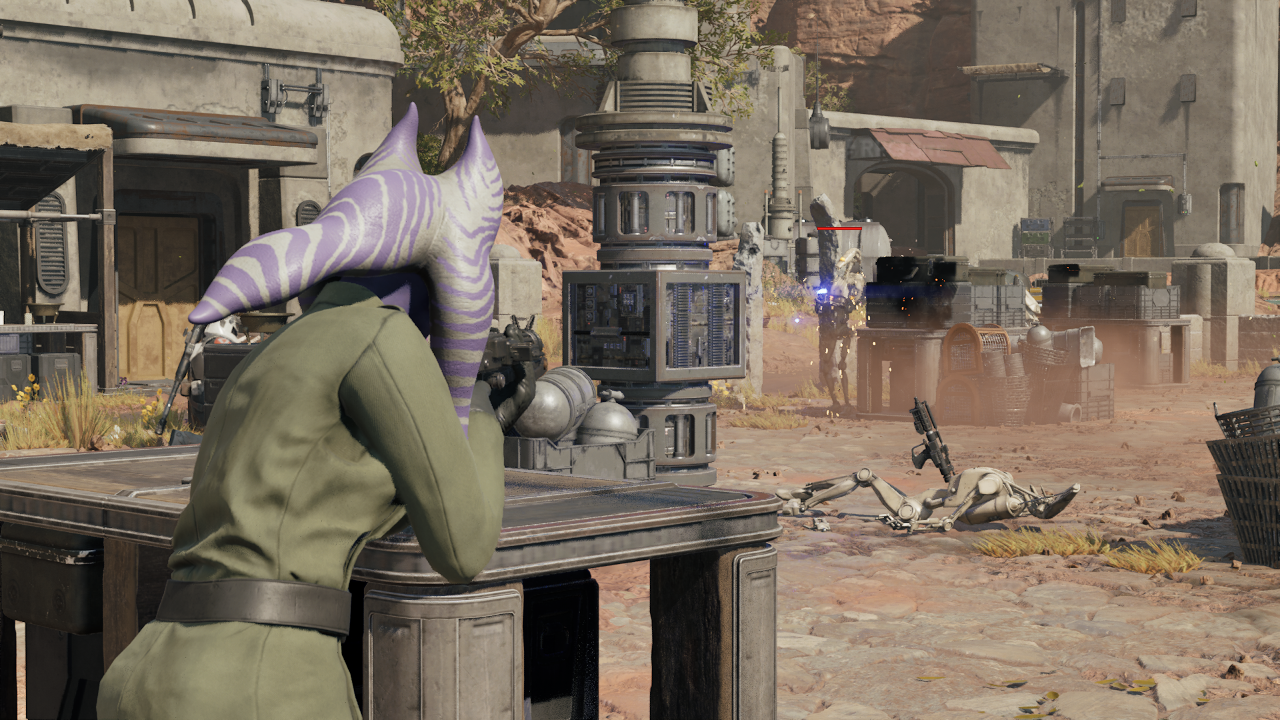

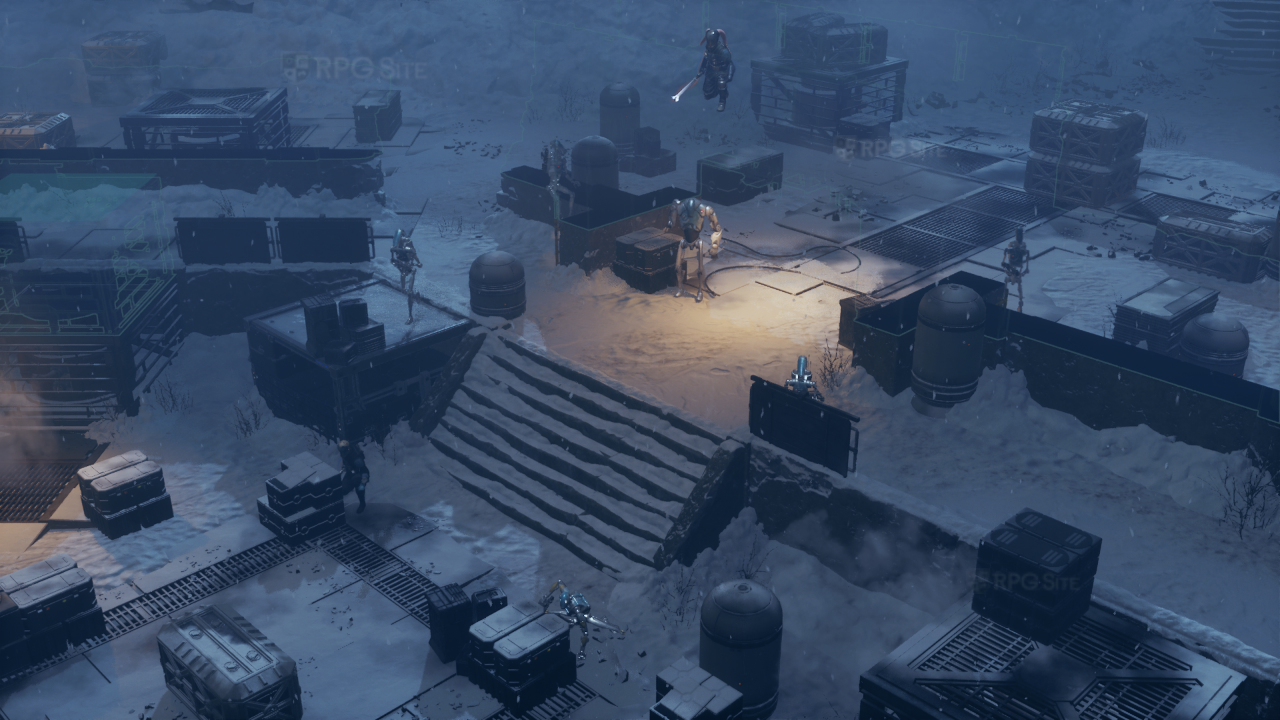
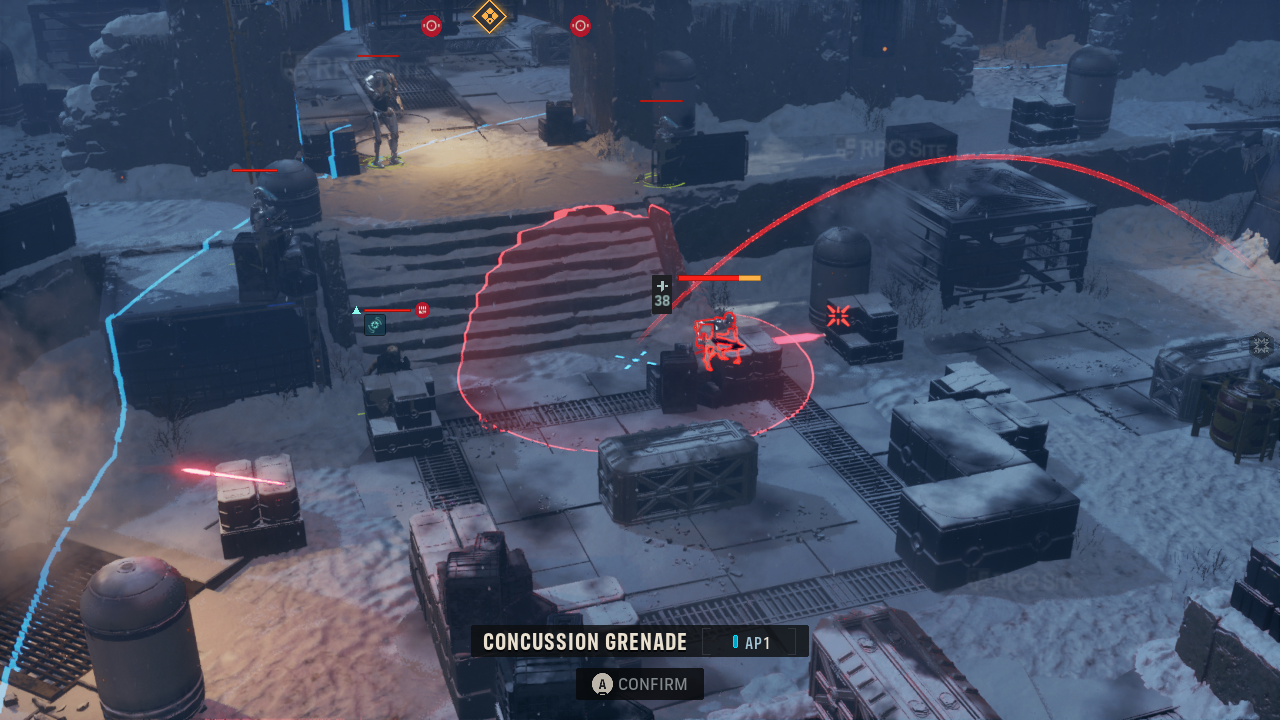
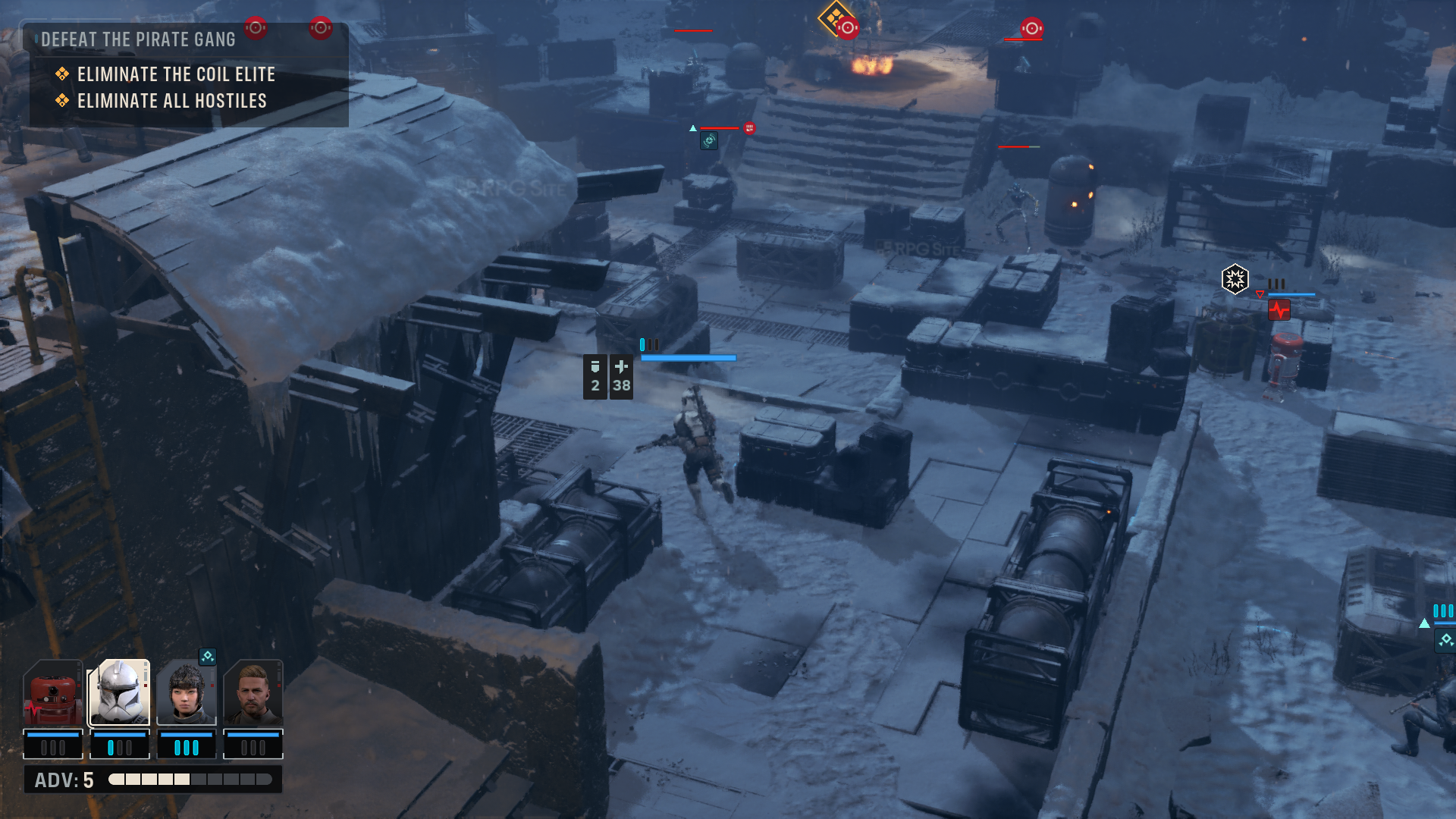
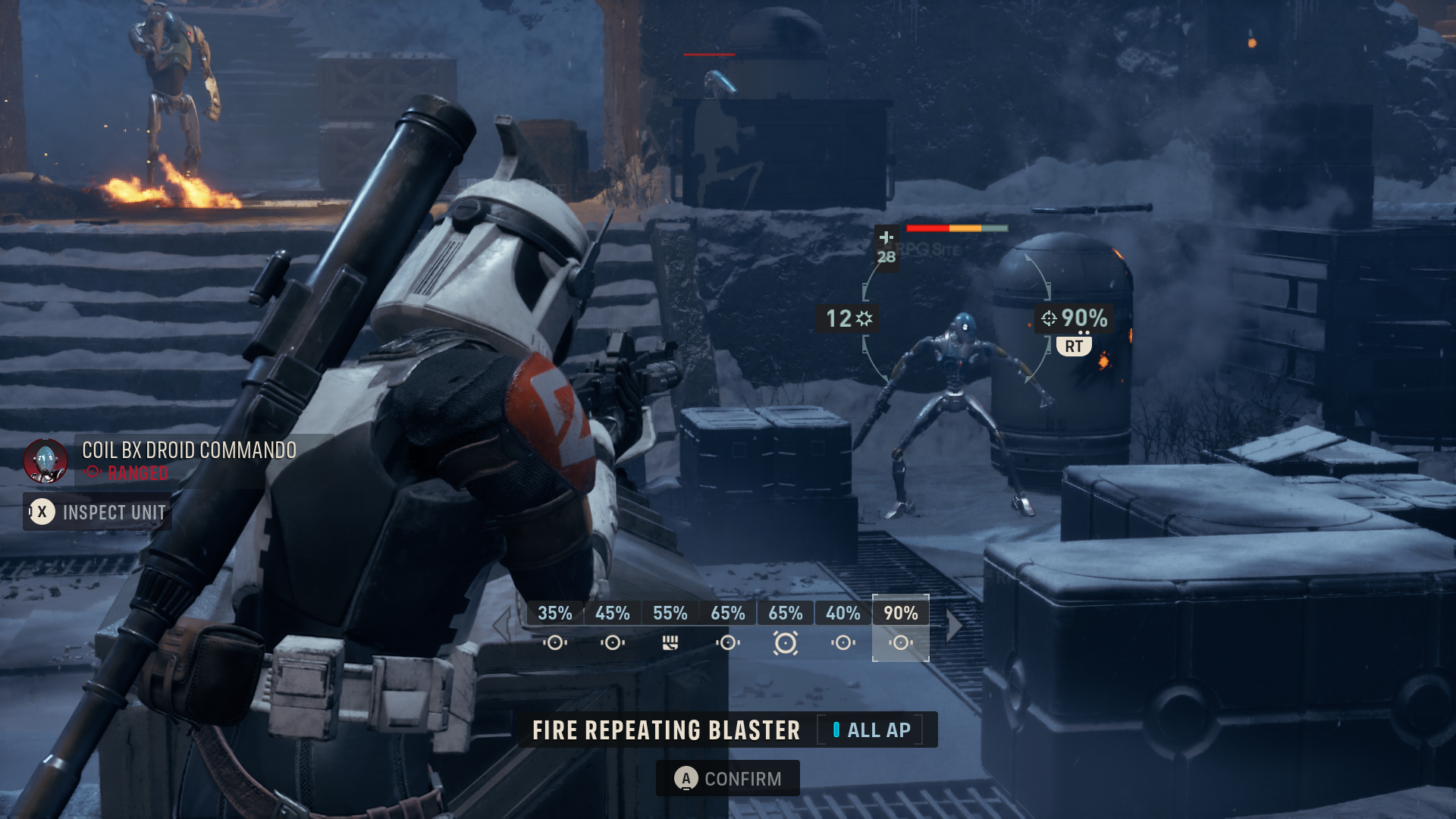
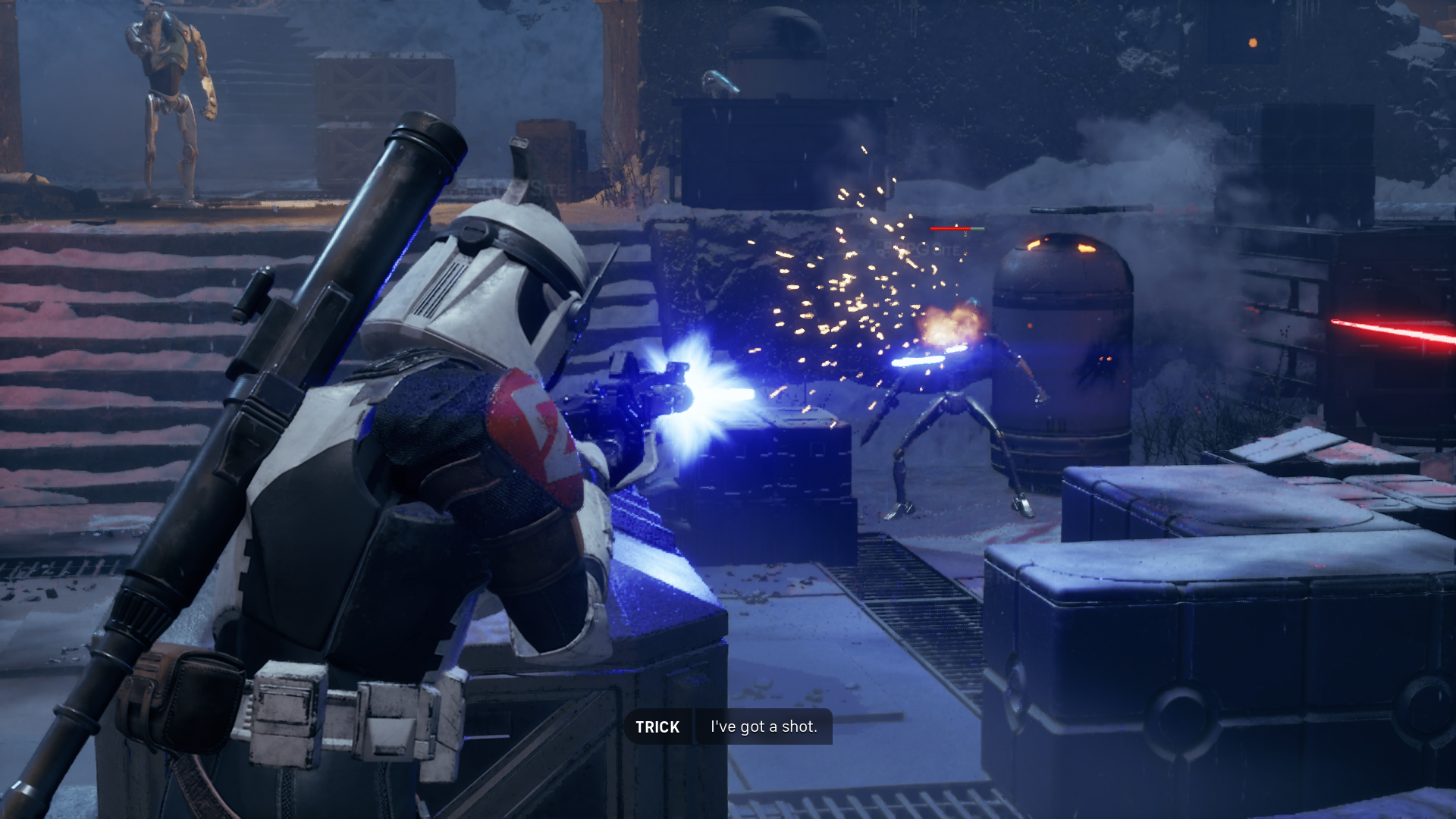
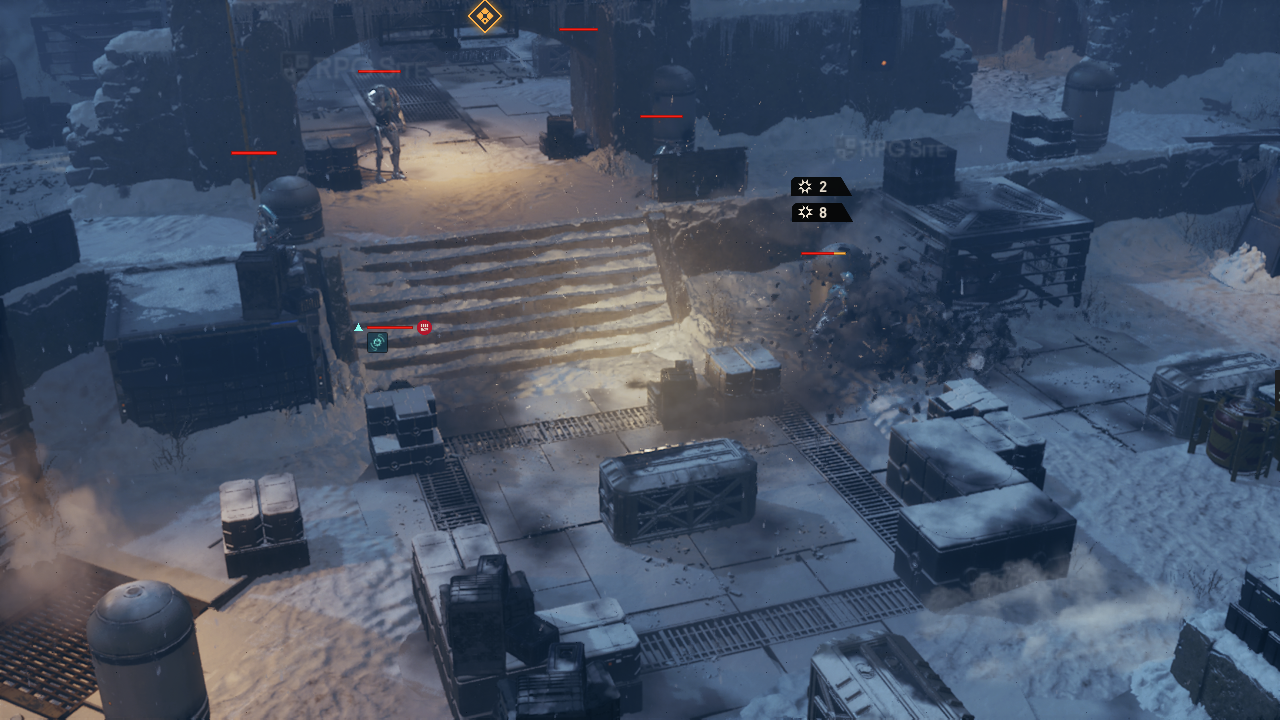

If you play at 1080p and the 30W mode on the Z1 Extreme, I recommend using 40% render scale with TSR upscaling and not 50%. With 50%, I saw drops to the high 20s. While it obviously wasn't the best looking experience, it is pretty good all things considered on the smaller screen, and a lot better than Steam Deck. When I tried the 25W mode at 1080p, it basically ran similarly, but I noticed a few more drops just below 30fps to 29 or 28 for a few seconds. I imagine the ROG Ally X or ROG Xbox Ally X will do a much better job since they have 24GB of shared memory.
I will revisit Star Wars Zero Company on Steam Deck and ROG Ally when any major optimization updates are released. Until then, I recommend trying it out via Steam on ROG Ally, but not bothering to try it natively on Steam Deck right now. You should stream it from your main PC if you have that option to the Steam Deck.
Star Wars Zero Company launches today for PlayStation 5, Xbox Series X|S, and PC (Steam).