

The Blood of Dawnwalker is a bit too heavy for Steam Deck, but what about ROG Ally and MSI Claw?
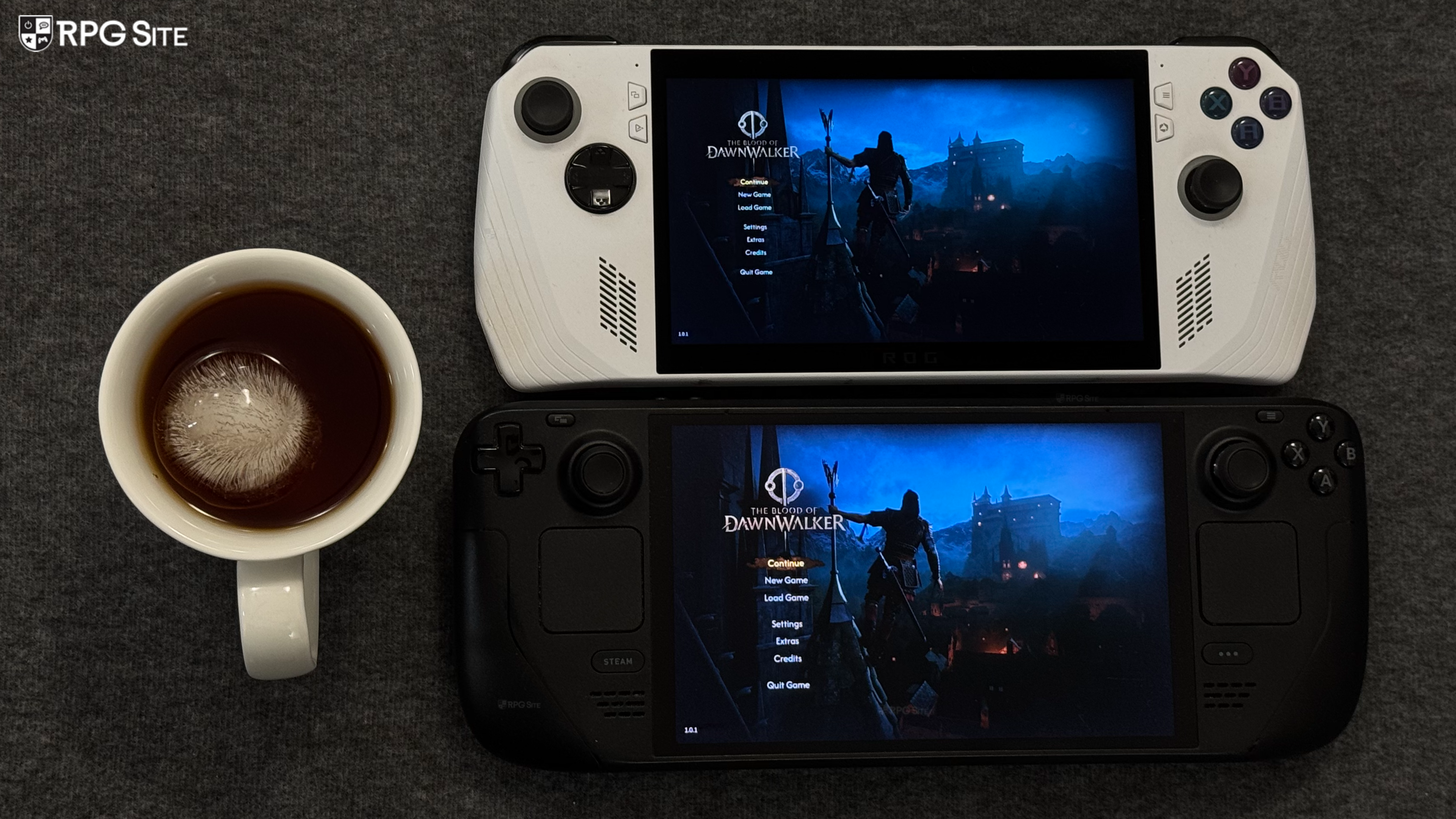
The Blood of Dawnwalker launches this week worldwide for consoles and PC (Steam, GOG, Xbox on PC). Ahead of its launch, I had a chance to play the Steam version to see how it scales on PC handhelds, the PC features, and more. Since The Blood of Dawnwalker is an Unreal Engine 5 title, I was a bit skeptical about its PC handheld performance right now. After the recent release of Star Wars Zero Company and how it plays on Steam Deck, I expected The Blood of Dawnwalker to be a lot worse given the scope. I was wrong. While The Blood of Dawnwalker, as the title suggests, is a bit too heavy for Steam Deck right now, the general experience is a lot better than Zero Company and it is very close to being decent on ROG Ally. For this article, James helped with impressions from his MSI Claw 7 AI+ and more. The impressions below are all from the most recent build with performance verified as of August 30.
The Blood of Dawnwalker PC graphics and display options
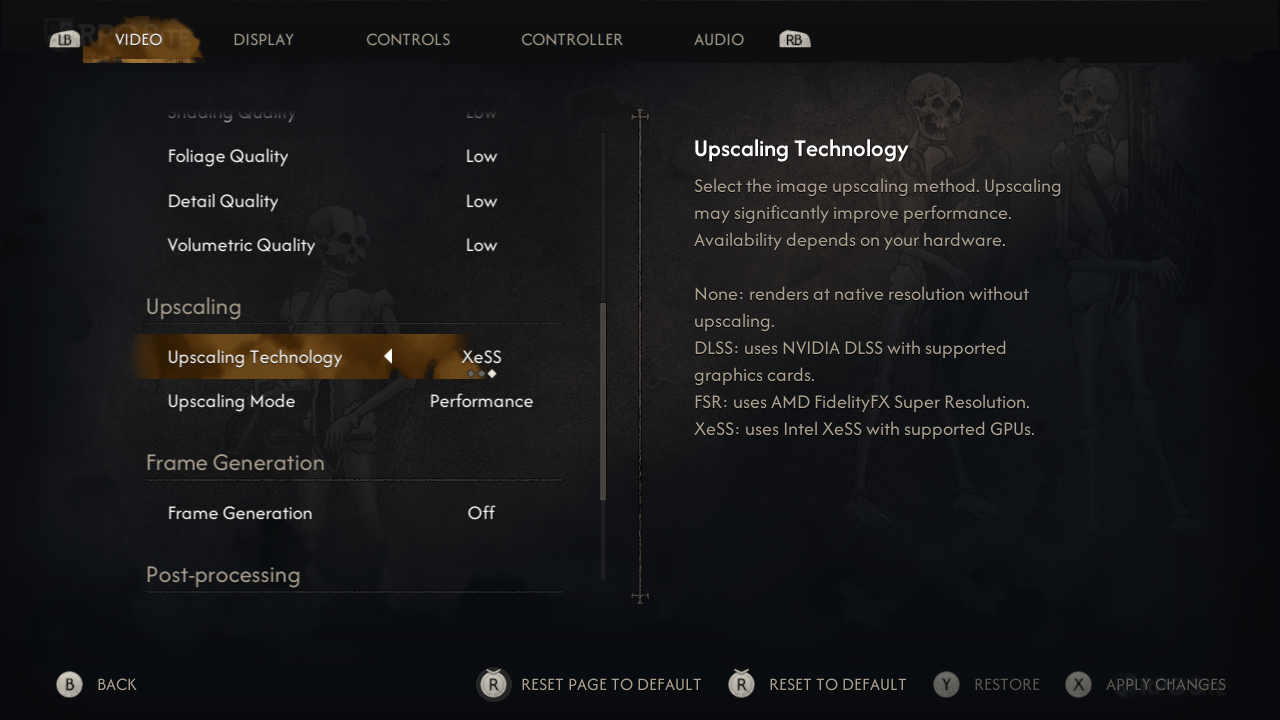
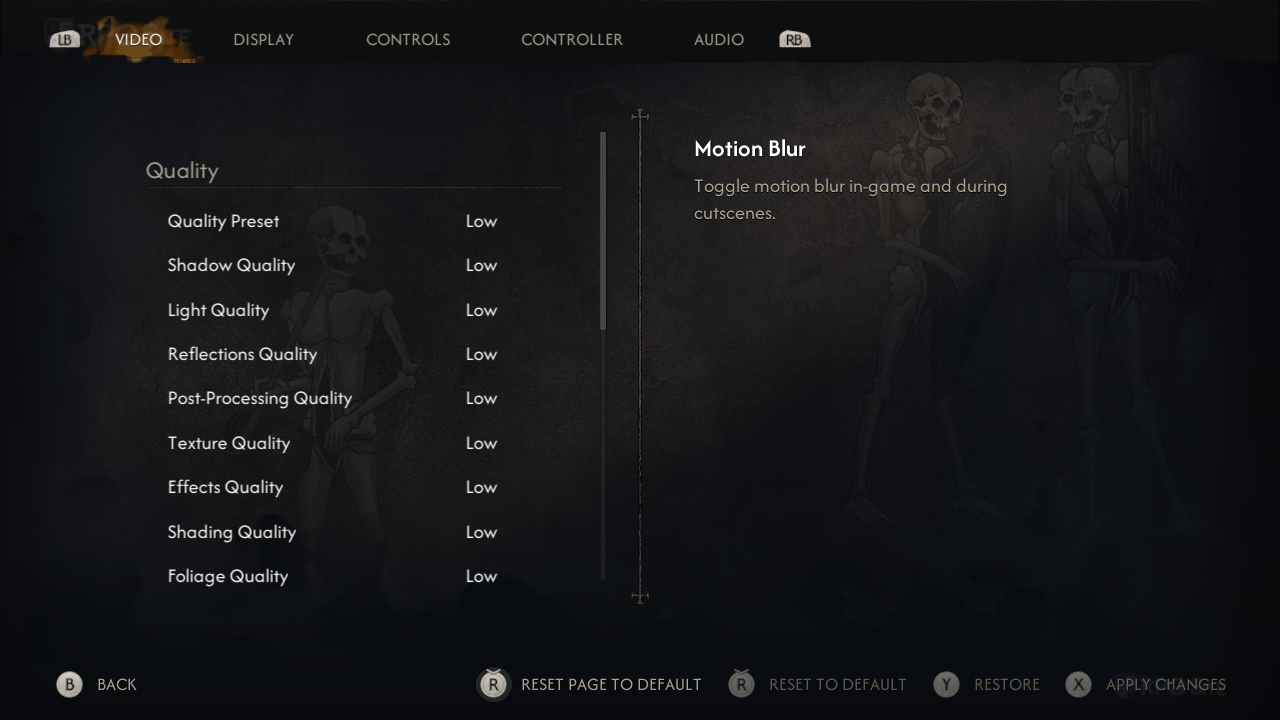
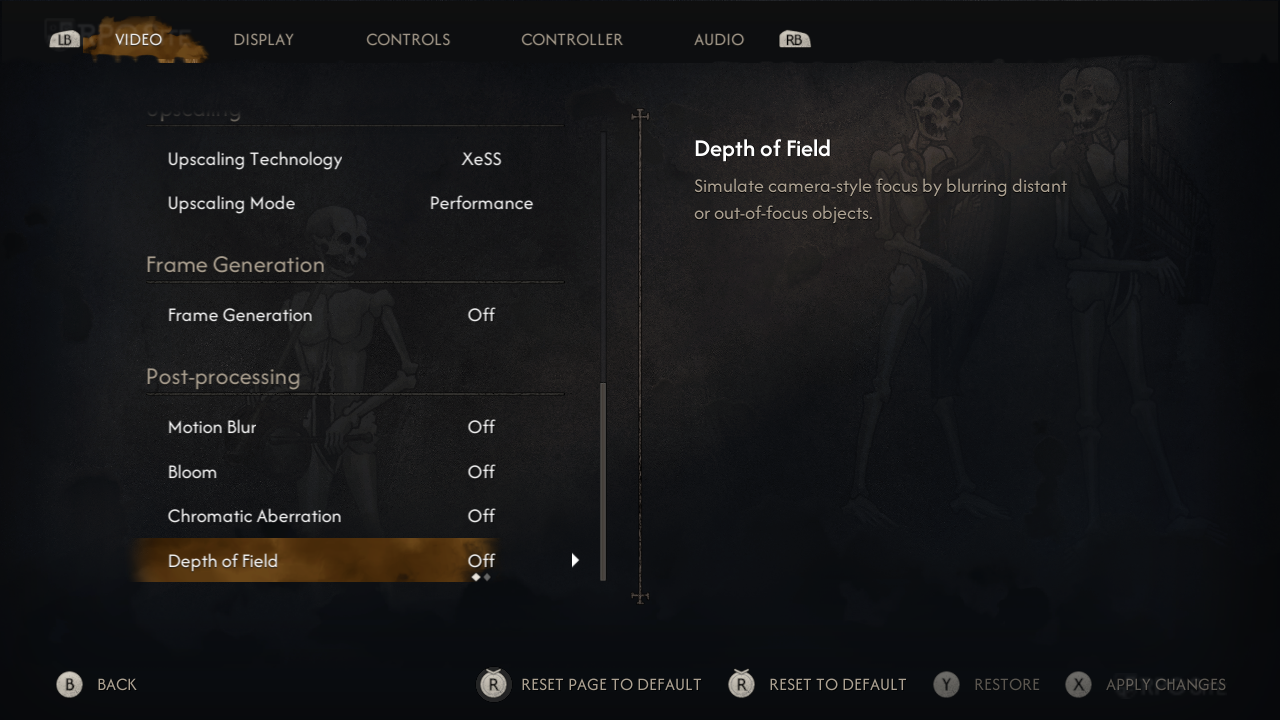
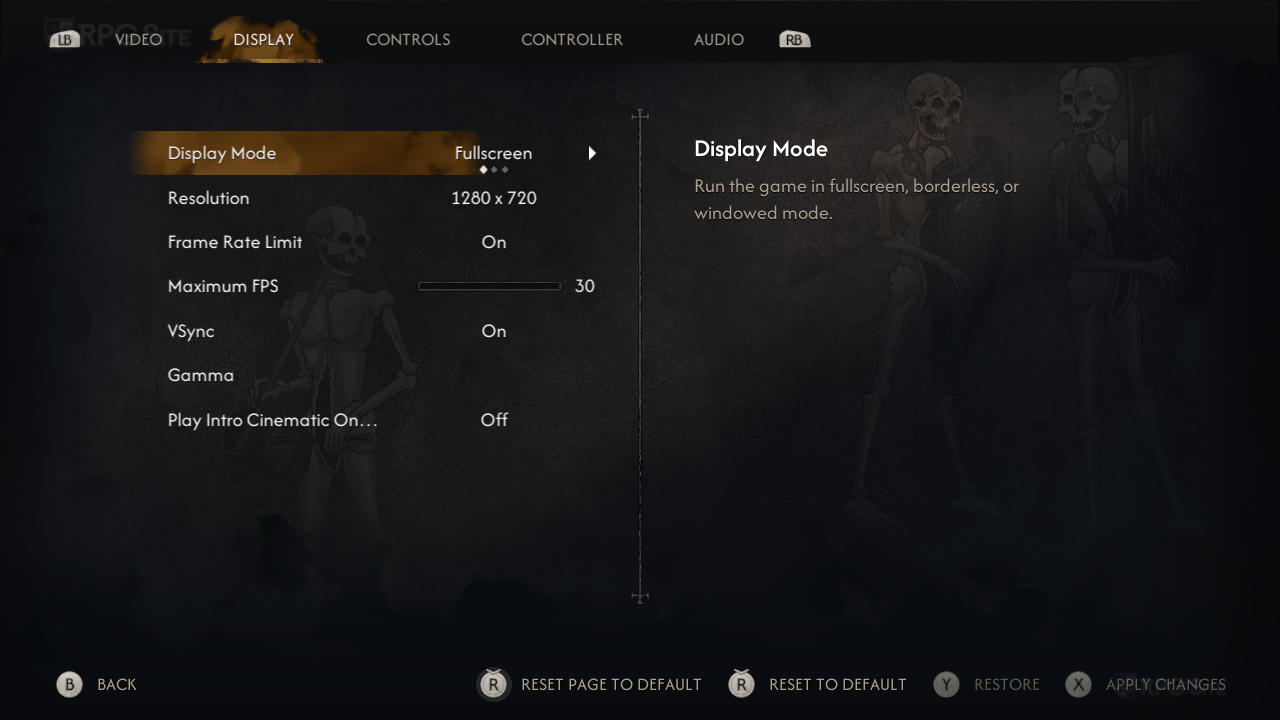
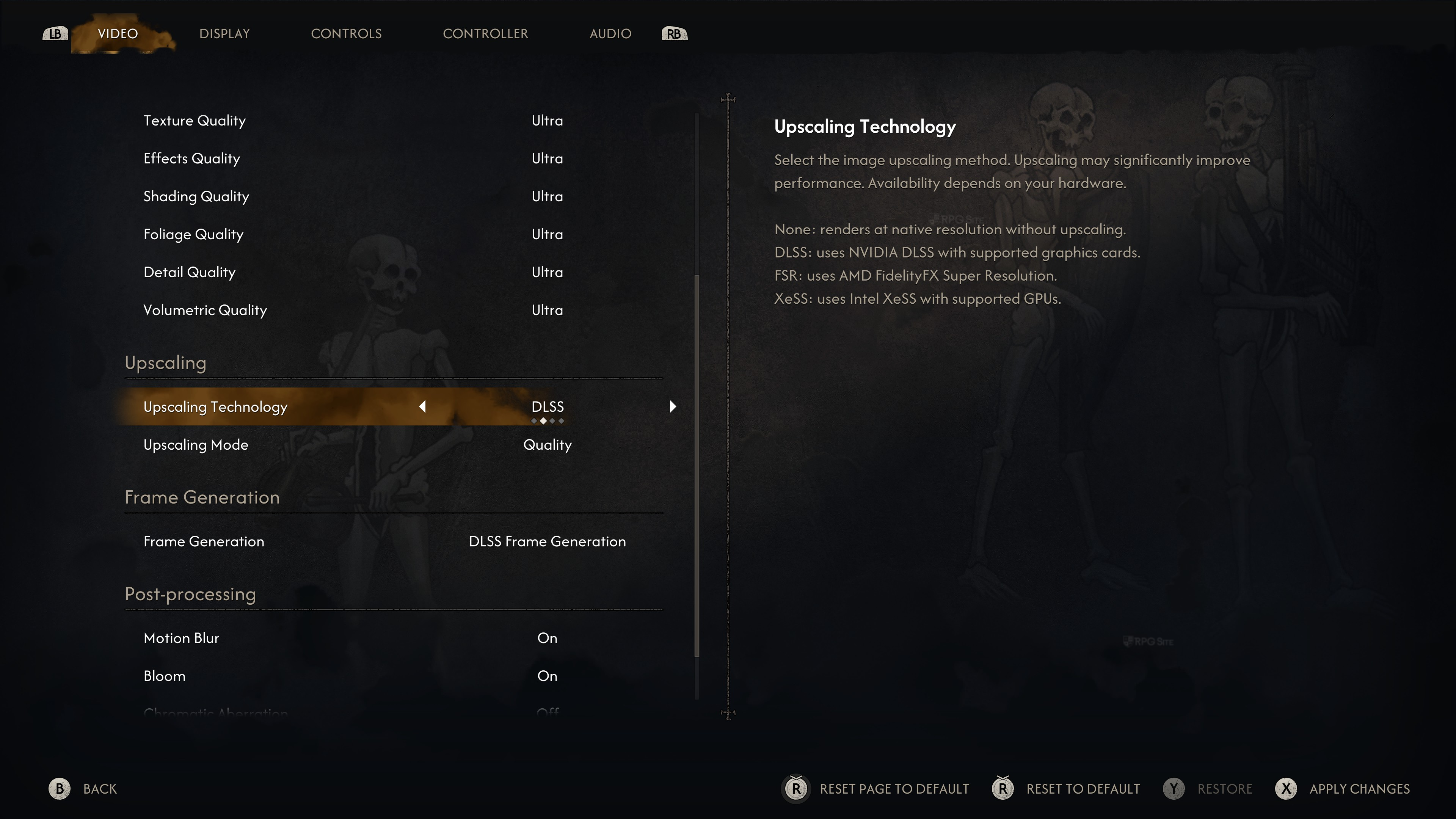
The Blood of Dawnwalker on PC has support for DLSS, FSR, and XeSS upscaling in addition to multiple quality presets for its general video quality settings. These settings include quality options for shadows, light, reflections, post-processing, textures, effects, shading, foliage, detail, and volumetrics. The Blood of Dawnwalker also supports Frame Generation on PC. Beyond quality and upscaling, The Blood of Dawnwalker lets you toggle motion blur, bloom, chromatic aberration, and depth of field. The display options let you adjust window mode, resolution (with 16:10 support and 21:9 support that I tested), frame rate limit, toggle v-sync, a toggle for the intro cinematic, and gamma.
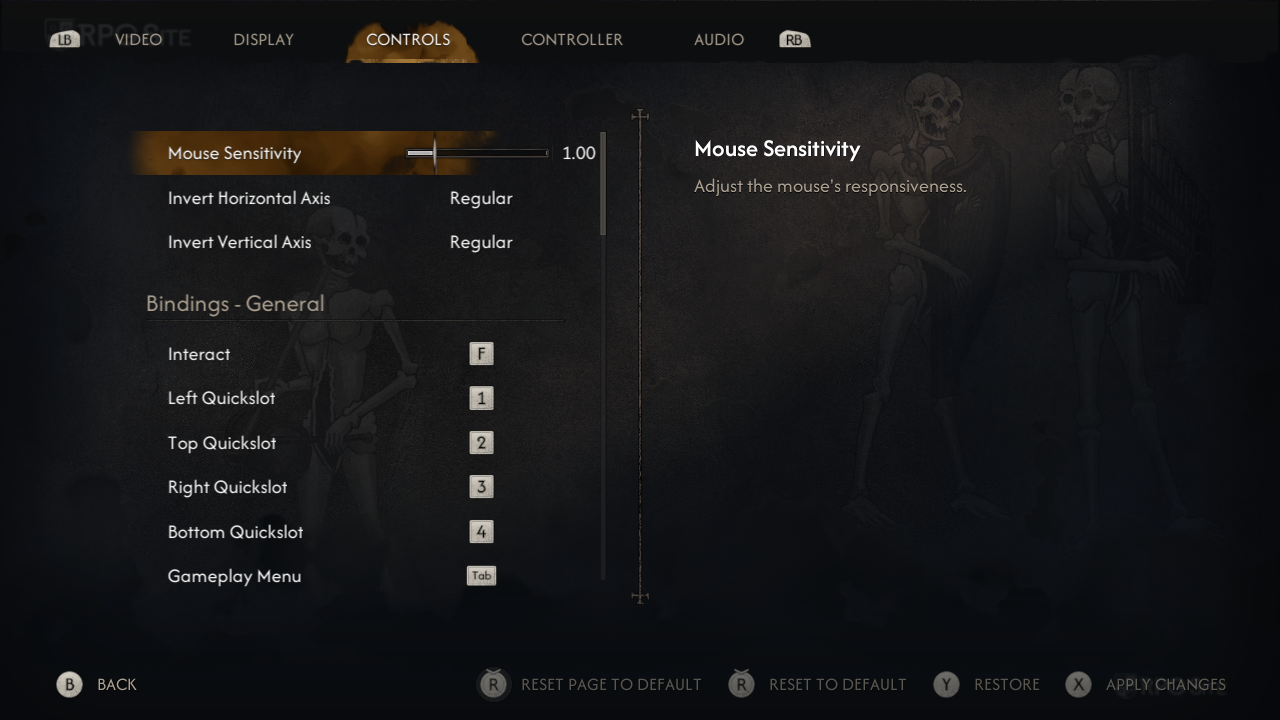
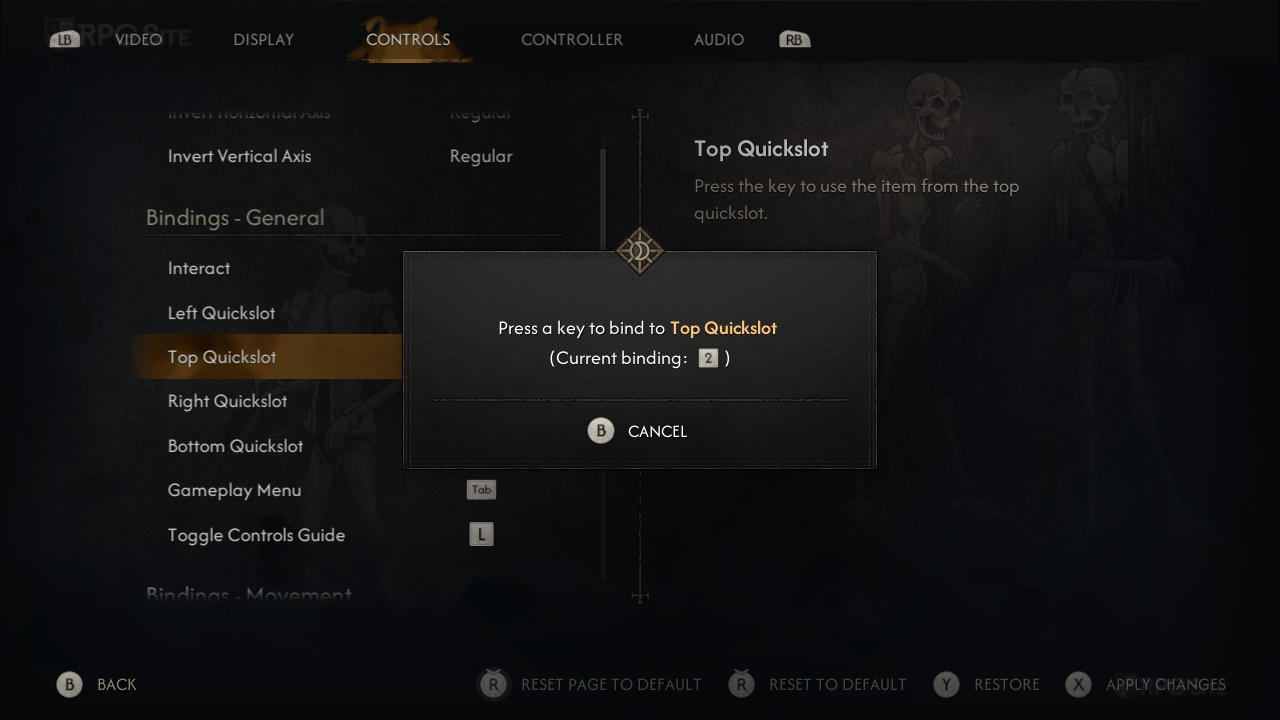
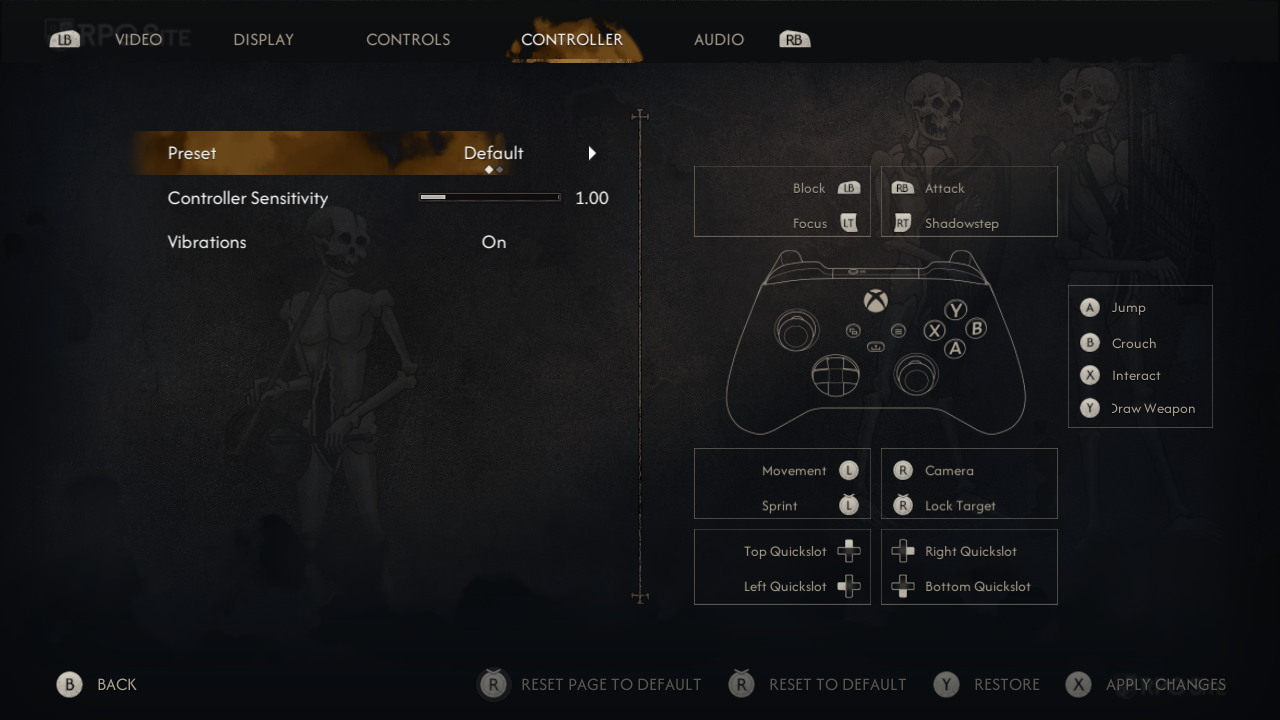
The Blood of Dawnwalker has two controller presets and also mouse & keyboard support with rebinding available across different gameplay sections like abilities, shortcuts, combat, movement, and more. The Blood of Dawnwalker also compiles shaders on first launch or after updates as we verified with the game getting a major update about two days before this article went live.

The Blood of Dawnwalker Steam Deck full game impressions
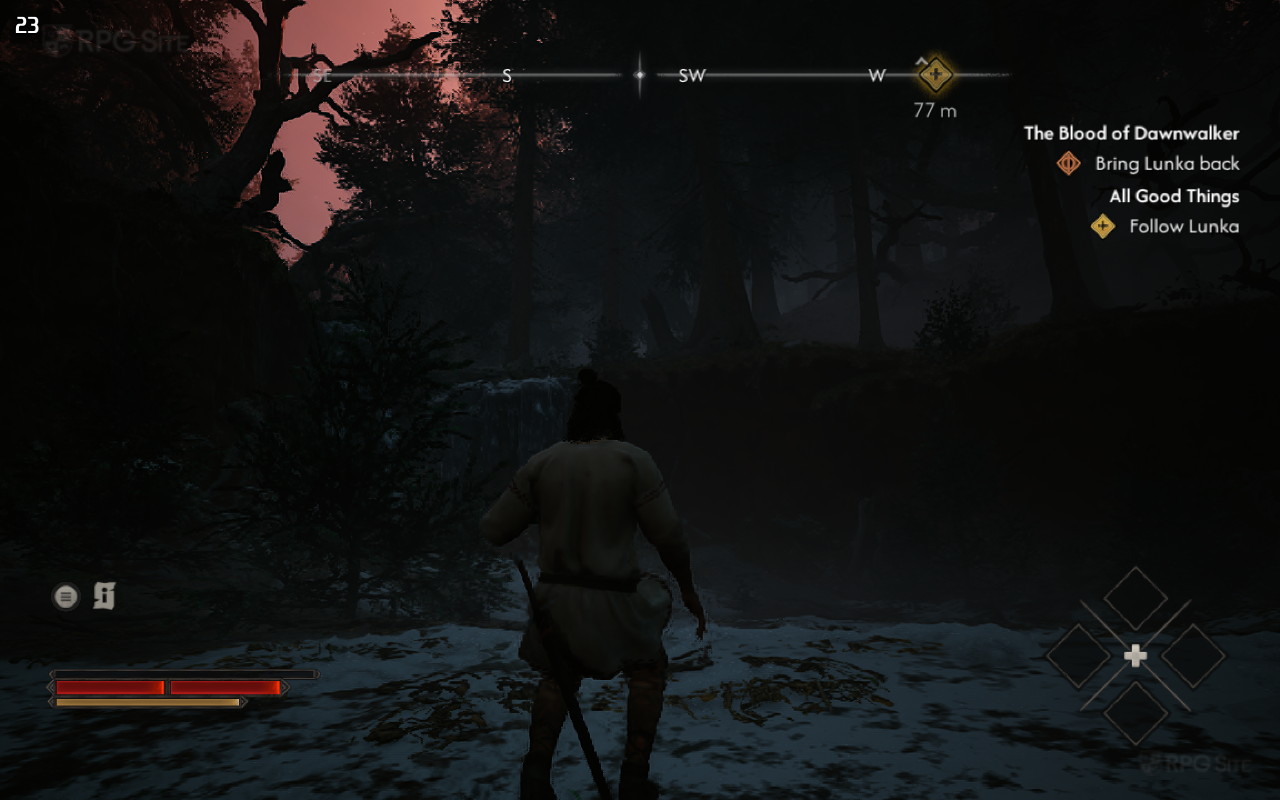
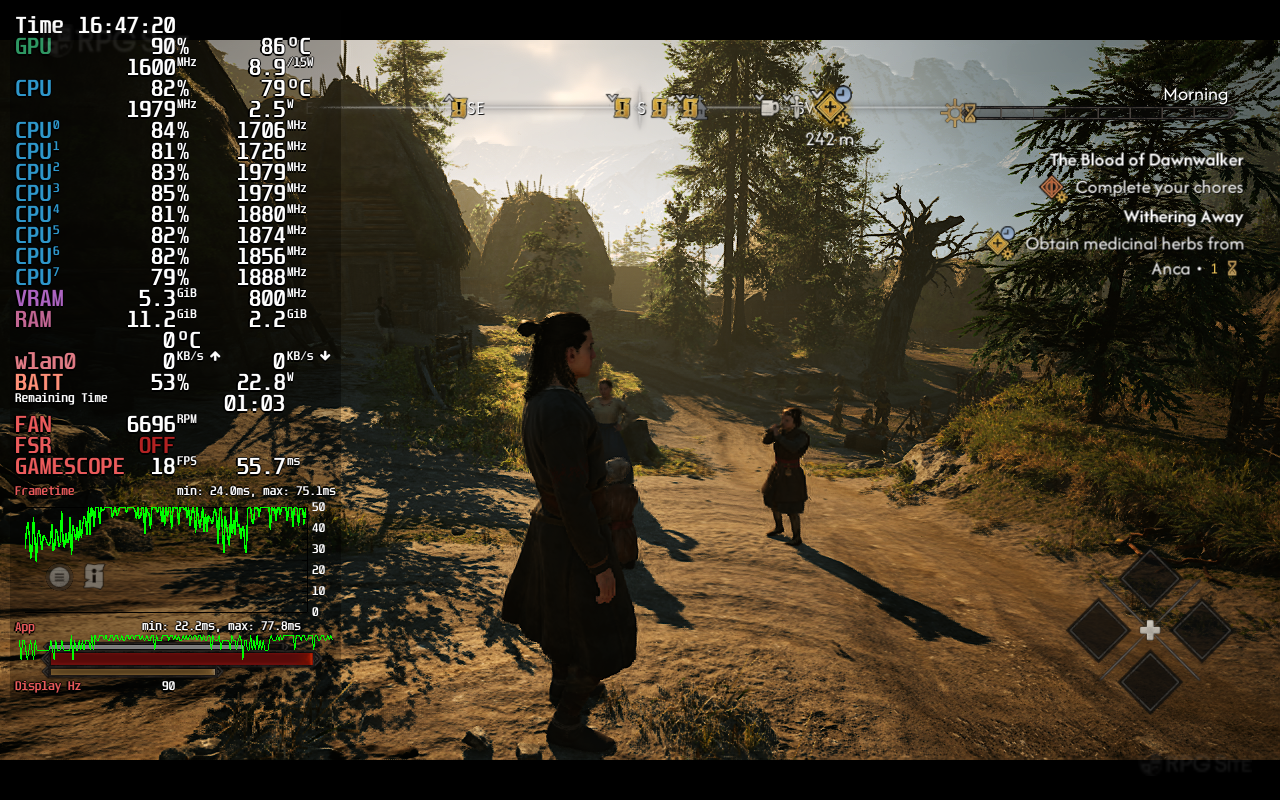
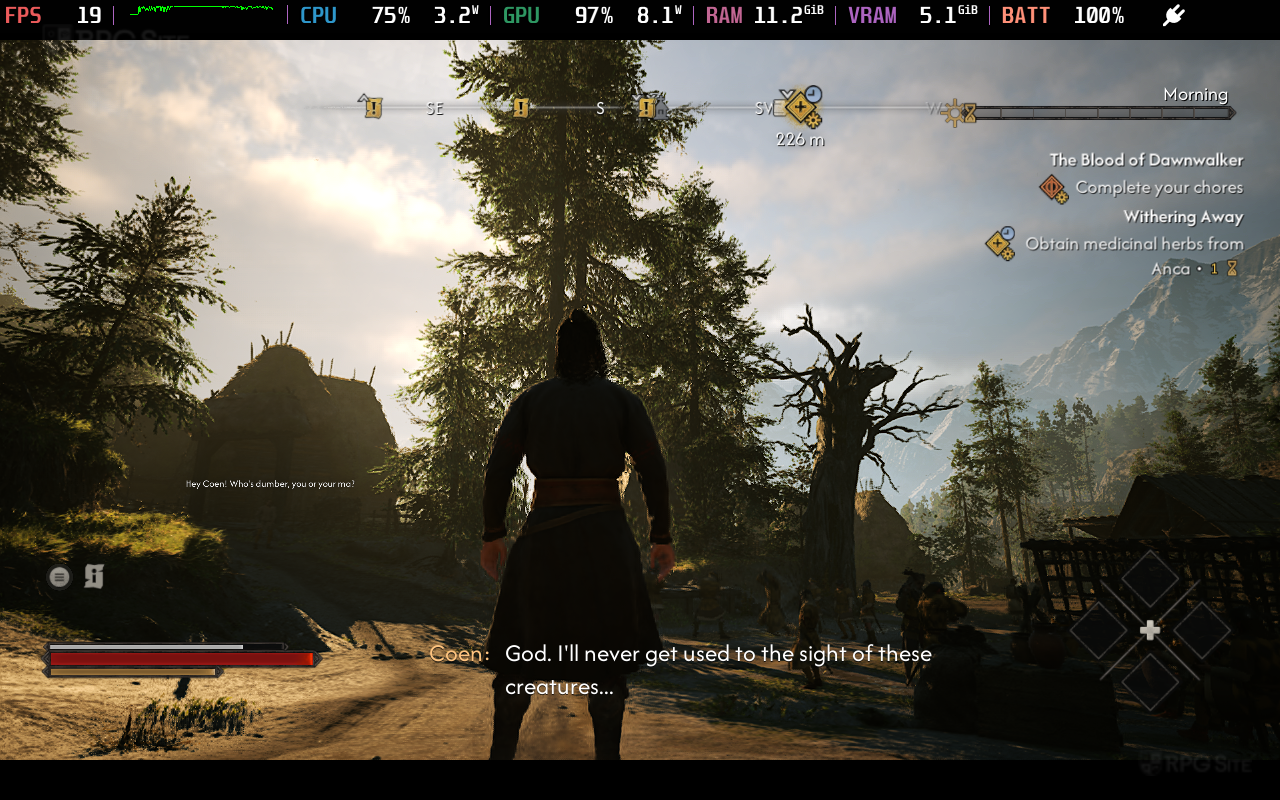
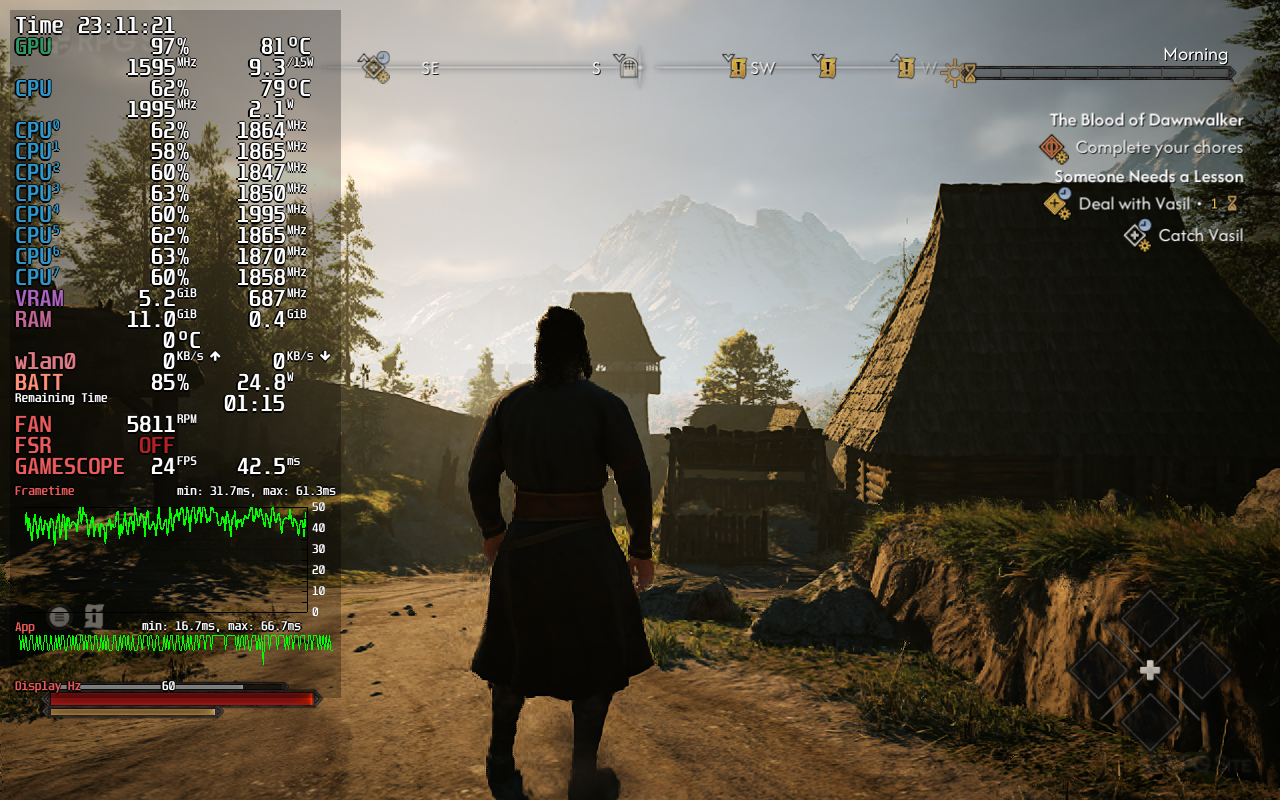
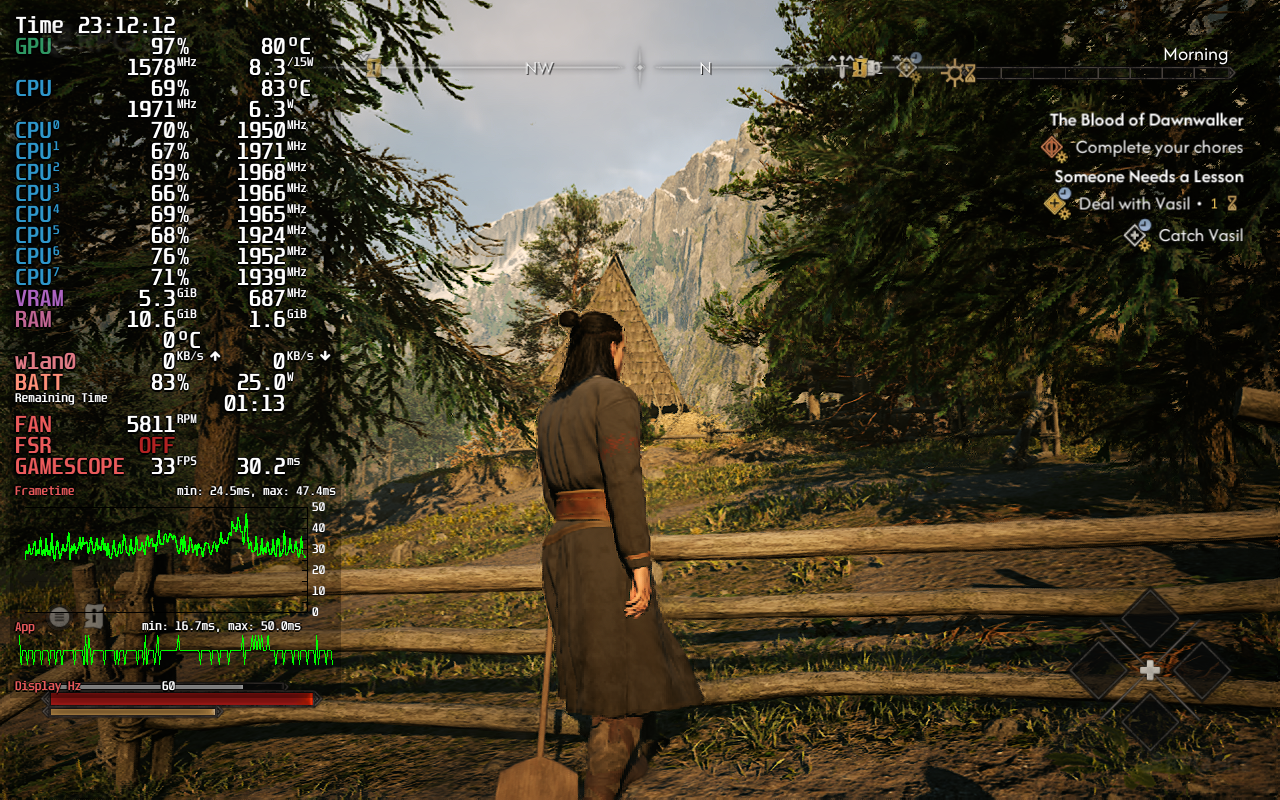
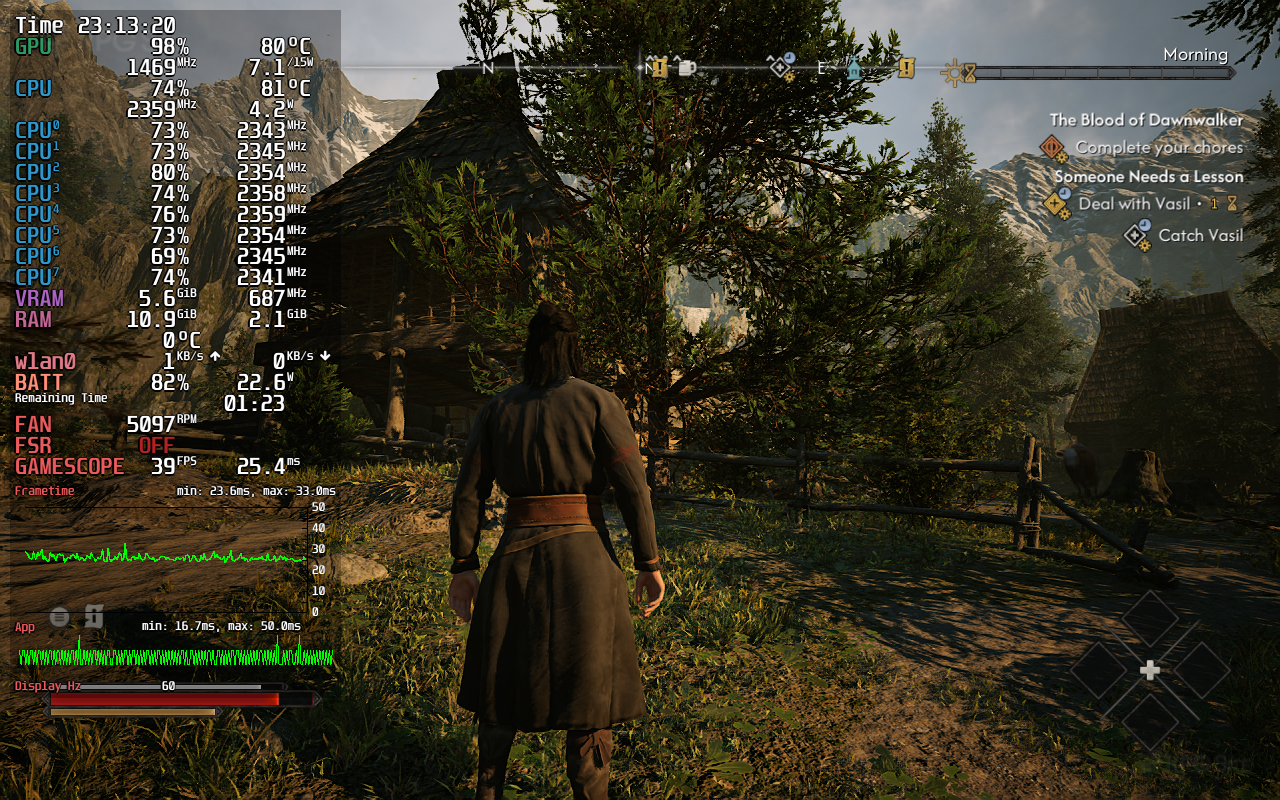
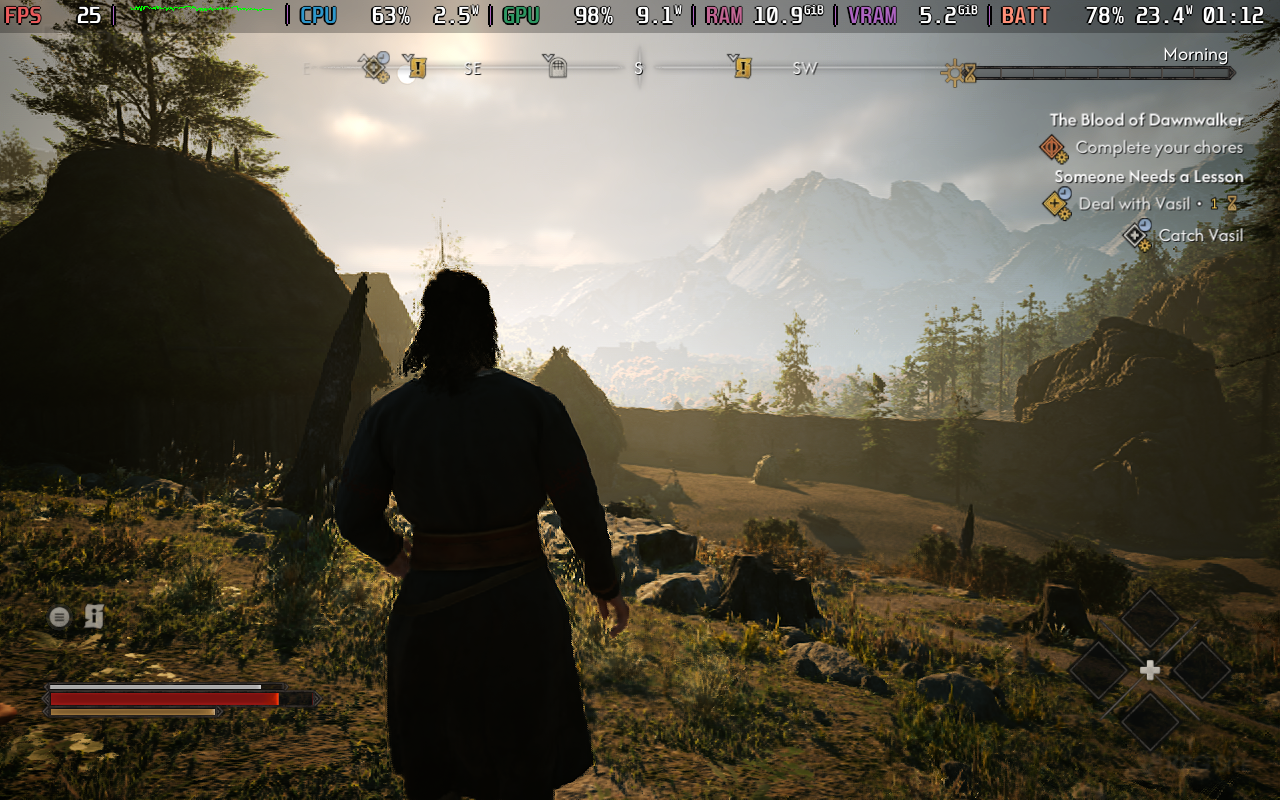
The Blood of Dawnwalker makes a good first impression on Steam Deck OLED given it is a big AAA UE5 game, but once you get to the first town with many NPCs, performance drops to unplayable levels. I set The Blood of Dawnwalker to the lowest preset at 720p and even tried lower resolutions with the help of the Steam Deck's systemwide upscaling with no luck. The Blood of Dawnwalker cannot maintain 30fps at all on Steam Deck and regularly drops below 20fps in the open areas.
I retested the game on my Steam Deck LCD that is on the preview channel with SteamOS 3.9.0. Unfortunately, it is basically the same even there. I initially thought it ran a bit better, but performance is more or less the same, loading up the same save and running through the same open areas.

The Blood of Dawnwalker Steam Deck recommended settings
My recommendation right now is to skip The Blood of Dawnwalker on Steam Deck until it gets patches to potentially improve handheld performance. If you still want to play it on Steam Deck, stream it from your PC to the Deck or from a console to Steam Deck through remote play apps.
The Blood of Dawnwalker ROG Ally impressions
The Blood of Dawnwalker on my ROG Ally Z1 Extreme in the 25W mode (and GPU set to use 4GB) is a lot better than Steam Deck out of the box. I had to play on the low preset of course, but when using 720p and balanced XeSS, the only issues I ran into are with traversal and loading stutters. These eventually settled and I was able to get a 30-40fps experience in early portions, but I started hitting memory limits with the 4GB setting.
I then tried the 6GB setting for the GPU and ended up using 720p with XeSS on balanced (for better visuals) or performance (for better stability). This was a lot better, and I'd even call it playable with visuals that don't look bad on the smaller screen, but this is very much pushing it.
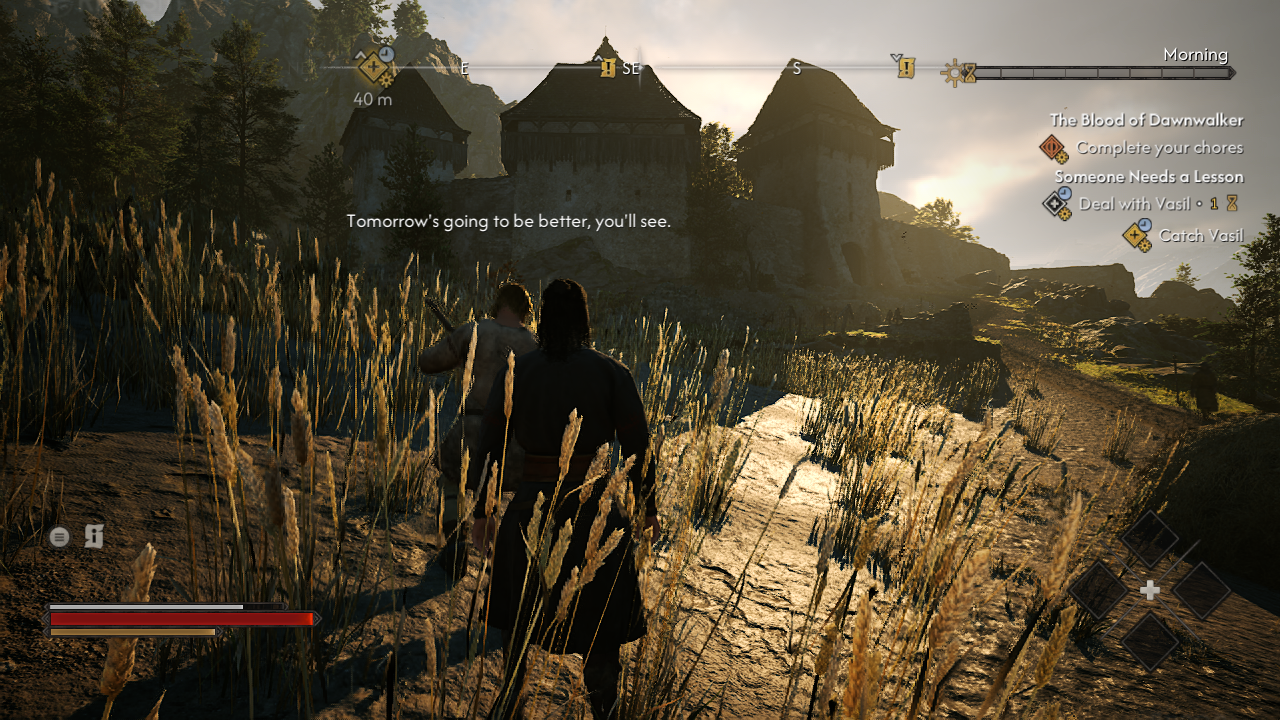
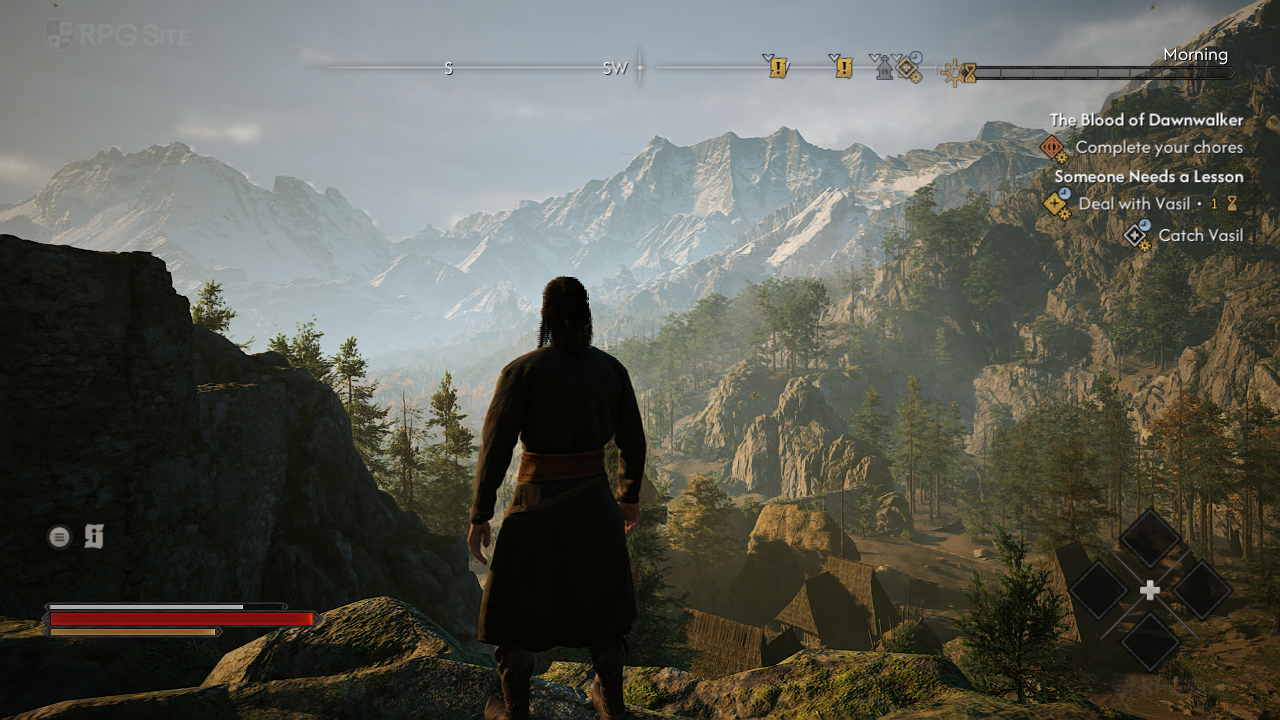
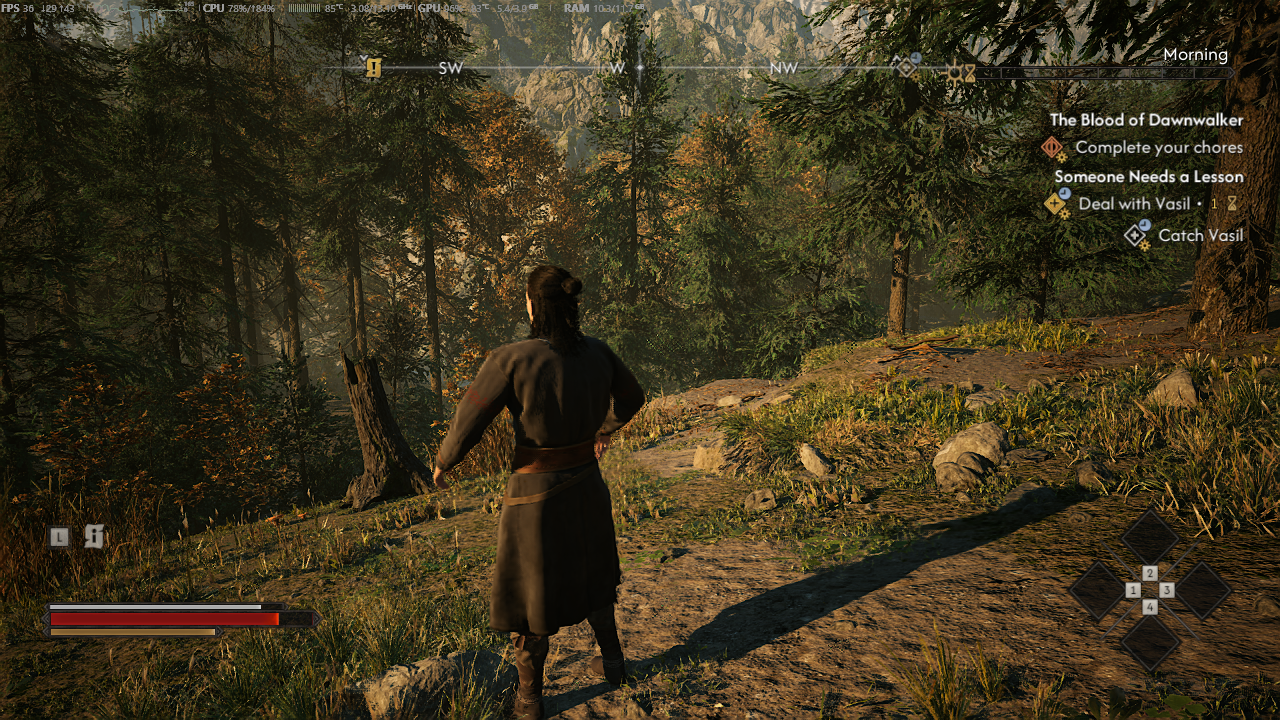
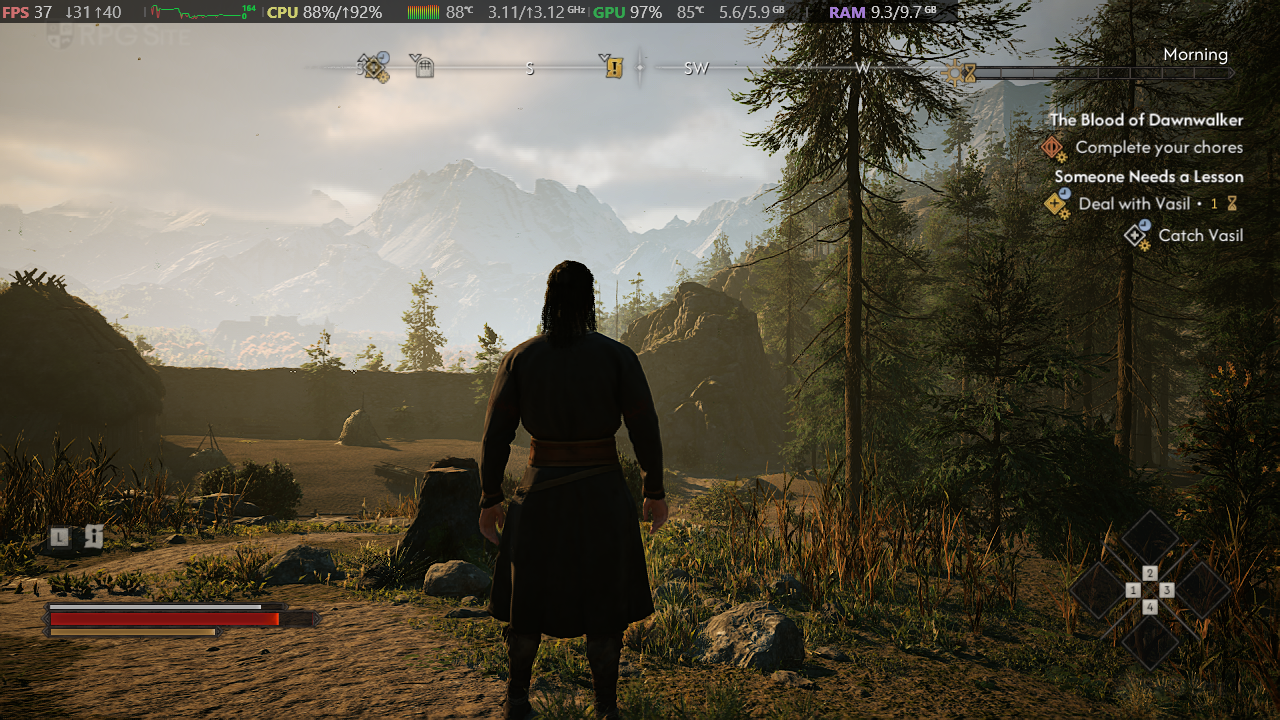
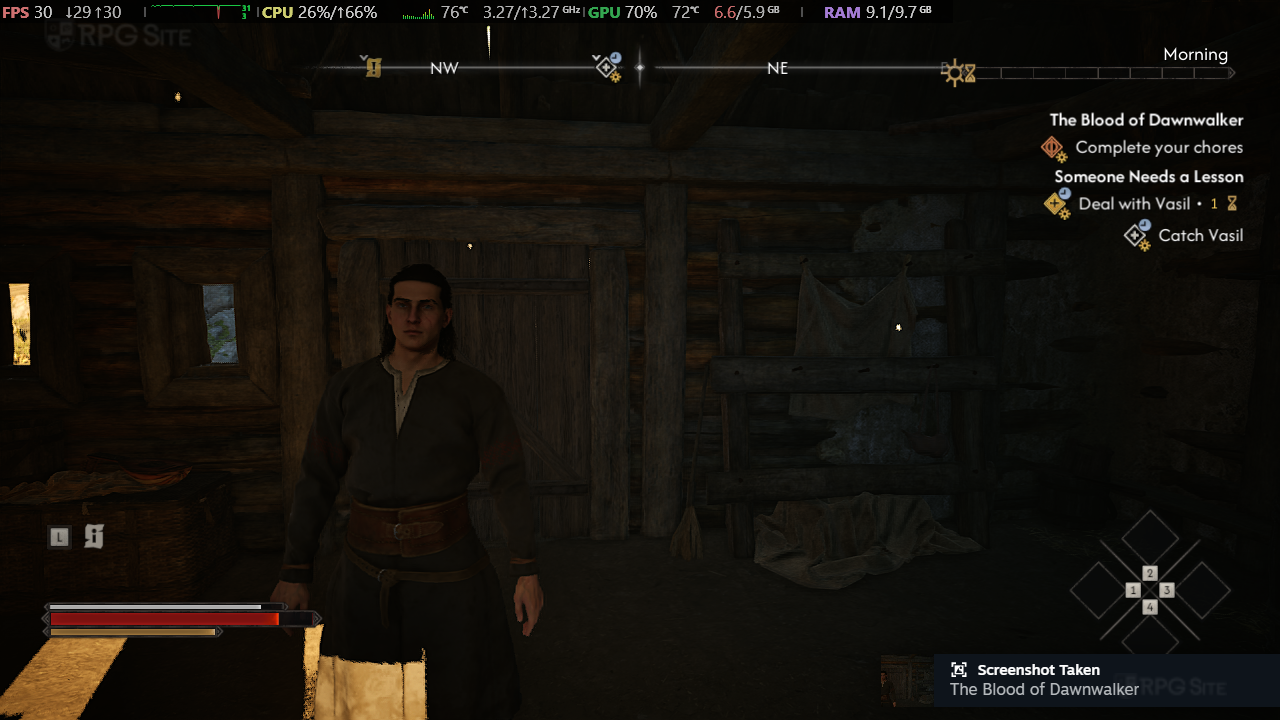
With the GPU 4GB, it just isn't a good experience in more open areas or busier locations with multiple NPCs. I was hoping it would be playable at 1080p using ultra performance upscaling or even 900p with that, but it sadly was dipping below 30 often in the two open areas I tested. The major issue I ran into across the board on the ROG Ally was some cut-scene freezing that lasted over 5-10 seconds in some cases. This happened at random and it isn't something I can predict at this point.
Since this is a demanding game and James also had it for our review, I'm doing a baton pass here to James for his MSI Claw (model goes here) impressions since it actually seems a lot better there.
The Blood of Dawnwalker MSI Claw 7 AI+ impressions
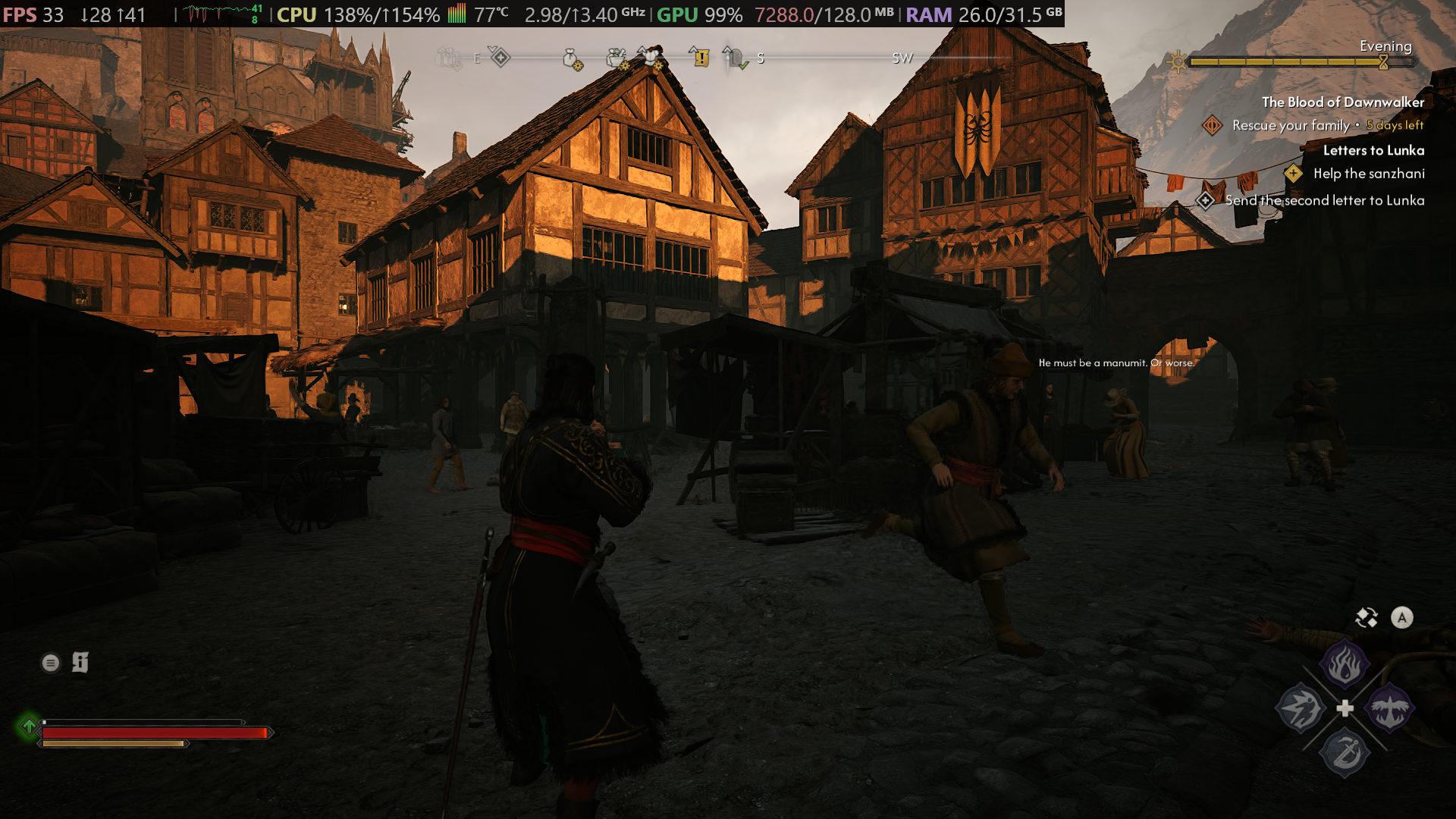
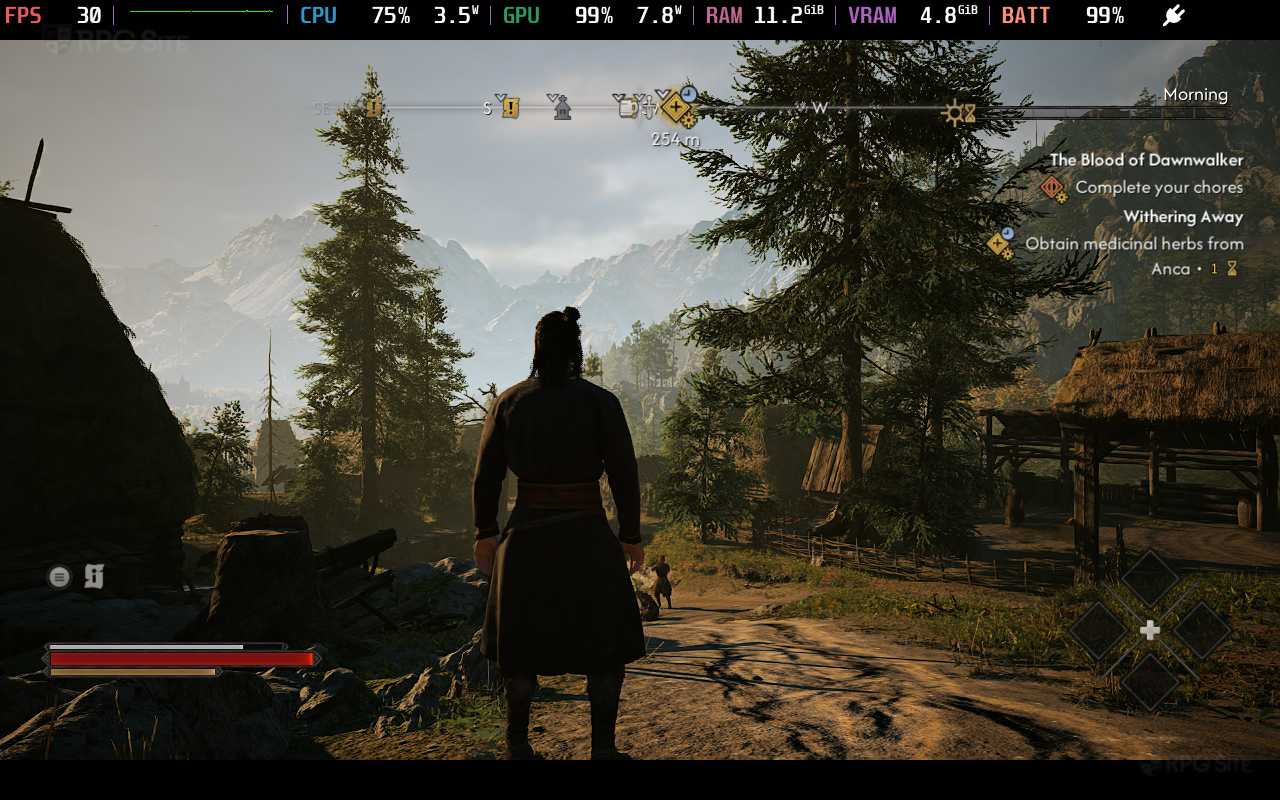
From my testing, The Blood of Dawnwalker is quite playable on MSI Claw 7/8 AI+ handhelds at 30w TDP. At the lowest preset with XeSS set to Balanced at 1080p, the game runs anywhere from 30 to 50 FPS, depending on the location in-game - the culprit for why the game appears to run better on Claw appears to be the 32GB of RAM available, going by Steam's performance overlay showcasing 26GB of RAM allocated. I played a decent portion of my review on Claw with a 30FPS RTSS cap, with framepacing outside of some minor stutters in Svartrau being rock solid. Dawnwalker's native XeSS implementation is also worthy of note; especially on Intel hardware, the image quality is genuinely immaculate for a handheld. - James
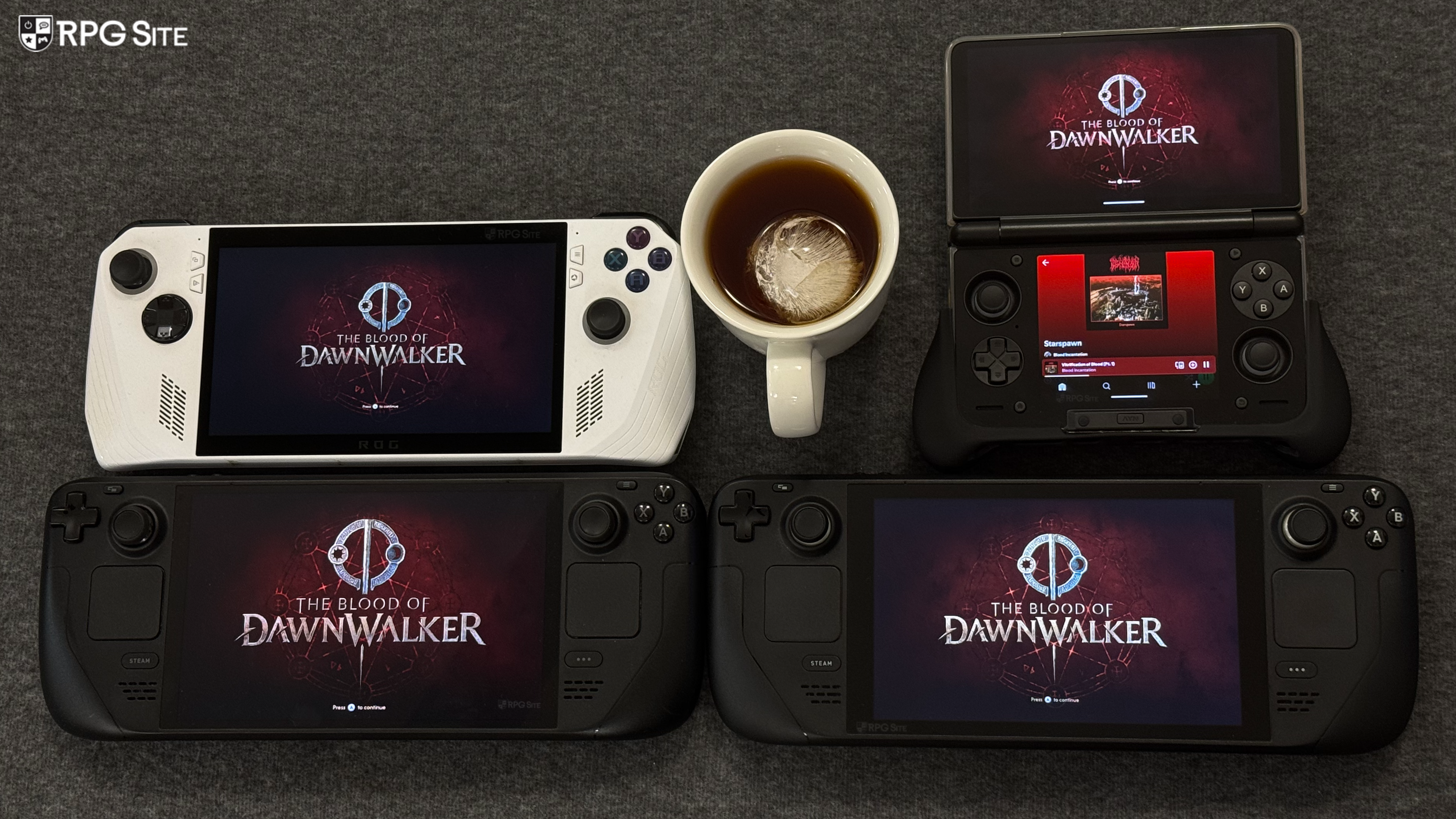
Overall, The Blood of Dawnwalker runs a lot better than Star Wars Zero Company and I have confidence in this getting fixed up on Steam Deck in the future. Yes, heavy upscaling will be needed, but it never looks as bad as Zero Company does and the frame pacing is good on PC handhelds like the ROG Ally and James' MSI Claw already.
The Blood of Dawnwalker launches on September 3 for PS5, Xbox, and PC (Steam, GOG, Xbox on PC).