

Diablo IV on Switch 2 is excellent, but it is a few patches away from being amazing
Diablo IV has been quite a ride from its debut back in 2023 through two expansions now. I've played it on basically every platform and even spent a lot of time with it on Steam Deck following its Steam release. After how incredible Diablo III was on Switch 1, I was hopeful for a potential Diablo IV port. It launched a few days ago after being revealed at BlizzCon. My worry was that we'd see a middling effort like Elden Ring on Switch 2, but Blizzard proved me wrong. Diablo IV isn't perfect on Switch 2, but it is excellent, and a version I can recommend for handheld play. In fact, I'd go so far as to say it is a few patches away from being amazing all things considered.
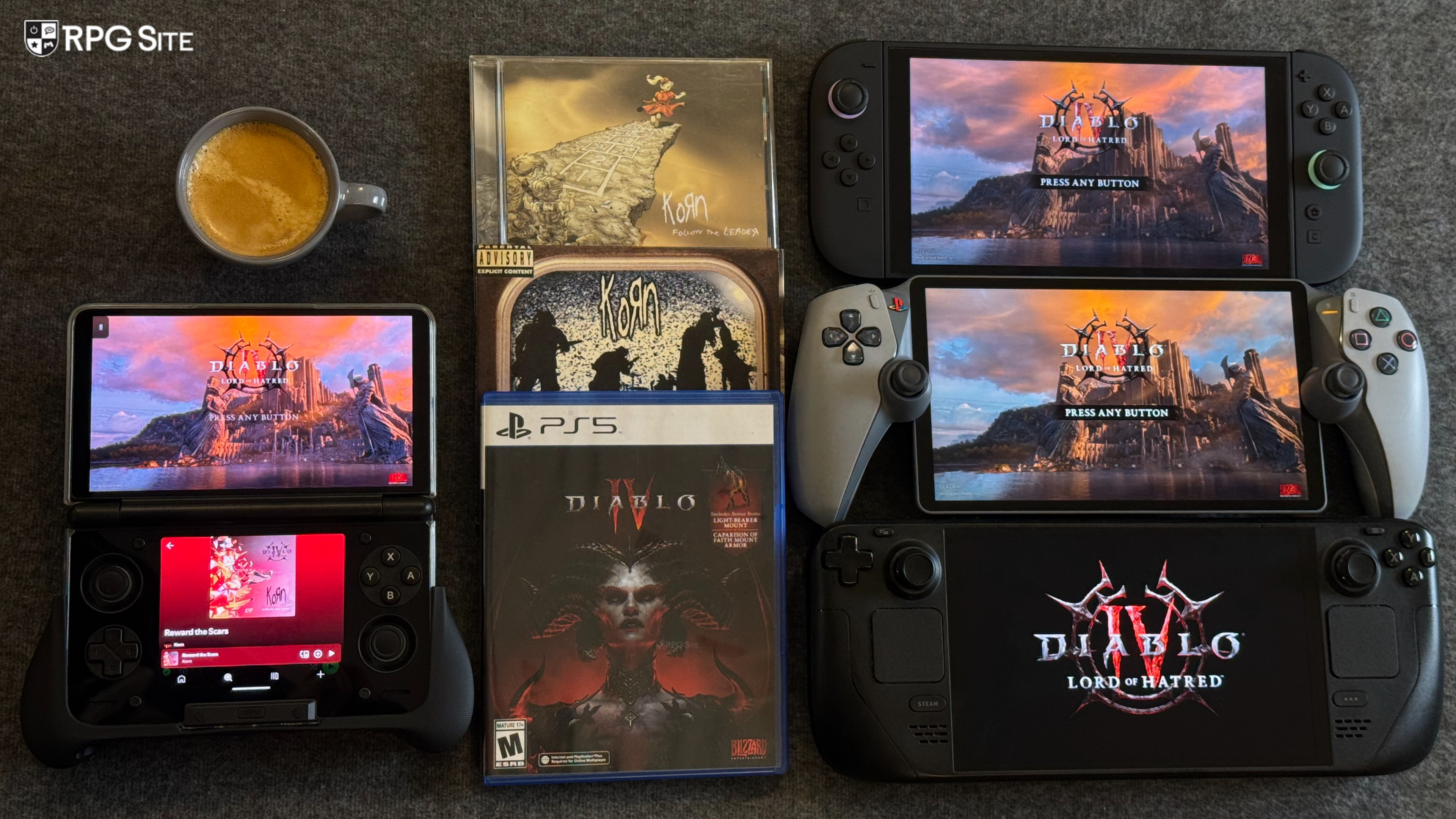
While this isn't a full comparison article, I've been playing Diablo IV on Switch 2 (both docked and handheld), PS5 Pro, PS5, PS4 Pro, and Steam Deck since progress carries over with all characters. It has been interesting to see where Blizzard adjusted the presentation for Switch 2 and also how it scales across platforms.
Diablo IV Switch 2 features
Diablo IV, like most good Switch 2 ports, takes advantage of a lot of the Switch 2 hardware features. In this case, it has touch support for menus, two visual modes available both handheld and docked, great HD rumble, Switch system invite functionality, and more. Note that it doesn't support the Joy-Con 2 controllers for mouse controls. You need to use an external USB mouse for that.
Diablo IV also has full cross play support and also cross progression, but in-game currency doesn't carry over fully. If you earned currency while playing, it carries over, but any currency you bought on other platforms with real money or by purchasing different game editions doesn't carry over to Switch 2. I've not fully understood what moves over on this front.
Diablo IV visuals on Switch 2 docked and handheld compared to PS5, Steam Deck, and PS4
Blizzard revealed a 40fps performance mode option for both docked and handheld play with a 1440p 30fps target for quality mode docked. Having now played it in all four modes, I can say that these targets are with upscaling enabled, but Diablo IV on Switch 2 retains the visual identity of the game. It has cutbacks to grass, texture quality, geometry quality in parts, effects, shadows, and even the UI resolution compared to PS5 though. I was surprised to see the UI resolution lower than other platforms even when using the quality mode. I hope this is addressed in a patch.
To compare visuals I used my 4K capture card and captured the 30fps mode mainly on Switch 2 since I can't do 4K 120fps capture. For the purpose of this article, I focused on the PS5 and PS4 version played on PS5 for docked comparison.
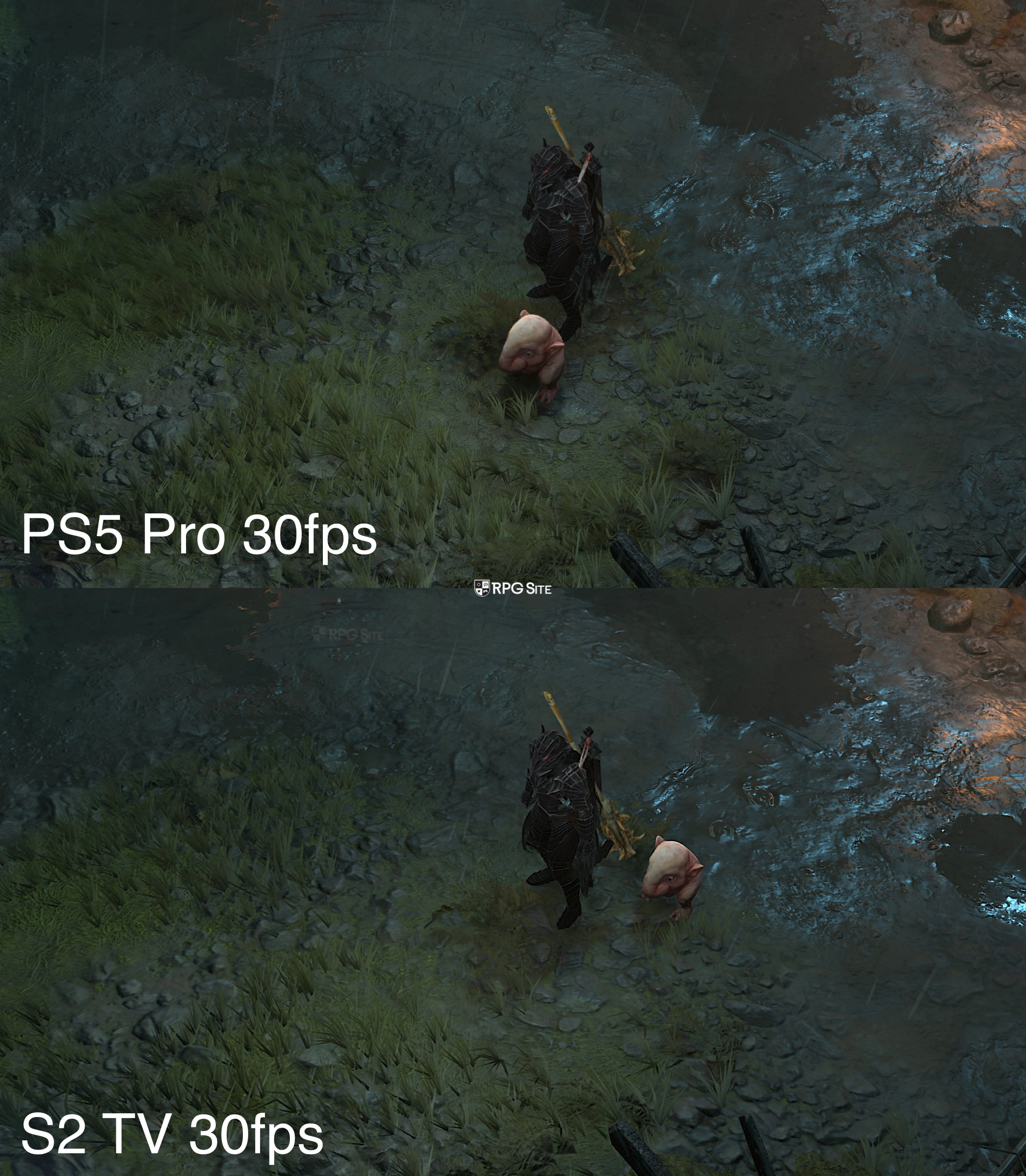
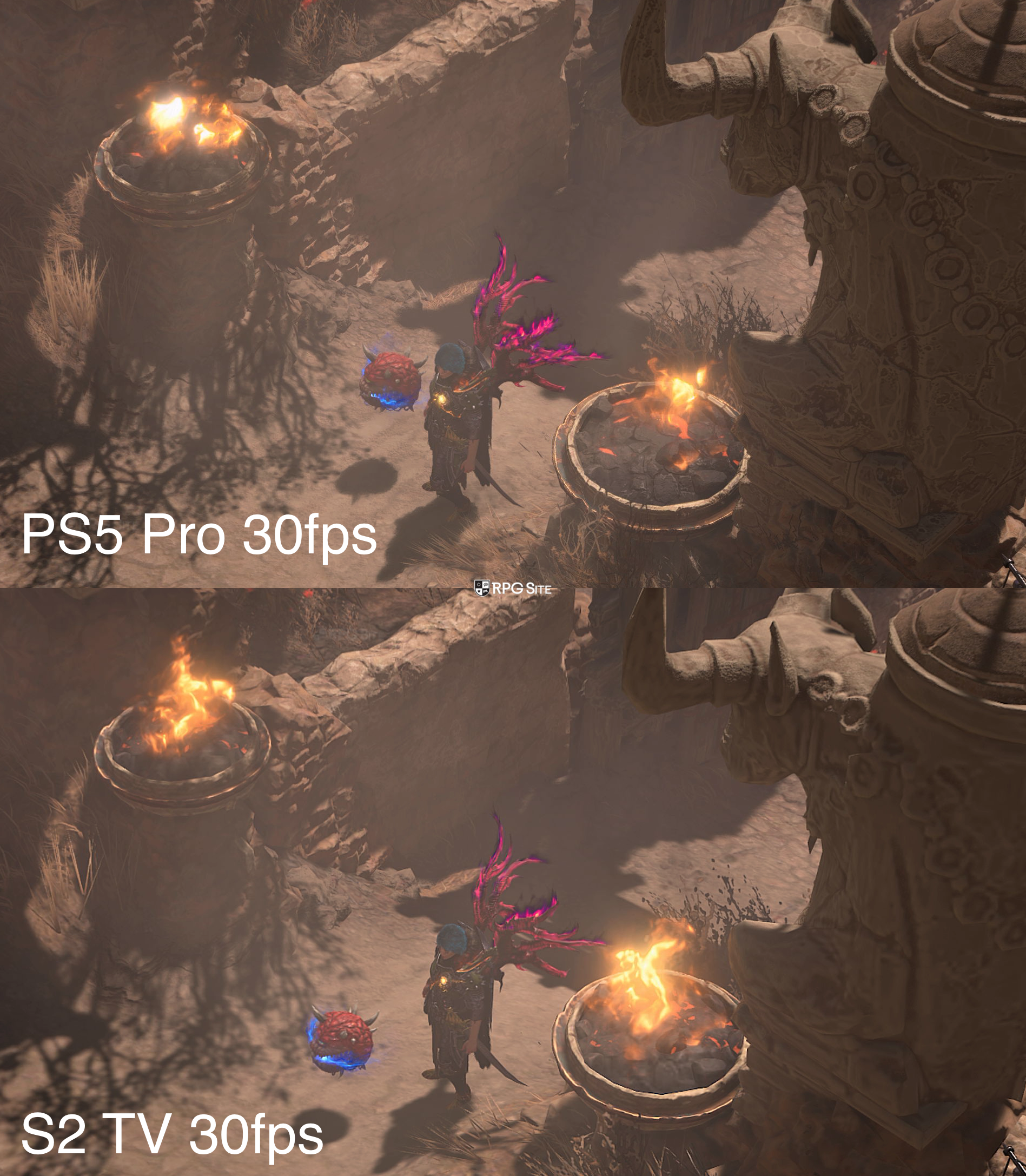
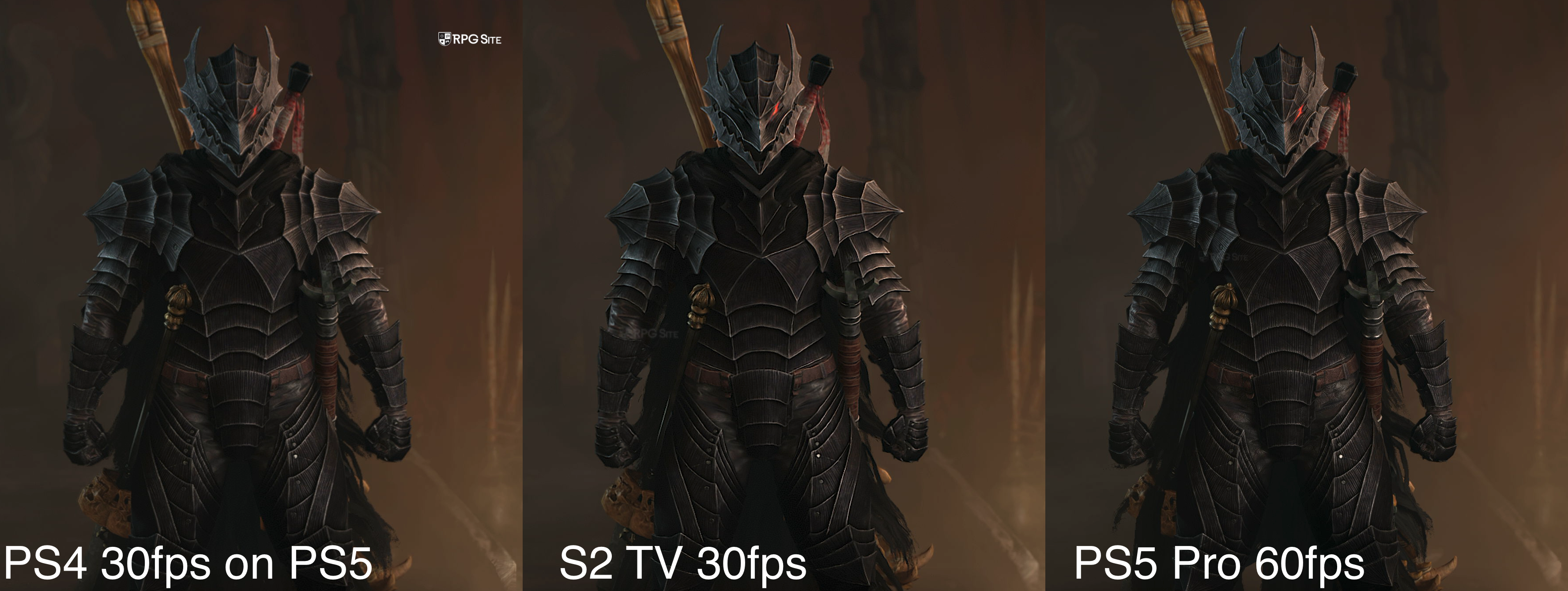
Note: The images above were taken via my 4K capture card. I cropped the same area for different platforms and modes to show texture differences, geometry changes, foliage, and more. I recommend viewing them full screen.
Diablo IV isn't like Elden Ring where there are cuts across the board and the end result feels lacking docked. Diablo IV on Switch 2 is a version I can actually recommend for playing both docked and handheld with some caveats, but the cross progression and cross play means it is even easier to recommend for portable play if you already have Diablo IV on other platforms.
Speaking of portable play, Diablo IV on Switch 2 is a step back from the PC version in some visual settings like foliage, but it holds up better when it comes to overall clarity than playing on Steam Deck. Note that I play on Steam Deck with a 40fps target on Steam Deck LCD and 45-50fps on the Steam Deck OLED.
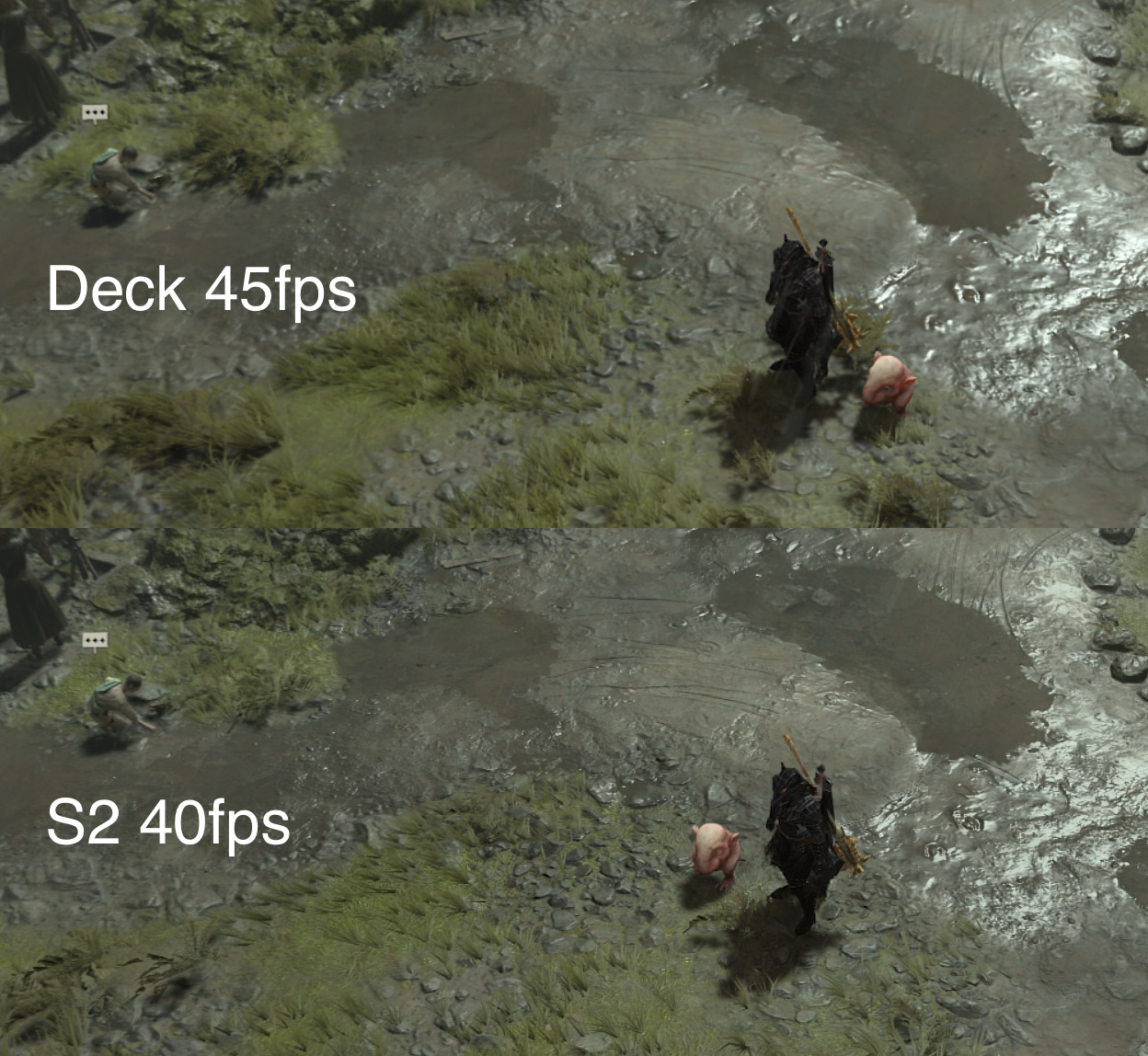
Note: The comparison above was done using handheld capture on Switch 2 and the Steam screenshot functionality on Steam Deck using my settings that give 45fps on Steam Deck OLED.
After checking multiple scenes with different characters, Diablo 4 on Switch 2 is sharper than playing on Steam Deck, but the latter (or at least my settings on the latter) deliver improvements in foliage, filtering, and more.
Diablo IV performance compared on Switch 2, PS5, PS4, and Steam Deck
I loaded up seven of my Diablo IV characters at different points in the game and played both solo and with a friend to test for a few hours yesterday and today. The 30fps mode does not feel good at all. I never liked the 30fps mode on other platforms, but it has some hitching and drops on Switch 2 that make it a non option for me. The 40fps mode, even with drops in say the Helltides, feels a lot better and doesn't look too bad. This isn't like playing Final Fantasy VII Rebirth on Switch 2 docked. It still looks good and retains the full Diablo IV visual identity as far as I'm concerned.
One thing I did notice is that Diablo IV is a bit buggy right now on Switch 2 with the Lord of Hatred content and also when you are in a party. I had two instances where it froze while I was teleporting to a friend only on Switch 2. This did not happen on the same network setup on my Steam Deck. These sorts of issues will likely be addressed very soon and only happened twice so far in the six hours I played on Switch 2.
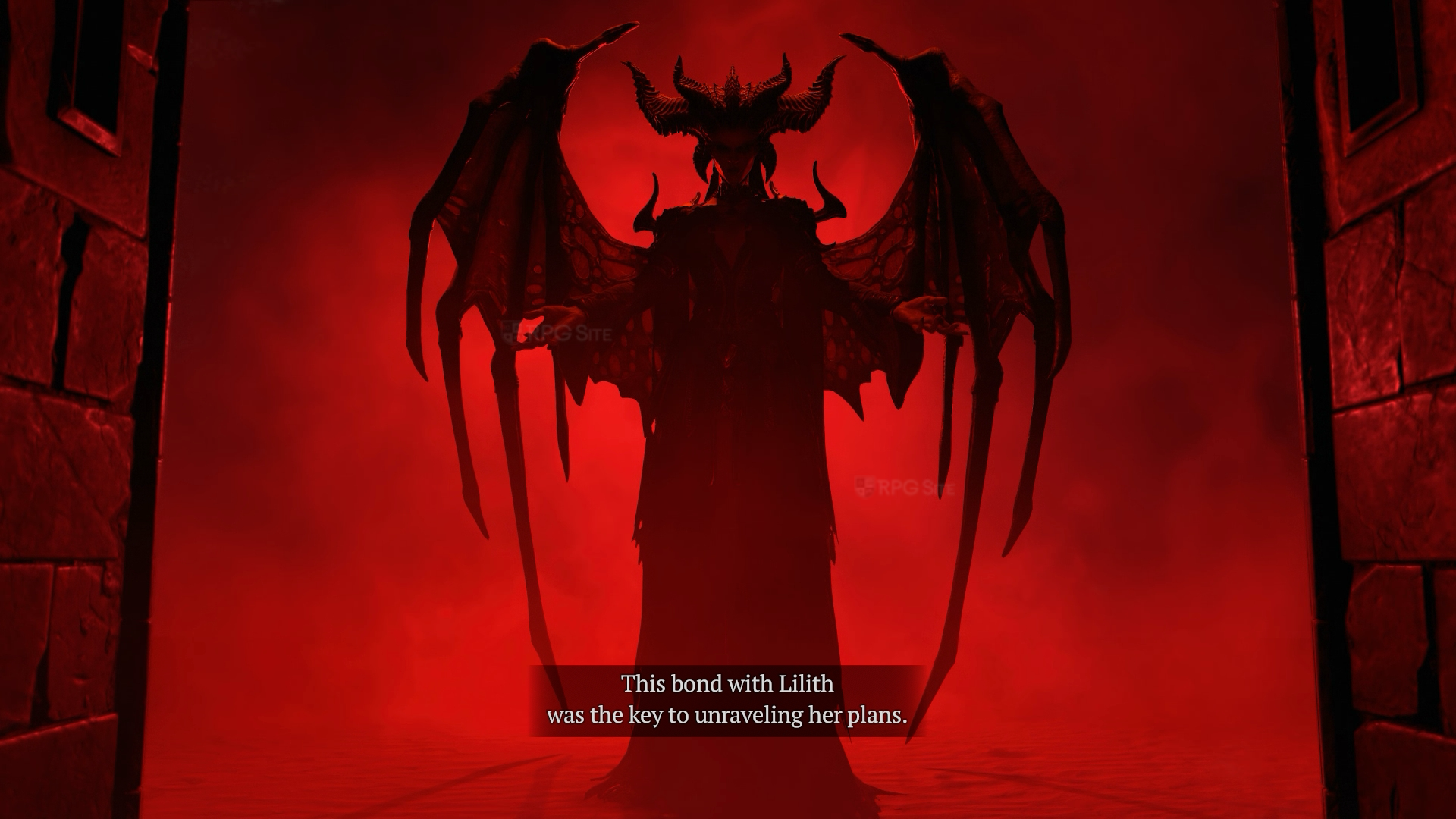
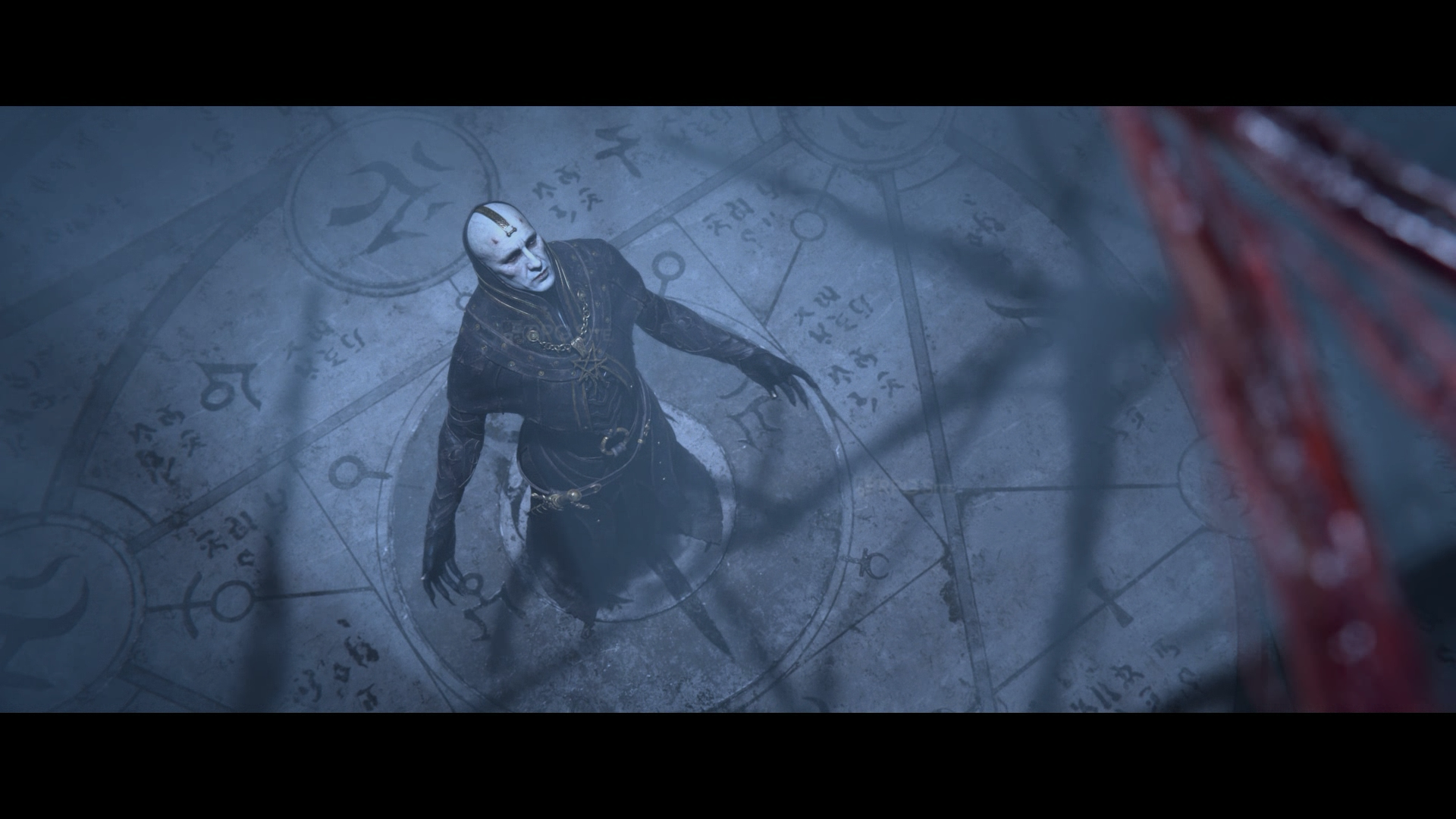
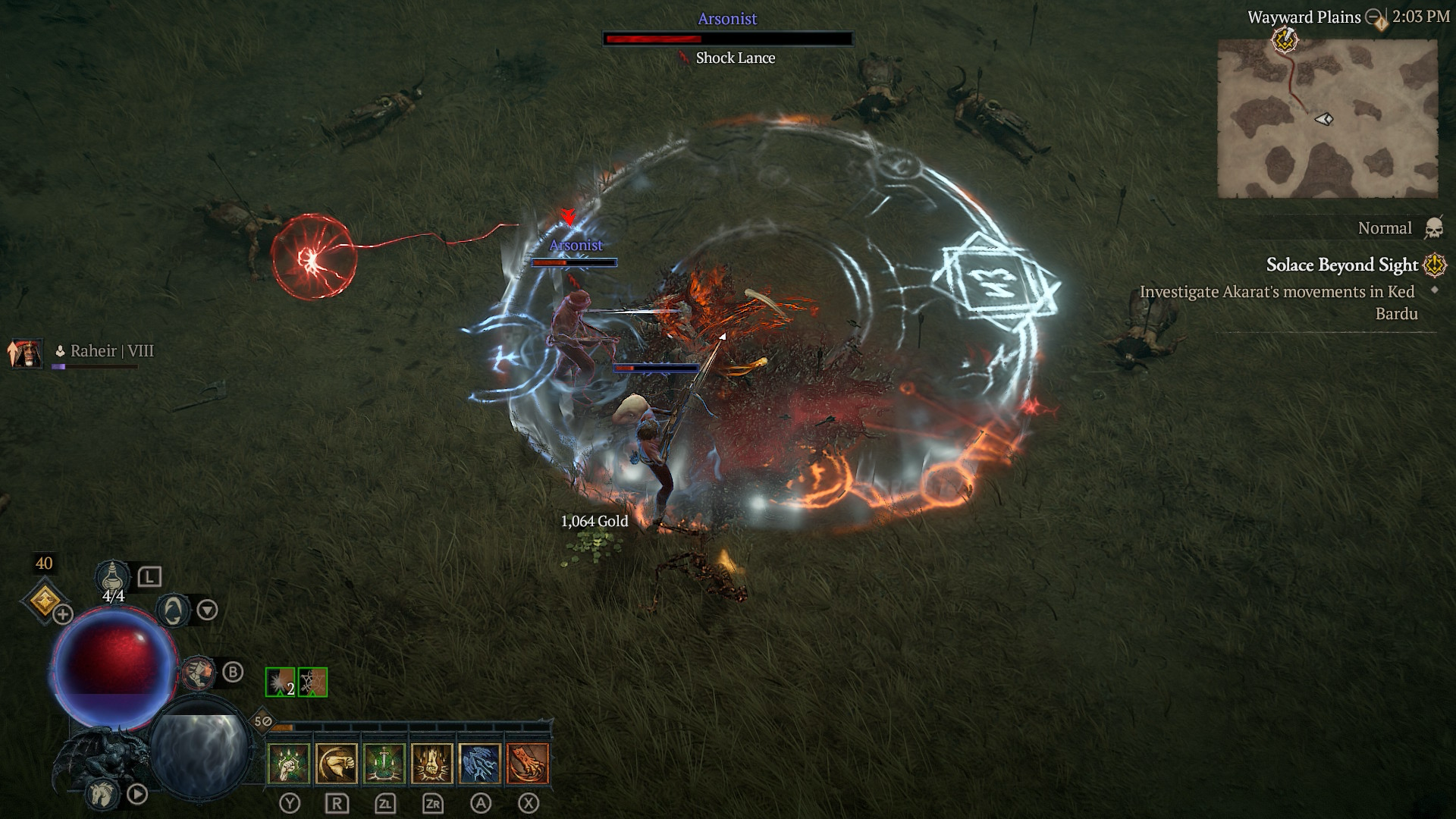
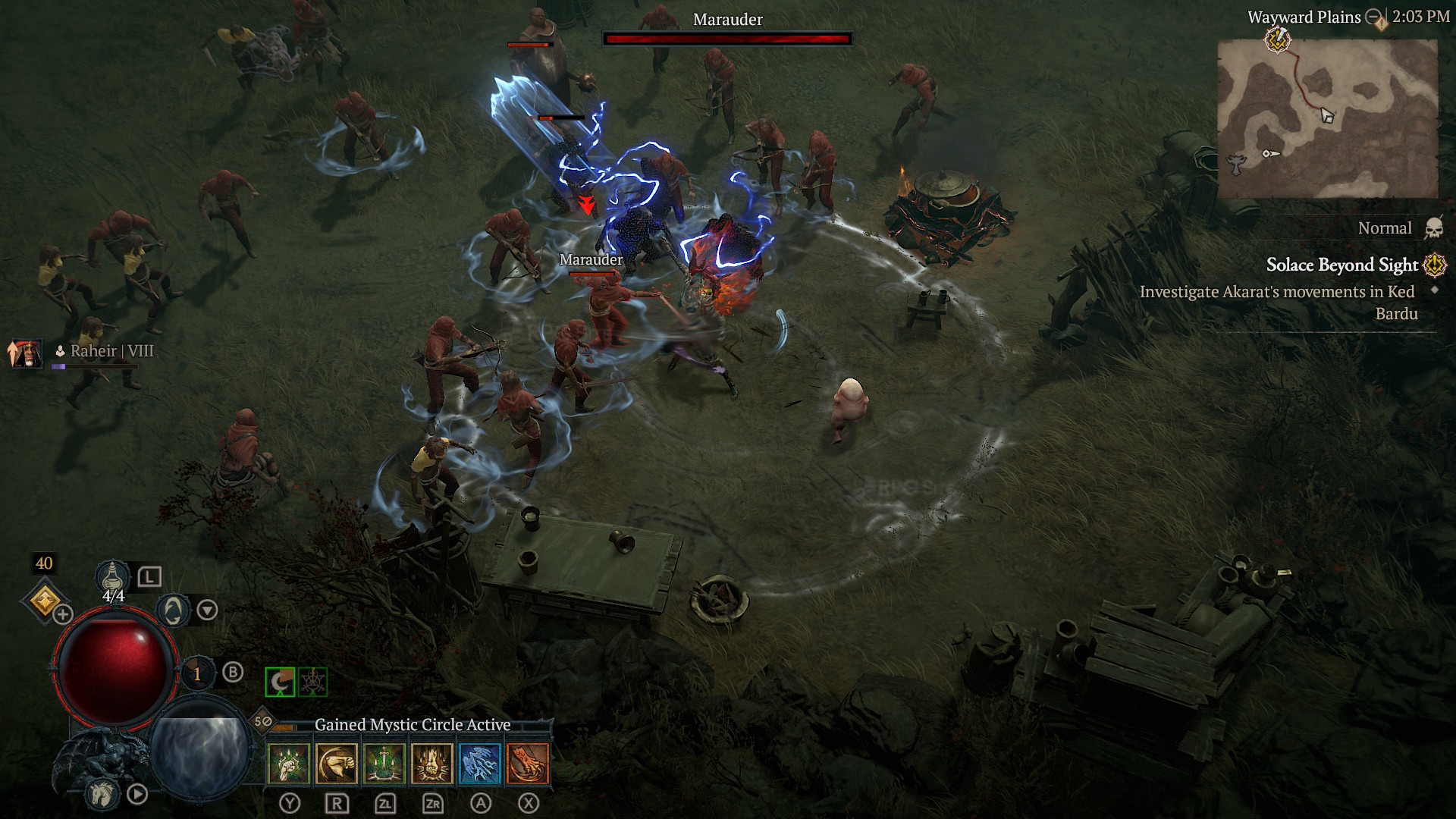
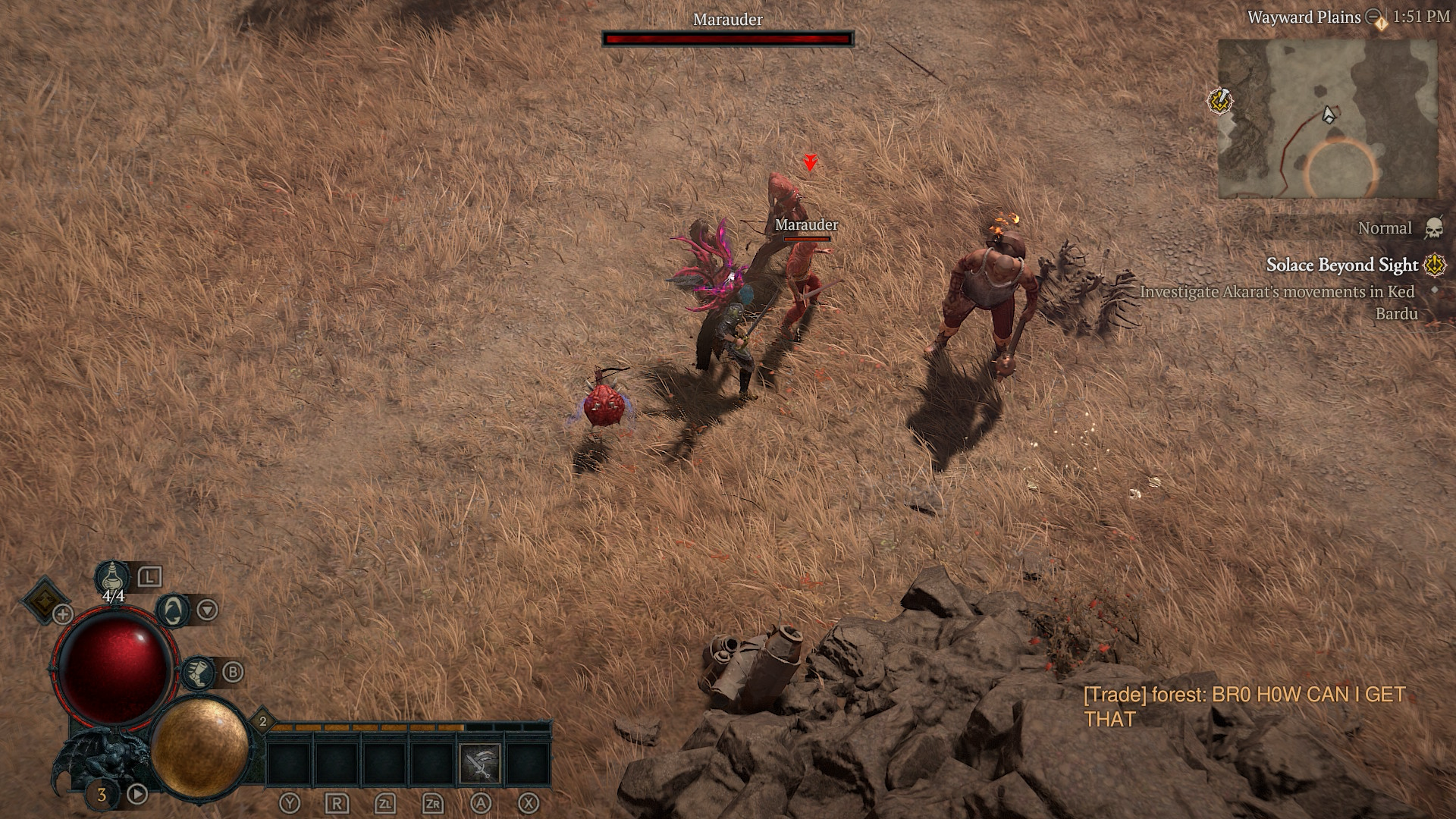
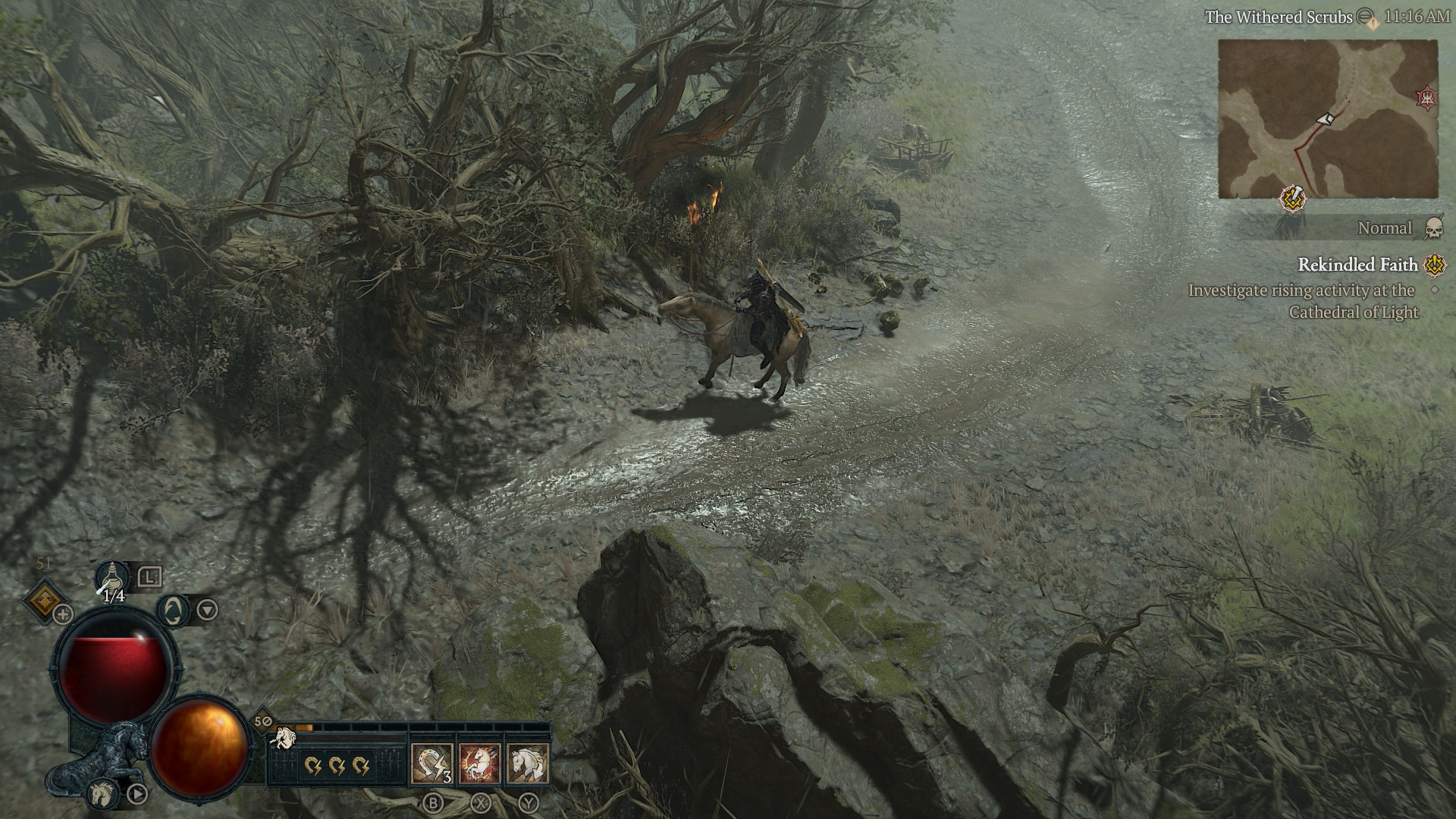
Note: The images above were taken via system capture handheld with one docked.
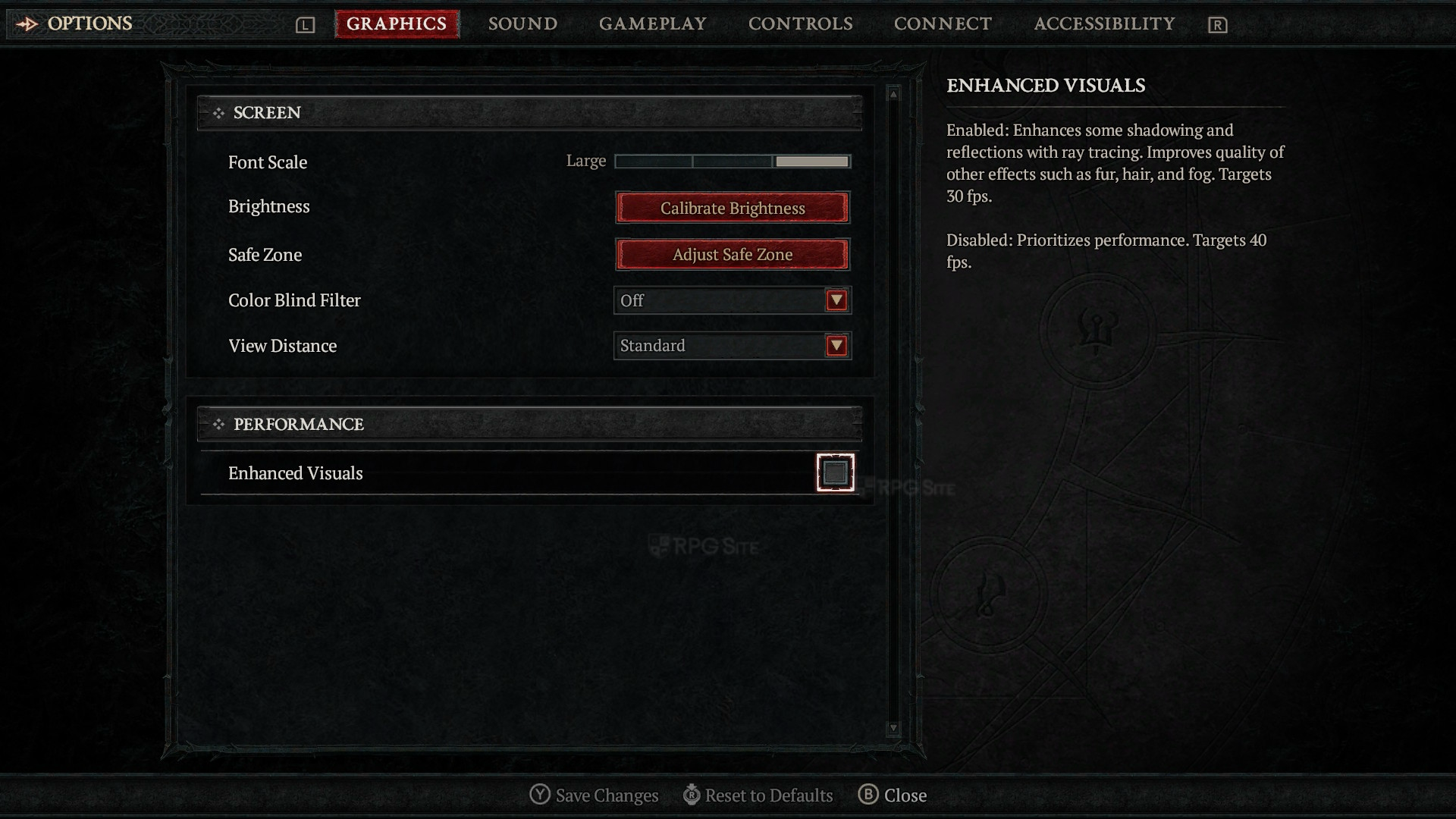
Right now, Diablo IV with its 40fps mode (where you disable the "Enhanced Visuals" toggle) is the way to go. Not only does it feel great to play handheld, but docked is a lot better than the 30fps mode. Hopefully Diablo IV gets VRR support docked in the future to address some of the drops in the 40fps mode. I wouldn't bother with the 30fps right now.
Diablo IV on PS4 and PS4 Pro targets 30fps and it has drops below that. I will say that Diablo IV on Switch 2 in its 30fps mode is a step up from the last generation version in every way. The use of upscaling, 40fps target option, and load times make it stand out. It obviously isn't as good as playing on PS5 with the 60fps target and improved visuals compared to even the quality mode on Switch 2, but for an initial release, Blizzard delivered here.
Diablo IV load times compared across Switch 2, PS5, PS4, and Steam Deck versions
To test load times, I made sure to do my tests in the same network conditions and within minutes to ensure no server issues. I mashed confirm to speed up the process and skip any splash screens. I used Diablo IV installed to the internal storage on Switch 2, M2 SSD on PS5, internal storage on PS5 Pro, the PS4 version on PS5 Pro internal storage, and the Steam version on Steam Deck OLED internal storage. The results below are in seconds where I tested the time taken to load the character selection from the dashboard and the time taken to load the same character in-game.
| Platform | Dashboard to character | Loading in-game |
| Switch 2 | 35-36 | 16-17 |
| Steam Deck | 38-39 | 14-15 |
| PS5 | 33-34 | 13-14 |
| PS5 Pro | 30-31 | 11-12 |
| PS4 on PS5 | 48-50 | 29-30 |
As you can see, the Switch 2 version holds up well and is even faster than Steam Deck for the initial load. All versions take too long for the initial load because of the server and online aspects of the game, but with that in mind, the Switch 2 isn't as bad as you'd expect based on some other ports.
What I want fixed in Diablo IV on Switch 2
Barring performance issues being addressed, I want Blizzard to add higher resolution UI and menus. I would also like to see some of the in-game currency issues to be addressed, but based on how Final Fantasy XIV is handled on Switch 2, I'm not optimistic.
In its current state, Diablo IV on Switch 2 is excellent in its 40fps mode despite some issues. It doesn't look as nice as the PS5 version, but this is a step up from the PS4 release and a solid way to play Diablo IV both at home and on the go. If you already have Diablo IV on another platform, it is worth getting for a great portable version as well.
Diablo IV is now available on PS5, PS4, Xbox, Nintendo Switch 2, and PC.