

Fire Emblem: Fortune's Weave mouse controls guide - how to enable and use Joy-Con 2 mouse controls
Fire Emblem: Fortune's Weave is now available worldwide and it is the first entry in the series to support mouse controls natively. This Fire Emblem: Fortune's Weave guide covers how and when you can use Joy-Con 2 mouse controls, where to enable them, and more. I've also included the button bindings and showcase of the various Fire Emblem: Fortune's Weave mouse control options and settings you can adjust in this guide.

Where to enable mouse controls in Fire Emblem: Fortune's Weave?
By default, Fire Emblem: Fortune's Weave will switch to mouse controls if you place your right Joy-Con 2 controller on a flat surface and use it like a mouse. If you lift it, Fire Emblem: Fortune's Weave swaps back to button controls. You can change this behaviour in the settings to not have it automatically switch.
What can you control with the mouse in Fire Emblem: Fortune's Weave?
Fire Emblem: Fortune's Weave's mouse controls are very good so far. After spending a few hours with it, you can use the left Joy-Con 2 controller stick to move your character and the right one as a mouse. The mouse controls include left click (R), right click (ZR), zooming while standing, switching units, and more. You can also use the mouse cursor during maps to move across the grid and select positions to move or enemies to attack.
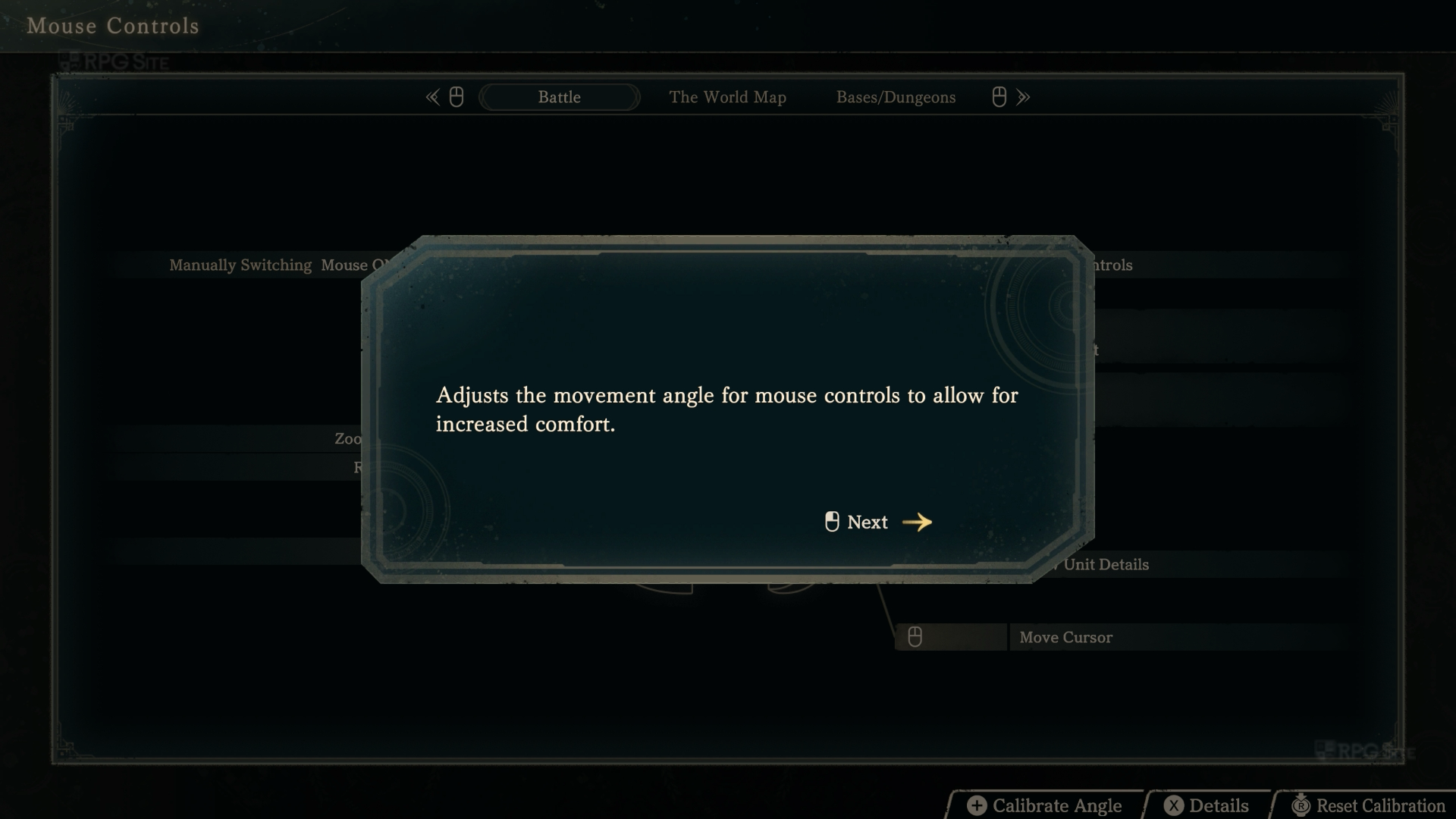
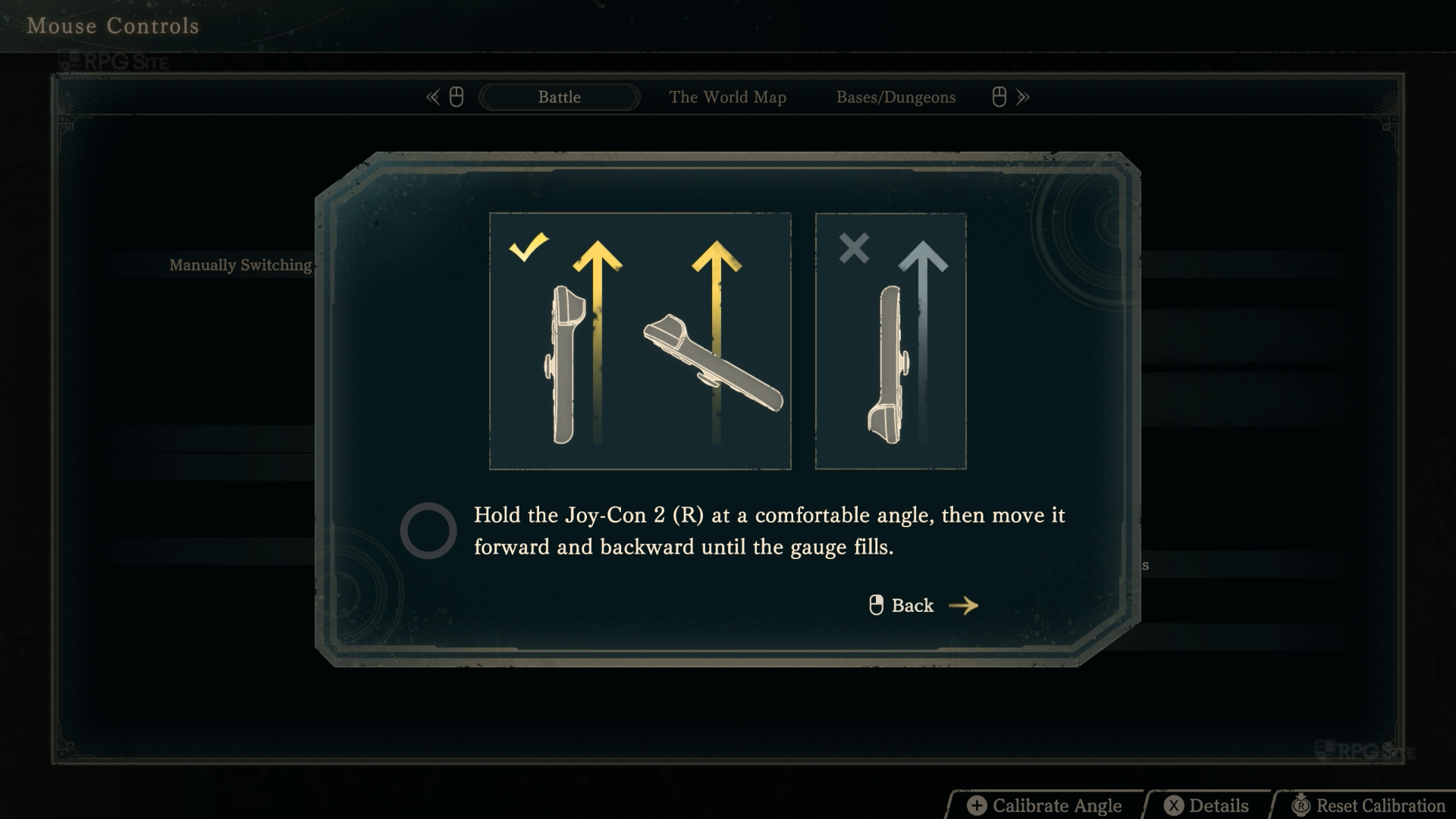
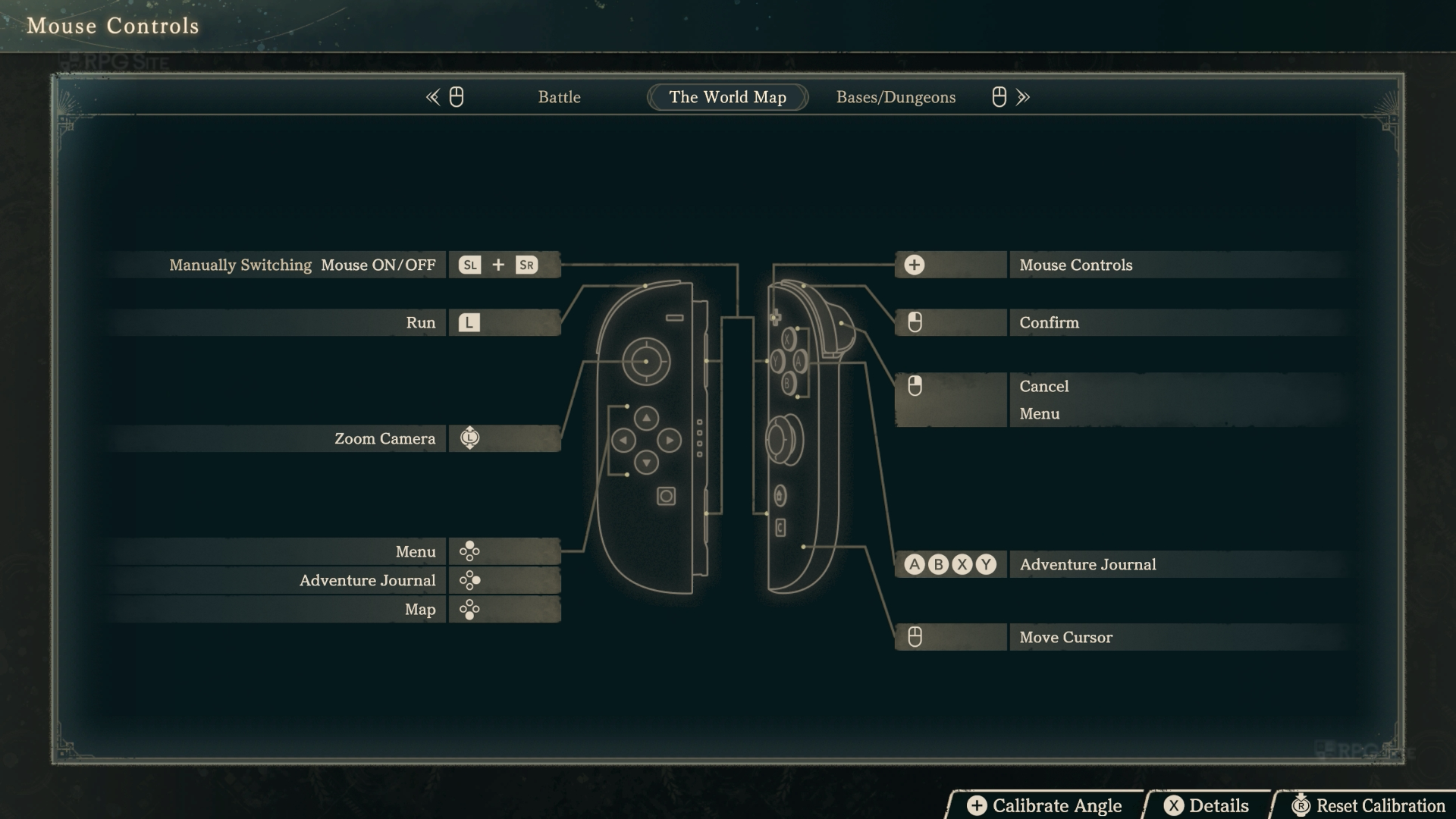
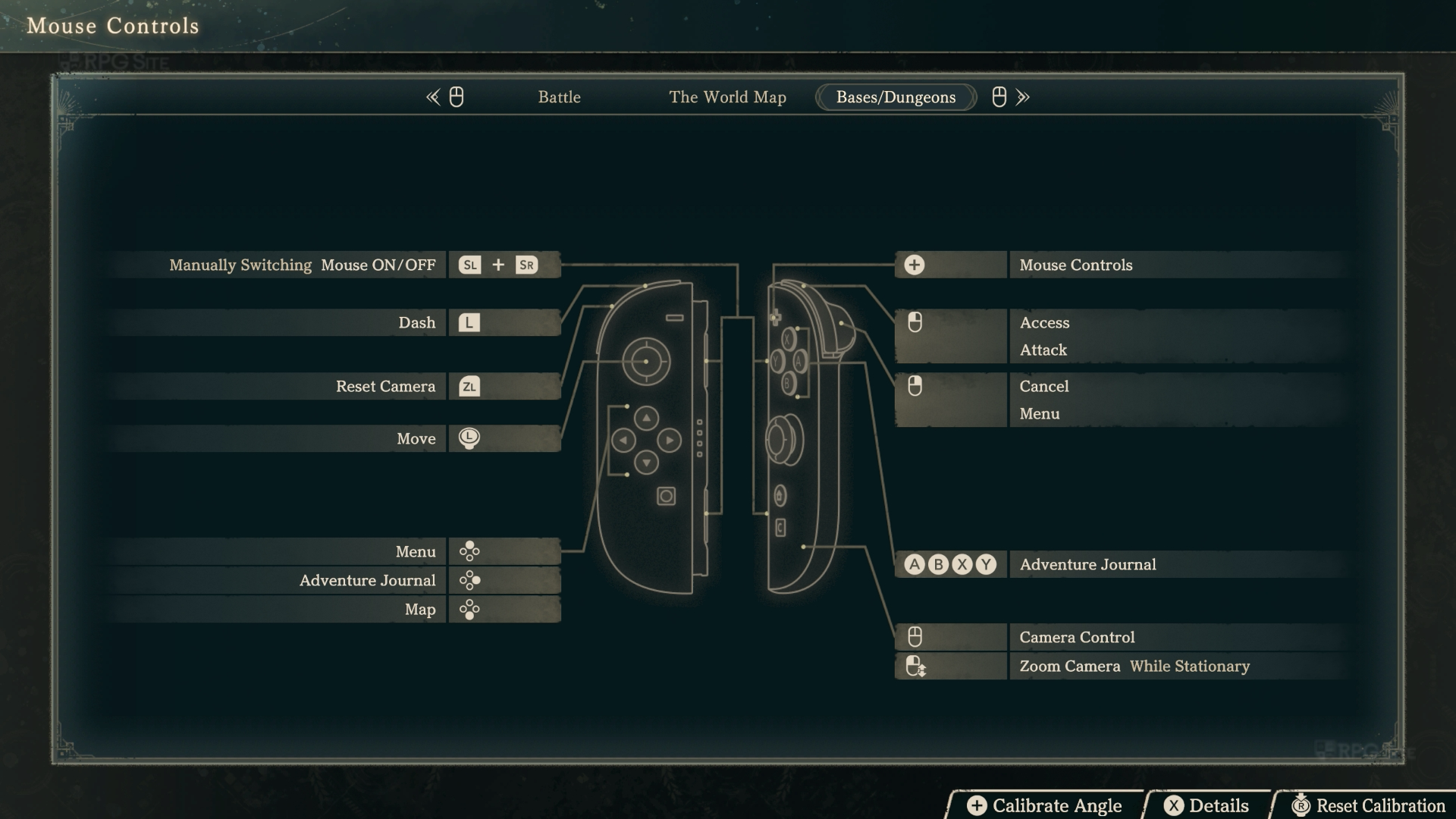
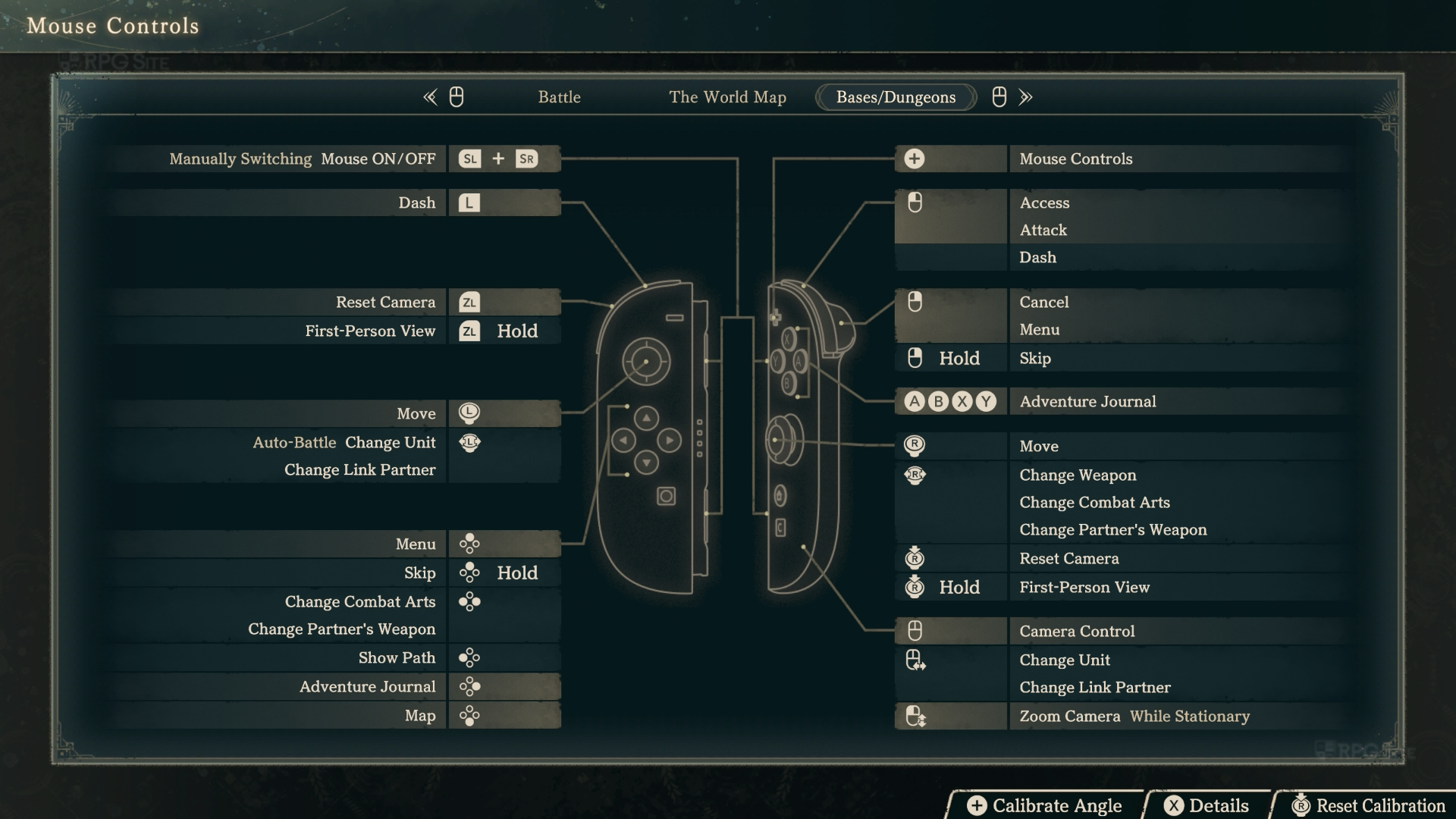
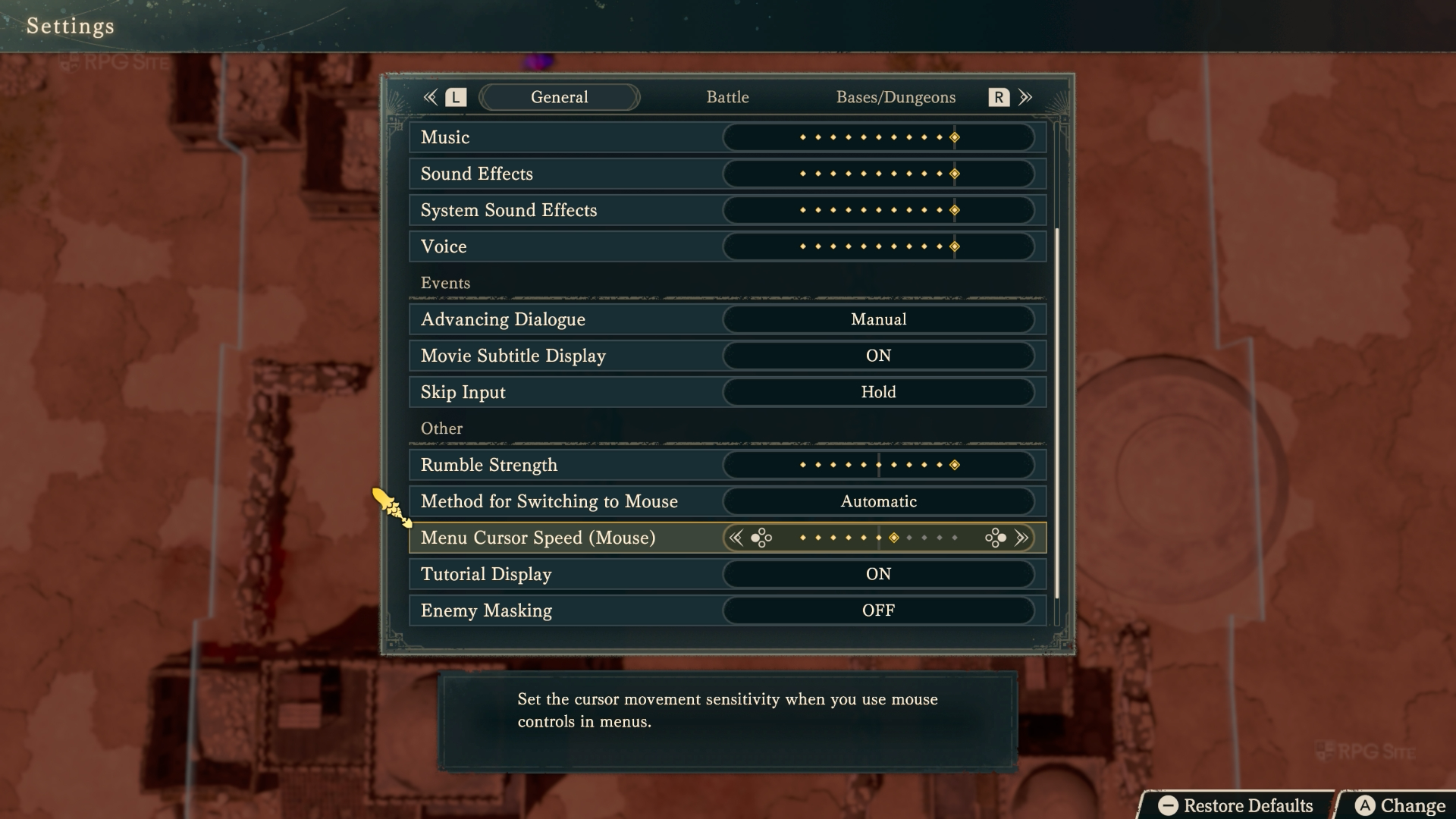
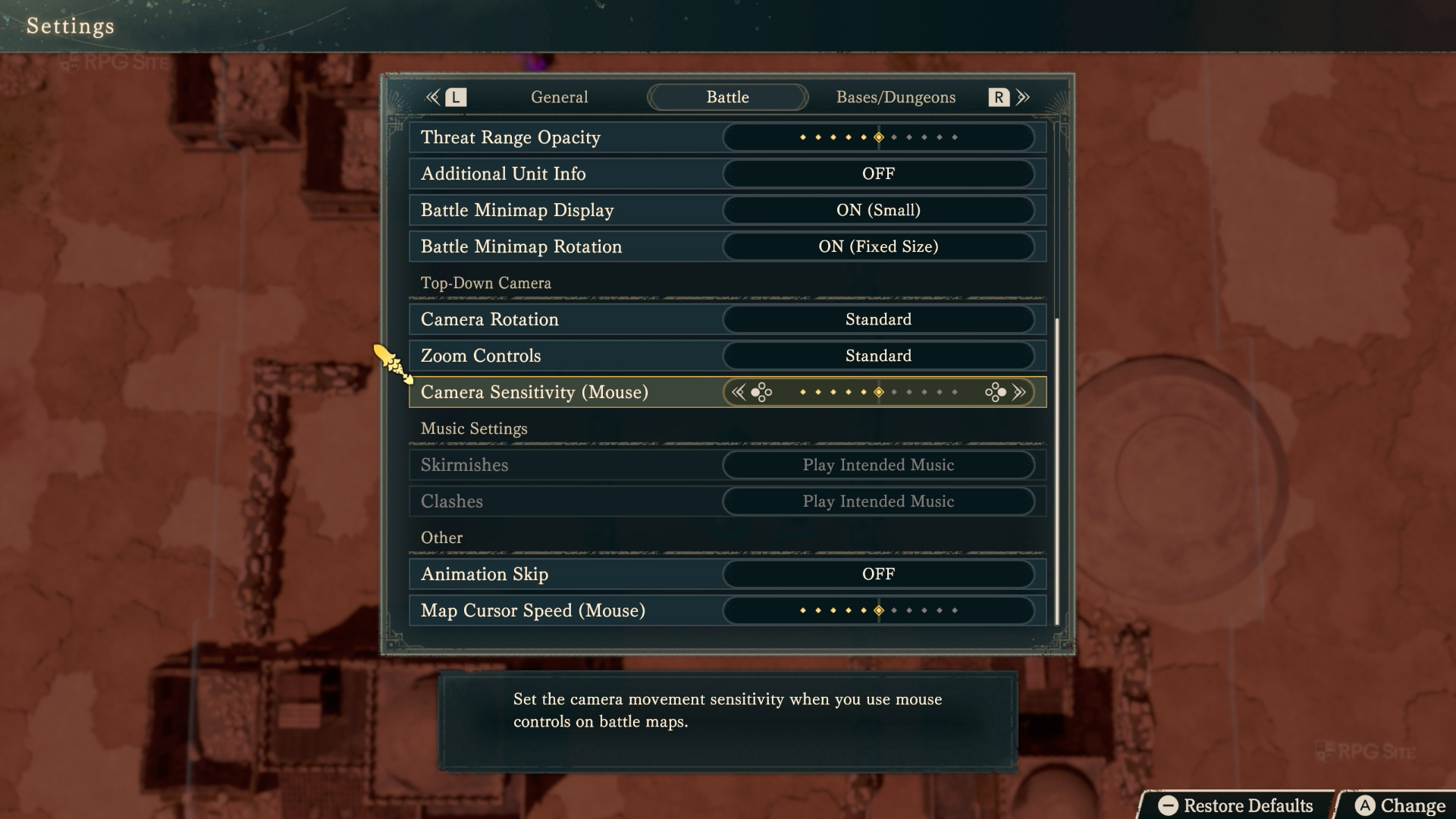
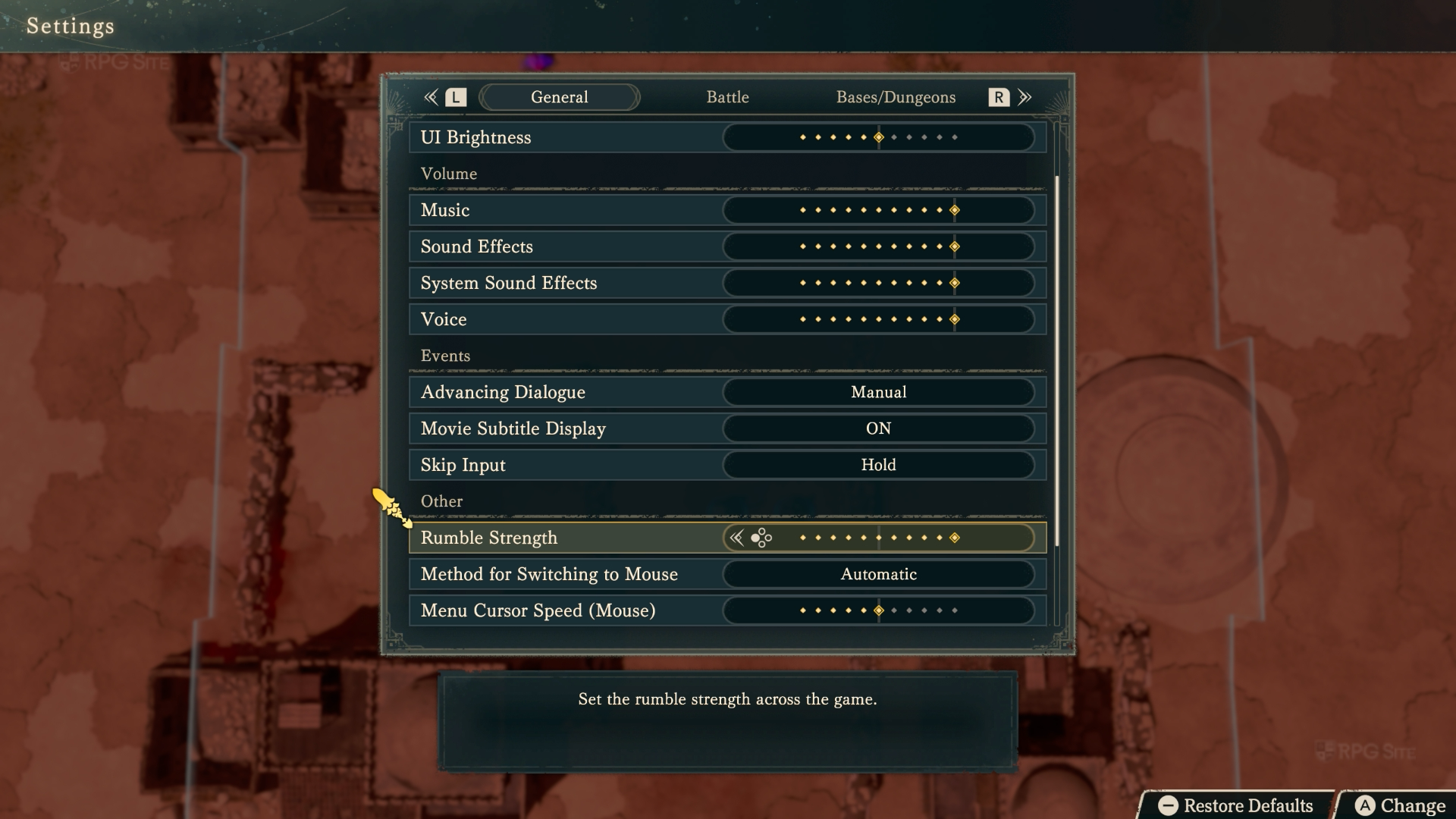
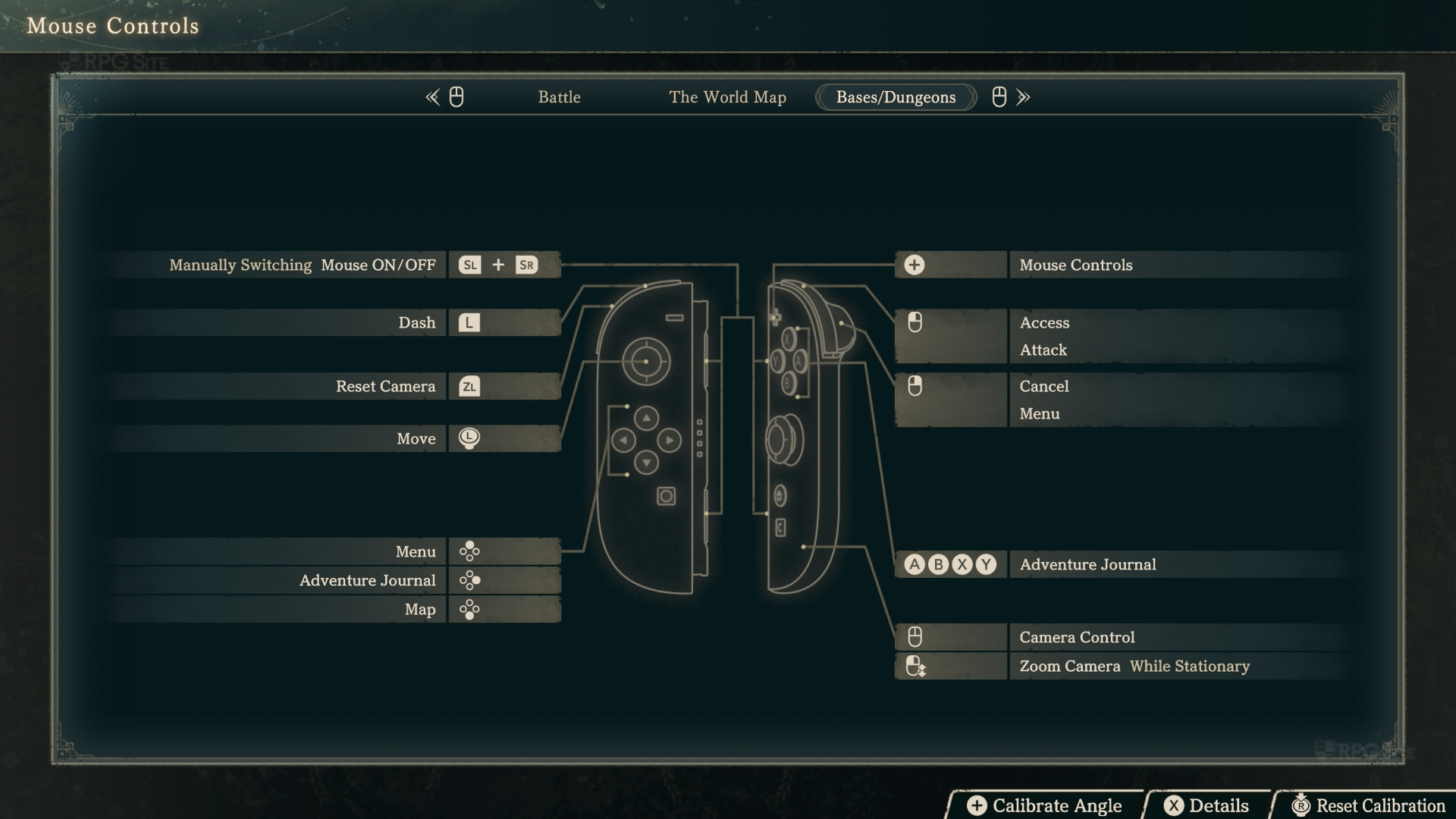
Fire Emblem: Fortune's Weave mouse controls and rumble
Even with mouse controls enabled, Fire Emblem: Fortune's Weave has great HD rumble 2 implemented so you will not miss out on that like you would if you played a PC game with keyboard and mouse instead of a controller.
Fire Emblem: Fortune's Weave is now available on Switch 2. Check out all our guides here.