

1985 PC-8801 version of Hydlide II gets an EGG Console port to PC Steam on May 15
D4 Enterprise has set up a Steam page for a new EGG Console port for Hydlide II: Shine of Darkness, based on its 1985 PC-8801 release. Although the Steam page only lists a 2026 release window, the company has also published a Japanese press release that confirms the port's exact release date next week, on May 15.
Take note that this port is not the exact same as the one we covered last year, when D4 Enterprise ported Hydlide II to Nintendo Switch. That one was based on the MSX version that came out in 1986. This PC-8801 version was the very first one that was released in mid-December 1985.
You can find the official screenshots and descriptions for the upcoming PC Steam port of Hydlide II right below. Note that most of the port will be mostly available in Japanese just like the original game, although there are a few elements available in English, such as the story synopsis.
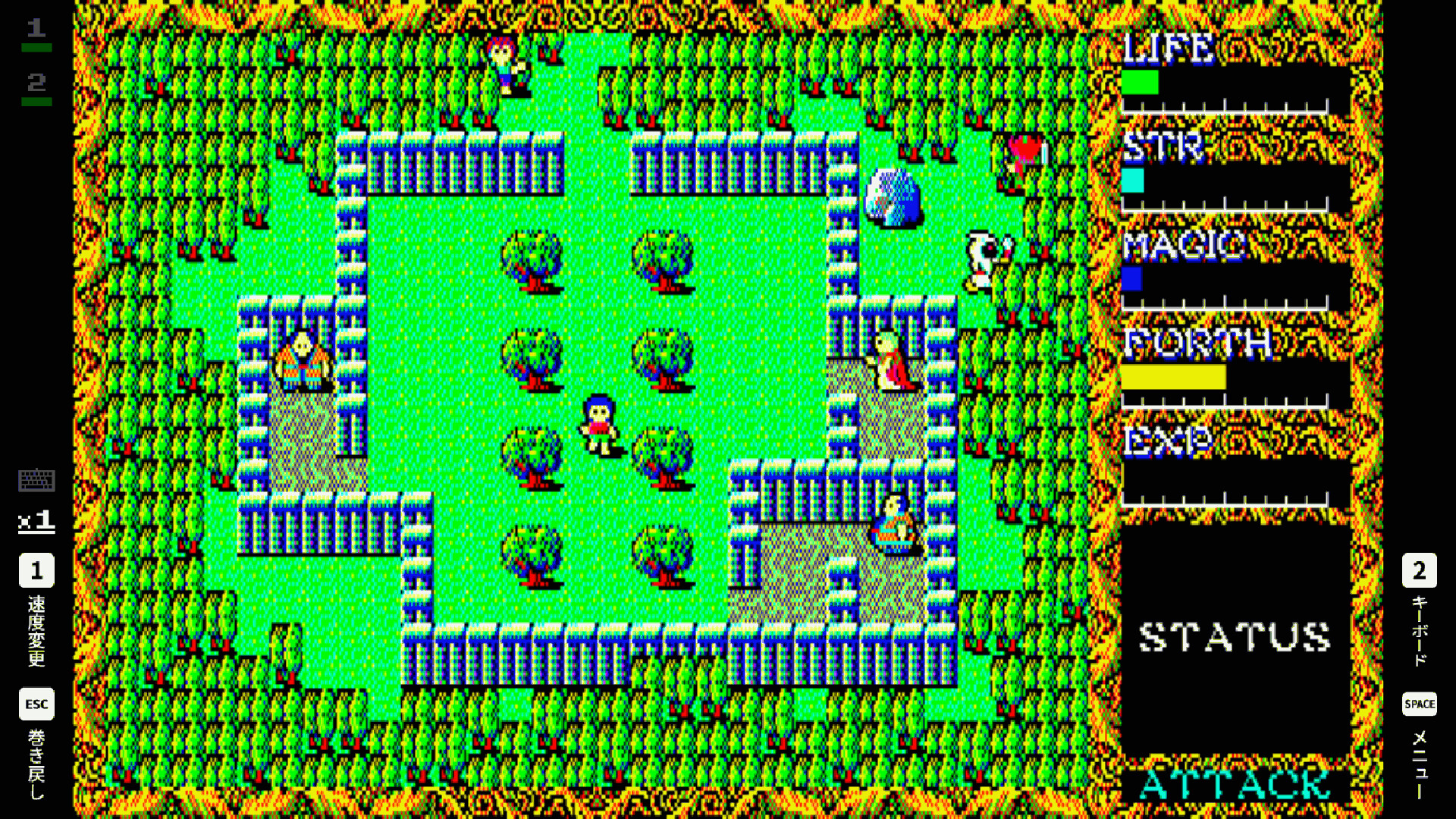
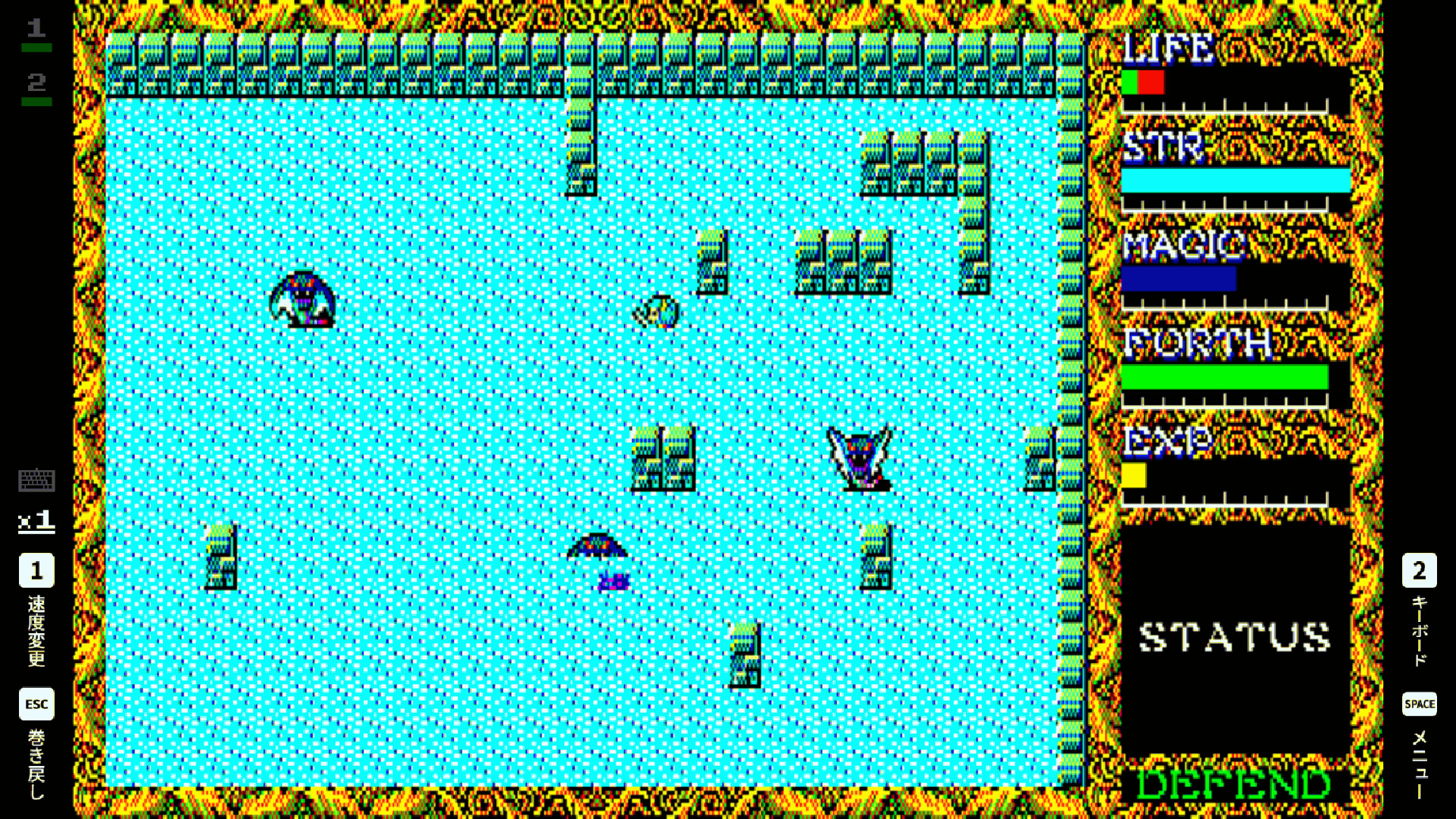
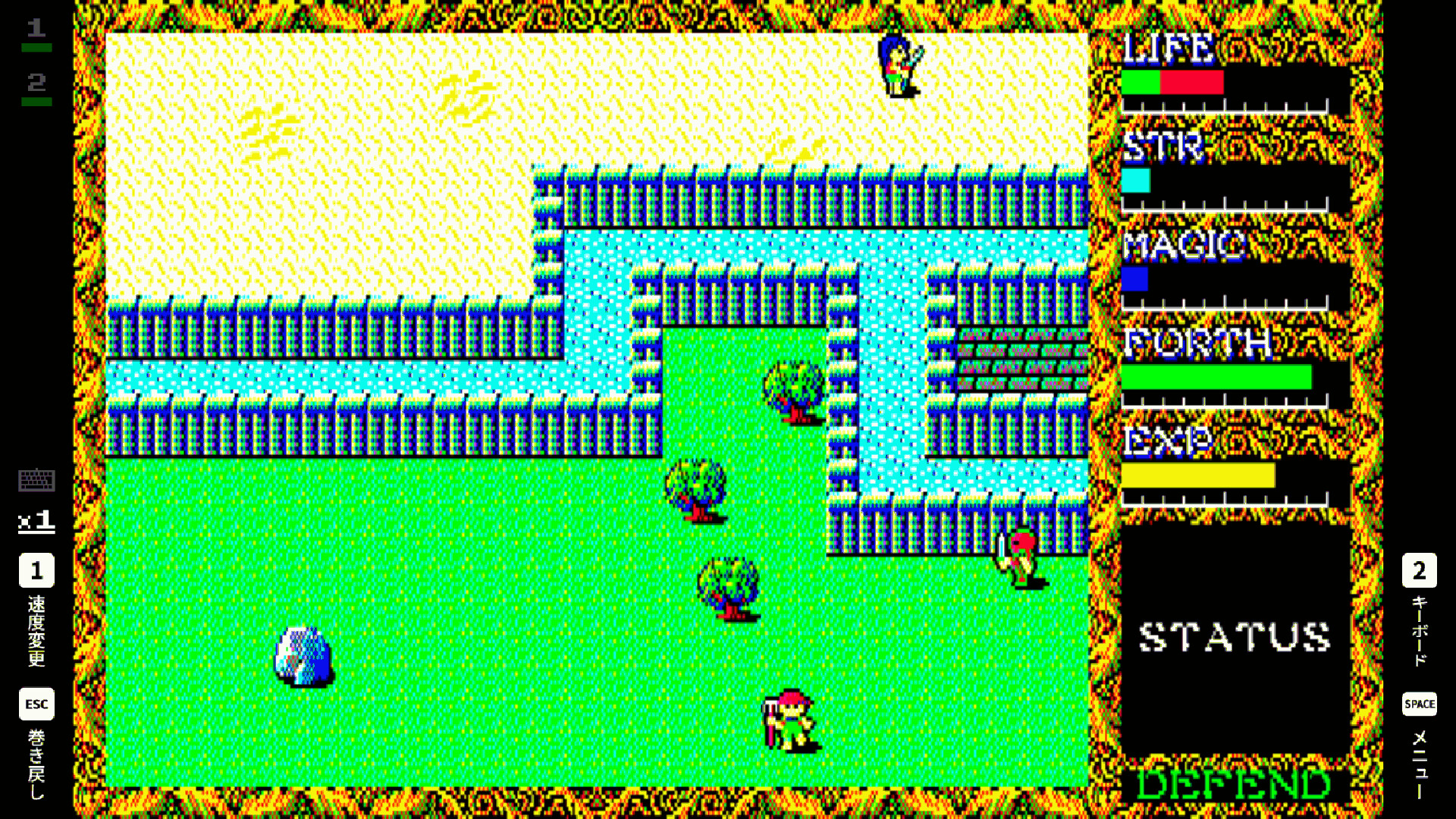
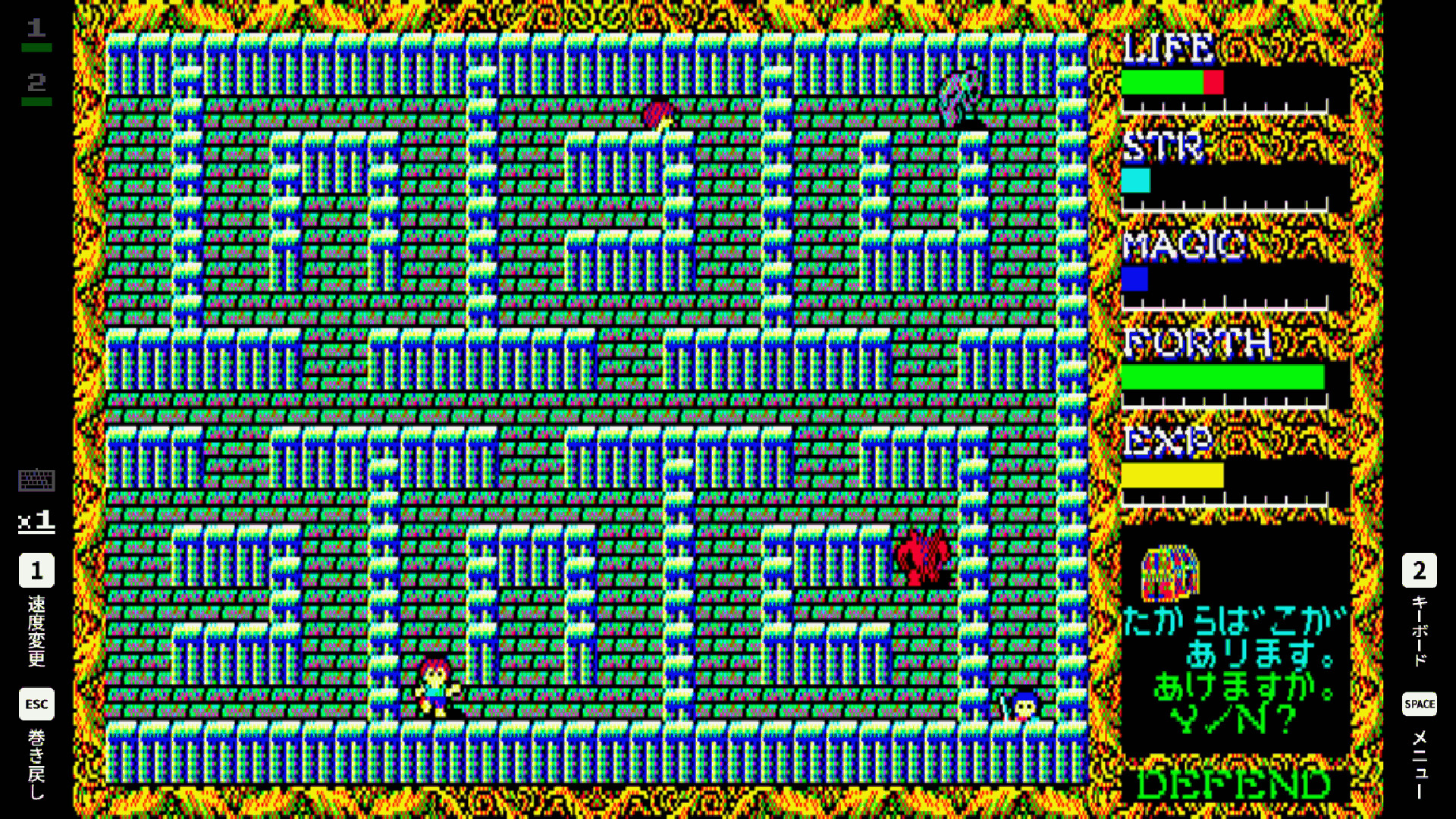
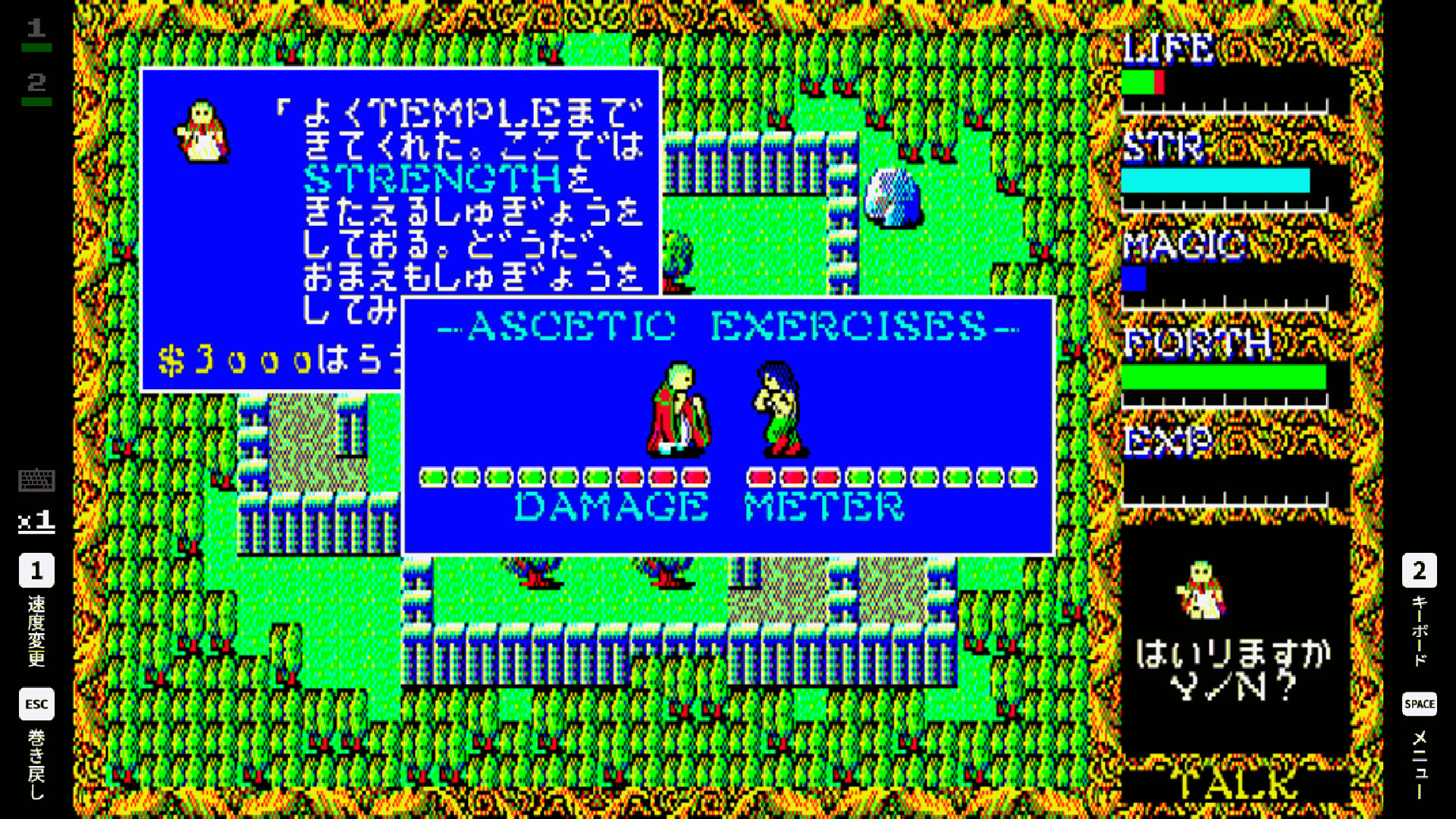
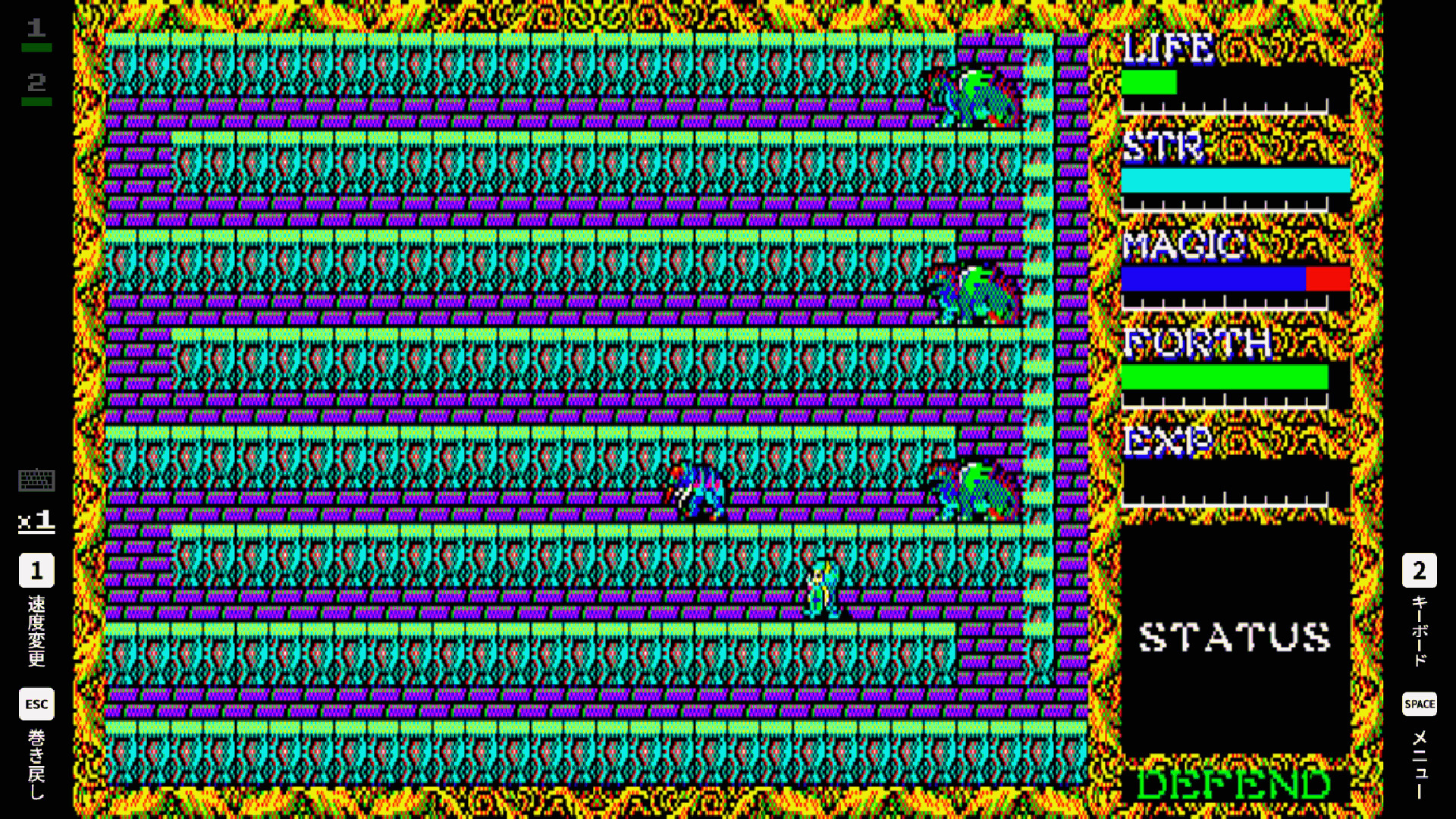
This is an action RPG released by T&E SOFT in 1985. The protagonist, chosen by God for their pure heart, embarks on an adventure to seal away evil consciousness.
The popular collision-based attack system from the previous game is back, and this time, new magic such as FIRE, ICE, WAVE, and JUMP are introduced. With the addition of the parameter FORTH (conscience), concepts of good and evil are expressed. The game also features information gathering through conversation mode, shopping in towns, character development, and a map six times larger than the previous game, surpassing it in both quality and quantity.
Known as an Active RPG at the time, this game places a strong emphasis on action. Players switch between attack and defense modes while engaging in collision-based combat with monsters. Defeating monsters earns experience points, allowing for level-ups and increased strength. When injured, resting in flat areas automatically restores health.
The main game and gallery screen (*Gallery) are in Japanese version.
Other menu screens and "How to play" screens are in English.
■ How to Toggle Full Screen Mode
Press Alt+Enter to switch between Full Screen and Window Mode.
In Steam Big Picture Mode, the game runs in Full Screen only.
■ Controls
This game can be played with an Xbox / PlayStation / Nintendo Switch controller, or with a PC keyboard.
For the best experience, we recommend playing with a controller.
Please note that keyboard behavior changes depending on whether a controller is connected.
[When no controller is connected (PC keyboard controls)]
Z / X / A / S: Xbox controller A / B / X / Y
Q / W: Xbox controller LB / RB
1 / 2: Xbox controller LT / RT (Speed Change / Virtual Keyboard)
3 / 4: Xbox controller LS / RS (Virtual Keyboard Settings)
Esc: Xbox controller View (Rewind)
Space: Xbox controller Menu (Pause Menu)
[When a controller is connected]
The PC keyboard functions as the same input as the virtual keyboard.