

Zenless Zone Zero Steam preloading is now available ahead of June 17 release
HoYoverse has begun Zenless Zone Zero Steam preloading today ahead of the Version 3.0 "A Sleepwalker's Confession" and Steam launch on June 17.
Beginning tomorrow, Zenless Zone Zero will also be playable via PC (Steam) with full cross platform support. You can add it to your library and preload it here. If you missed the 3.0 announcement, read about it here. Zenless Zone Zero is now available on PlayStation 5, Xbox Series X|S, PC, iOS, and Android.
You can find the Zenless Zone Zero Steam preload and other Steam launch FAQs below via HoYoverse:
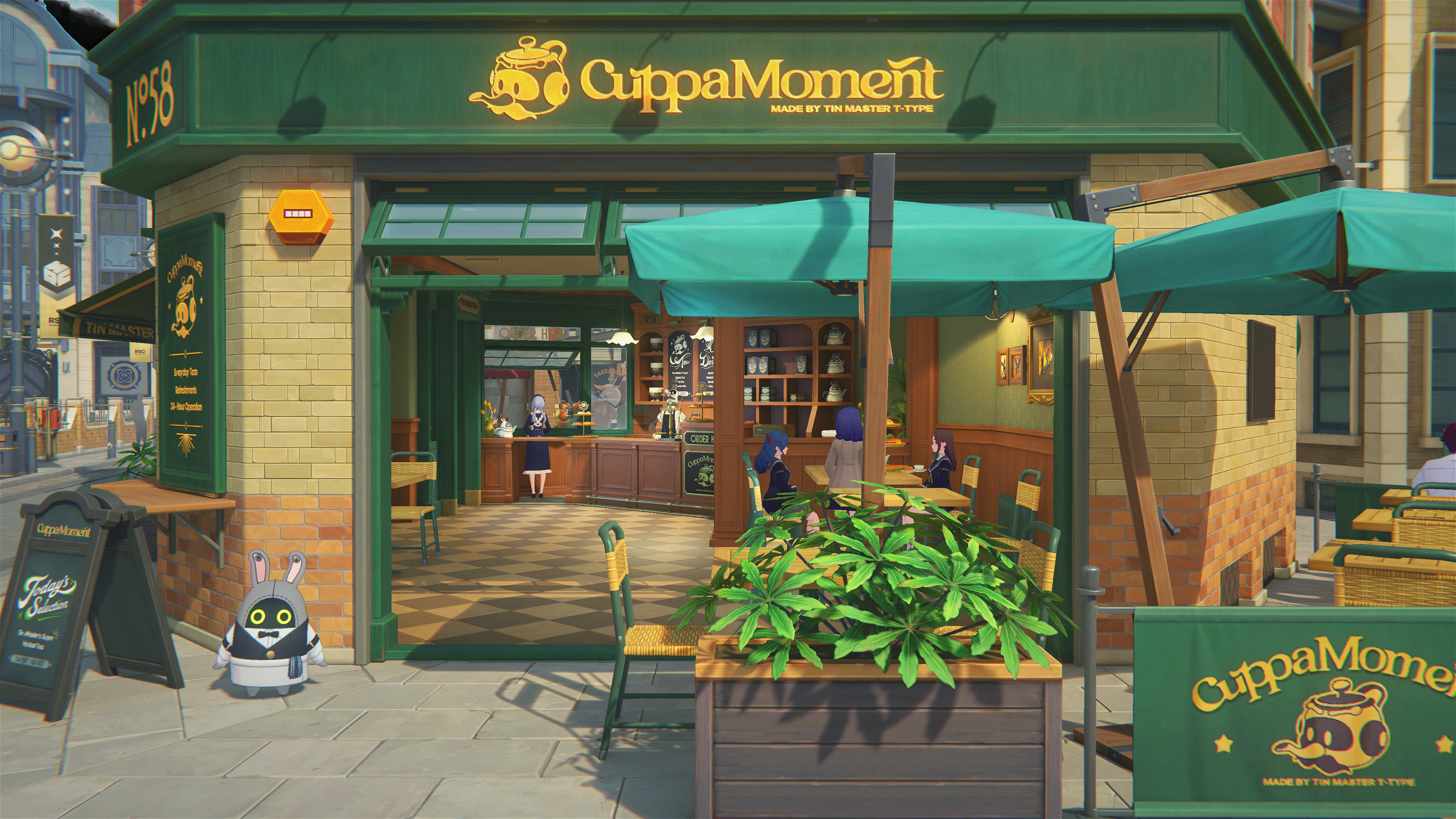
Zenless Zone Zero officially launches on Steam on June 17!
Steam Preload for Zenless Zone Zero Is Now Available:https://hoyo.link/qqMvGg8Me
The Steam version will be cross-compatible with existing mobile, PC, PS5, and Xbox platforms. Version 3.0 content will also be available at launch!
Launch Details
Launch Date: After the Version 3.0 update on 2026/06/17
Supported Servers: Europe, America, Asia, and TW/HK/MO servers
System RequirementsRecommended Specifications: 10th Gen Intel Core i7, 8GB RAM, Nvidia GeForce GTX1660 or better
Minimum Specs: 7th Gen Intel Core i5, 8GB RAM, Nvidia GeForce GTX970 or better
System Requirements: Windows 10 64-bit or later, DirectX 11.1 or later
Storage Requirements: 75GB of available space required
FAQAccount-Related
Q: How do I link my Steam account with my HoYoverse account?
A: When logging into Zenless Zone Zero via Steam for the first time, Proxies will need to link their Steam account with their HoYoverse ID. You can follow the in-game guidance and complete the account linking process using one of the following two methods.
Option 1: If you have already created a HoYoverse ID, we recommend using that to log in. When you launch Zenless Zone Zero for the first time on Steam, select "Login with existing HoYoverse ID," and then link up your existing HoYoverse ID with your Steam account as per the prompts.
Option 2: Use your Steam account to create a new HoYoverse ID. When you launch Zenless Zone Zero for the first time on Steam, select "Create HoYoverse ID now" to log in to the game.
Q: If I link an existing HoYoverse account, will the Steam version of Zenless Zone Zero inherit my progress from other platforms?A: Yes, your progress will carry over. This Steam advance test uses the official version of Zenless Zone Zero. If the HoYoverse account you link already has an existing Zenless Zone Zero game account, your progress will transfer to the Steam version once the link is complete. Since the Steam version of Zenless Zone Zero supports America, Europe, Asia, and TW/HK/MO servers, Proxies should confirm after linking that they've selected the correct server where their existing progress is stored.
Q: I selected [Create HoYoverse ID now] when logging into the Steam version of Zenless Zone Zero for the first time. Can I use this account to continue playing on other platforms?A: Yes. If you created a new account on the Steam version of Zenless Zone Zero and wish to play Zenless Zone Zero on other platforms, please ensure that your HoYoverse account has an email address linked to it. If no email is linked, you can complete the linking process in the User Center webpage. Once linked, you can log in on other platforms using your email address.
Q: How do I unlink my Steam account from my HoYoverse account?
A: You can log in to the User Center webpage and complete the unlinking process on the linked accounts page by following the guide. Please note that before unlinking, you must ensure that the HoYoverse account linked to that Steam account has an email address linked to it, otherwise unlinking will not be possible.
User Center URL: https://account.hoyoverse.com/
Payment RelatedQ: Can I make in-game purchases normally when playing Zenless Zone Zero on Steam? (Such as purchasing Monochromes, Inter-Knot Membership, New Eridu City Fund, etc.)
A: You can make purchases normally. The in-game items available for purchase are the same as on the other platform clients. You can simply follow the guide within the client to complete your purchase.
Q: Can I use items from top-ups on other platforms or Steam (such as Monochromes, Inter-Knot Memberships, etc.) across different platforms?A: You can, once you've linked your accounts. When switching platforms, all items received from top-ups will be displayed and can be used normally.
Q: I registered a new game account on the Steam version. Can I make purchases for account on other platforms?A: You can make purchases on any platform. ※ Please note: If you select "Create HoYoverse ID now" when first logging in to the Steam version of Zenless Zone Zero, you will create a new game character on Steam.
Other Issues
Q: Does the Steam version of Zenless Zone Zero support pre-downloading new version updates via the HoYoPlay launcher before the update goes live?
A: The Steam version of Zenless Zone Zero does not currently support pre-downloading new versions of the game via the HoYoPlay launcher. After server maintenance begins for each update, Proxies can head to their Steam library to download and install the latest version of the game.
Q: Can the game's Resource Management function be used in the Steam version of Zenless Zone Zero?
A: Apologies, but the Steam version of Zenless Zone Zero does not currently support the Resource Management function. When playing the Steam version of Zenless Zone Zero, the full game assets will be downloaded and installed by default for all Proxies, and resource deletion is not available.