

How to change your appearance in Nioh 3
Nioh 3 is now available worldwide on PS5 and Steam. With a demo available a week prior to launch, you might have created a character you liked at the time, but want to change in the final game. Our guide covers how to change your appearance in Nioh 3 and get a new look. It will also cover when you unlock the ability to change your appearance, your name in Nioh 3, and more.
How to change your appearance in Nioh 3
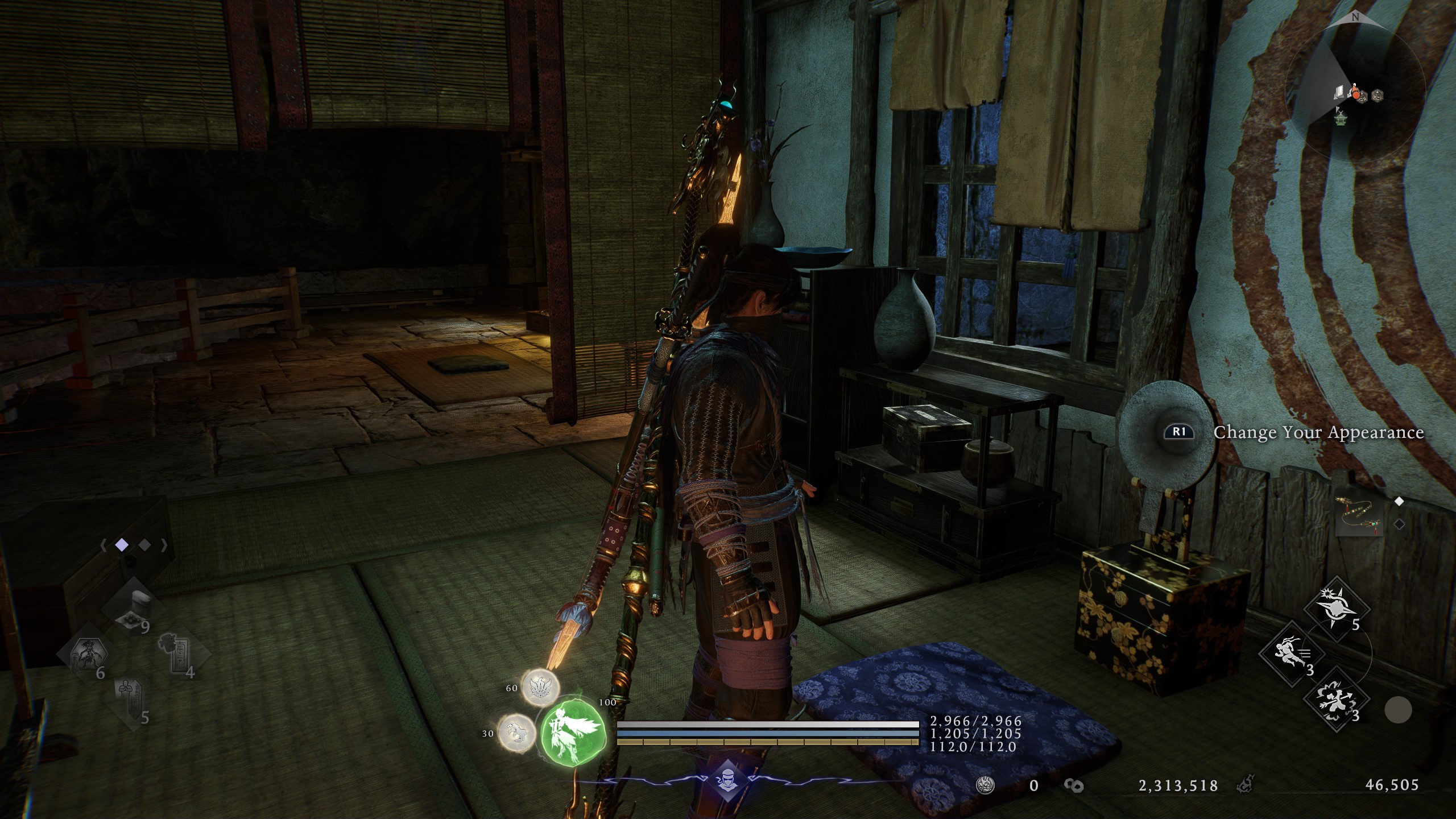
Once you've defeated the first Crucible boss (Jakotsu-baba), go to the Eternal Rift AKA the main hub, then go upstairs in the building that hosts the Shrine, and enter the tatami room at the corner.
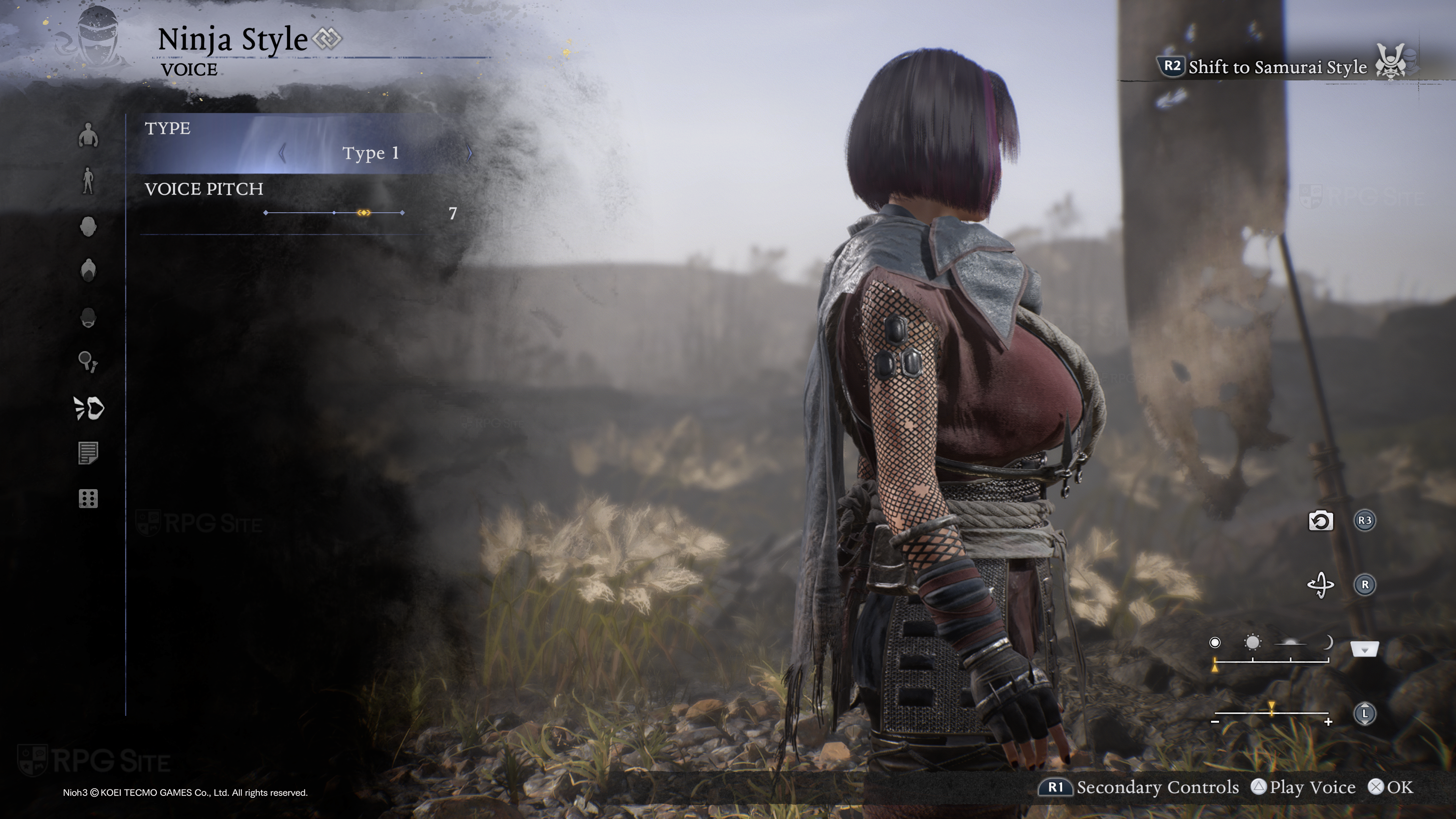
Interact with the mirror by pressing RB or R1 depending on your controller (or E on a PC keyboard) and you will be able to change your complete appearance with the same menu you saw at the beginning of the game.
How to change your name in Nioh 3
You cannot change your name in Nioh 3 for story reasons. By default, your avatar shall take the role of Tokugawa Takechiyo, who would be more famously known as Tokugawa Iemitsu, the historical third Shogun of the Edo Tokugawa shogunate.
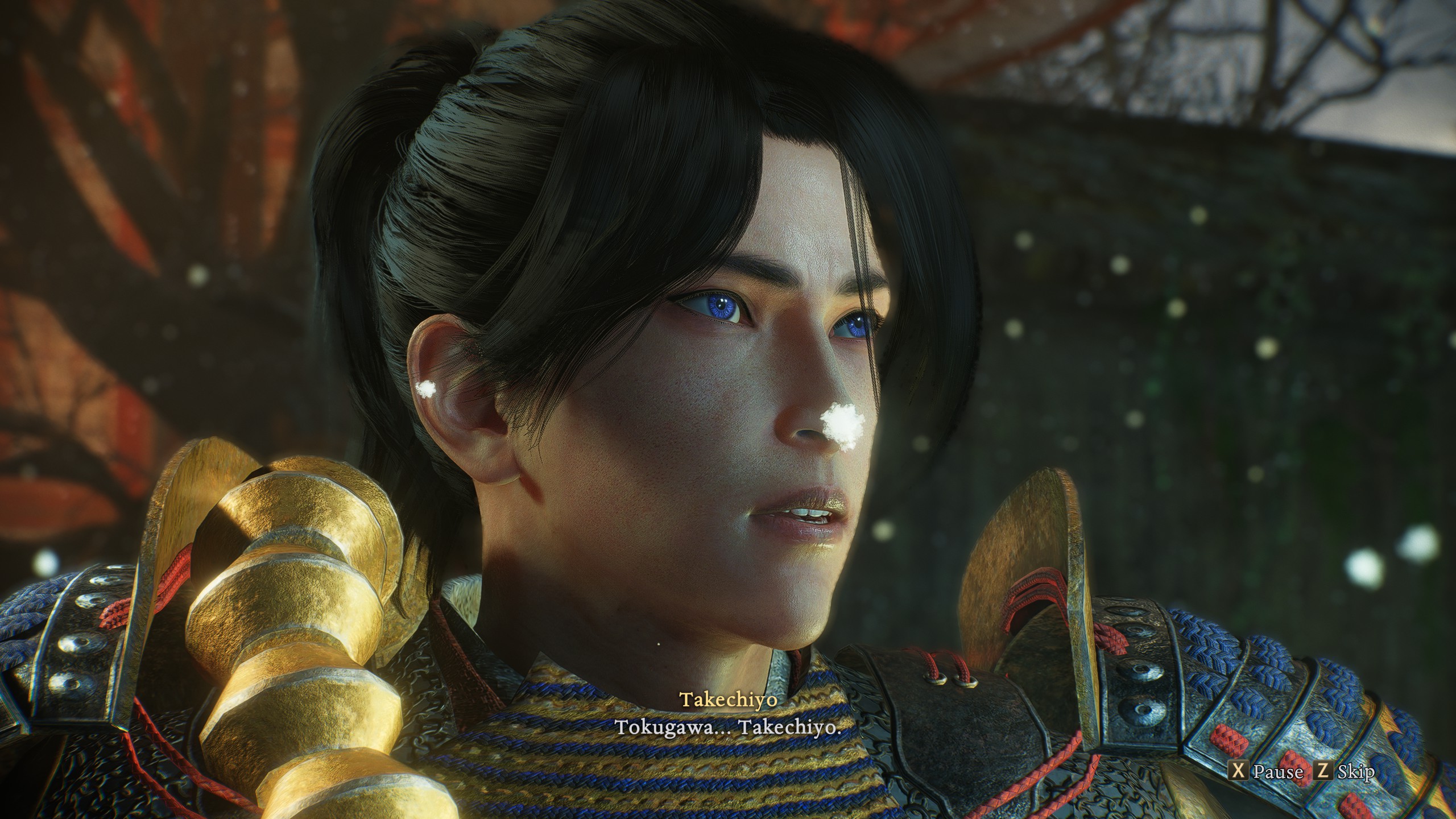
As for the name that will appear when you either place a Righteous Jasper to set up a Benevolent Grave or when you die and have a Revenant Grave generated, the game will use your PlayStation or Steam online username by default. So you really cannot set any name in the game itself.
If you are curious about the story and lore of the game, you can read our review here and our guide on the events of all three Nioh games with DLC if you want to experience them in chronological order here.
Nioh 3 is now available for both PlayStation 5 and PC (Steam). You can find my PC handheld and PS5 impressions here and all our guides here.