

Control Resonant is rough on Steam Deck, but what about ROG Ally?
Control Resonant launches next week for PS5, Xbox Series, and PC platforms including Steam from day one. Ahead of its launch, I've been playing the PS5 and Steam versions. If you're curious about the PS5 version on both base PS5 and PS5 Pro, read my impressions over at our sister site Respec here. A few months ago, Remedy mentioned in a Steam blog post that Control Resonant would support Steam Deck at launch. I was curious if this would mean it would be a good experience like Kingdom Come: Deliverance II or a mess like The Elder Scrolls IV: Oblivion Remastered. I've been testing it on my Steam Deck OLED with stable SteamOS, Steam Deck LCD on the SteamOS preview channel, and also my ROG Ally Z1 Extreme.
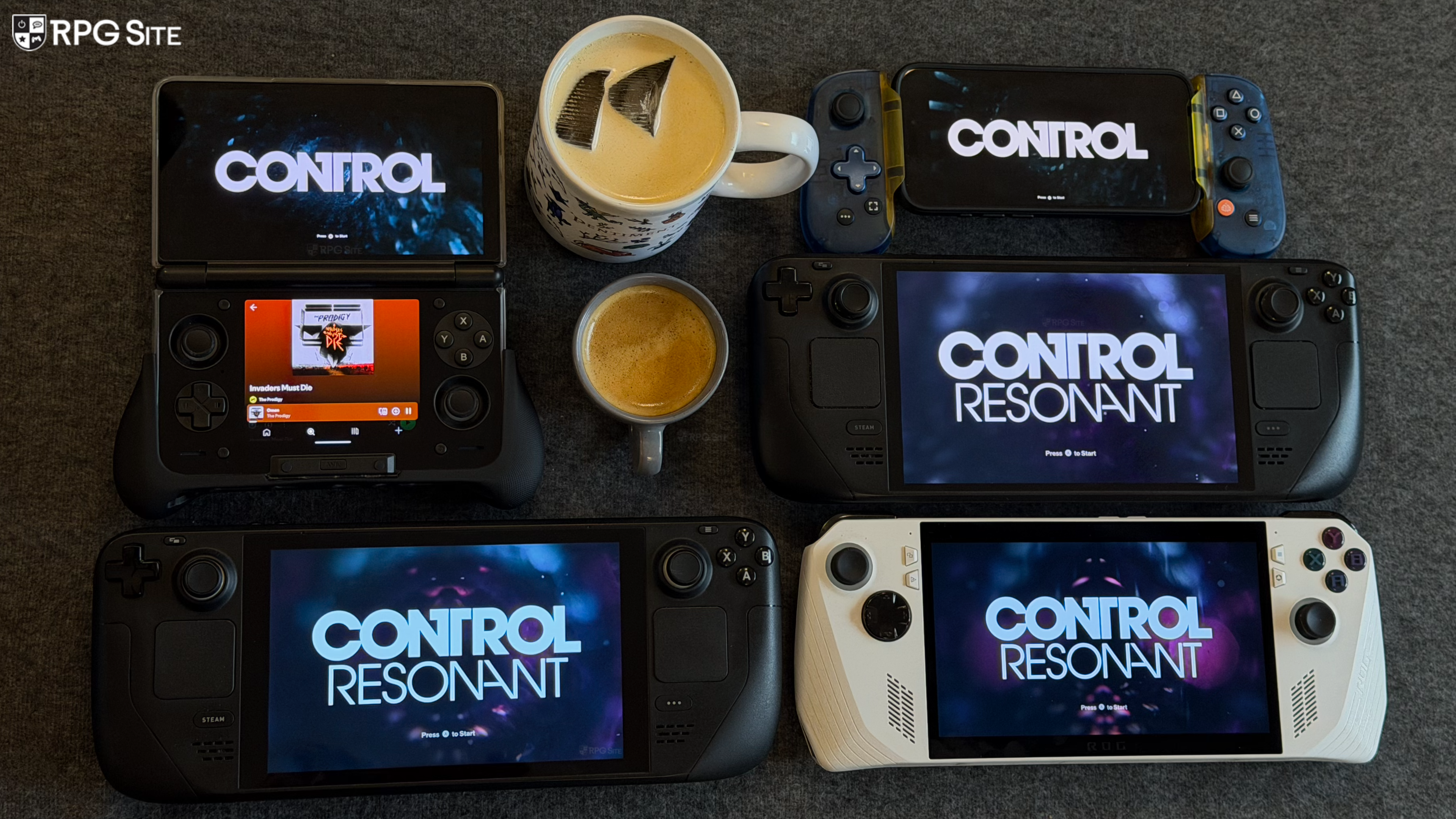
Control Resonant has improved with the first patch I've had before today's embargo, but it still needs some work on Steam Deck. In this PC handheld feature, I'm going to cover my impressions with Control Resonant on PC handhelds, the PC port features, and what I'd like to see fixed.
Control Resonant PC graphics and control options
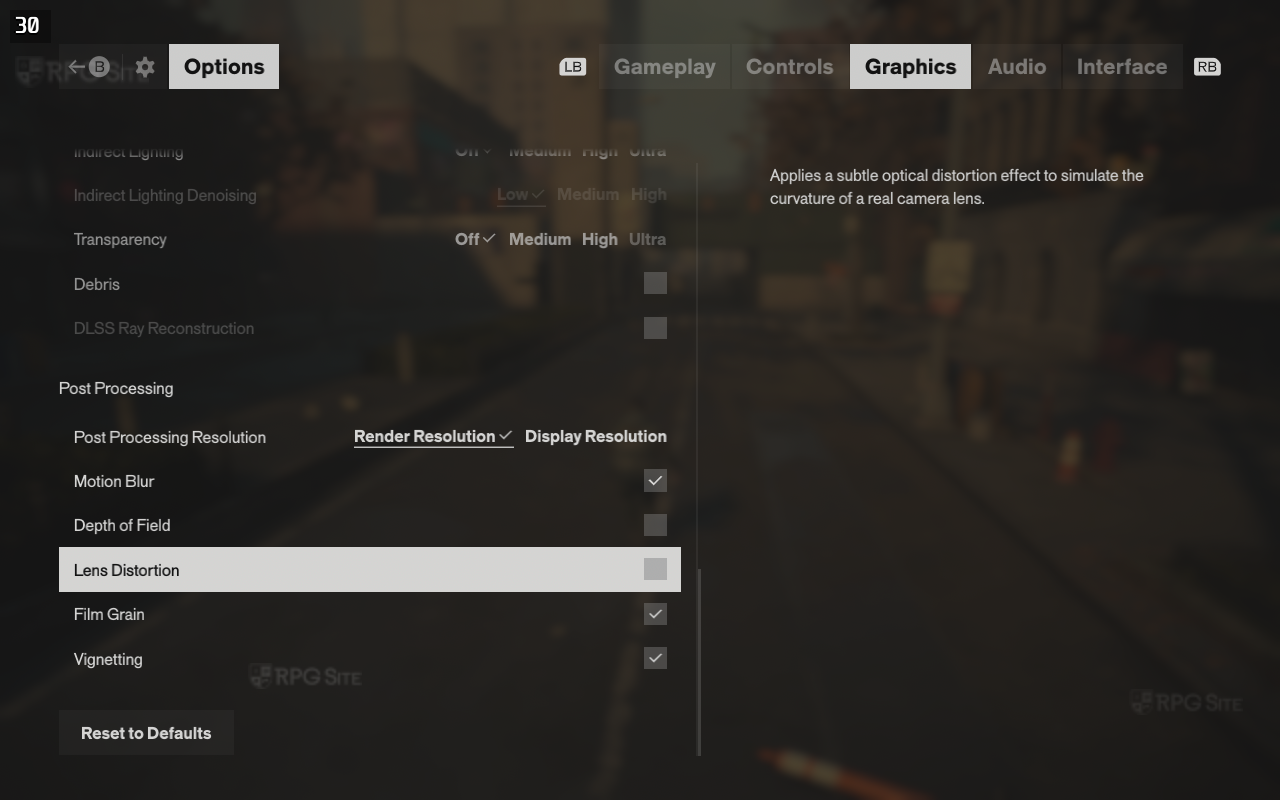
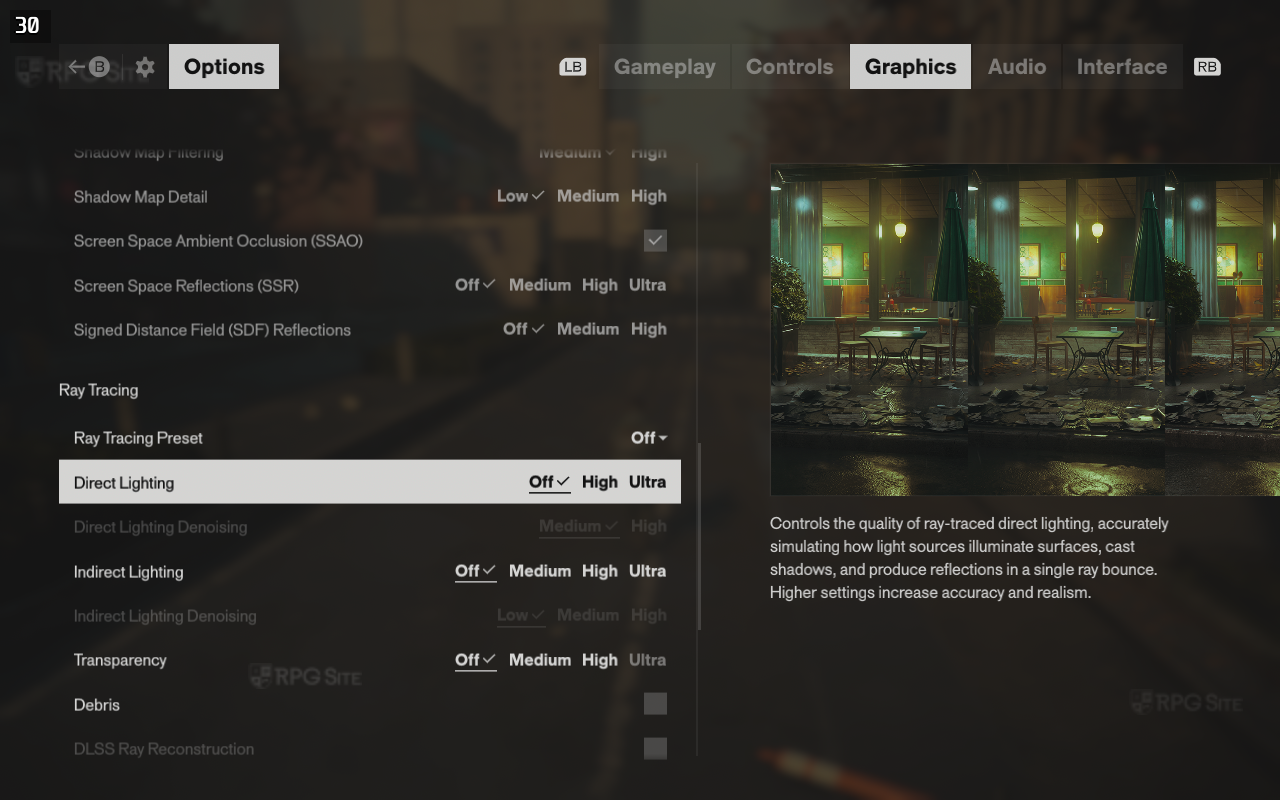
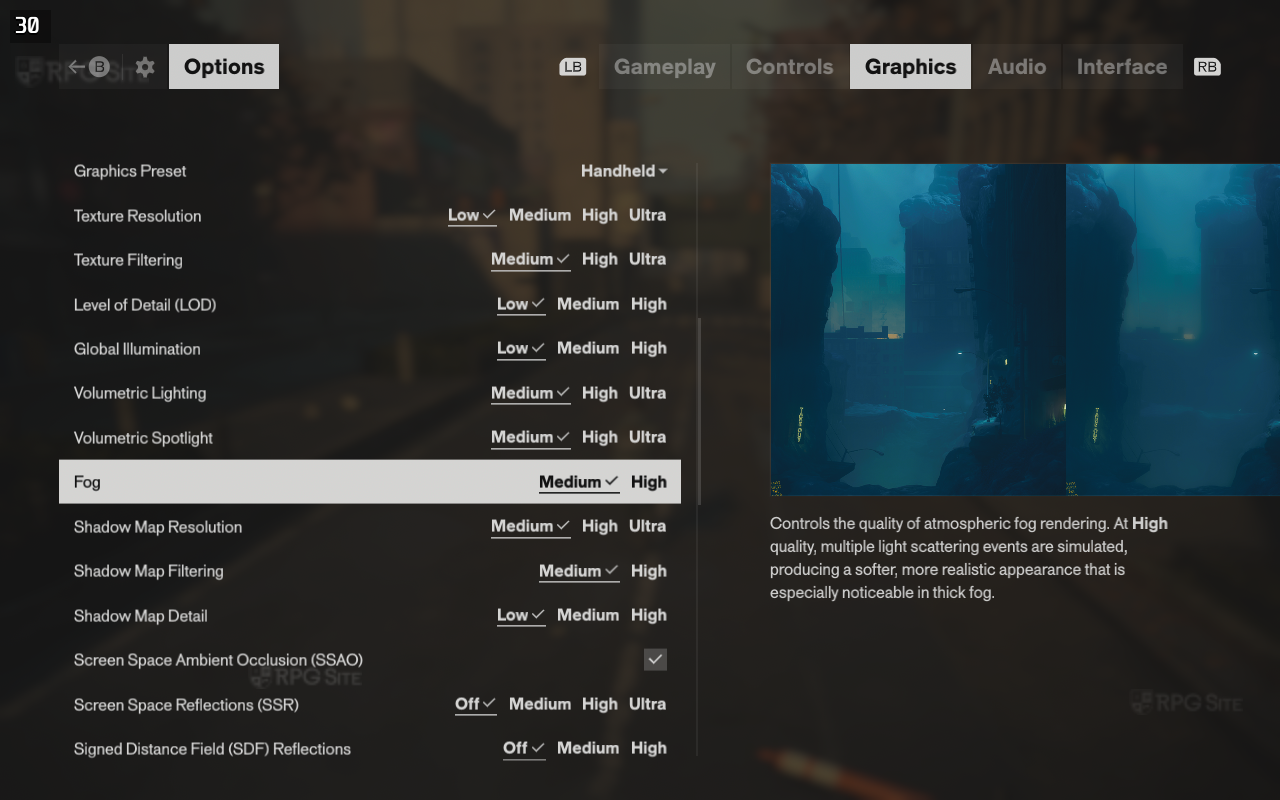
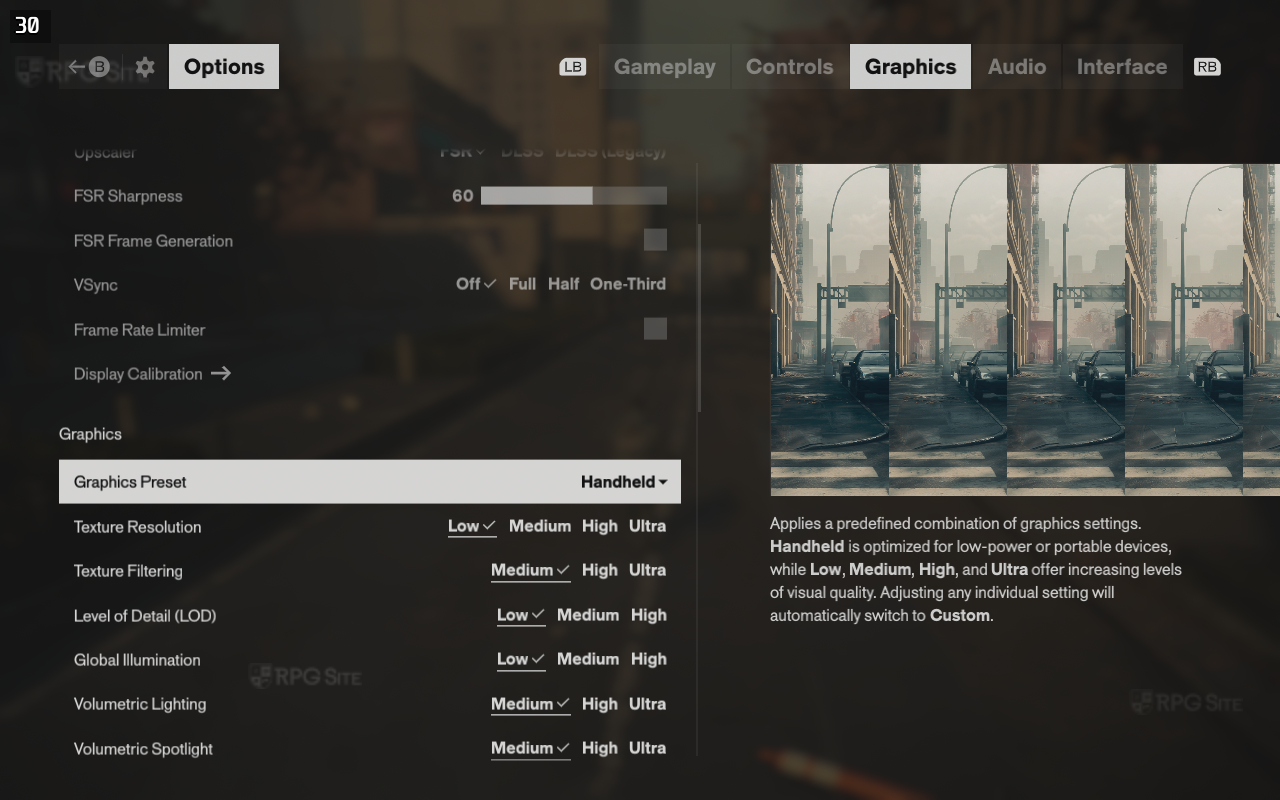
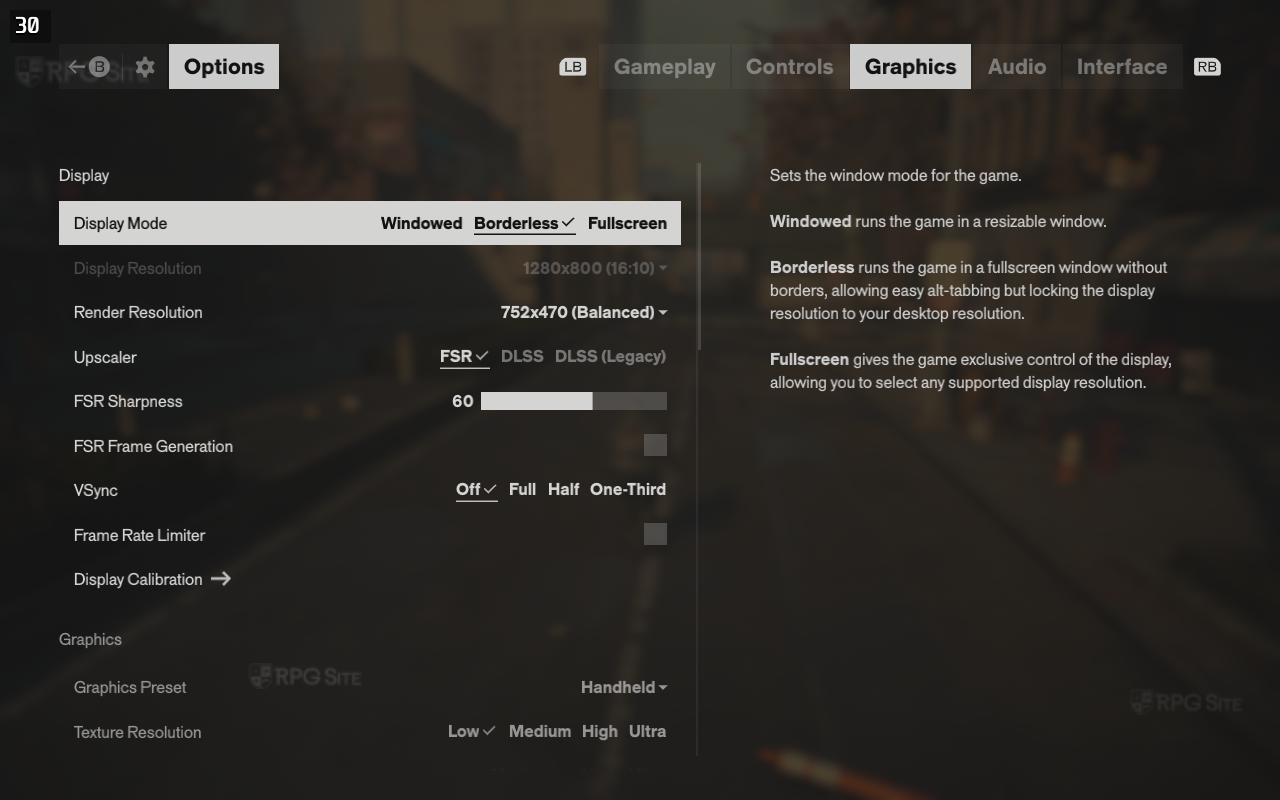
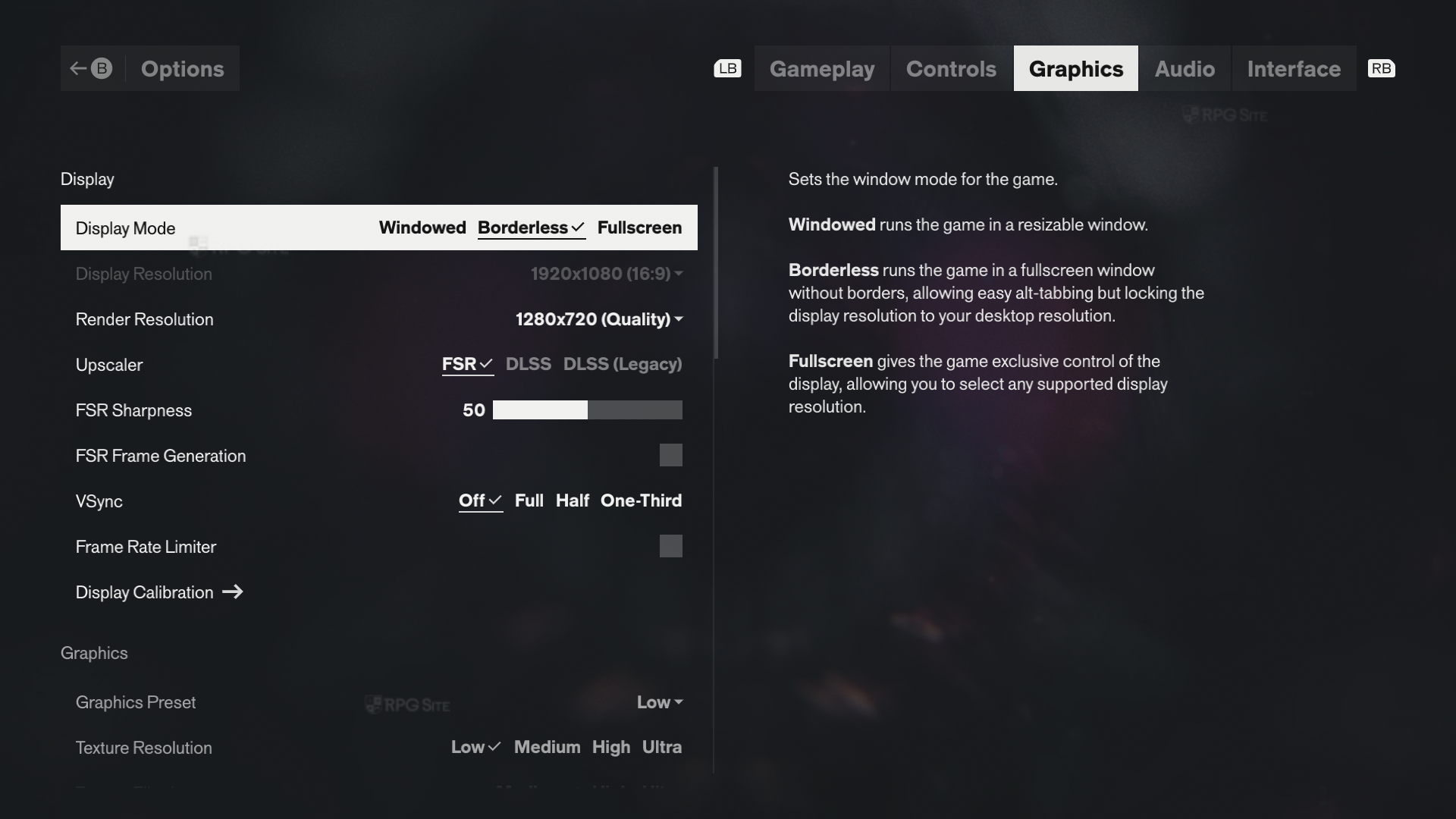
Control Resonant ships with FSR (including FSR4 if supported by the GPU), DLSS (both CNN and transformer models), frame generation support, and it even has DualSense features like adaptive triggers listed in the PC options menu. As for graphics, not only does it ship with a wealth of options, but it also has a Handheld preset in addition to the Low, Medium, High, and Ultra presets available. Barring these presets, you can adjust the v-sync level, limit the frame rate in-game, and also adjust upscaling sharpness if you have it enabled.
Control Resonant's graphics options let you adjust texture resolution, texture filtering, level of detail, global illumination, volumetric lighting, volumetric spotlight, fog, shadow map resolution, shadow map filtering, shadow map detail, SSAO, SSR, SDF reflections, and then multiple ray tracing options. These ray tracing options are direct lighting, direct lighting denoising, indirect lighting, indirect lighting denoising, transparency, debris, and DLSS Ray Reconstruction. Post processing settings in Control Resonant let you adjust the resolution, motion blur, depth of field, lens distortion, film grain, and vignetting.
Control Resonant Steam Deck impressions
When I first downloaded the review build, Control Resonant was awful on Steam Deck even on the lowest settings. Right now, it is still rough, but there's potential and I'd go so far as to say it runs and looks better than many of the AAA games Valve marks as Steam Deck Verified. That isn't saying much, but Control Resonant is a few patches away from being decent on Steam Deck. Right now, it supports 16:10 with HDR, but can't hold 30fps even on the lowest preset and with Ultra Performance upscaling. It has hitching and some freezing during traversal in the open portions of Manhattan.
The opening of the game might make you think Control Resonant will be good on Deck because it is set in closed sections, but it looks and feels rough in Manhattan even in the opening hours.
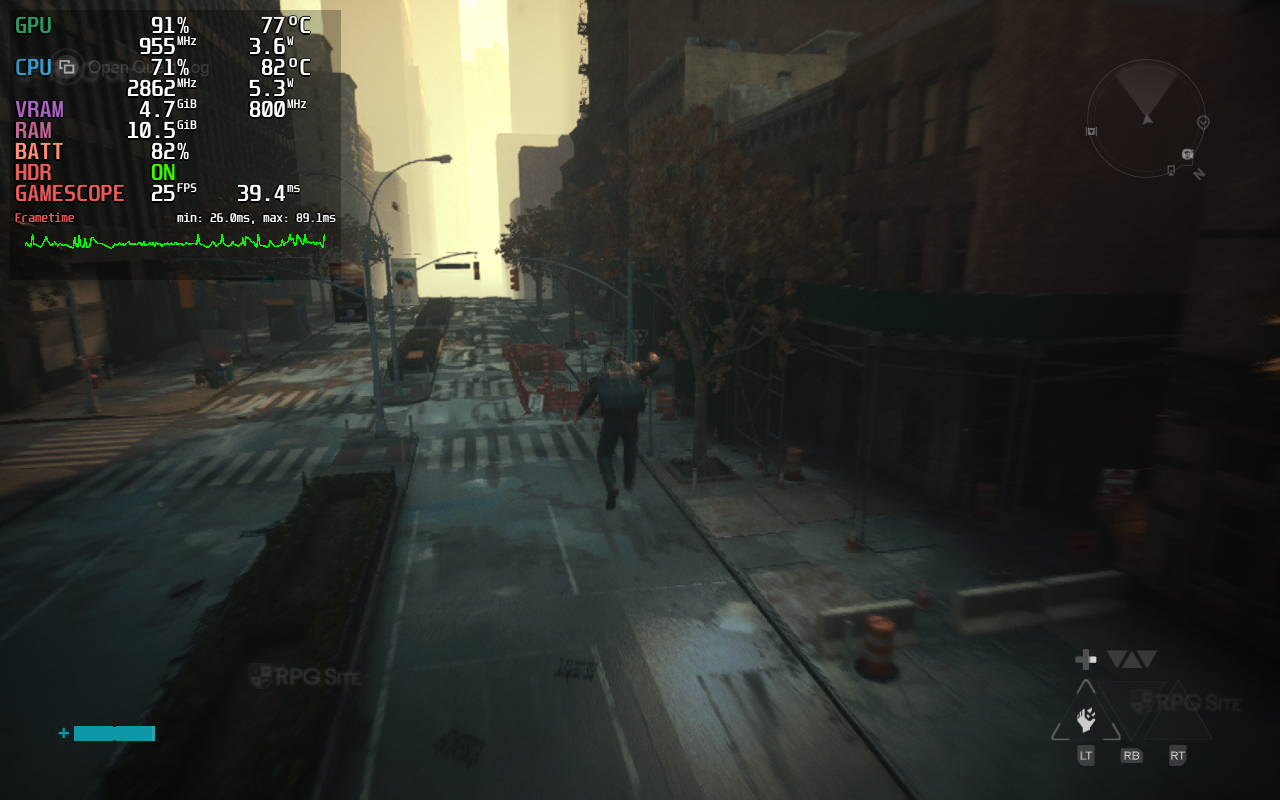
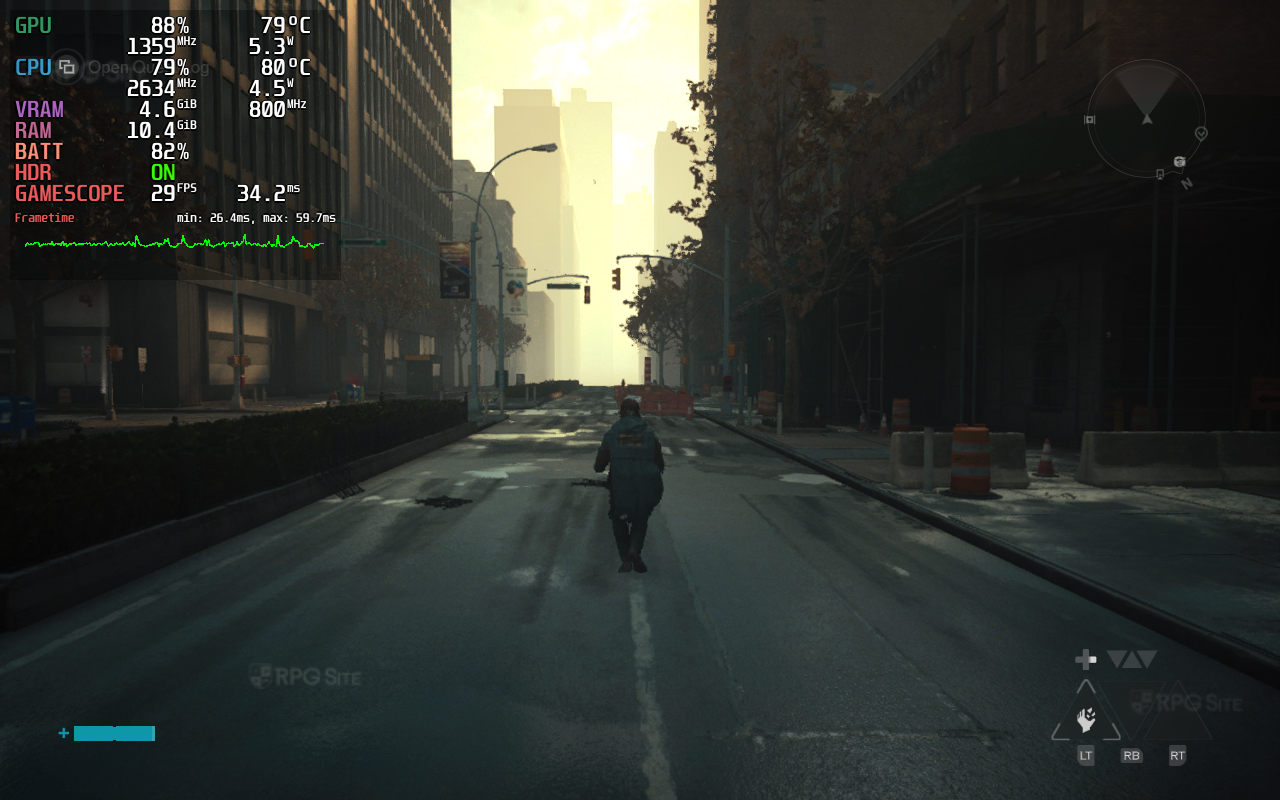
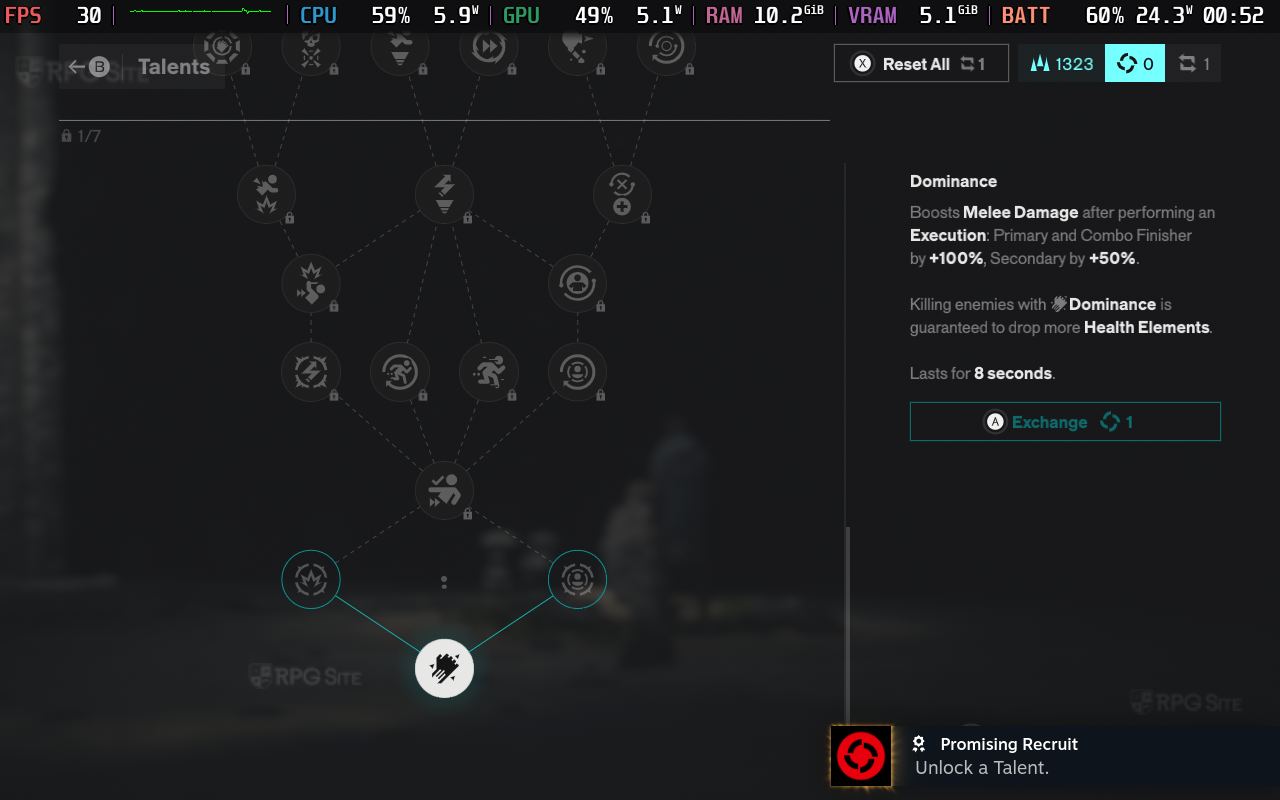
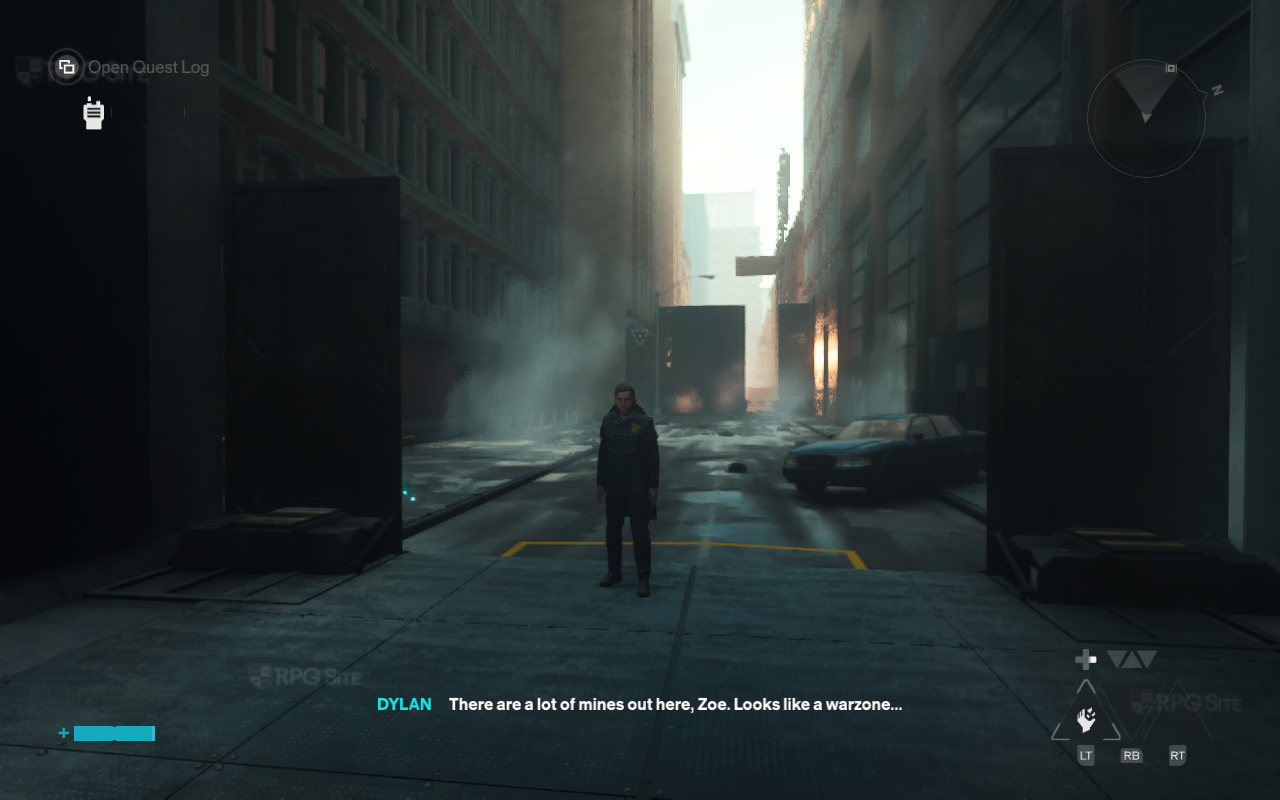
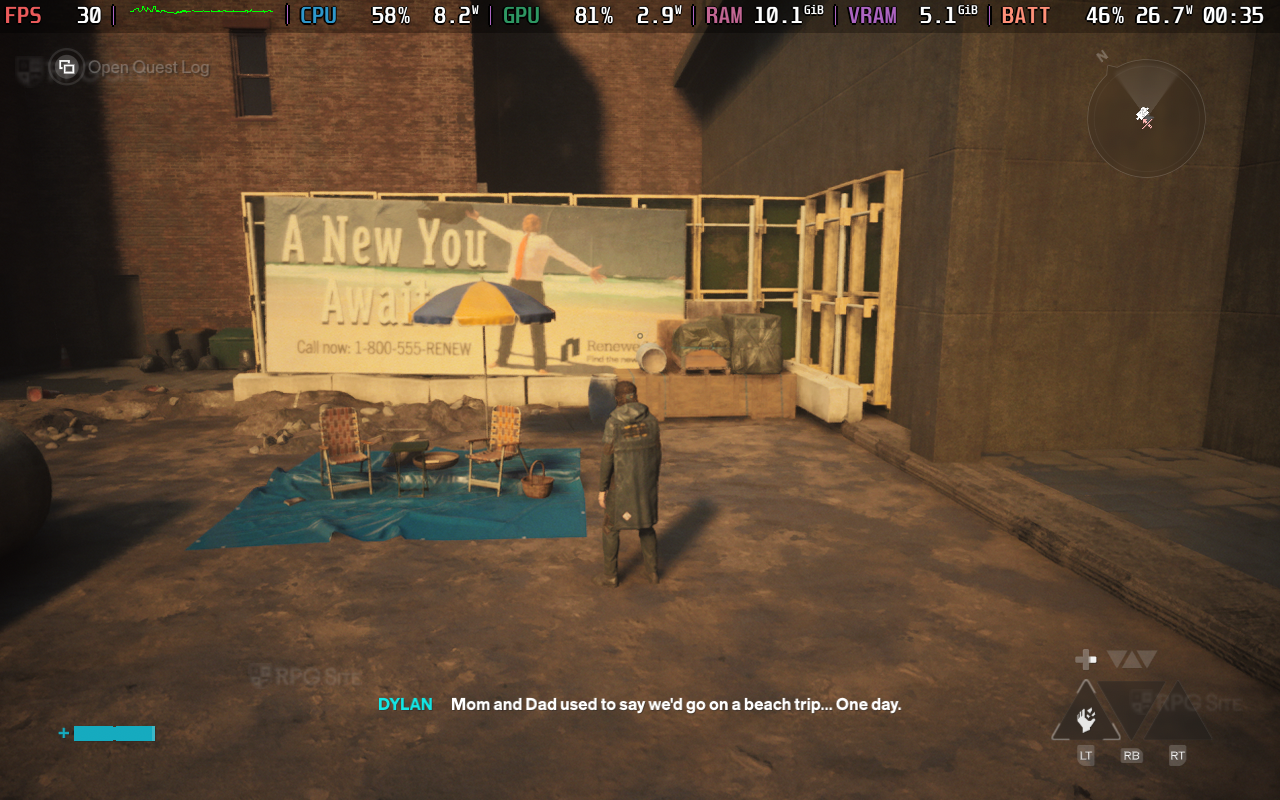
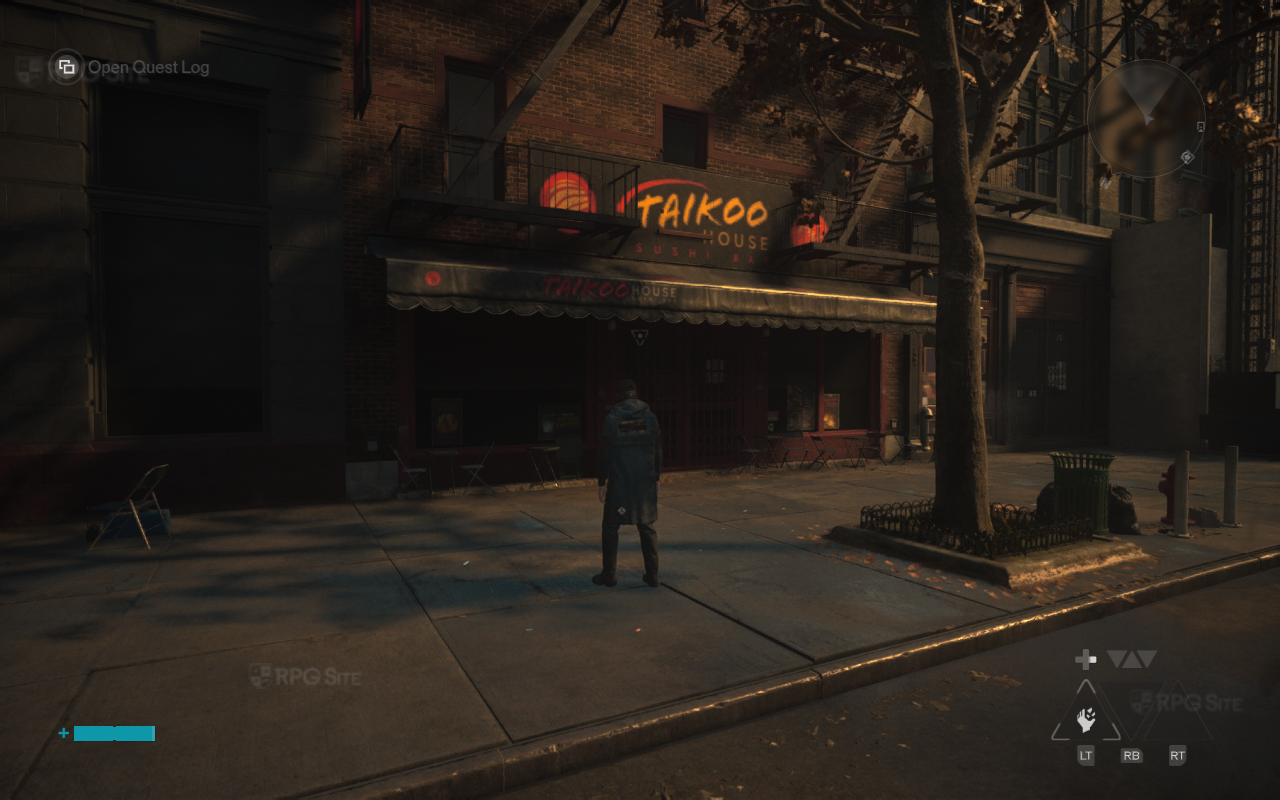
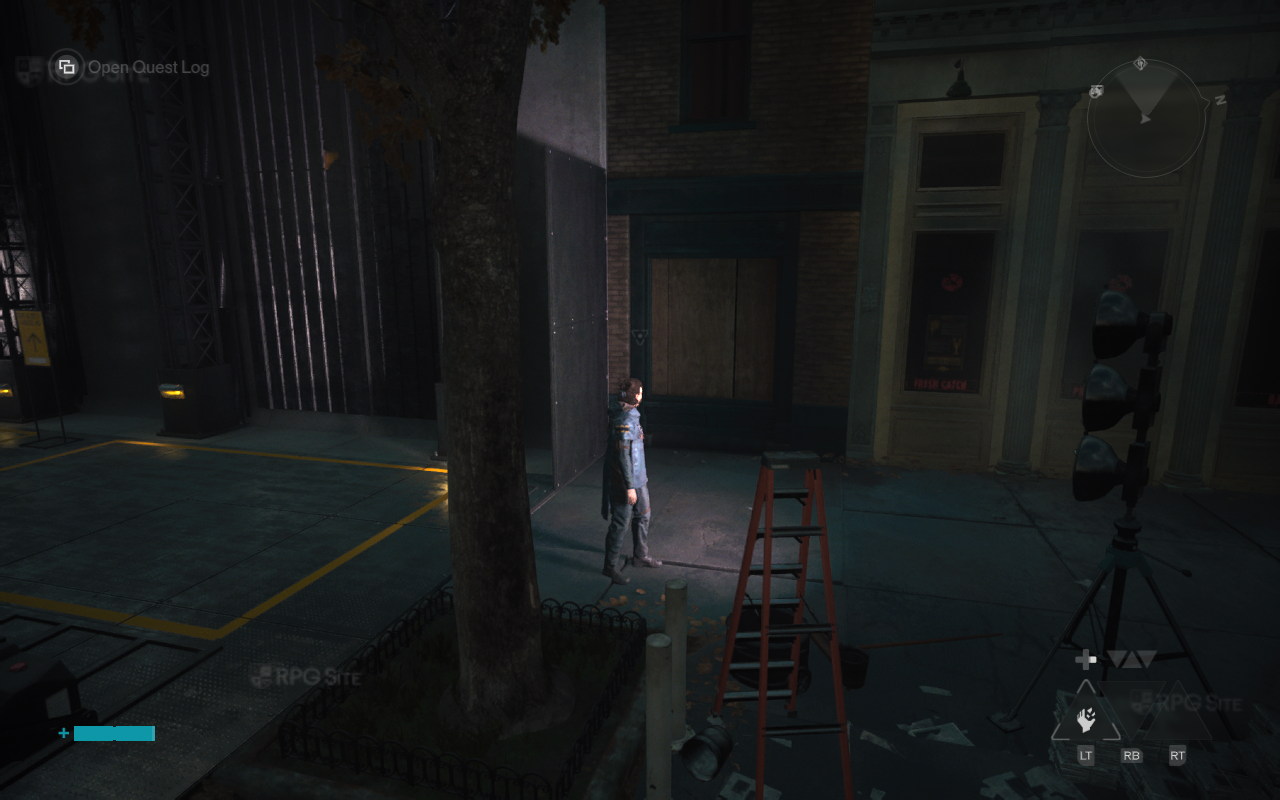
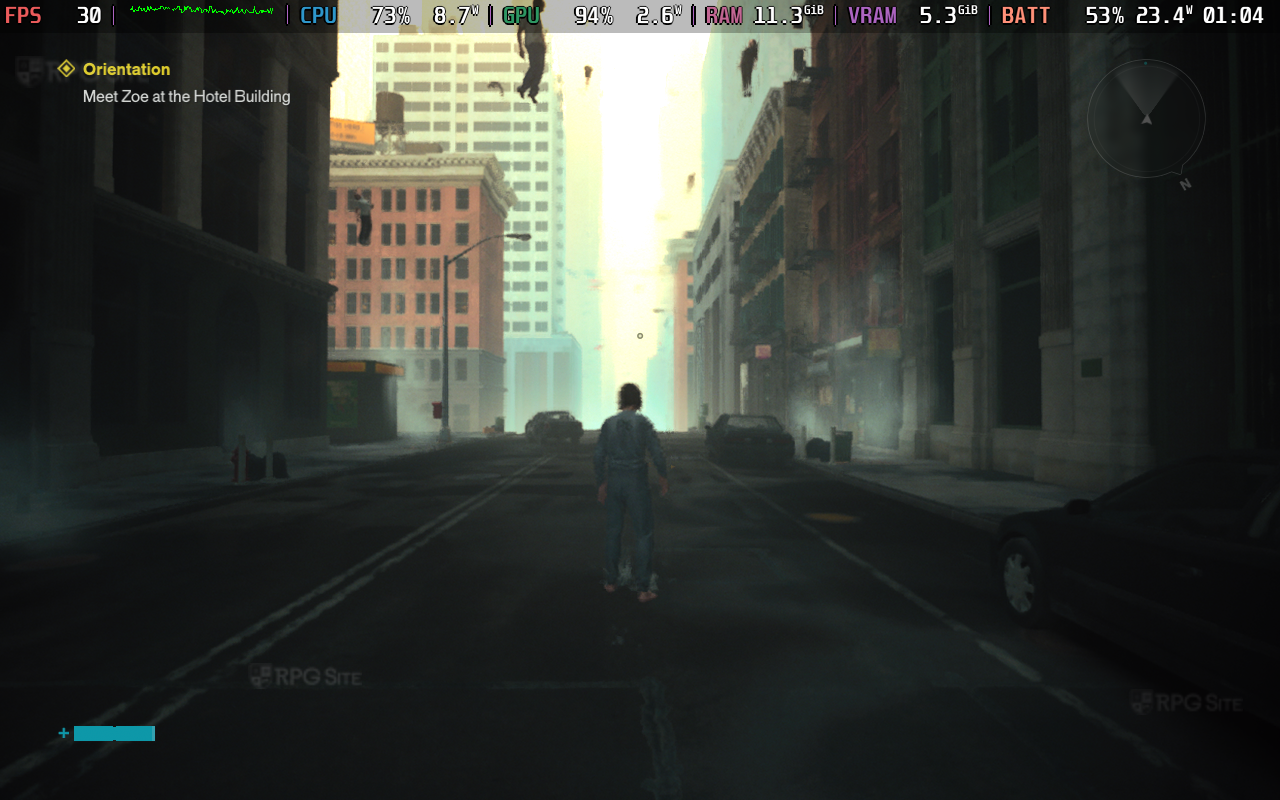
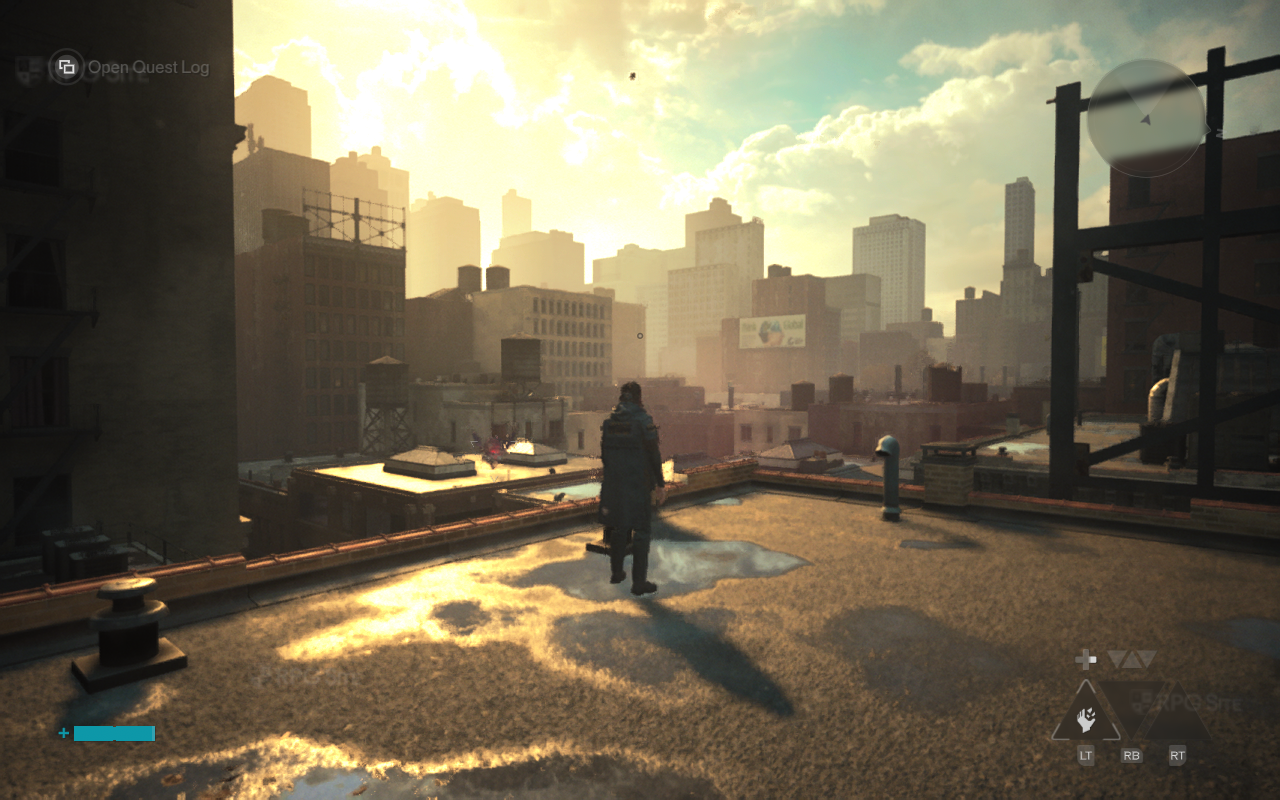
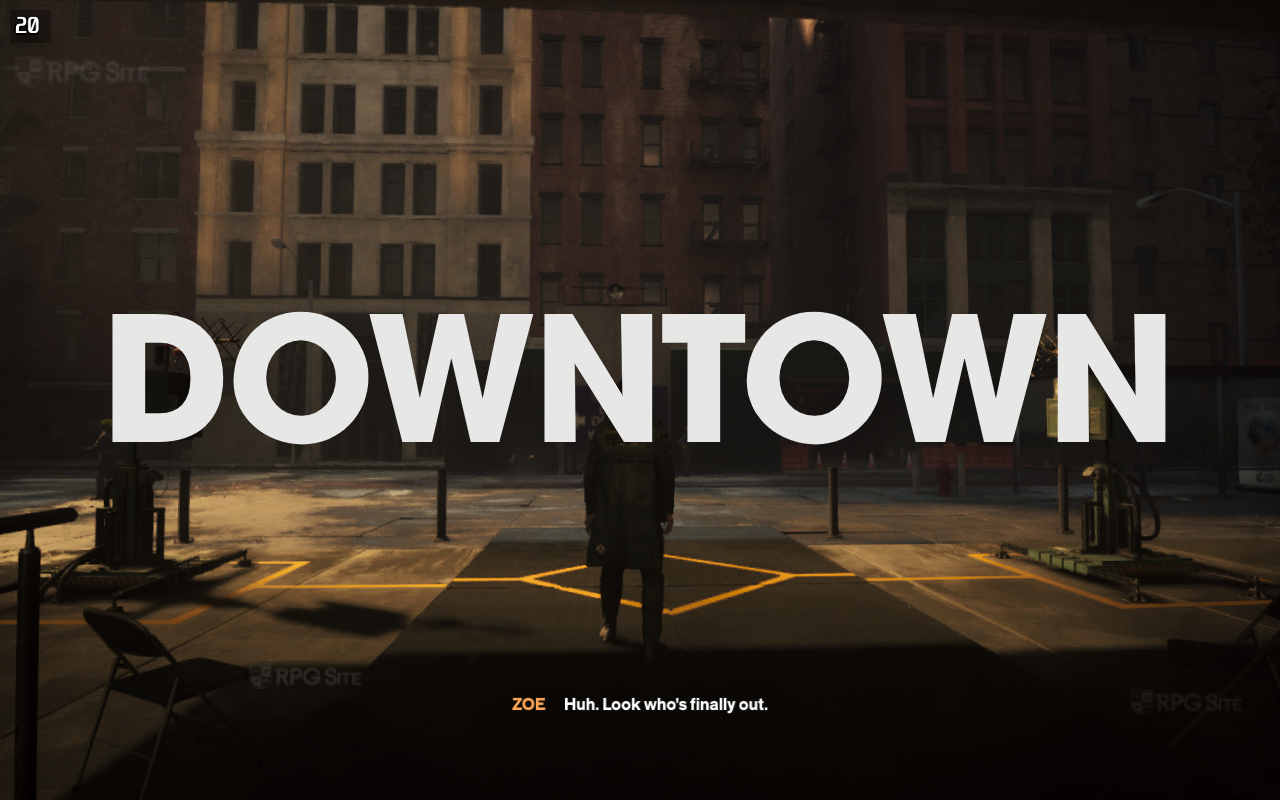
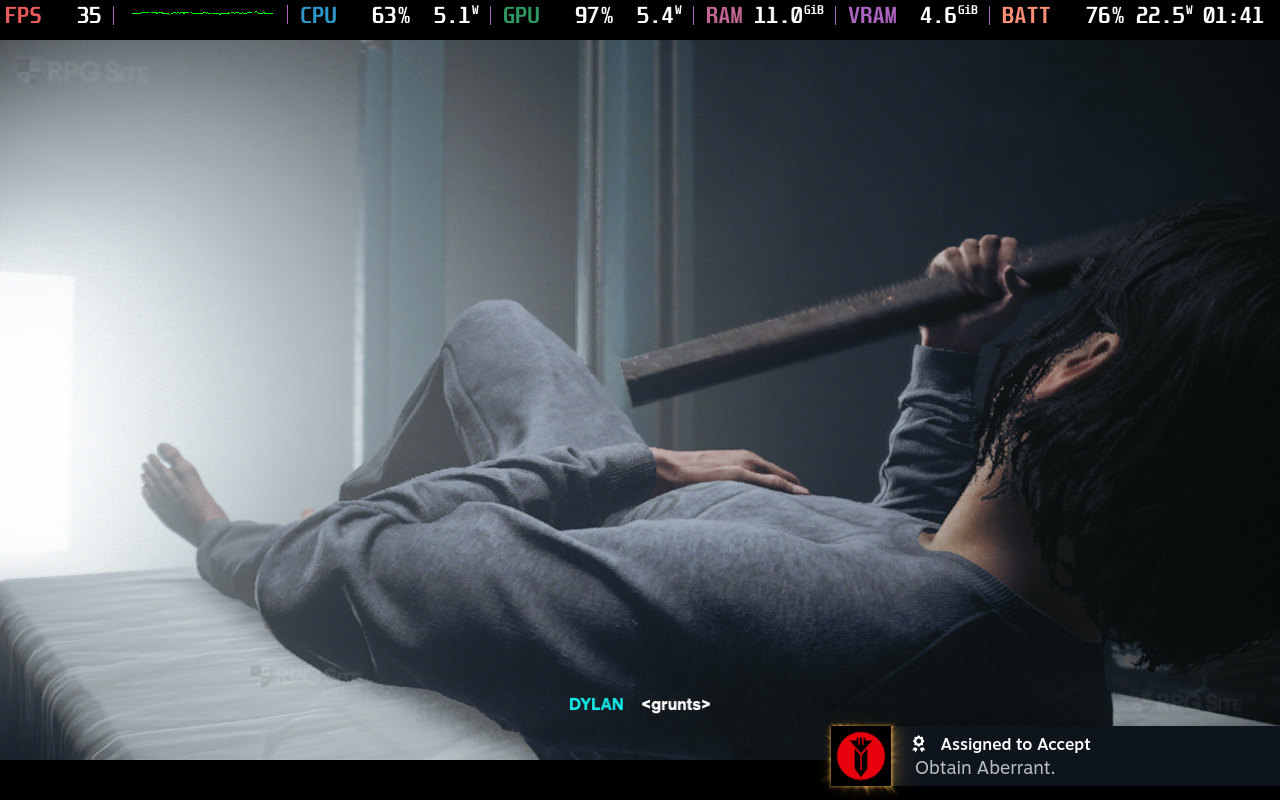
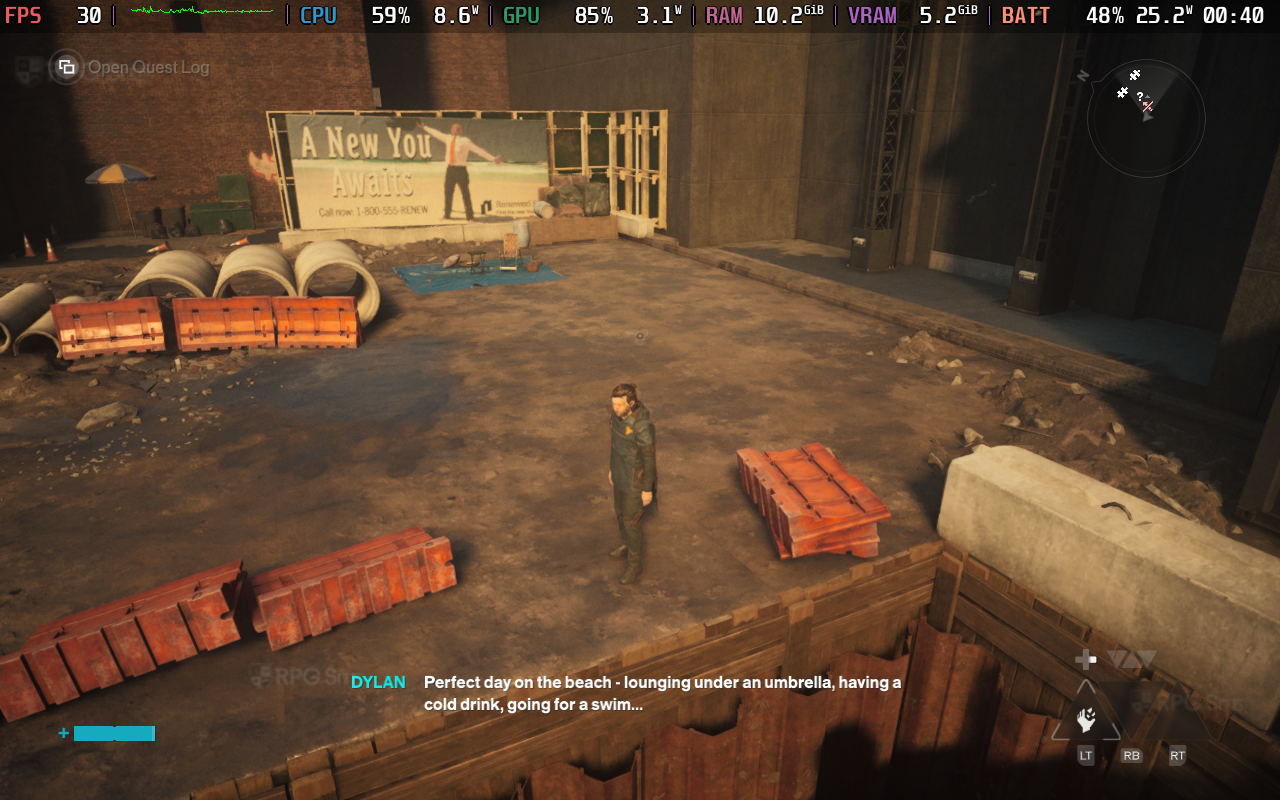
When I tested Control Resonant on my Steam Deck LCD running SteamOS preview and with Proton Experimental (bleeding edge), I ran into the same issues with freezing. Based on my experience playing tons of games on Steam Deck pre-release, I can confidently say that this runs a lot better than I expected compared to other AAA releases, but it still isn't good enough to recommend as your primary way to experience Remedy's action RPG.
Control Resonant Steam Deck recommended settings
My recommendation right now is to wait for patches before playing Control Resonant on Steam Deck or streaming it from your main PC. If you do want to play it on Steam Deck, the only acceptable settings right now are upscaling set to balanced and using the handheld preset. You will have drops below 30fps and freezing during loading in the open areas here and there, but it isn't as awful as Oblivion Remastered on Steam Deck
You could also force the manual GPU clock to 1600 Mhz, but it doesn't help. In fact, even using the Ultra Performance upscaling doesn't result in a stable 30fps. It can hit the 40s and 50s, but drops below 30 or has freezing during open area traversal and combat. This has been verified on the SteamOS preview and stable channels on my Steam Deck LCD and OLED models.
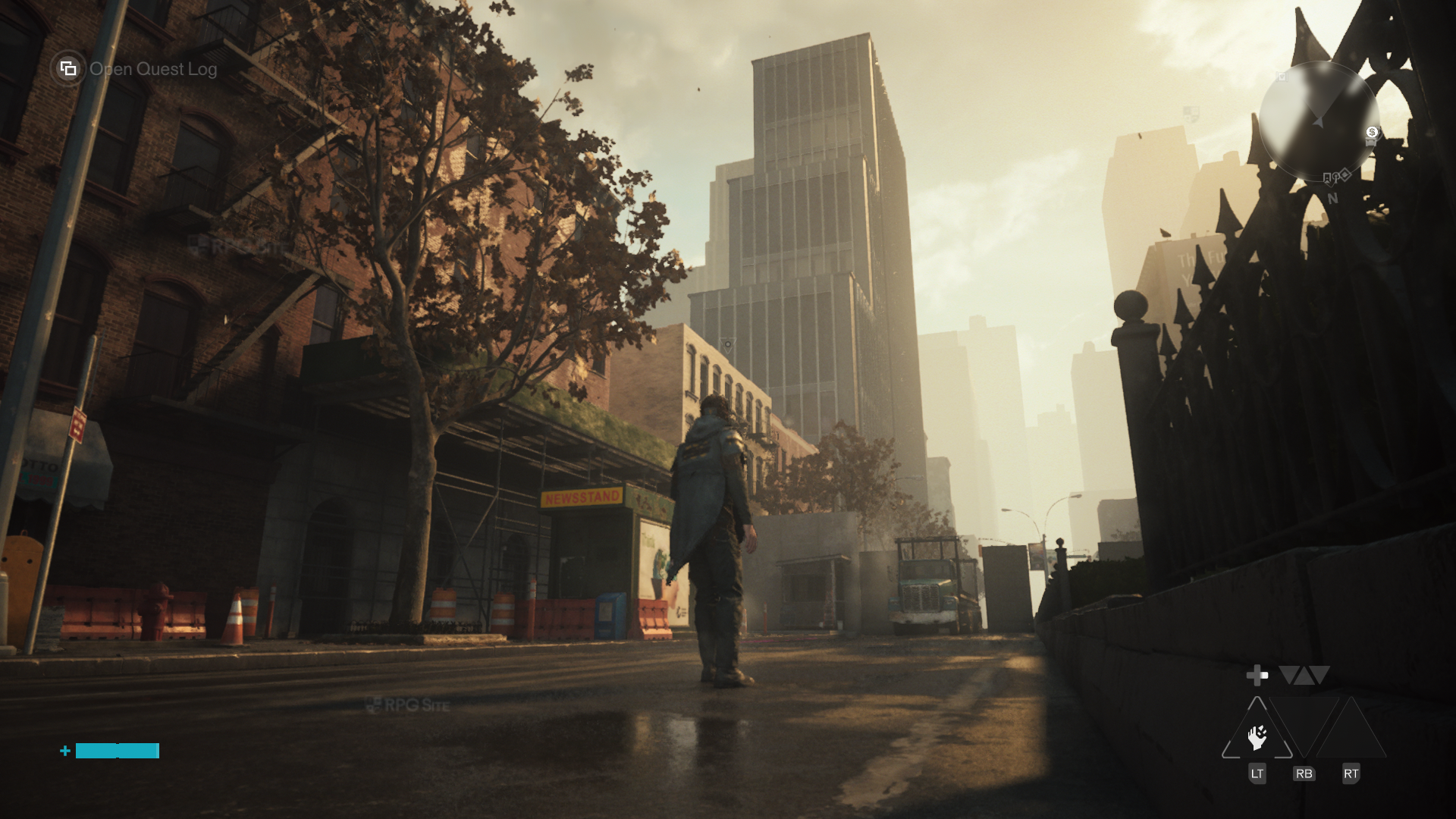
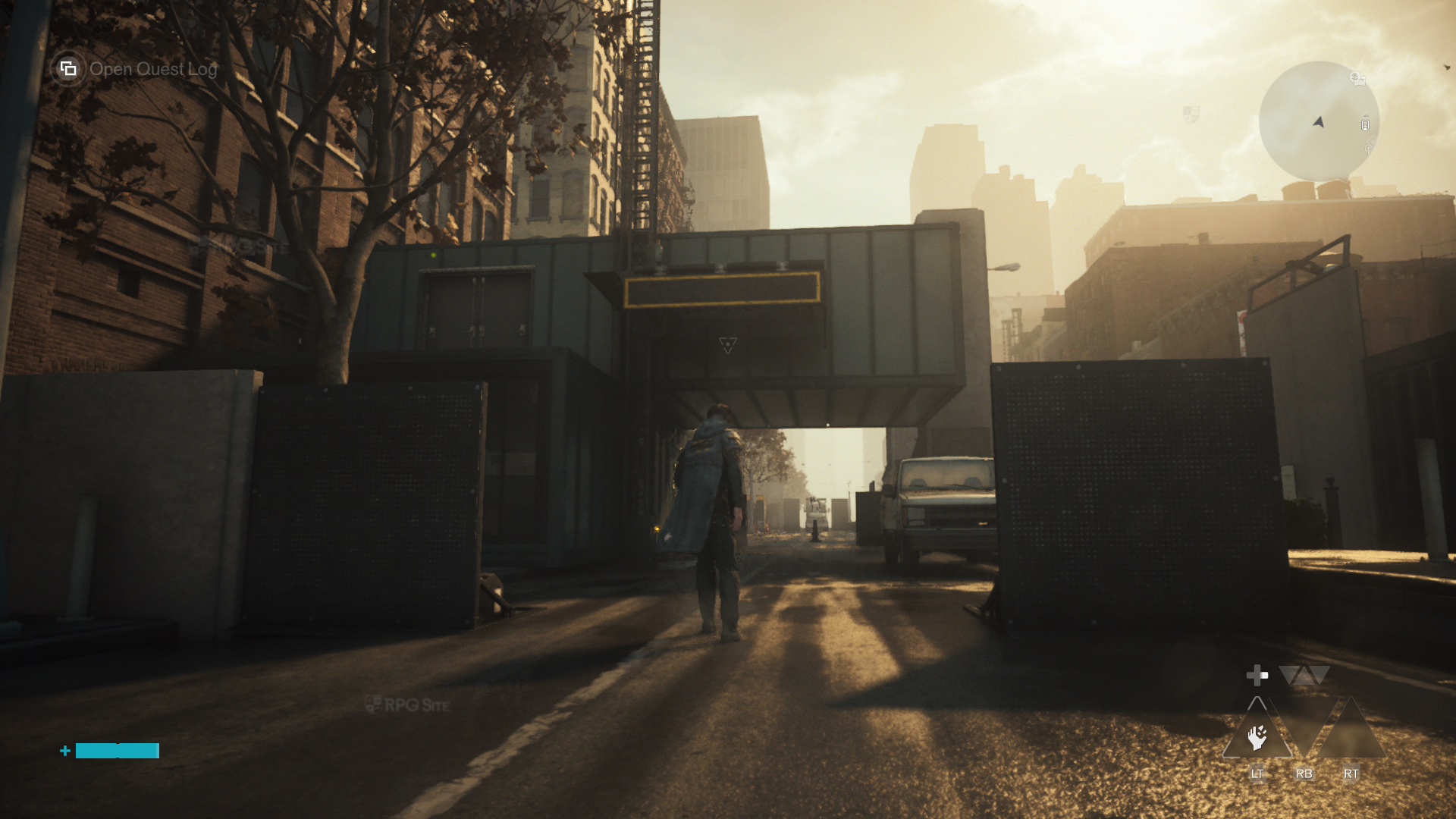
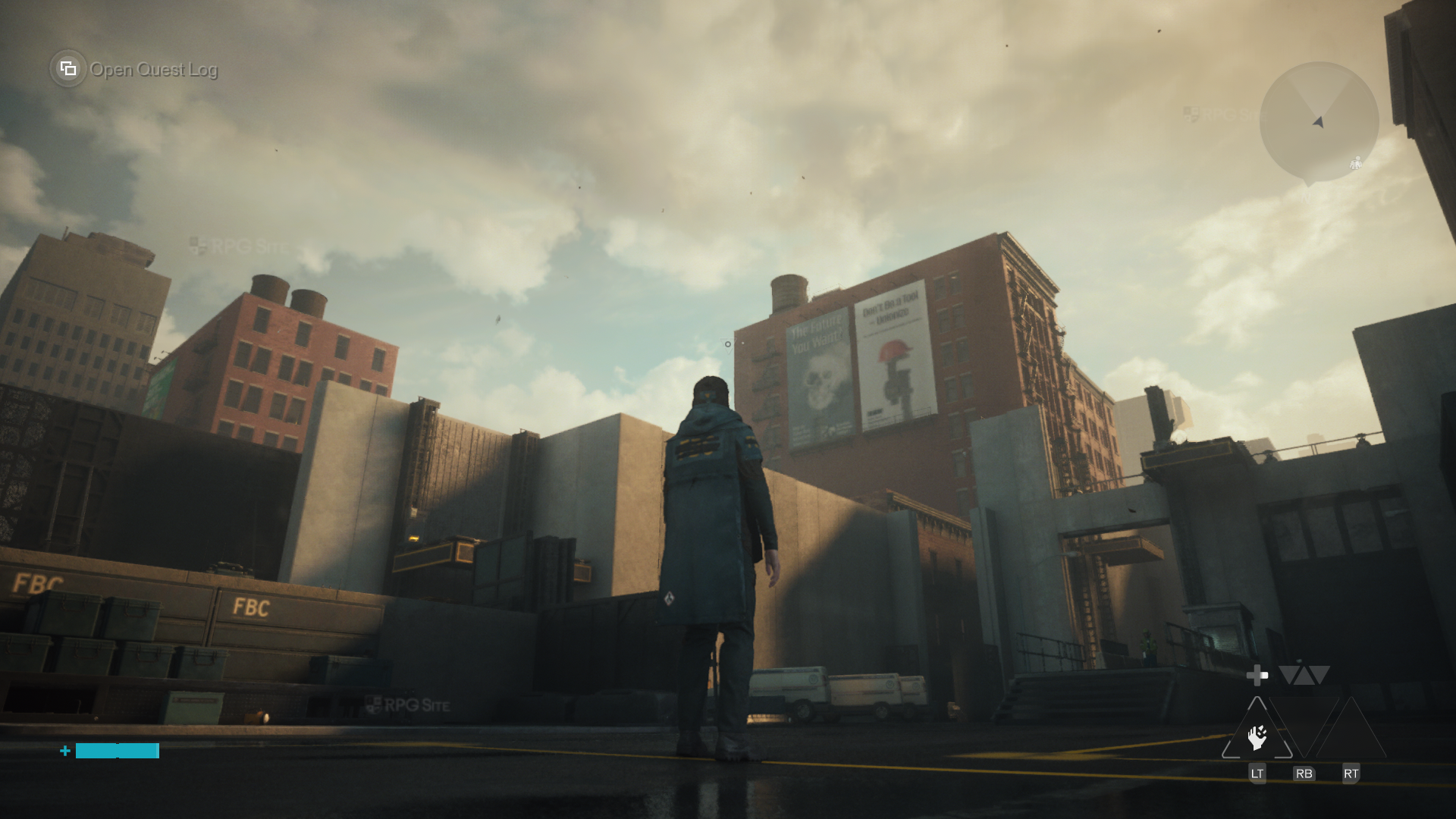
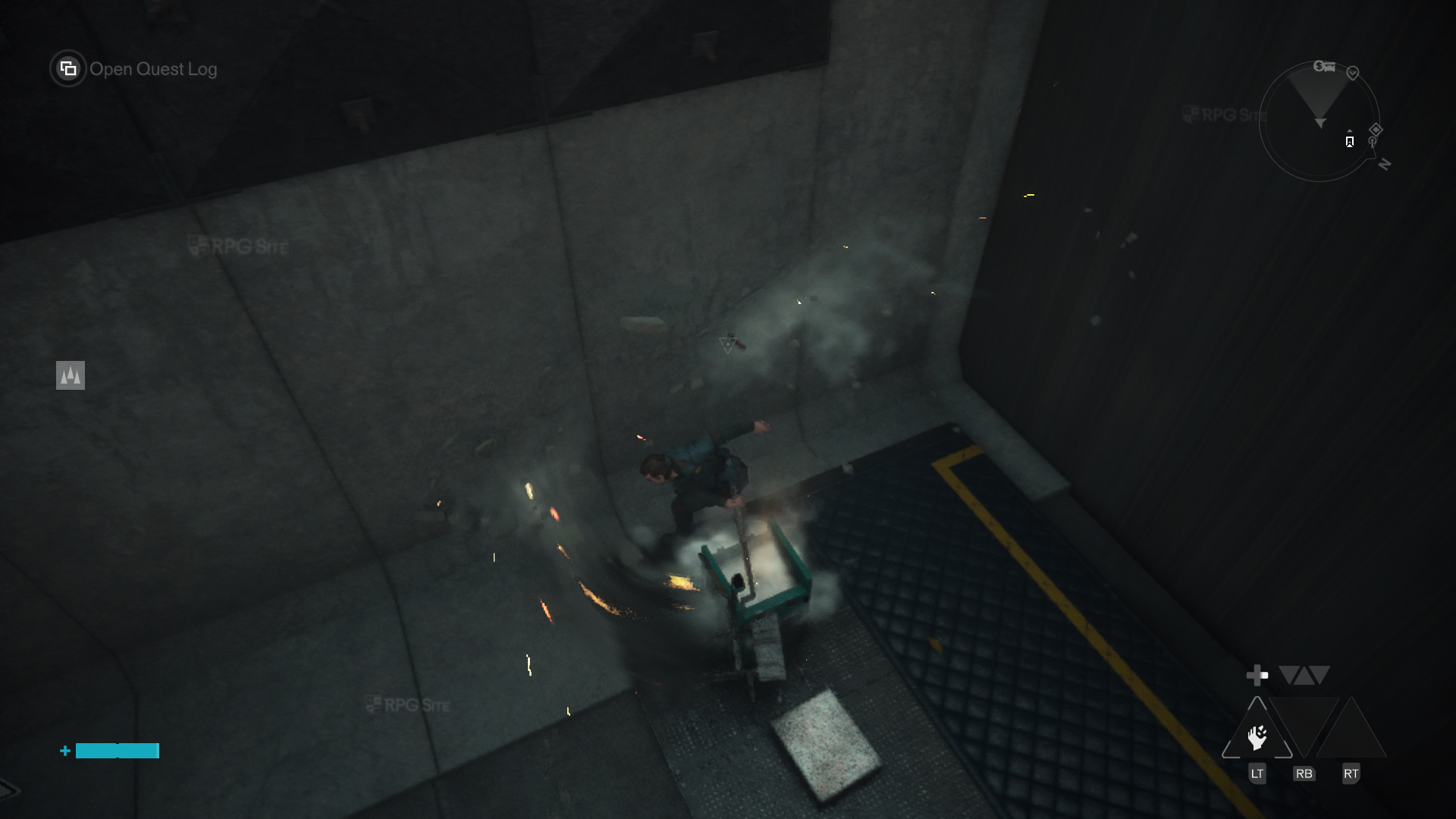
Control Resonant ROG Ally impressions
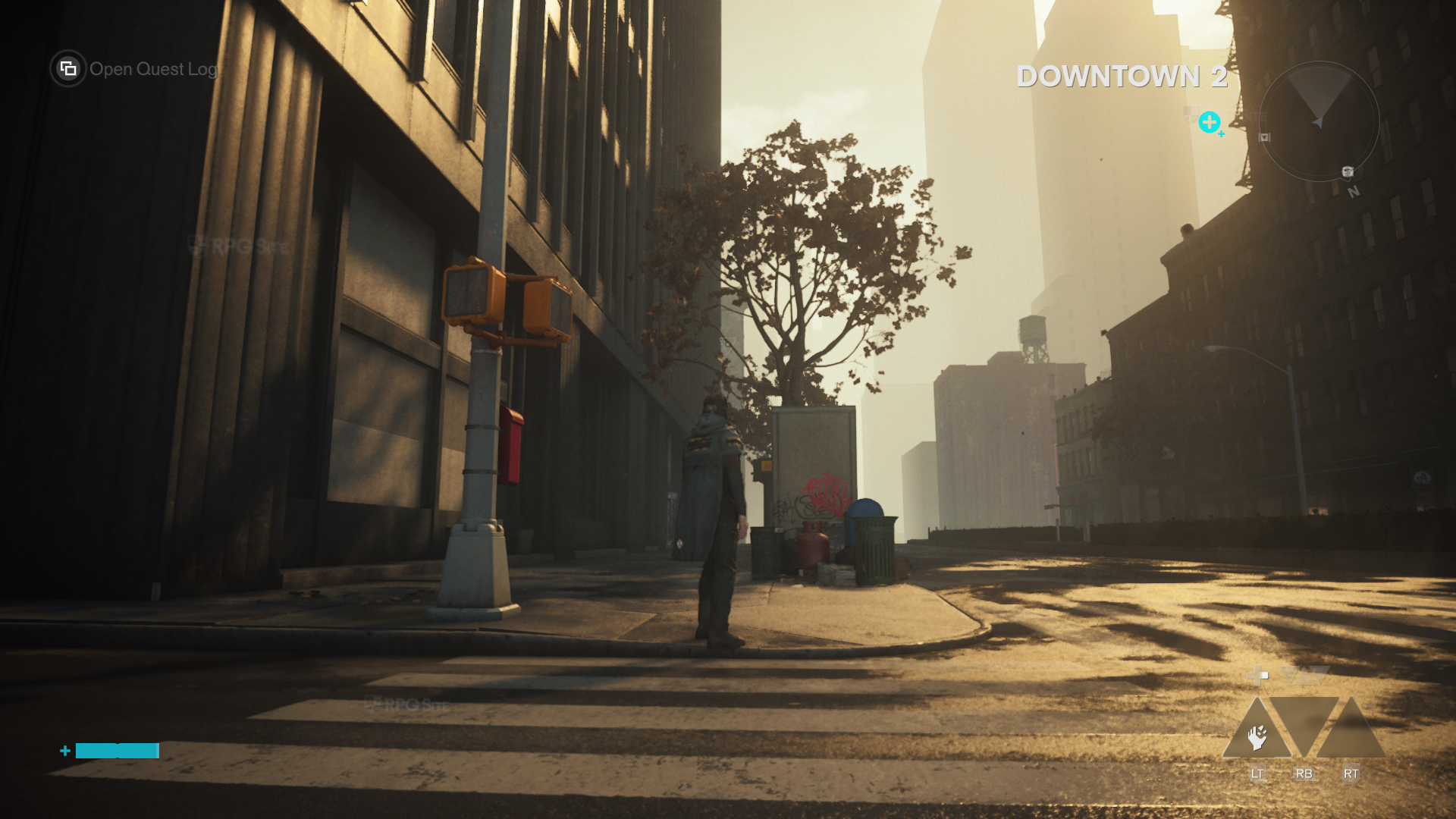
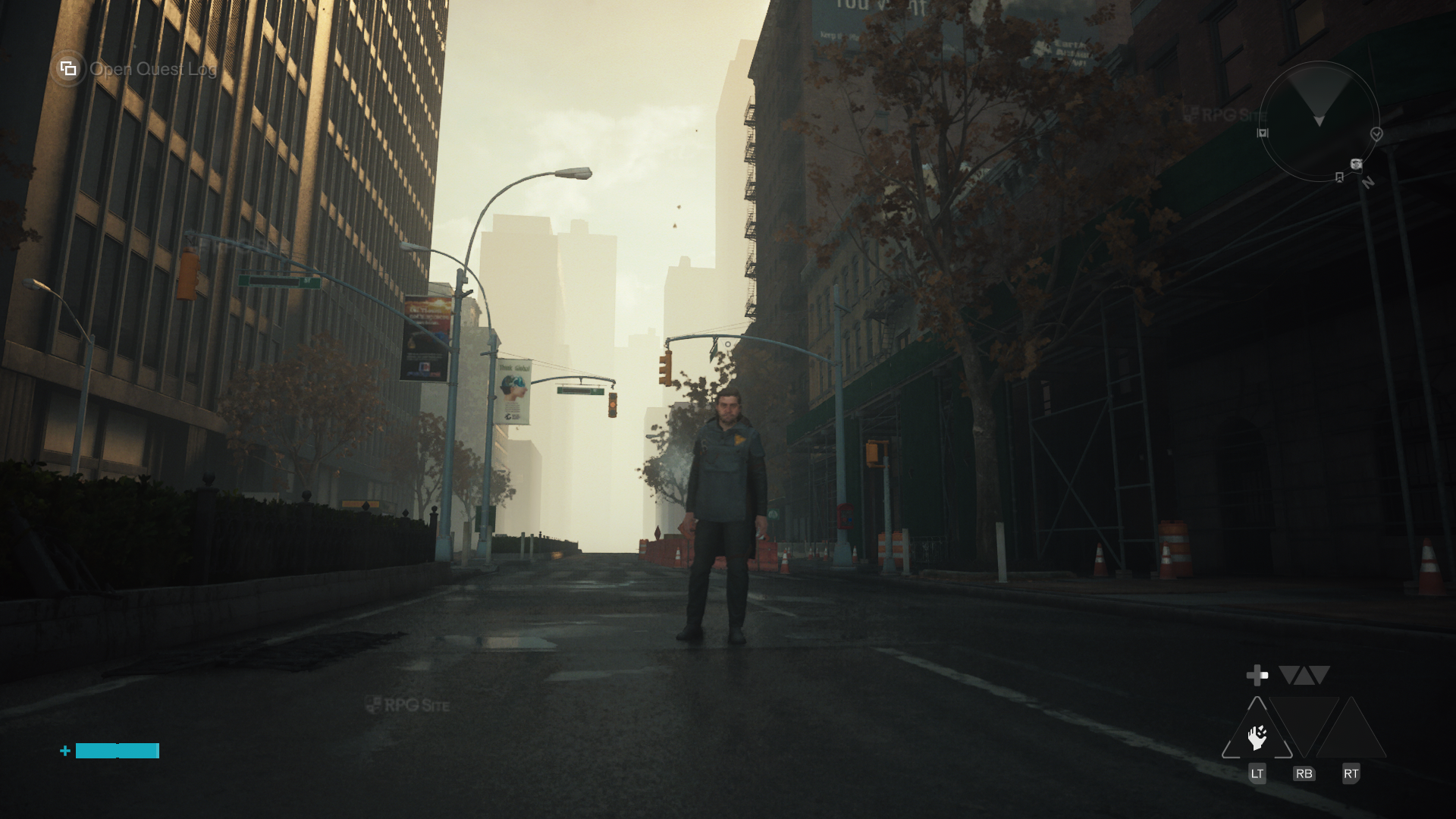
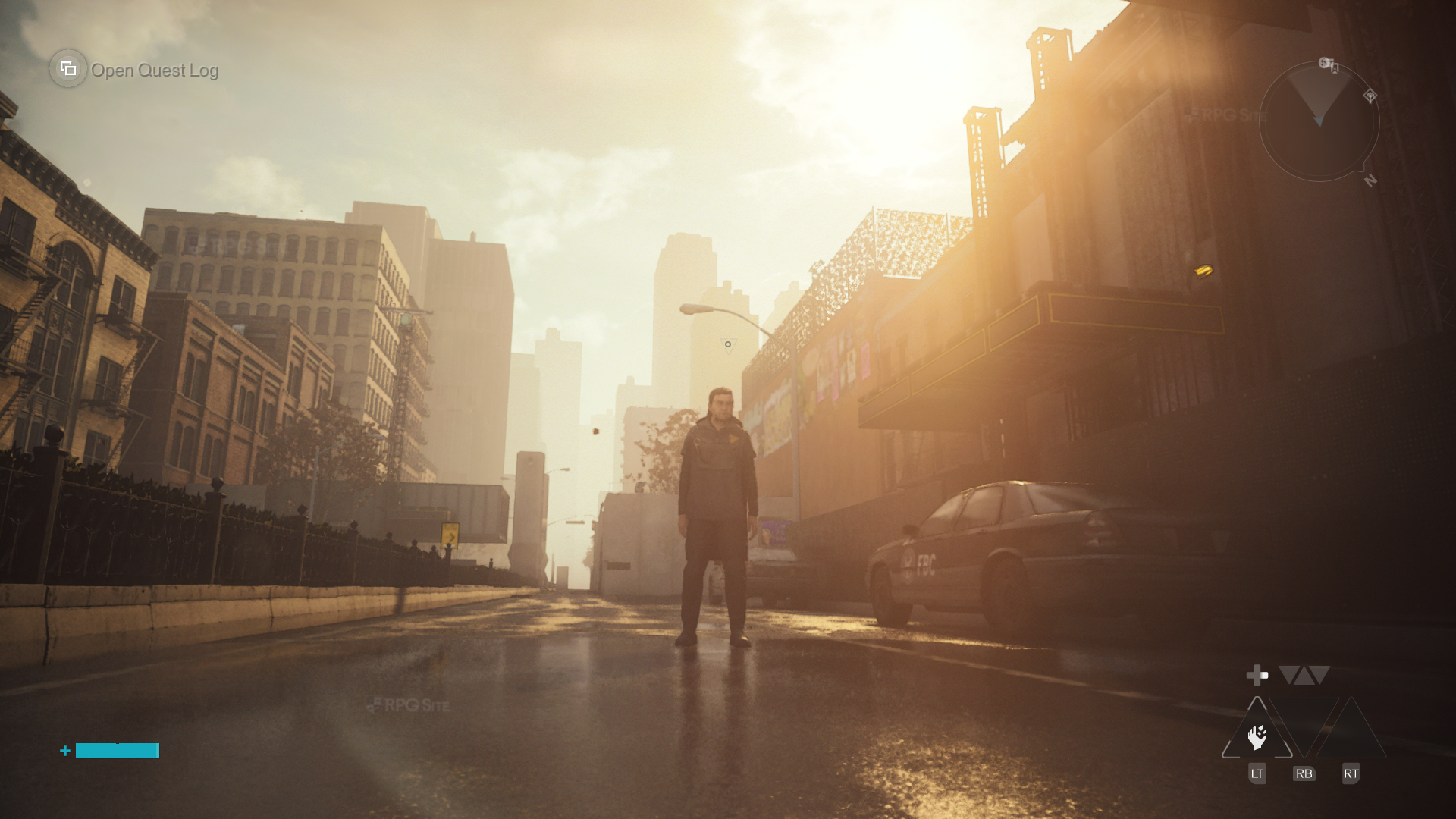
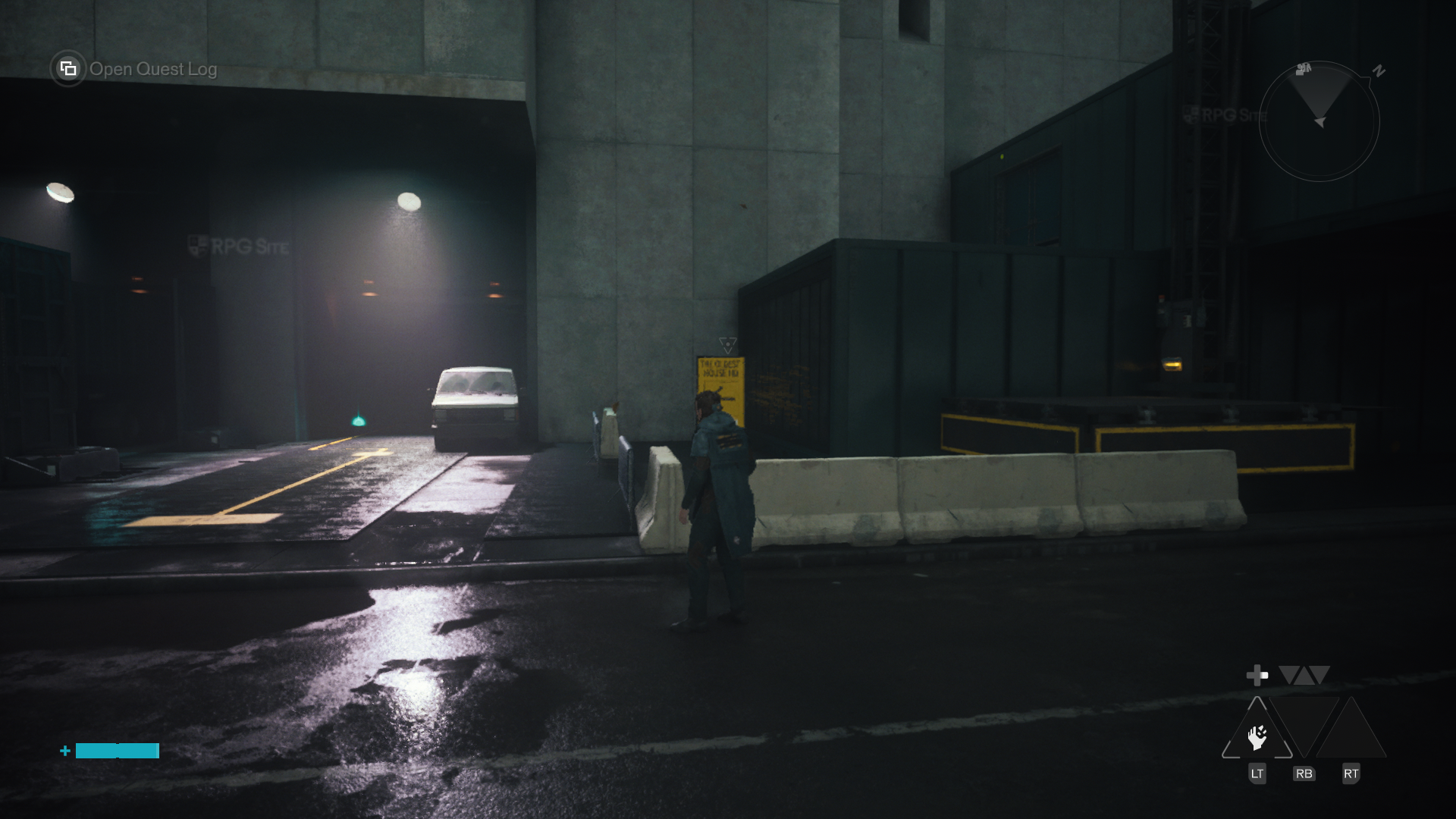
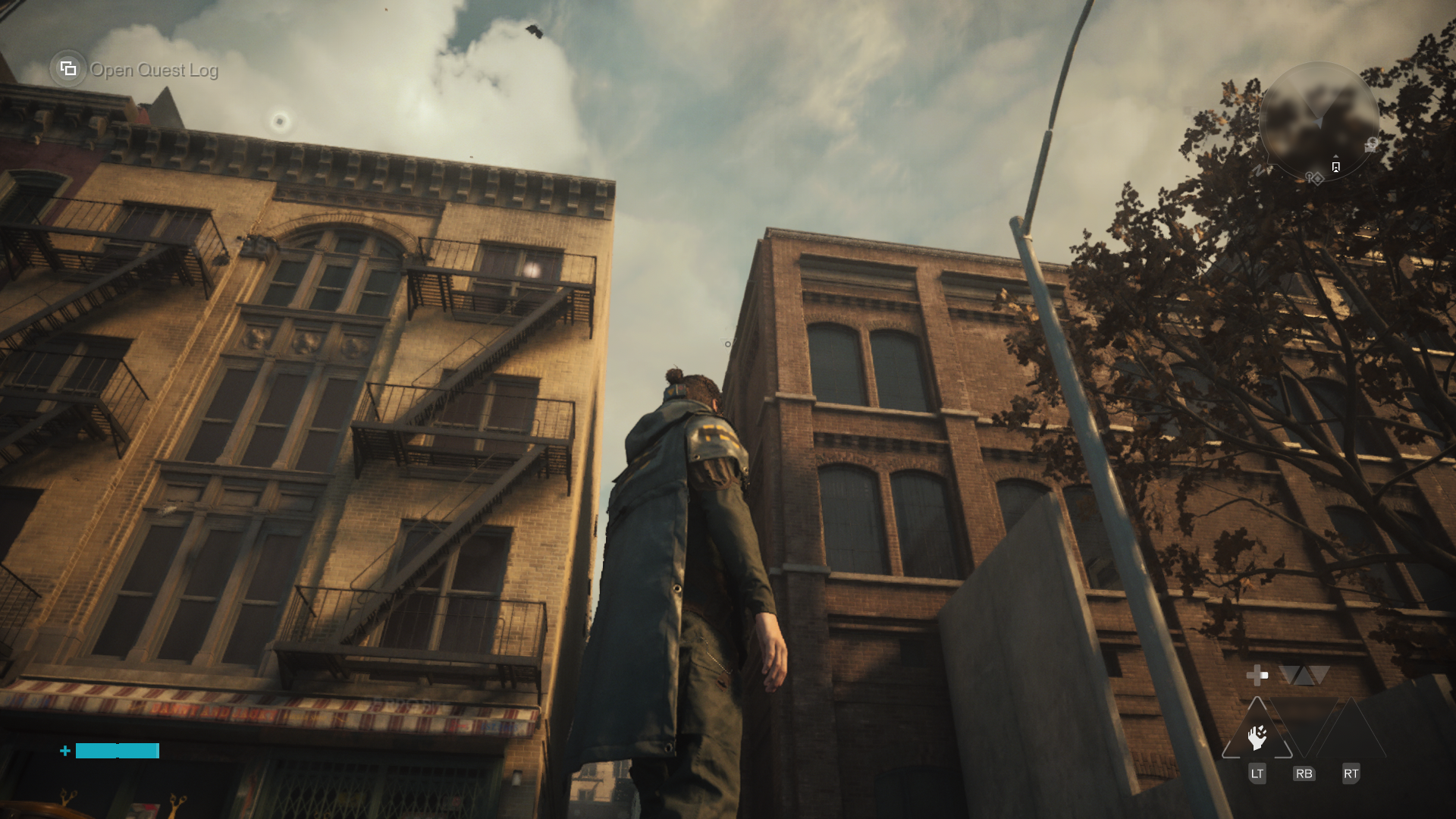
Moving over to Control Resonant on my ROG Ally, it defaulted to 1080p output res with upscaling set to Balanced and the low preset. I saw the same freezing, but it looked a lot better than the game on Steam Deck. I opted to use the handheld preset and it still looks very good all things considered. The only issues I ran into were the freezing, but they seem to be related to memory usage. I imagine the ROG Ally models with 24GB memory will end up working a lot better here. My Z1 Extreme model has only 16GB of shared memory.
In its current state, Control Resonant is stunning in general, but rough on Steam Deck. If you play on ROG Ally, I can at least recommend it keeping in mind the issues I outlined above. For Steam Deck, give it a patch or two if you want to play it natively. I look forward to revisiting it on PC handhelds after patches once I finish playing Control Resonant on PS5.