

Which is the best version of Paranormasight: The Mermaid's Curse? Switch 2, PC, Steam Deck, and Mobile tested
Square Enix released Paranormasight: The Mermaid's Curse for iOS, Android, Switch, and PC this week as the second entry in its Paranormasight series. We quite liked it as you can see in our review. I played the original across all platforms over time, but for Paranormasight: The Mermaid's Curse, I decided to make sure I try out every version for launch to help potential players find the best version they should play. I was also curious to see how Paranormasight: The Mermaid's Curse would feel on Switch 2 from day one, how the mobile version would play on newer iOS devices, and more. This feature will not have any spoilers and only feature images from the first hour of the game. I had access to it pre-release through a Switch review code, from launch day through an iOS review code, and I had the Steam version pre-ordered to cover all platforms.
Paranormasight: The Mermaid's Curse visuals and graphics options on PC, Switch 1, Switch 2, PC, and mobile
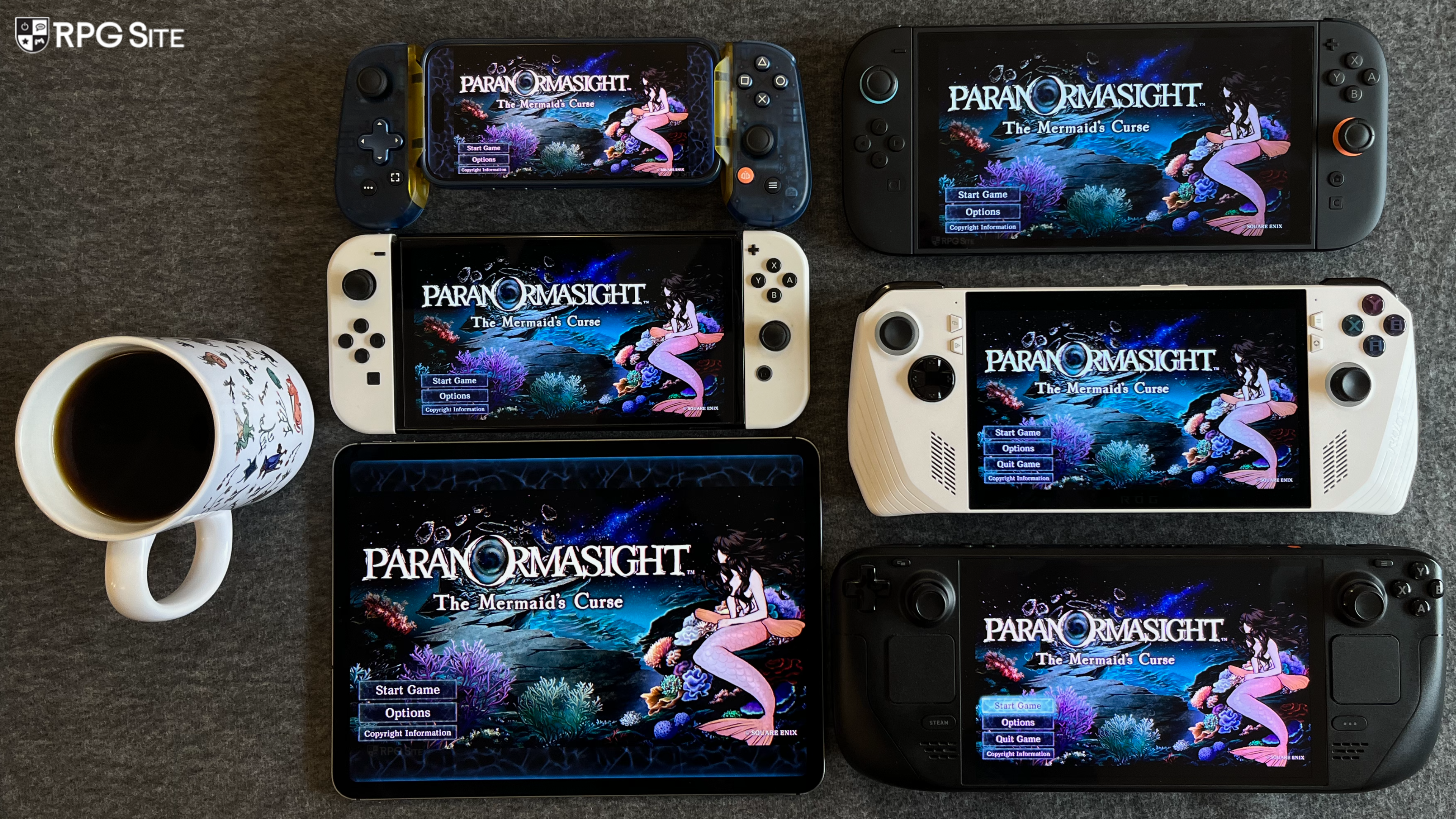
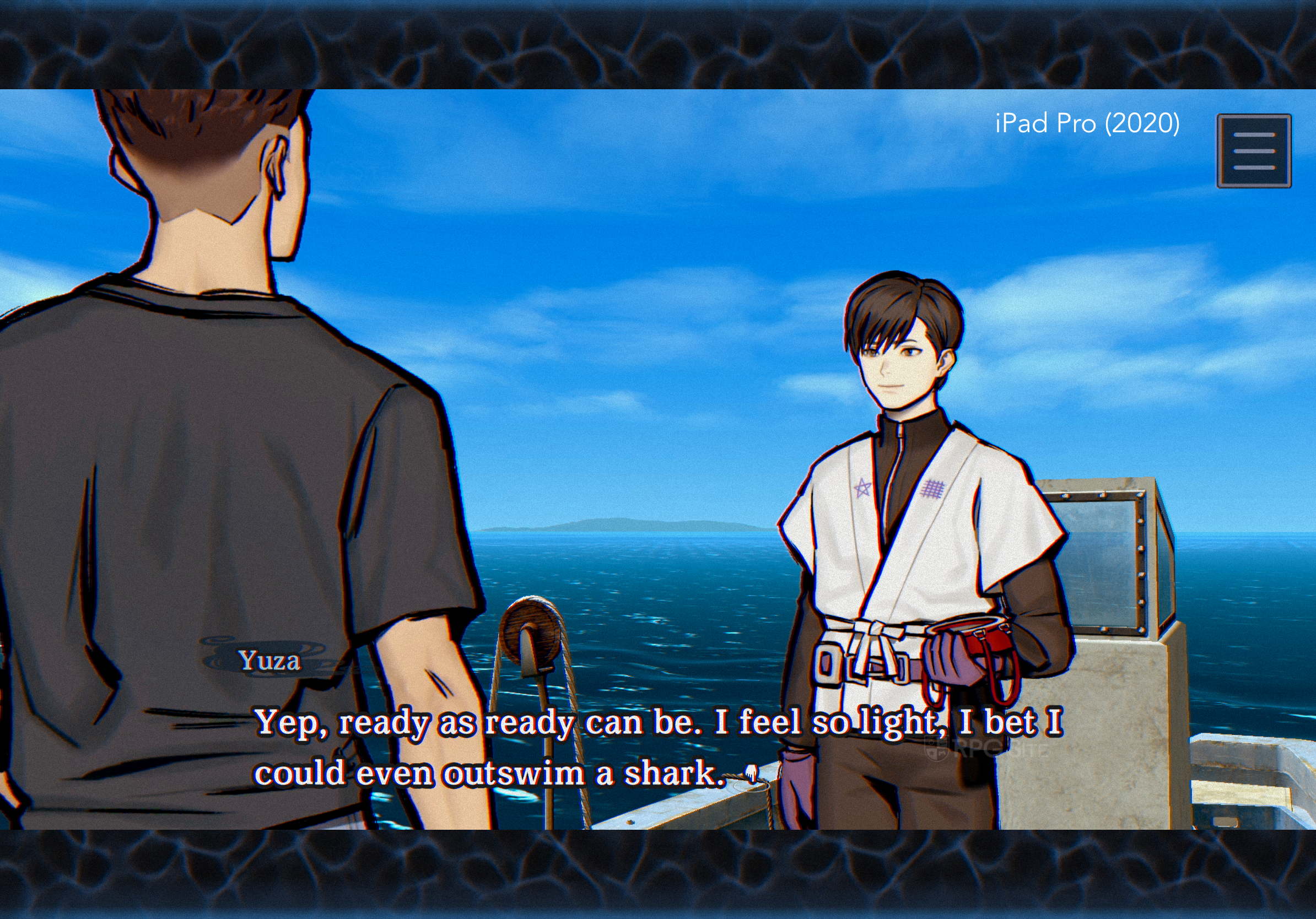
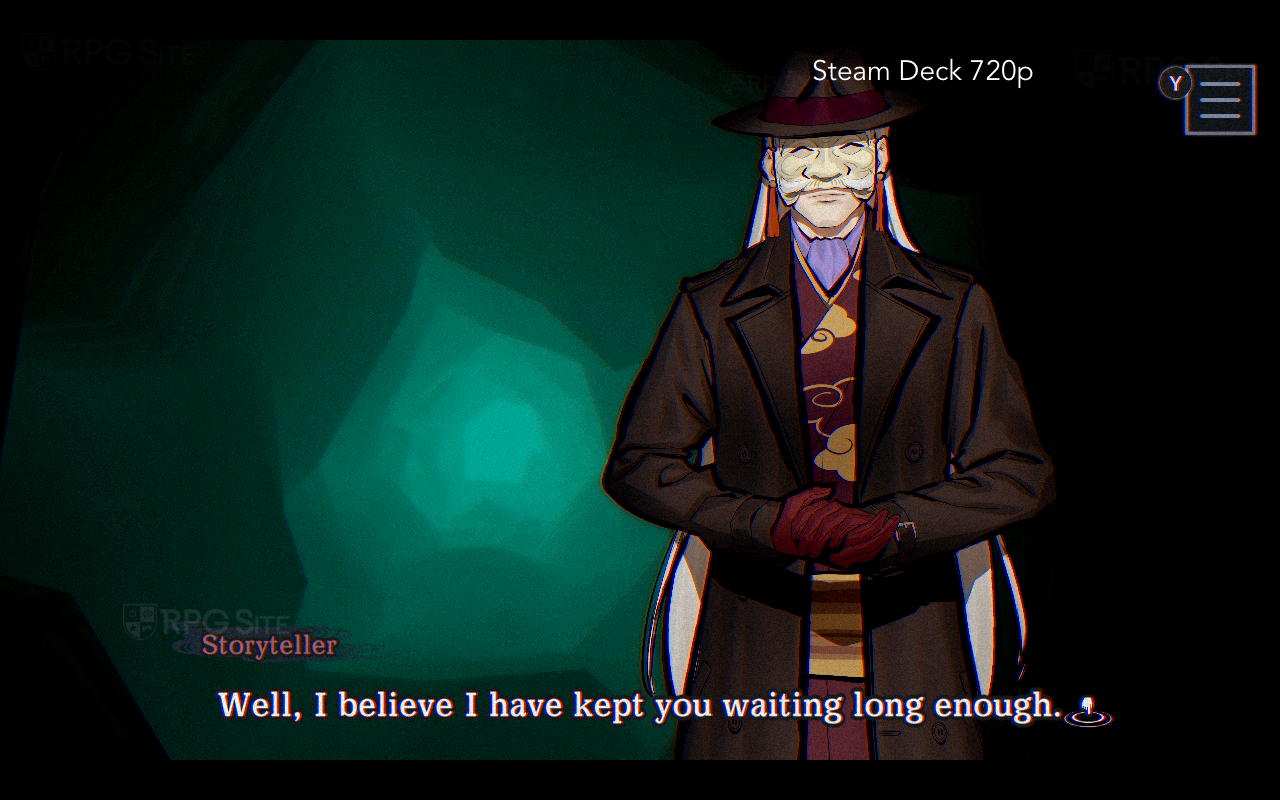
Paranormasight: The Mermaid's Curse is a 16:9 game across all platforms. This means it either features black bars or has artwork to fill up the screen when the game is displayed outside the 16:9 aspect ratio. On Steam Deck, it has black bars. On iOS, it has subtle animations to fill up the left and right of the screen on iPhone and the top and bottom on iPad. This is similar to how the Yakuza games render some artwork to fill up the screen on Steam Deck or PC when a cut-scene or 16:9 menu is being displayed. This isn't a problem on Switch or Switch 2 since those screens are 16:9. The two galleries below show how the game scales and is displayed across iPhone, iPad, Steam Deck, PC, ROG Ally, and Switch 1/2.


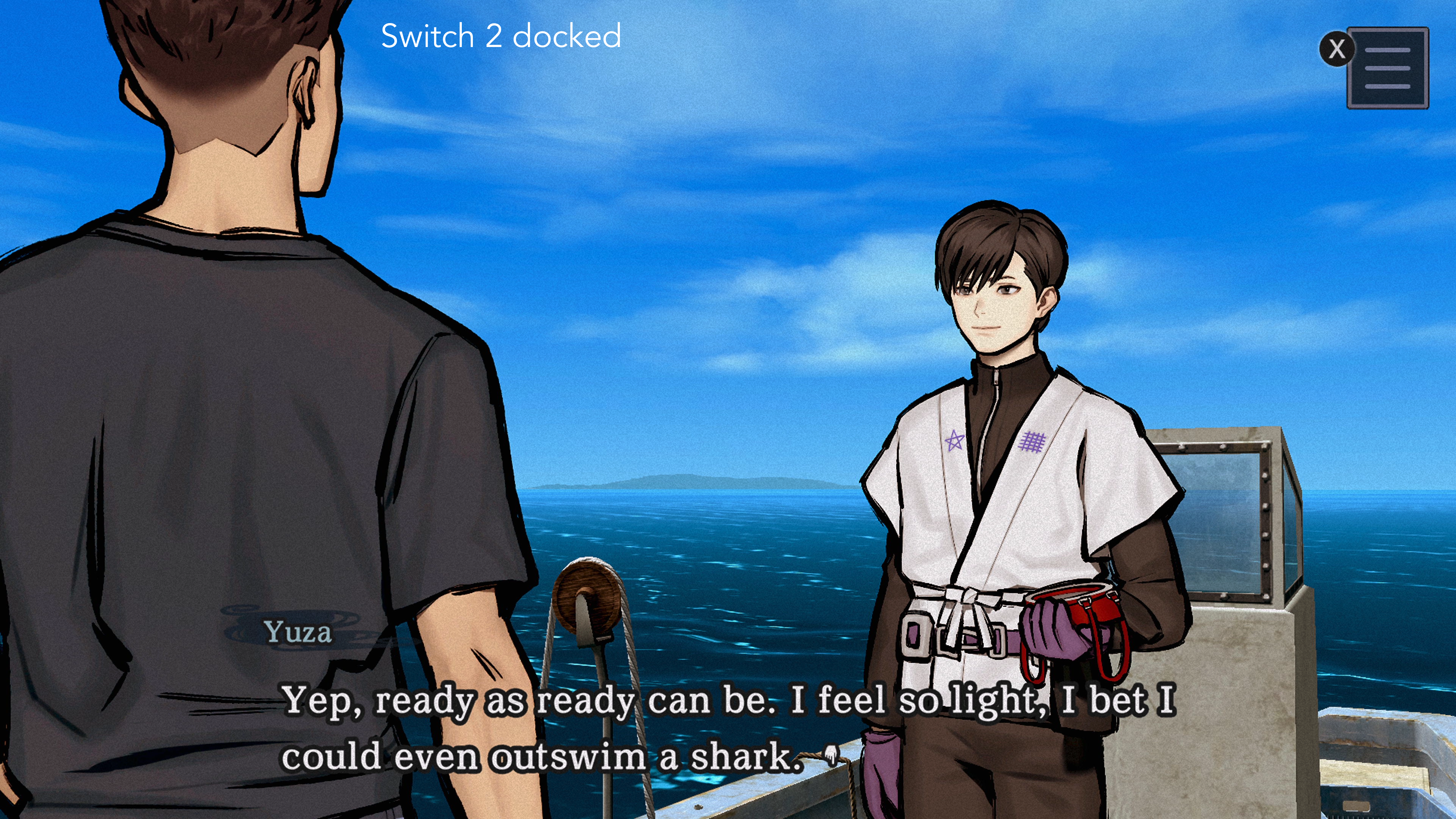

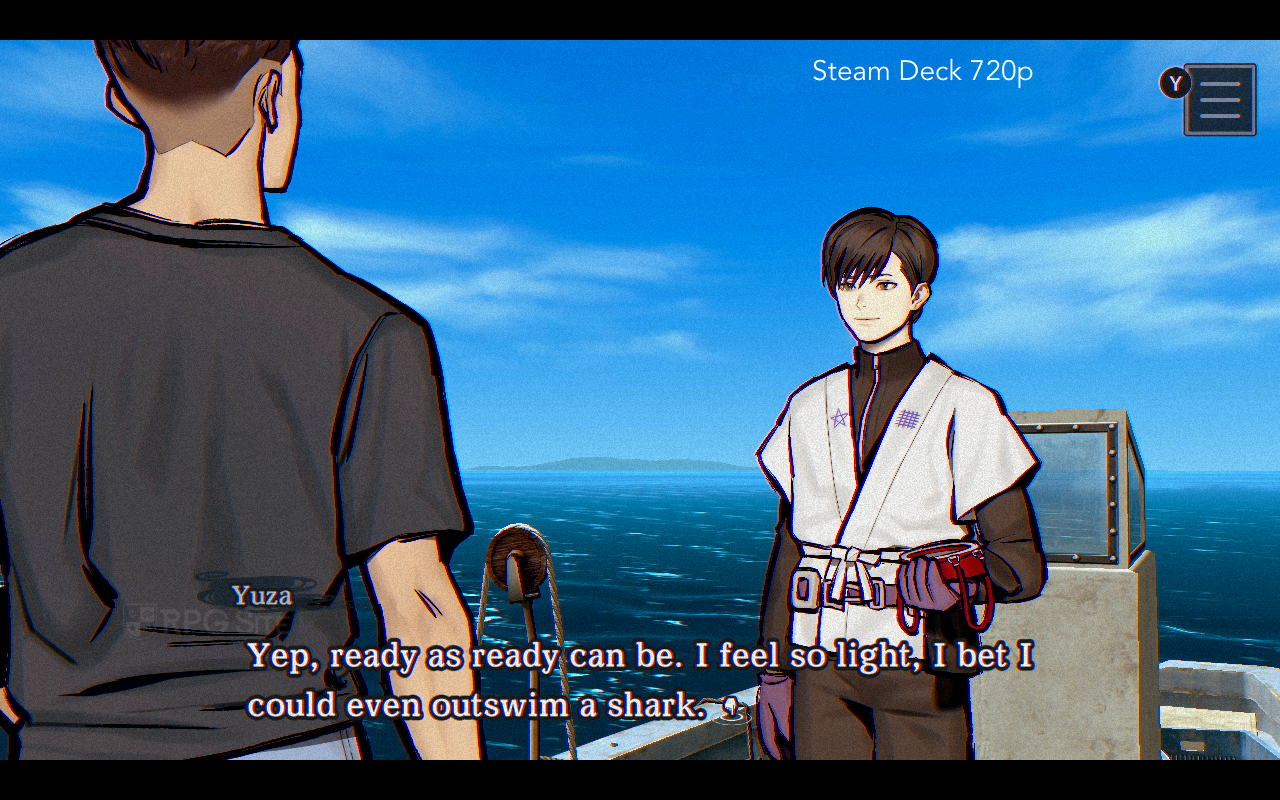
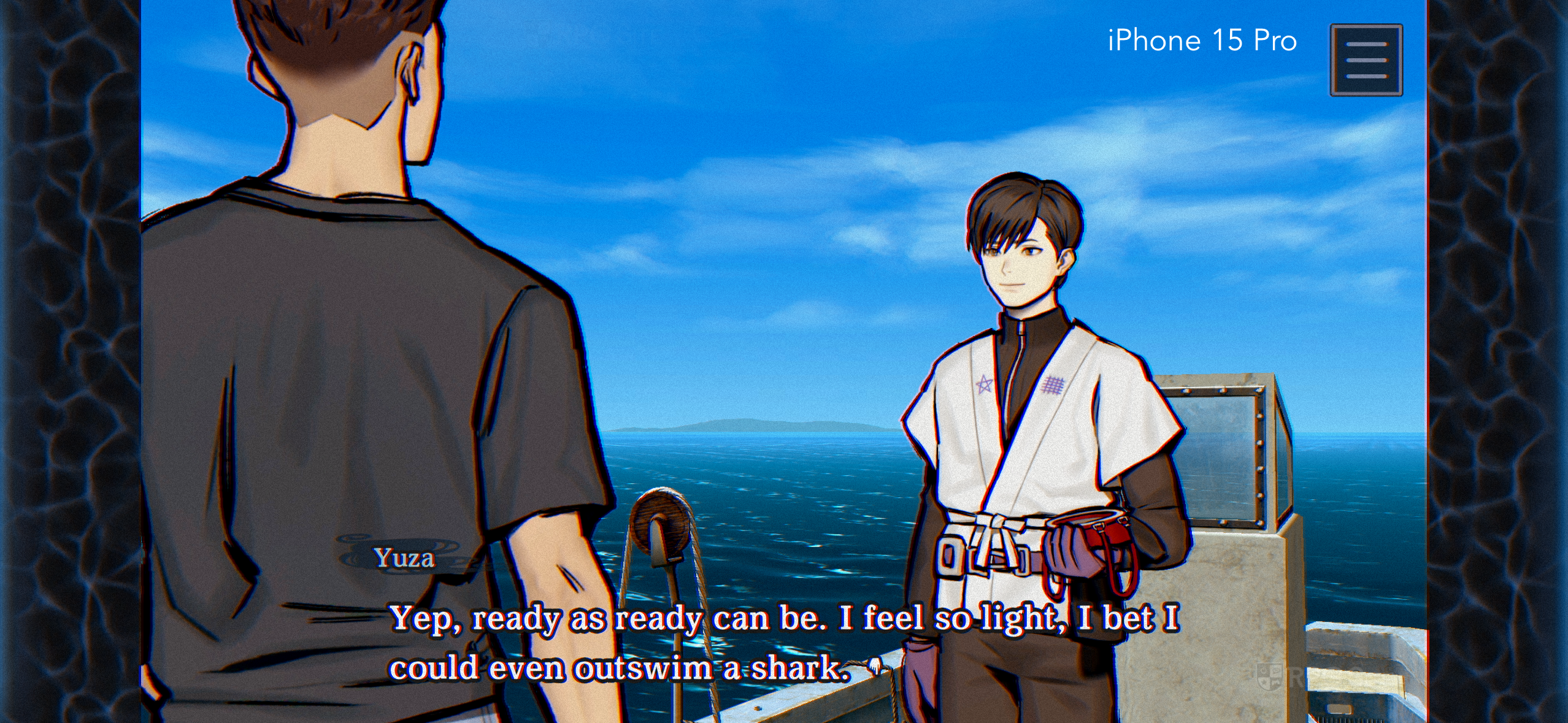
The mobile, Switch, and PC versions all feature different graphics options or settings in Paranormasight: The Mermaid's Curse. On iOS, you can adjust the render quality across low, standard, and high presets. This also appears to affect the frame rate cap with three different upper limits. You can also toggle the chromatic aberration on iOS. On Switch (or when played via backward compatibility on Switch 2), there is no graphics menu, but you can toggle the chromatic aberration in the Game settings at the bottom.






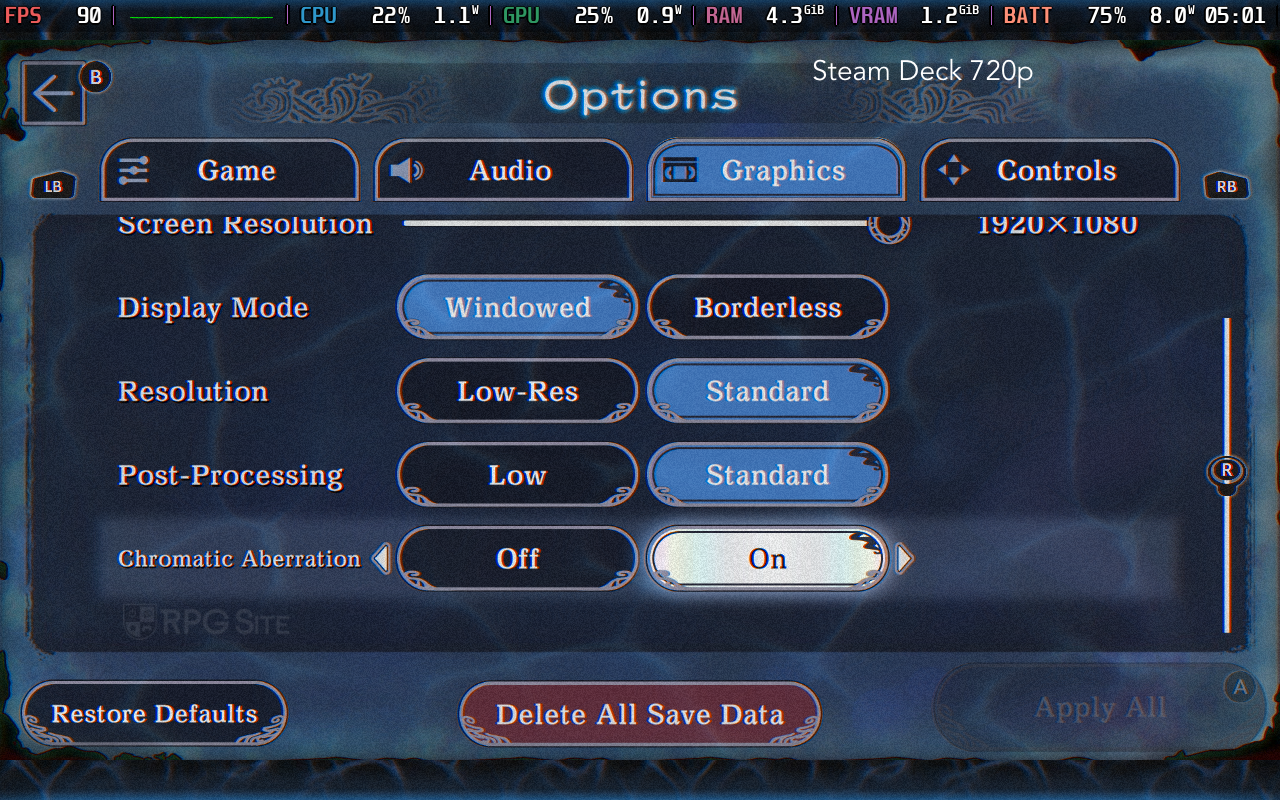
On Steam, you can adjust the screen resolution, display mode (windowed or borderless), resolution (low resolution or standard), post-processing (low or standard), and also toggle the chromatic aberration. The resolution menu only goes up to 1080p in the setting even if you play on a 4K display, but setting the game to borderless appears to be the way to go if you play above 1080p. There is no in-game frame rate cap on PC. On my Steam Deck OLED, it ran at 90fps while it targettd 120fps on my ROG Ally.
While there are some 3D gameplay segments that vary by device, a lot of Paranormasight: The Mermaid's Curse features 2D art that is sampled depending on the device. Across the devices I tested, Paranormasight: The Mermaid's Curse only looked a bit low resolution on Switch 1 docked and on my iPad Pro 2020. It looks good on Switch and even on Switch 2 via backward compatibility handheld. The heavy post-processing definitely helps, but it absolutely shines on the Steam Deck OLED since you get the responsiveness and the OLED screen. While I wasn't happy with how it looked on my iPad screen, it scaled well and felt excellent on my iPhone 15 Pro.
Paranormasight: The Mermaid's Curse performance on Switch, Switch 2, PC, and mobile
Some readers might wonder if performance is even a concern in a game like this. The answer is yes because Paranormasight: The Mermaid's Curse has performance issues on the original Switch. While most of the game feels fine with the 60fps target, the portions with 3D movement have hitching on Switch 1 handheld. On Switch 2, these are not a problem at all and it runs perfectly. In fact, the more I play Paranormasight: The Mermaid's Curse, the more I've been leaning towards finishing it on my Switch 2 in handheld mode.
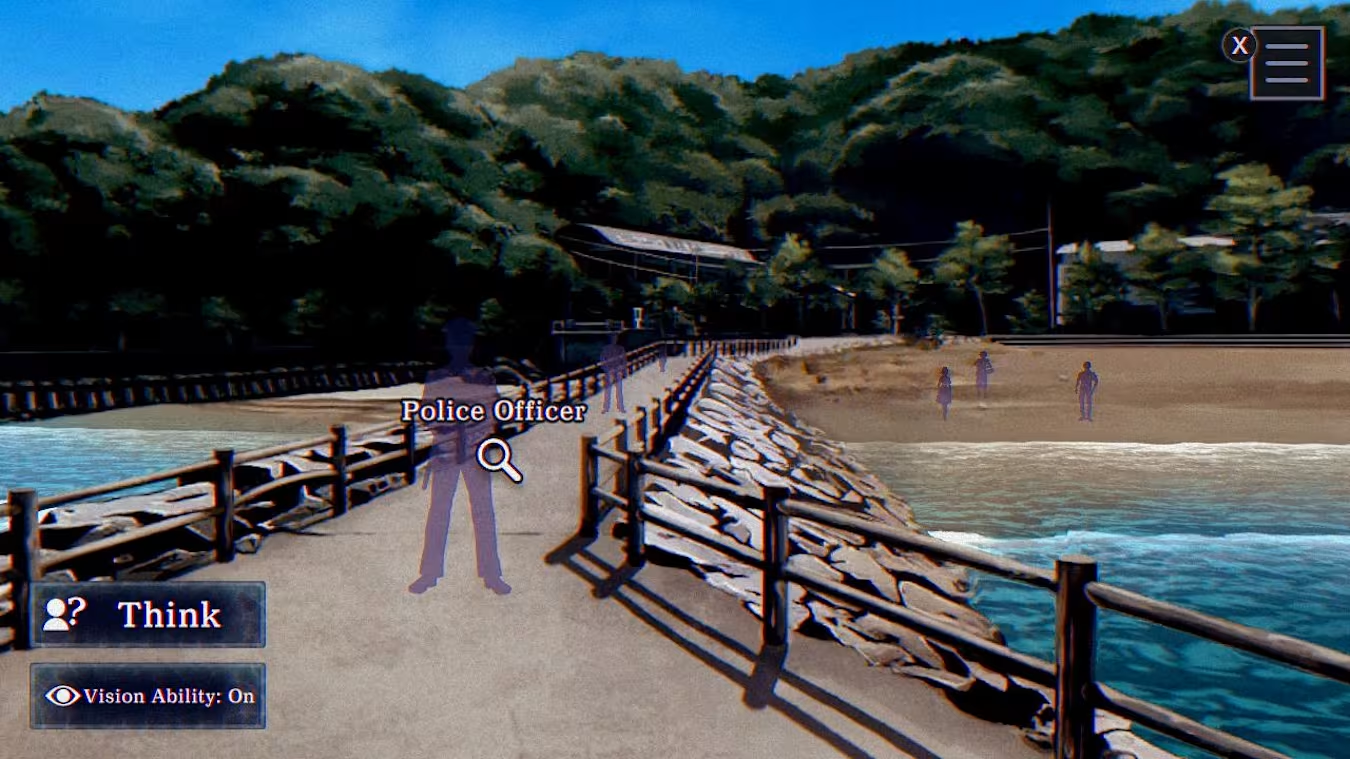
On my iPhone 15 Pro, Paranormasight: The Mermaid's Curse has no performance issues like the Switch 1 version on Switch. On my iPad Pro (2020 model), the frame rate target is lower than on Switch 1 in the 3D movement portions like the diving mini-game, but it is more consistent versus the Switch 1 version that has hitching on my Switch OLED. The PC version on Steam Deck OLED had no issues at all in my testing with the ROG Ally dropping below 120fps in some situations, but VRR helped.
Paranormasight: The Mermaid's Curse control options on Switch, PC, and mobile
Given this is an adventure game, the most important control option as far as I'm concerned for portable play is touch controls. All versions support traditional controller inputs, but I think the combination of controller and touchscreen is implemented best in the Switch version. The Steam version doesn't handle touch input as well, but you do get Steam Deck's trackpads to help with precision cursor movement. On mobile, at least on iOS, Paranormasight: The Mermaid's Curse has full controller support but the game still assumes you are using a touchscreen with its tutorials. You can use two fingers to drag and move on mobile just like in the Switch version.
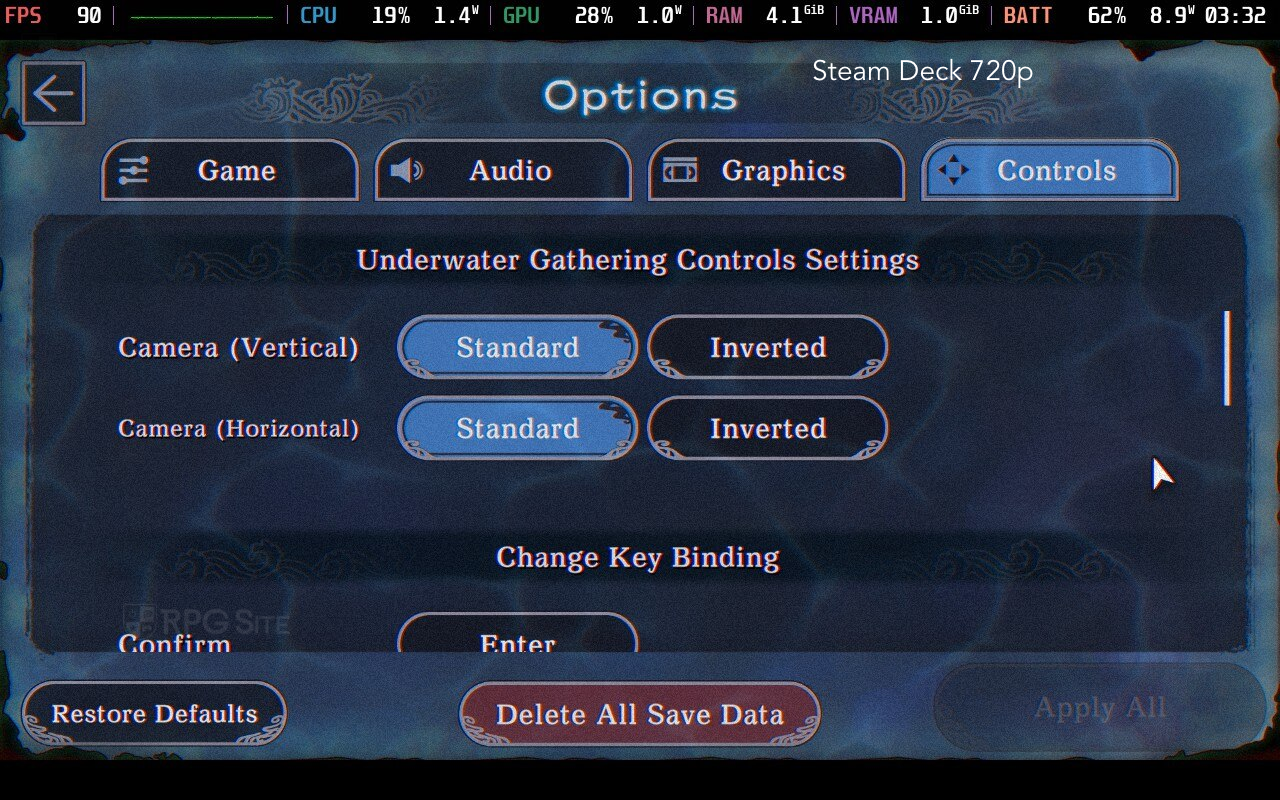
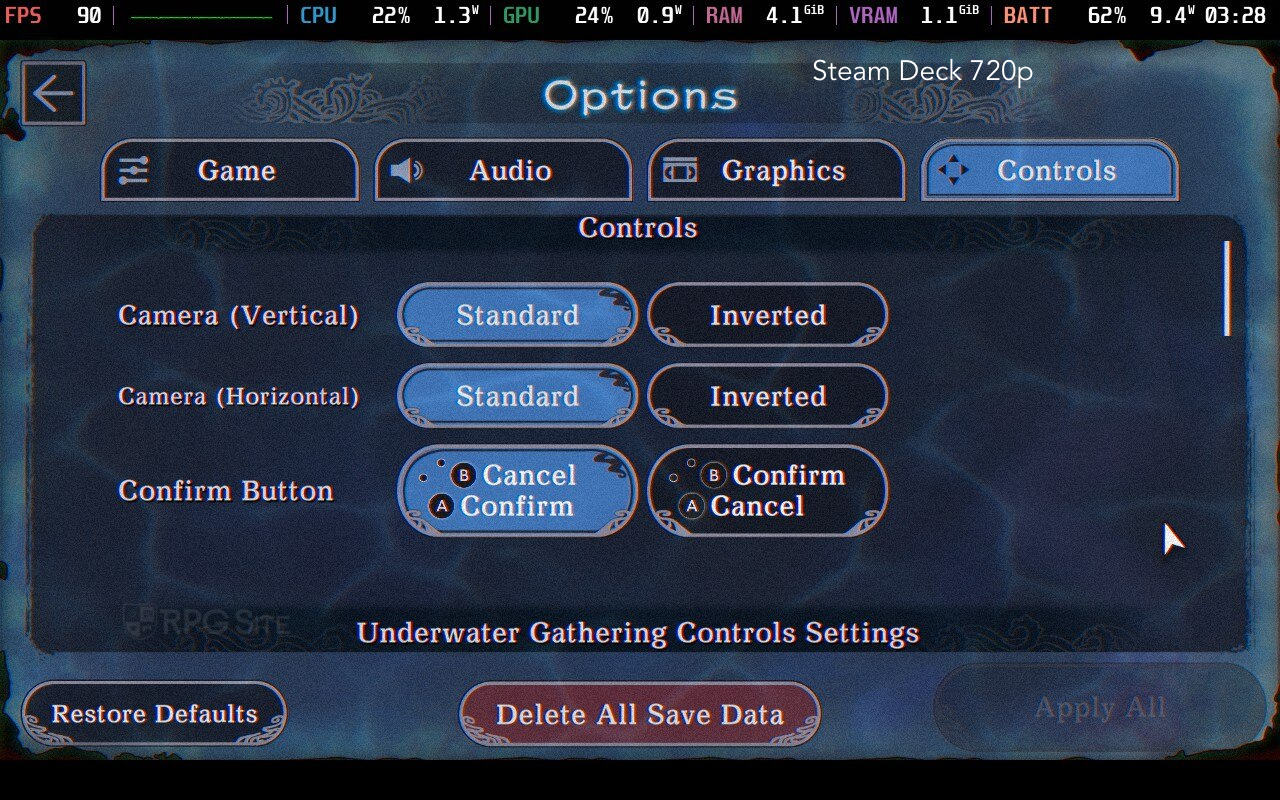
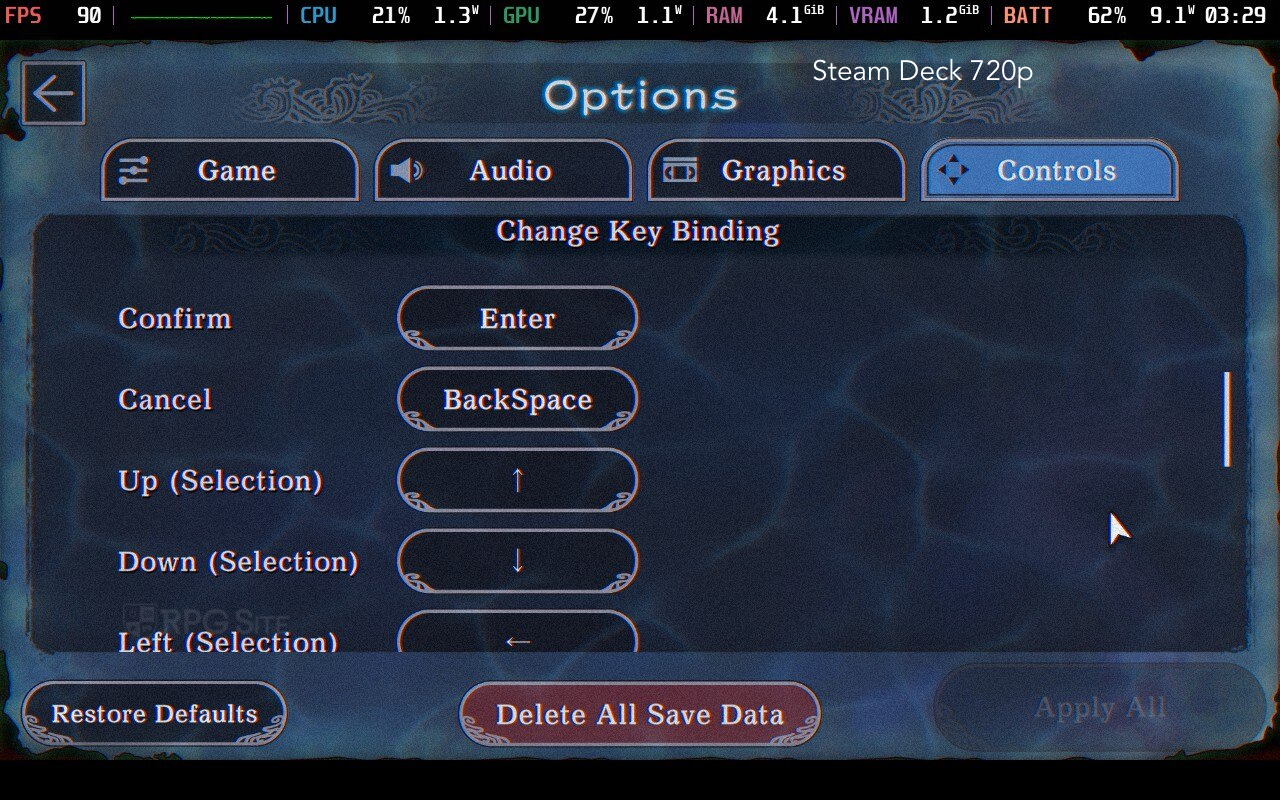
From the little I tried with mouse controls, you can click and hold to drag around the screen when you need to look around. When diving, you click to move ahead or behind. I found myself using the touchscreen controls the most because that's how I exclusively played the first Paranormasight. Barring the actual input methods per platform, I also want to note the haptics on iPhone and rumble on Switch are implemented well for points of interest or specific moments in the game. They are present on PC also, but rumble isn't great on Steam Deck compared to Switch or even when implemented well on iPhone.

Paranormasight: The Mermaid's Curse load times tested across Switch, PC, mobile, and Switch 2
For testing load times, I had Paranormasight: The Mermaid's Curse installed on my Switch OLED SD card, the Steam version on Steam Deck internal storage, the Steam version on ROG Ally internal storage, the iOS version on my iPhone 15 Pro, the iOS version on my iPad Pro (2020 model), and the Switch version installed to the Switch 2 internal storage. I tested the initial load to the title screen from the dashboard and loading an early save file. I mashed confirm to speed up the process since the game defaults to showing you a slightly long logo animation in the beginning. The results are below in seconds.
| Platform | Dashboard to title | Loading a save |
| Switch | 15 | 4 |
| Switch on Switch 2 | 8 | 2 |
| iPhone 15 Pro | 4 | 2 |
| iPad Pro 2020 | 5 | 2 |
| Steam Deck | 10 | 2 |
| ROG Ally | 3 | 1-2 |
The ROG Ally loaded the fastest of the lot followed by my iPhone 15 Pro. The others all load quickly in-game, but the Switch 1 version on Switch OLED takes longer than the others for everything in-game.
Which is the best portable version of Paranormasight: The Mermaid's Curse?
This depends on what input method you want to use, but my pick is the Switch version on Switch 2 if you value both touch and button controls. If you don't care about touchscreen controls at all, I'd go with the Steam version on Steam Deck OLED for the best screen and no performance issues with great battery life. This also lets you use the trackpad as a cursor which is useful in a game like this. If you have a modern iOS device or played the first Paranormasight on iOS, I definitely recommend the iOS release on iPhone 15 Pro (and later), but I wasn't able to get my save to sync across devices.
I wanted to focus on the portable experience here, but if you don't care about playing on the go, the PC version is the way to go. I don't really have major complaints with the Switch 1 version played on Switch 2 when connected to my 1440p monitor, but you're getting a better experience on PC for the big screen. I hope both Paranormasight games eventually get Nintendo Switch 2 Edition upgrades with mouse controls and higher resolution support.

Which version of Paranormasight: The Mermaid's Curse should you buy?
To conclude this Paranormasight: The Mermaid's Curse feature, I'm going to list the advantages of each platform's release:
- Paranormasight: The Mermaid's Curse on Switch or Switch 2: If you see yourself playing both on the go and on TV/docked, this is the best version to get since you get access to full touch support and button controls for portable play while also getting full controller support for playing on TV/docked. PC handhelds cannot give you a seamless experience like the Switch 1/2 hybrid setup. Just note that the Switch version played on a Switch 1 system has performance issues. If you play it on Switch 2, there are no issues.
- Paranormasight: The Mermaid's Curse on iOS or mobile: If you see yourself only playing on the go, the iOS version is great in my testing on a recent iOS device like the iPhone 15 Pro or even iPhone 14 series. Just note that it appears to not sync saves between platforms as of this writing.
- Paranormasight: The Mermaid's Curse on Steam: If you want to play it on your PC or a PC handheld, this is obviously the version to get. I especially recommend this if you have a Steam Deck OLED since it not only runs perfectly there, but also looks incredible on the OLED screen.
Barring really old iOS devices and the Switch version played on a Switch 1 console, you are getting a great experience with Paranormasight: The Mermaid's Curse across platforms. Paranormasight: The Mermaid's Curse is now available for Switch, PC (Steam), iOS, and Android.